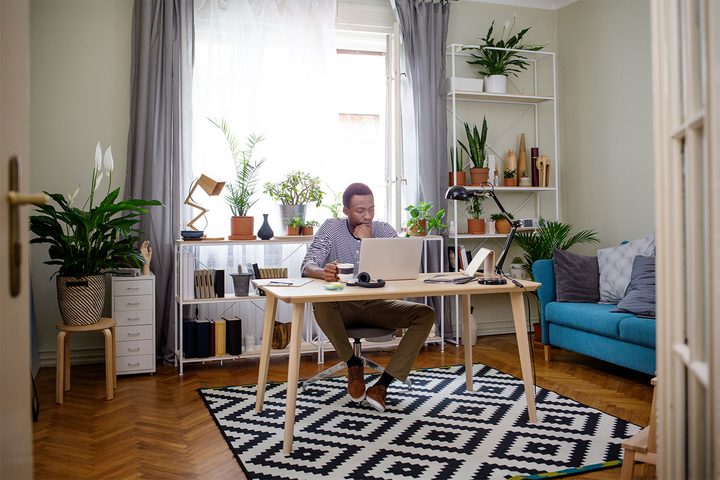
From Netflix to Instagram, you’ve probably noticed that Mario Kondo’s minimalistic approach to cleaning out the clutter in your home and improving your life in the process is gaining steam. On her popular Netflix show Tidying Up With Marie Kondo, Kondo helps people organize everything from kitchens to closets. Her simple rule: if an item doesn’t spark joy within you, toss it.
But what about that workspace? How can you apply the same techniques to your office, where clutter tends to build up? Here’s how to “Marie Kondo” your home office.
What can you move to the cloud?
Chances are good that you already use the cloud for some things, like photos, passwords, or collaboration projects. But it’s a good idea to go through the documents you use on a daily basis—especially any hardcopy files—and ask yourself, “Can I save space and time by saving this and sharing it in the cloud?”
Remember to use the same cloud service that your company prefers (common options include Google Drive, Dropbox, iCloud, and Office 365’s various solutions), or ask for permission to store documents in the cloud if necessary. If you are able to do this, it’s a great solution for cleaning up clutter and streamlining your daily tasks.
Exchange newspapers and magazines for a tablet computer
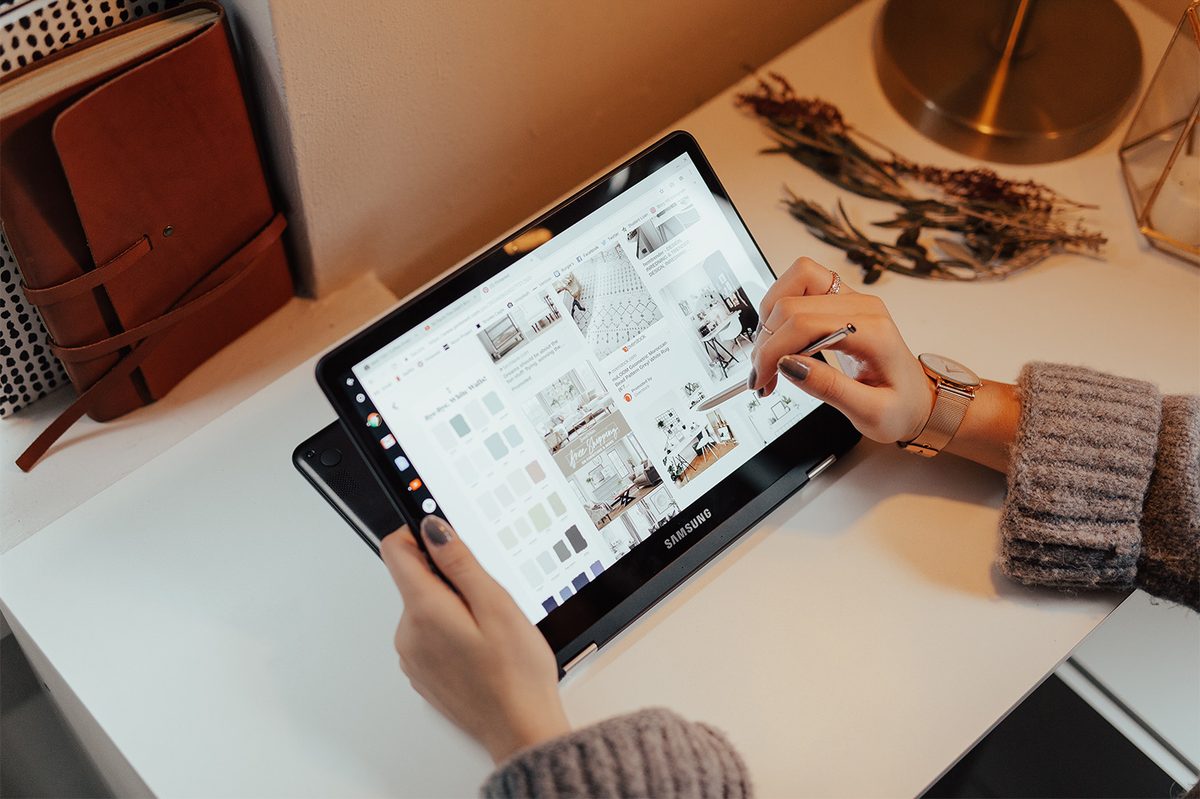
If your desk is cluttered with magazines, journals or newspapers, get rid of them. You can easily switch to an online method of reading these publications. Fortunately, tablets like the Kindle Fire or iPad offer an excellent alternative. Apps such as Apple News or Flipboard allow you to curate your own sources of news from any publication, customize news channels to your own needs, and see any reports you want with a swipe of your fingers. Set up a tablet computer at your workstation, and get rid of the hardcopy clutter.
Remove papers and files from your desk
If you’re serious about Kondo-izing your workspace, here’s a rule for you: No papers or files on your desk. End of story. If you aren’t actively consulting a piece of paper, it shouldn’t be on your desk.
If you aren’t actively consulting a piece of paper, it shouldn’t be on your desk.
In today’s paperless workflow processes, this isn’t as hard as it sounds. You probably need access to a file cabinet to store some things for long term use, but that’s about it. For the rest, switch to digital documentation/signing or scan files into your computer so you don’t need to leave them around.
If you absolutely need to keep some files close by, then try out a hanging file shelf or a desktop file organizer that will keep them all in one place, and don’t allow any to stay on the surface of your desk itself. You’ll be amazed at the difference this makes.
Oh, and a bonus tip for this who like to make notes on post-it notes: There are a plethora of digital sticky note apps out there. Trying switching over to one!
Get the personal decorations off your desk, too
Harsh truth time: Your desk is no place for personal collectibles. You want a nice plant to cheer things up? Great. What about a framed photo of your loved ones? One is fine. Leave it at that. Nothing else. End of the story.
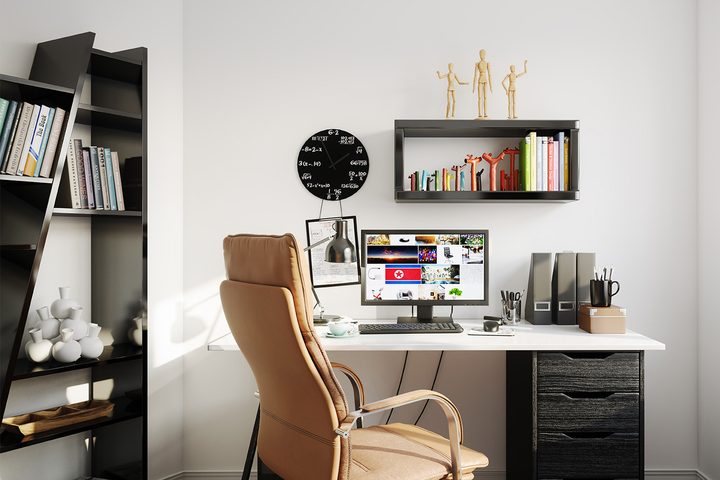
If you are using your desk as a home for a whole collection of personal belongings, figurines, or doodads, it’s time to get rid of them. Yep, all of them. Move them to a spot in your home where they will be cherished, because work is not the place for these things, and they’re severely cluttering up your space. If your particular collection really does bring you joy and you can’t imagine working without it, then invest in a shelf and move them all to that shelf so that none are left on your desk.
Use a wireless charging pad
Tangled cables are one of the worst types of clutter…and they aren’t nearly as necessary as they once were. Consider a wireless charging pad or charging stand, preferably one that can hold multiple devices if necessary. Not only will you save time plugging and unplugging your devices, but they will help clear your desk of annoying cables and leave you feeling less stressed.
Record notes the smart way
If your job requires you to take notes and you really like the manual process of jotting things down, then find a way to digitize the process. Today’s stylus pens (from Microsoft, Samsung, Apple and more) can help you easily take notes on a tablet computer or smartphone instead, where you can save them for later or upload and share as needed. If you really need the feeling of paper under your pen, look into something like the Rocketbook, a smart notebook that can transfer your writing to a digital copy on your computer when you’re done.
A smart notebook can transfer your writing to a digital copy on your computer.
When you’re done with this, you may want to take some time and empty most of your pen and pencil drawer into the trash. Trust us, it will feel good!
Create a 5-minute trash time at the end of the day
Set a timer to remind yourself about five minutes before you’re typically done with the workday. Take these five minutes and clean up. Throw everything away that you can, follow the “no paper on the desk” rule, and generally organize. Put things away, make last minute adjustments, and clear away that temporary clutter so that it’s not waiting for next time.
Get a great app for de-cluttering your computer
Even if you have a digital workspace, you may find that your computer is cluttered with unnecessary files, programs, images and other junk. It’s time to clean that out. Use a program like App Cleaner or Clean Master to help you clean out all the unnecessary stuff. You may also want to do some manual cleaning of your folders and files—which has the added bonus of speeding up your computer.
Clean up and filter out your email
We bet that all those crowded emails don’t spark much joy in you. It’s time to get rid of them. You can create your own filters and email folders to help sort things, but there are also apps that can help as well. Try out software like Clean Email, Mailstrom, or Cleanfox to help automate your email cleansing, and enjoy the benefits.