Project xCloud is Microsoft’s approach to cloud game streaming. The platform is set to deliver a complete gaming experience to users without the need for powerful gaming hardware at home, though it may be a front-and-center feature of Xbox Scarlett.
The service will run games on the hardware at Microsoft’s Azure data centers, and that will all be streamed to users devices, whether they be TVs, smartphones, or anything else. While we’re anticipating a 2020 launch of Project xCloud, Microsoft has already started a trial period. So, if you want to try out Project xCloud, here’s what you’ll need.
Project xCloud Requirements
The short list
- An invitation (and US or UK location)
- A Bluetooth-enabled Xbox Wireless Controller (this excludes the original Xbox One and Xbox Elite controllers)
- An Android device (6.0 and later with Bluetooth 4.0 or higher)
- A fast internet connection (Microsoft suggest 5GHz Wi-Fi or mobile data exceeding 10Mbps)
- The Xbox Game Streaming App
Sadly, the first thing you’ll need is an invitation. Currently, the Project xCloud preview is available through invitation only. It could take several months to receive an invite, so if you haven’t signed up yet, head over to the registration page and sign up. Once you get an email with an invitation to the preview, you’ll be able to move ahead with trying it out.
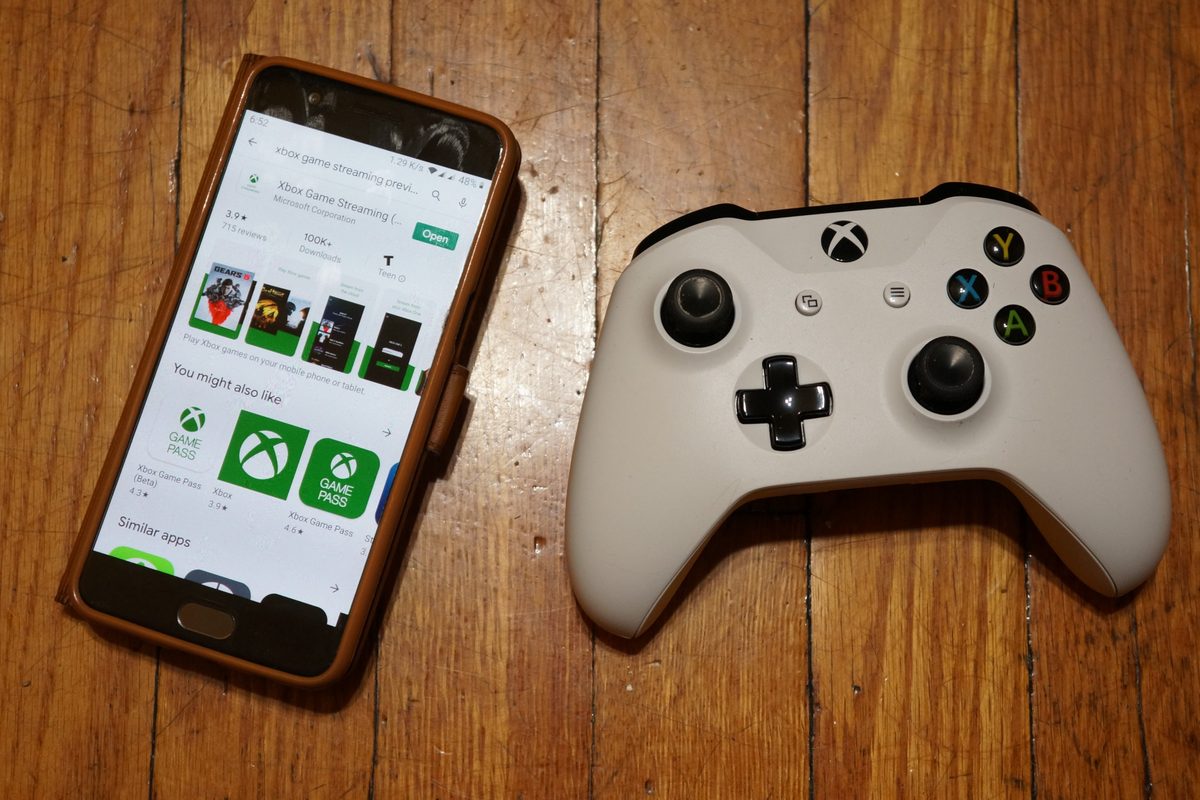
In addition to an invitation, you’ll need a mobile device running Android 6.0 or later. That can be an Android smartphone or tablet, as long as it supports a Bluetooth connection to pair with the Xbox controller. The device also will need a fast internet connection, with over 10Mbps being ideal. Whether that’s 5GHz Wi-Fi or a mobile data connection is up to you – maybe you can use cellular 5G.
While Microsoft says Project xCloud requires an Xbox controller with Bluetooth, we found that wasn’t exactly true. It may be easiest that way, but in addition to an Xbox One S controller and an Xbox Elite Wireless Series 2 controller, we were able to pair and use a Sony DualShock 4 controller with the service. A USB controller may work, with the Xbox Game Streaming app even suggesting one when it doesn’t detect a Bluetooth controller.
How to play with Project xCloud
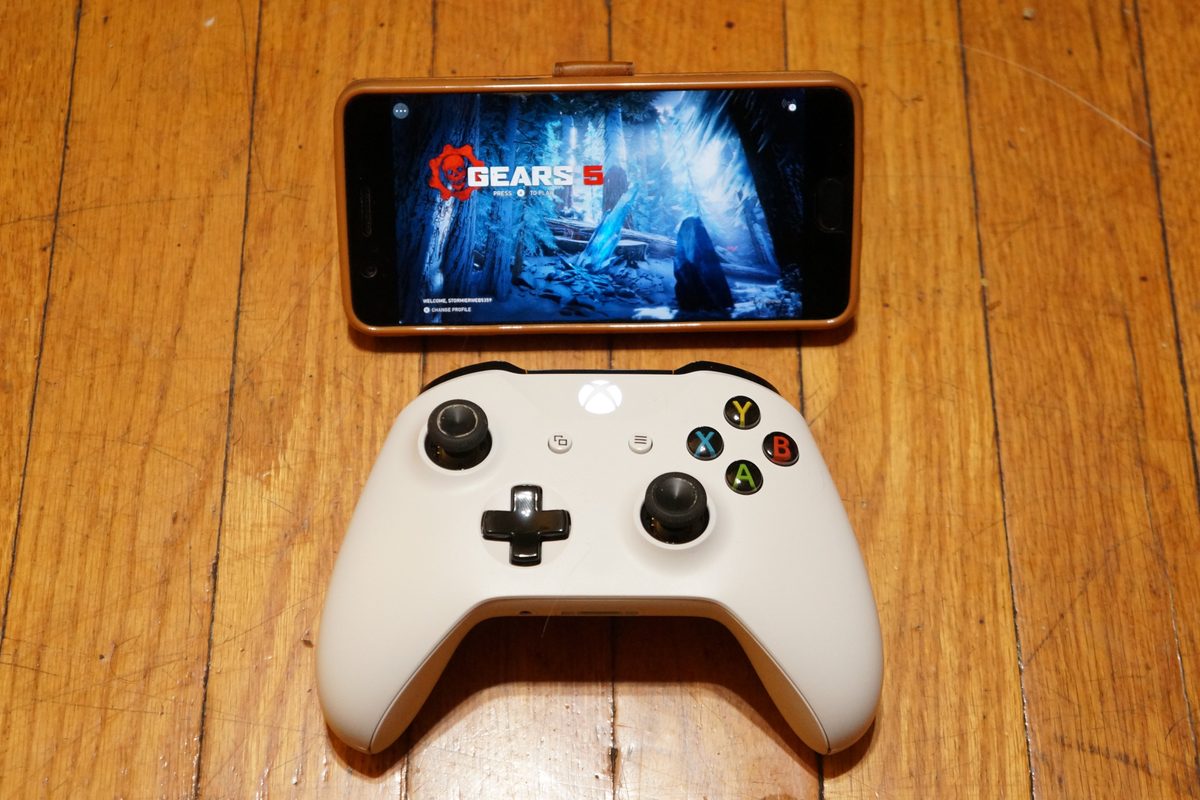
Once you’ve received your invitation to preview Project xCloud, you’ll need to get the Xbox Game Streaming app, which you can find on Google Play. Download and install it on your phone.
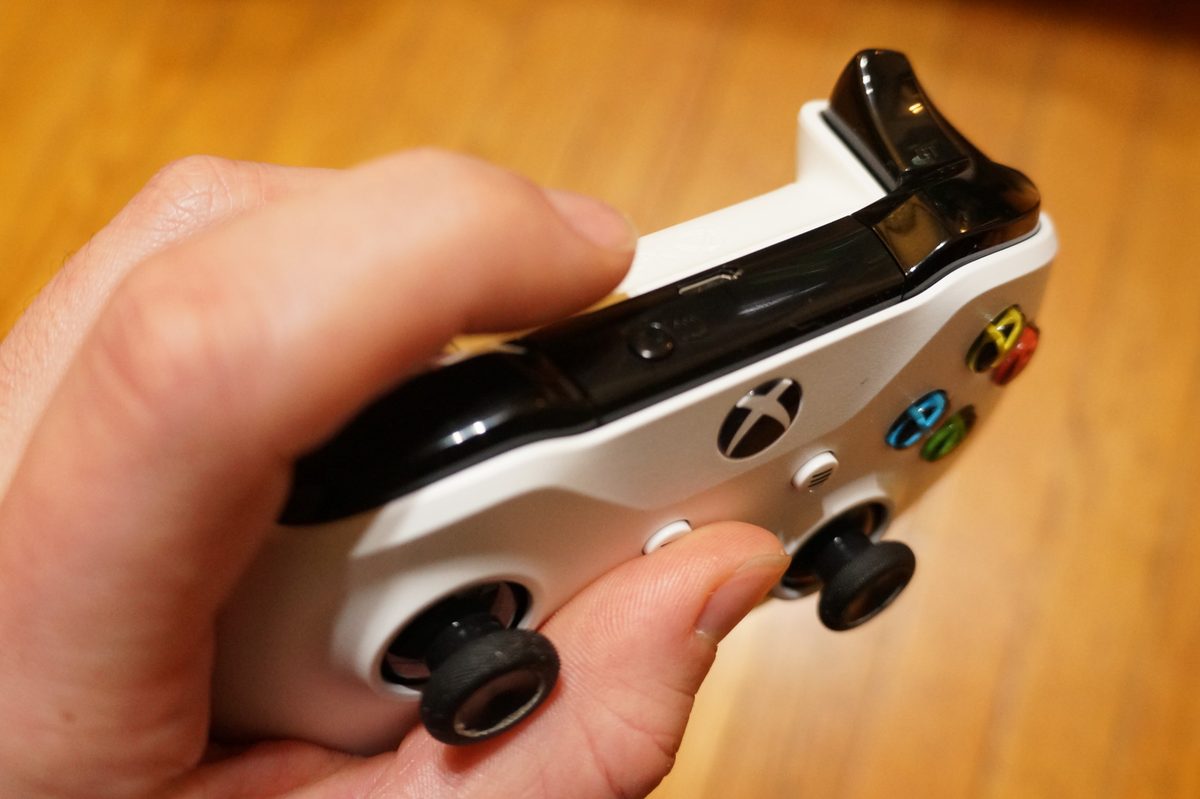
You’ll also need to pair your chosen Bluetooth controller with your phone. For a Bluetooth-enabled Xbox controller, that means you’ll need to hold the pairing button near the charging port until Xbox logo on the front of the controller begins to flash.
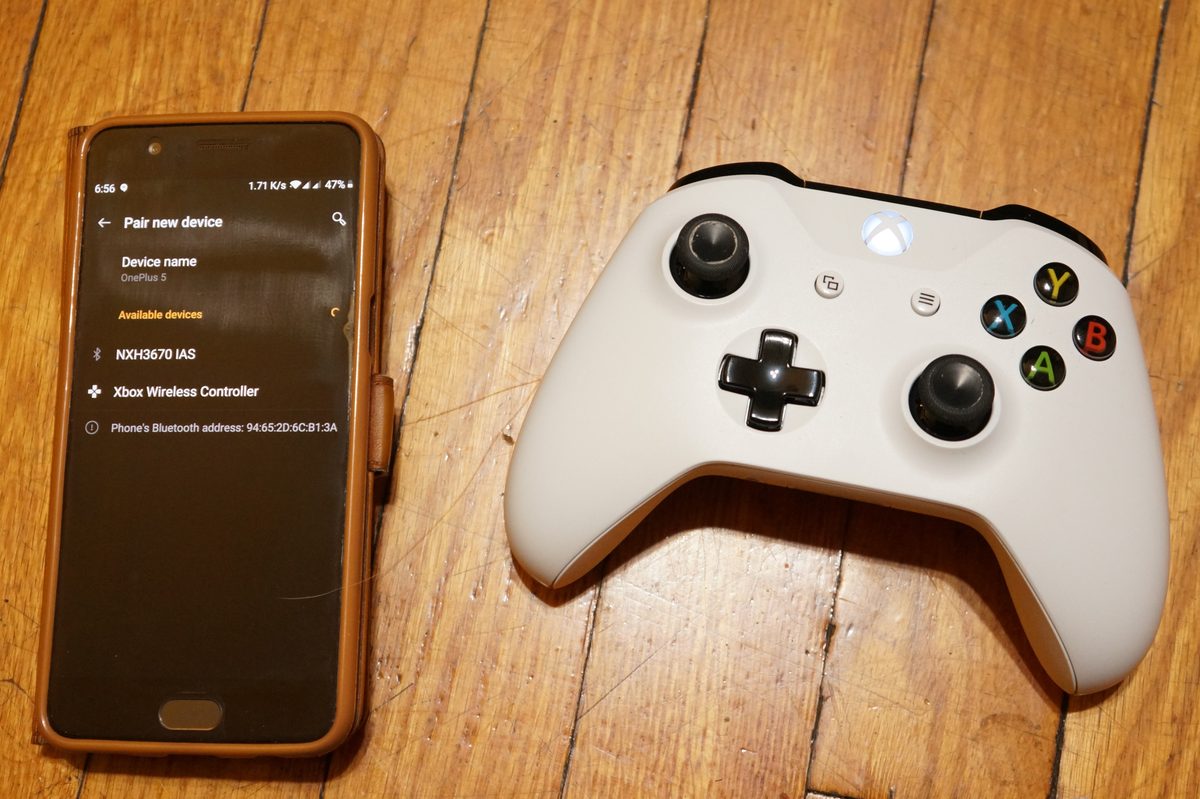
Then, with your Android device in Bluetooth pairing mode (This will vary by device), select your Xbox controller from the list of available devices.
Once your controller is connected, you’re ready to start in the app. Launch the Xbox Game Streaming app, and sign into your Microsoft account. If you have multiple Microsoft accounts, use whichever one you received an invitation to Project xCloud for.
If the app starts you off on the Xbox Game Streaming page, you’ll need to press the menu button in the top left of the screen, and select “Switch to Project xCloud”
Once on the Project xCloud page, you’re ready to go. You can select any of the games listed on that page, and play them as if you were simply playing them on an Xbox.
If you want to have a good time streaming, you really will need to ensure you have a stable, fast internet connection though. We feel the need to stress this because we’ve seen how awful it can get without one. The visuals can smear, the audio gets choppy, and latency shows up at a degree hardcore gamers would have nightmares about.
Our guide to cloud gaming can help you better understand what Project xCloud and other similar services are all about and why they need that fast internet connection.