Amazon Prime Day is soon upon us. The site’s annual sales event takes place on October 13 and 14, 2020. Before the deals start blowing our phones up, we thought it best to put together our own cheat sheet of tips and tricks to help you get the most bang for your buck. Check out our list of do’s and don’ts below.
Do plan ahead
We get it. It’s super easy to get swept up in a sales whirlpool. Come Prime Day, there will be so many deals flying around on Amazon that your shopping experience can quickly become overwhelming. That’s why it’s best to sit down before the blitzkrieg and know exactly what products you want to score a deal on. Are you trying to start holiday shopping for your whole family, or do you just want to save some dough on one or two personal items? Our advice is to sit down and make a list of your must-have items. That way, when you jump on the Amazon app, you can purchase your essentials before certain products become unavailable (or before certain Lightning Deals expire — more on that in a moment).
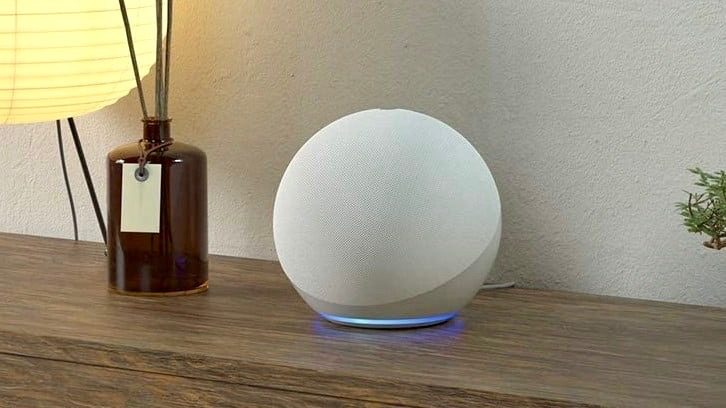
In years past, Amazon has offered impressive deals on their own hardware. If you’re in the market for Echo speakers and displays, Kindles, or Ring doorbells and cameras, this is the time to buy them, for sure. That being said, Amazon will likely keep a lot of their own products on sale through the upcoming holiday season. If you can afford to wait for an Echo speaker, you can focus on non-Amazon products instead.
While you’re building your wishlist, it’s also a good idea to know what items are going for before Prime Day hits. This is so you can know exactly what kind of a discount you’re getting compared to normal shelf prices. If your list is mostly non-Amazon, visit product/brand websites to see what these items normally sell for. You may find that the vendor itself offers even better pricing than Amazon.
Do enable notifications
Once you’ve got that list of must-haves together, you should go ahead and enable push notifications. Why, you ask? Doing so will ensure that when a Lightning Deal hits, a bundle is announced, or an item drops in price, you’ll be notified of the deal right away. If you don’t have notifications set up for Amazon, it’s pretty easy to do. Grab your preferred mobile device, open the Amazon app (download and log in if you haven’t already), then hit the Hamburger icon in the bottom-right corner of the screen. Scroll down to Settings, tap Notifications, and scroll down to Your Watched & Waitlisted Deals. Toggle on, and you’re good to go.

For desktop users, you can also download the Amazon Assistant browser extension to help you vet the many Prime Day deals from the comfort of your PC or Mac.
Here’s one more thought: If you’re a big fan of a certain camera brand or robot vacuum, follow them on social media. While not every company will be dropping Instagram posts announcing Amazon deals, some inevitably will. Stay informed.
Do make sure your Amazon account is up to date
Cart loaded up; you’re ready for checkout. Oh, how great it will be to own all this new stuff. But…oh dear. Your Amazon account is linked to an expired credit card. As your life flashes before your eyes, you frantically try and re-upload your current 16-digit Visa, but, alas, it’s an effort in vain — the Lightning Deal expired. Your desired product is now out of stock. You have lost this round, but not the next.
Know your Amazon account inside and out. Most importantly, you’ll want to make sure your payment methods are up to date. Whether that’s a PayPal account, a series of Amazon gift cards, or the tried-and-true family Visa, be sure all forms of tender are ready for spending. While the above scenario is a bit theatrical, it can be extremely frustrating to lose out on a Lightning purchase for something as simple as forgetting to update your account.
Don’t be smitten by unknown brands
Ever hear of Cool Guy Joe wireless earbuds? What about Mighty Kleen for Pet Hair robot vacs? Neither have we because the writer just made them up. The point is, come Prime Day, you probably will see dozens of listings for products and brands you’ve never heard of before, and they will likely feature some of the most attractive prices. Our advice for these mystery third-party items is to steer clear. Or, at least do some quick research to determine what you could be getting yourself into.
A good rule of thumb is to go by how many Amazon reviews these mystery contenders have and whether or not they’re good or bad. Fewer than 15 reviews that are, at best, mediocre? Opt for a more reputable and vetted version of the product you’re looking for. It’s likely we’ll see a lot of third-party offerings for popular Amazon categories like smart speakers, tablets, home security, small appliances, and robot vacs — just to name a few. Simply put, stick to what you know. If something seems fishy, it probably is.
Don’t overspend on bundles you don’t need
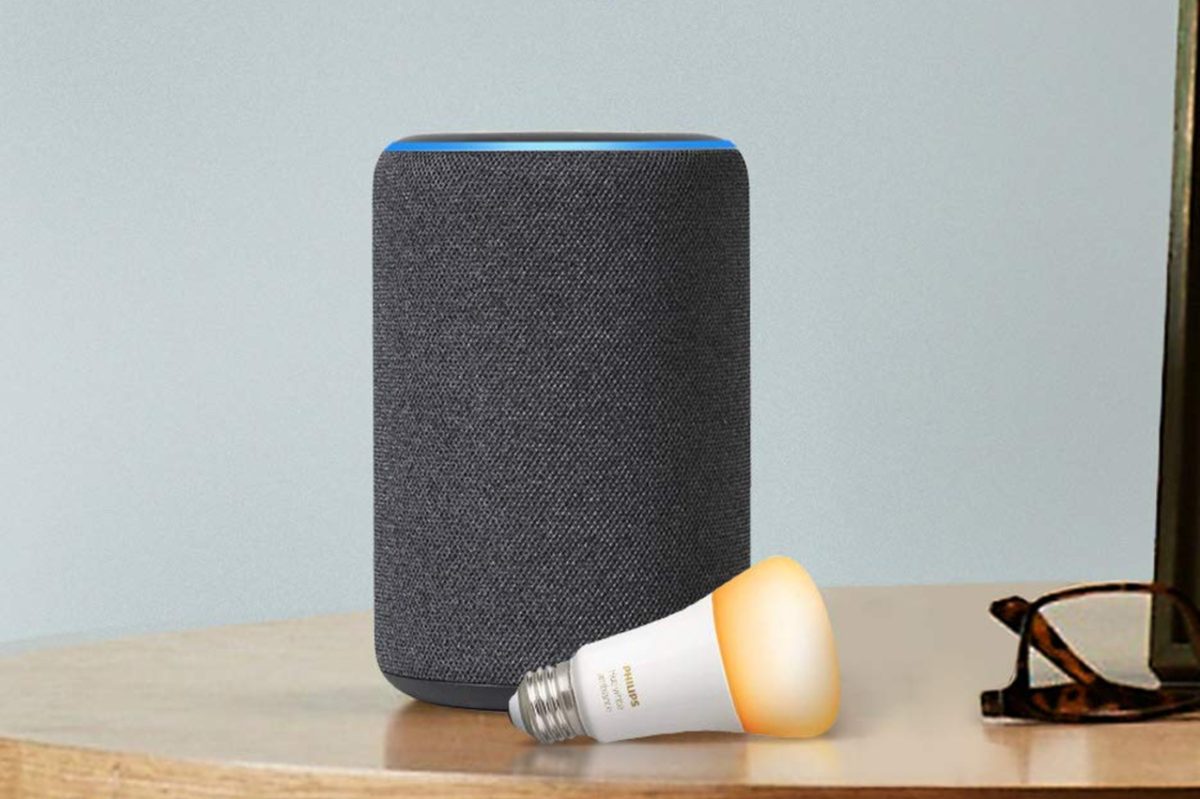
First and foremost, you should look around for awesome Amazon bundles, both before and during the Prime Day event. You should only nab a package deal if it makes sense for you, though. (Refer back to that list of must-haves.)
While it would be nice to nab a free pack of Philips Hue lightbulbs with your Echo speaker, do you really need the bulbs? Or the speaker, for that matter? Yes, it’s an extreme example, and many bundle deals do make sense for buyers and their wish lists. The point we mean to emphasize is don’t get caught in the middle of huge, multi-item discount packages just because Amazon is telling you you’re going to save a lot of money. Only save on the things that actually mean something to your shopping experience.
Don’t wait until the big event
You can wait until October 13 to start nabbing Prime deals, if you so choose. However, Amazon has wasted no time in getting the festivities underway. There are already several Prime-exclusive deals on the site, like an awesome two-for-one deal on the new Echo speaker when you use coupon code ECHO2PK at checkout. This knocks $30 off for a total price of $170 (plus taxes). Right now, a single speaker is $99. Better yet, you can currently grab two Echo Dot (third-gen) speakers for only $40. Pre-sales are here, there, and everywhere on Amazon, so if you’ve got some time on your hands and know what you’re looking for, it’s not the worst idea to start filling your cart up now. No pressure, though.