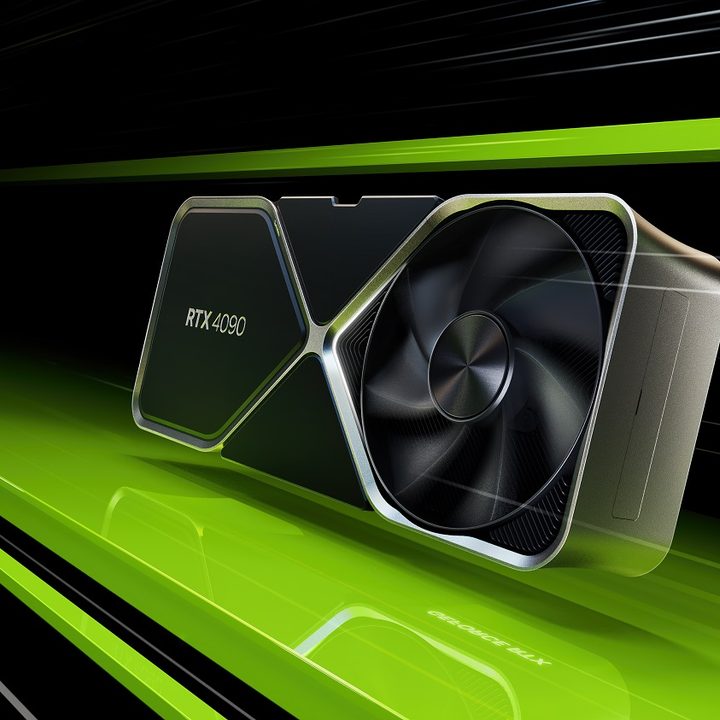
Nvidia’s upcoming flagship, the RTX 4090, was tested in Cyberpunk 2077. It did a great job, but the results were far better with DLSS 3 enabled.
The card managed to surprise us in two ways. One, the maximum clock was higher than expected, and two, DLSS 3 actually managed to lower the card’s power draw by a considerable amount.
The card was tested in 1440p in a system with an Intel Core i9-12900K CPU, running the highest possible settings that Cyberpunk 2077 has to offer, meaning with ultra ray tracing enabled and on Psycho (max) settings. First, let’s look at how the GPU was doing without DLSS 3 enabled.
At the native resolution, the game was running at an average of 59 frames per second (fps) with a latency that hovered around 72 to 75 milliseconds (ms). The RTX 4090 was able to hit a whopping 2.8GHz clock speed, and that’s without overclocking — those are stock speeds, even though the maximum advertised clock speed for the RTX 4090 is just over 2.5GHz. This means an increase of roughly 13% without an overclock. During the demo, the GPU reached 100% utilization, but the temperatures stayed reasonable at around 55 degrees Celsius.
It’s a different story once DLSS 3 is toggled on, though. As Wccftech notes in its report, the GPU was using a pre-release version of DLSS 3, so these results might still change. For now, however, DLSS 3 is looking more and more impressive by the minute.
Enabling DLSS 3 also enables the DLSS Frame Generation setting, and for this test, the Quality preset was used. Once again, the GPU hit maximum utilization and a 2.8GHz boost clock, but the temperature was closer to 50C rather than 55C. The fps gains were nothing short of massive, hitting 119 fps and an average latency of 53ms. This means that the frame rates doubled while the latency was reduced by 30%.
We also have the power consumption figures for both DLSS 3 on and off, and this is where it gets even more impressive. Without DLSS 3, the GPU was consuming 461 watts of power on average, and the performance per watt (Frames/Joule) was rated at 0.135 points. Enabling DLSS 3 brought the wattage down to just 348 watts, meaning a reduction of 25%, while the performance per watt was boosted to 0.513 — nearly four times that of the test without DLSS 3.
Wccftech has also tested this on an RTX 3090 Ti and found similar, albeit worse, results. The GPU still saw a boost in performance (64%) and a drop in power draw (10%), so the energy consumption numbers are not as impressive, confirming that DLSS 3 will offer a real upgrade over its predecessor.
The reason behind this unexpected difference in power consumption might lie in the way the GPU is utilized with DLSS 3 enabled. The load placed on the FP32 cores moves to the GPU tensor cores. This helps free up some of the load placed on the whole GPU and, as a result, cuts the power consumption.
It’s no news that the RTX 4090 is one power-hungry card, so it’s good to see that DLSS 3 might be able to bring those figures down a notch or two. Now, all we need is a game that can fully take advantage of this kind of performance. Nvidia’s GeForce RTX 4090 is set to release on October 12 and will arrive with a $1,599 price tag. With less than a month left until its launch, we should start seeing more comparisons and benchmarks soon.