The fear of missing out on a great gaming PC deal is real; for some, that means they would prefer to wait for Cyber Monday. Well, let’s take a look at whether it’s worth waiting an extra few days for those cheap gaming PC deals or if it’s better to grab one of the several deals we’ve collected for you here.
Should You Buy a Gaming PC on Black Friday?
While you might feel like waiting for Cyber Monday to buy a gaming PC is a better idea, the likelihood of finding better deals on the same gaming PC is very slim, if you find deals on them at all. As such, it’s better to grab one of the several Black Friday gaming PC deals now than risk not getting any deals altogether. That said, it’s true that Cyber Monday tends to mirror Black Friday sales, so if you find something better, you can always refund your Black Friday purchase and buy the newer and better deal.
Our 5 Favorite Black Friday PC Deals
Lenovo Legion Tower 5 — $730, was $990
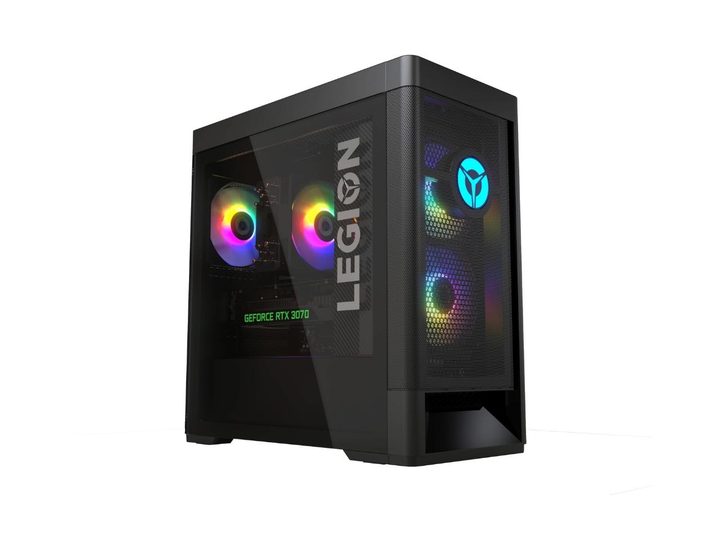
While this Lenovo Legion Tower 5 didn’t make our list of best all-AMD gaming PCs, it still comes close. The AMD Radeon RX 6500XT GPU is entry-level and roughly equivalent to the RTX 3050 if you aren’t familiar with the AMD lineup, which means you can get a lot of indie and casual gaming done quite easily. You can also push some more modern games with lower graphical settings; most free-to-play games will do just fine. The AMD Ryzen 5-5600G is a mid-range CPU for gaming and general productivity work, making it pretty versatile. Sadly, there are only 8GB of RAM, which is the bare minimum, but you could always upgrade it with another 8GB to get that extra dual-channel performance. Finally, the 512GB SSD should be more than enough for most use cases, although you might want to grab one of the external hard drive deals to supplement it.
CyberPowerPC Gamer Master — $850, was $1,150
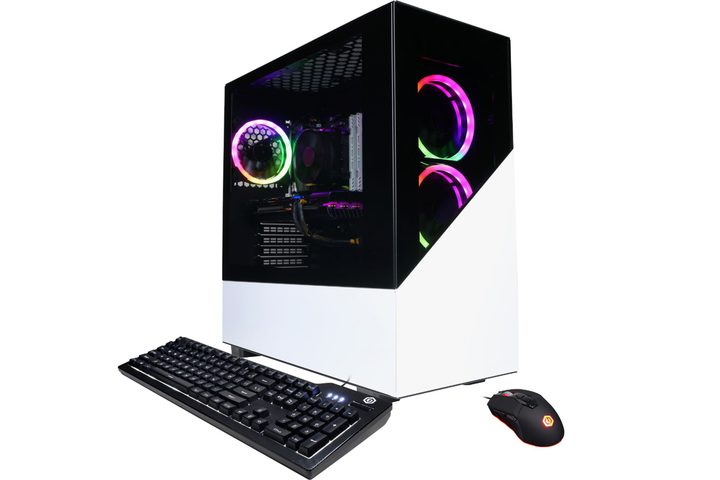
Stepping up a notch is the CyberPowerPC Gamer Master which runs an RTX 3060 and is the minimum we’d look at for desktop gaming these days. It’s also great if you don’t know how to build a PC from scratch but still want something entry-to-mid-tier. With that sort of power, you can run 2k at 144Hz with some compromises, but if you want high FPS, you’ll need to go to FHD. As for the CPU, you get an AMD Ryzen 5 5600X, a similar mid-range CPU as the Legion Tower 5, and suitable for both gaming and day-to-day use. RAM is much better with 16GB in a dual-channel configuration, so you get a bit of an extra performance bump there. Luckily, CyberPowerPC also throws in a keyboard and mouse, which aren’t the best, but they’re not too bad if you’re starting out. Overall, this is a pretty great gaming PC deal for a below $1k budget range.
iBUYPOWER TraceMR — $1,150, was $1450
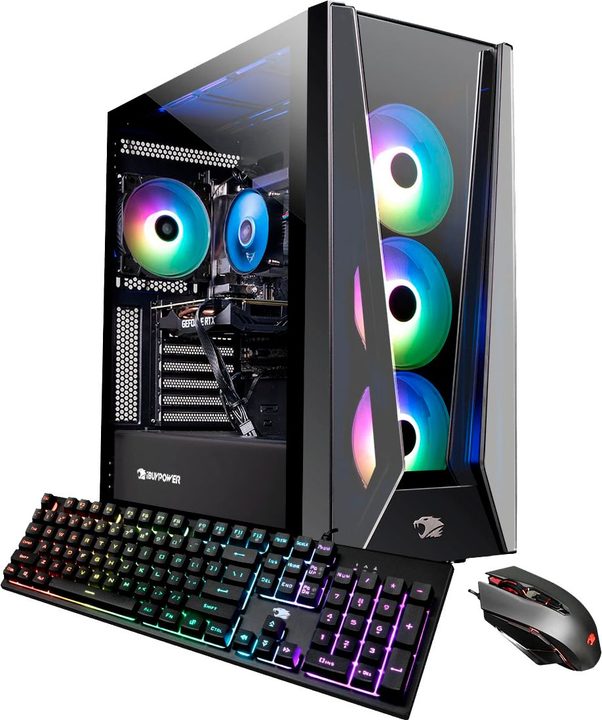
Up another notch is the iBUYPOWER TraceMR, and we’re already reaching the RTX 3070, which can easily hit 2k with 144Hz, even with higher graphical settings. That means you can probably spring for one of the better monitors in these gaming monitor deals and get away with some excellent graphics performance. You also get a more powerful Intel i7-12700F and 16GB of DDR4 RAM, giving you a smooth browsing experience and allowing you to do more fancy stuff like streaming to Twitch or Youtube. There’s also a much bigger 1TB SSD thrown into the mix, which is great, and iBUYPOWER throws in a keyboard and a mouse, although, at this point, we’d probably grab one of these gaming keyboard deals and wireless mouse deals instead.
Alienware Aurora R13 — $1,800, was $2,600
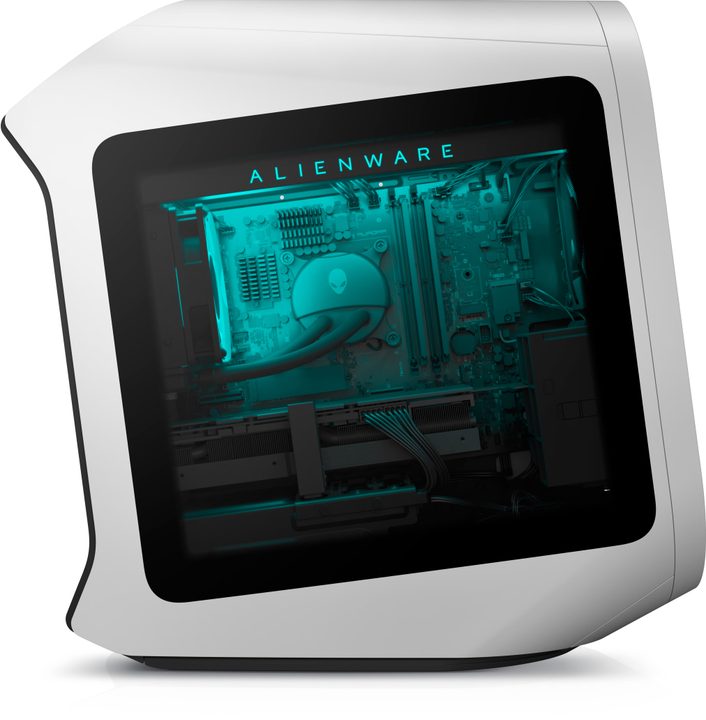
We don’t often see the higher-end AMD GPUs in Alienware sales, but this R13 sports an AMD RX 6800 XT, roughly equivalent to an RTX 3080. So while that means you don’t get ray tracing, you get some incredible performance for excellent pricing. That means you can likely hit 4k with a 120Hz refresh rate with some compromises here and there, and that’s undoubtedly worth the ray tracing you lose to keep it below $2k. You also get an eye-watering powerful 12th gen Intel i7-12700KF, which pairs well with the RX 6800 XT and avoids bottlenecks while allowing you to stream to Twitch and Youtube. As for RAM, you’ll be happy to know that you get 16GB of DDR5 in a dual-channel configuration, making this the fastest and best RAM on the list. Ultimately, if you want the best bang for your buck while getting the best gear, you probably should go for this option.
Alienware R14 Aurora Ryzen Edition — $2,100, was $2780
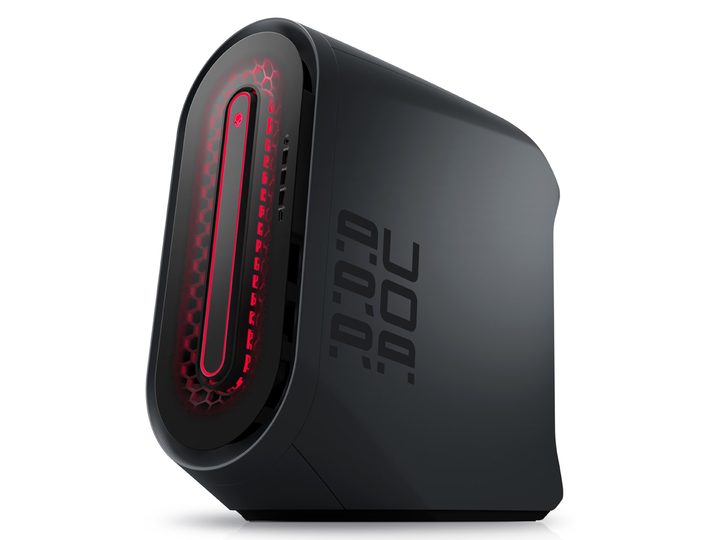
Of course, if you want to push the envelope, the RTX 3080Ti can do it for you for an extra $300, especially since the RTX 40 series has yet to make it to pre-built PCs. But, again, you won’t be able to hit 120Hz at 4k at the maximum settings fully, but you’ll be coming pretty close, and you could probably blow past that if you’re ok with only going with high settings. As for the CPU, the R14 comes with an AMD Ryzen 7 5800X, a mid-to-high-range that excels at streaming and multi-threaded operations like audio editing apps. Sadly, you only get 16GB of DDR4 RAM, which is still good if we’re being honest, and the 1TB SSD should be more than enough for the foreseeable future. Ultimately, what you’re getting for that extra cost is the Ray tracing and slightly more processing power, but whether it’s worth it is up to you!