  1. Home
  2. Gaming
  3. How tos

How customize your radial menu in Monster Hunter Wilds

Add as a preferred source on Google
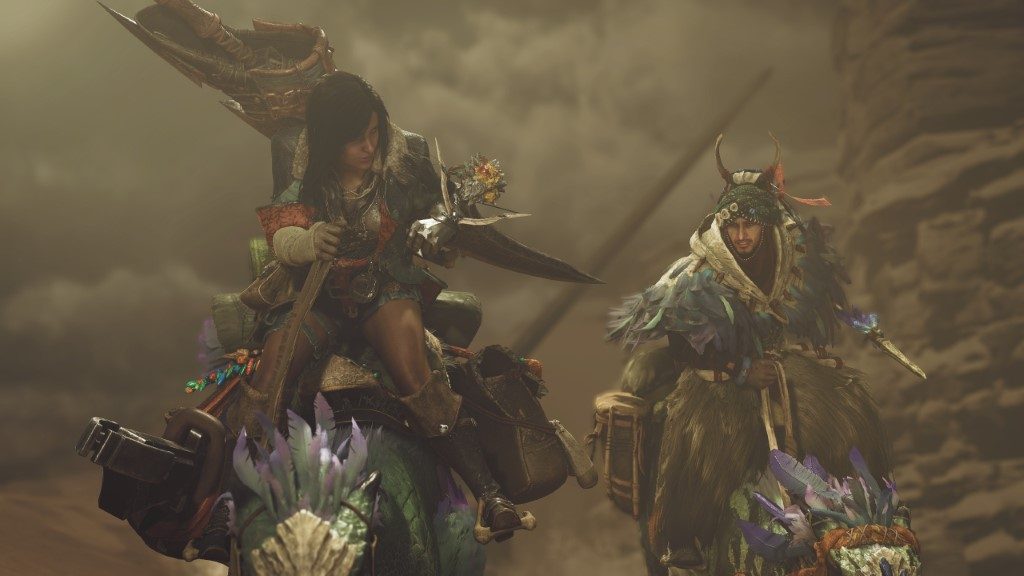
A still from the cinematic trailer for Monster Hunter Wilds at Summer Game Fest 2024.
Capcom

You won't get far in Monster Hunter Wilds without items. It is a basic tip to learn, but having easy access to your most needed items is just as important as mastering your weapons or calling in your friends to join in on the hunt. Your radial menu allows you to quickly select and use all your equipment on the fly, but may not be set up how you want it by default. Thankfully you can easily customize this menu so all the items you want are in the places that feel most natural.

Recommended Videos

Difficulty

Easy

Duration

5 minutes

What You Need

  • Go to your tent

Customizing the radial menu Monster Hunter Wilds.
Capcom

How to customize the radial menu

The radial menu is your shortcut menu that you can pop open by holding L1 on consoles. Once open, you can easily select an item by pointing your stick in any of the four directions plus change categories with the D-pad.

Step 1: Once you have access to your base camp, visit your tent or pause the game and go under the Items & Equipment menu.

Step 2: Select the Customize Radial Menu option

Step 3: You will have 36 total loadouts you can customize. Choose any blank one to begin customizing it.

Step 4: You can now choose from all your items set them to one of 12 slots. If you place something in the wrong place and want to swap it, press Sort Radial Menus and you can swap the locations of two items without removing and readding them to the loadout.

Step 5: Once you have all your items set how you like, press the Manage Loadouts button.

Step 6: Choose an empty loadout slot and press Register Loadout to add your new radial menu to that slot.

Step 7: Once set, make sure to highlight and press Use Loadout to make it active.

You can also use the sub menu to rename a loadout, set an emblem, or delete it to make room for a new one.

You can also press the sub menu button to share your loadout with friends to let them easily use the same loadout you created.


Jesse Lennox
Former Digital Trends Contributor
Jesse Lennox covers all things gaming but has a specific interest in all things PlayStation, JRPGs, and experimental indies…
Xbox Game Pass deals are reportedly drying up, and that’s bad news for indies
Logo, Green, Recycling Symbol

Ask most players why they subscribe to Xbox Game Pass, and they'll probably mention day-one Xbox exclusives. But developers have long viewed the service differently. For many indie studios, a Game Pass deal wasn't just extra exposure — it was financial security before launch.

Landing a Game Pass deal often meant guaranteed revenue before a game even launched, reducing the financial gamble of releasing an indie title into an increasingly crowded market. Now, that safety net may not be as dependable as it once was.

Read more
I just played Ghost of Tsushima on a phone. I never thought I’d see this day and I’m not regretting this misadventure
Running Ghost of Tsushima on the Red Magic 11S Pro almost feels wrong
Red Magic 11S Pro running Ghost of Tsushima

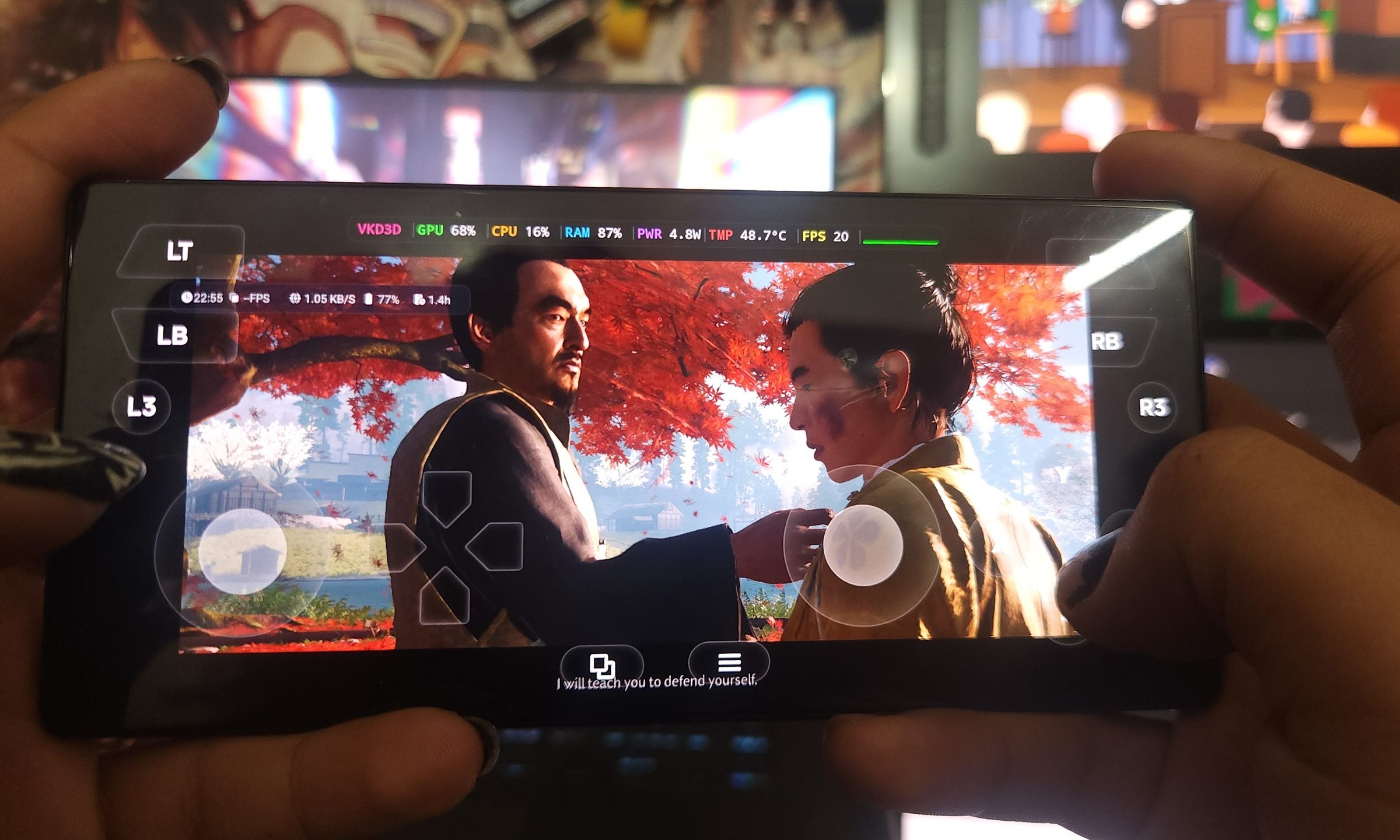
I have tested plenty of gaming phones, but nothing quite prepared me for watching Ghost of Tsushima Director’s Cut boot up on the Red Magic 11S Pro. This was not cloud gaming or something like Remote Play from a PlayStation sitting somewhere else in the house. I used GameHub, linked it with Steam, and after some trial and error, had the PC version of Ghost of Tsushima running on a phone--and it was far more playable than I expected.

And yes, it looked as ridiculous as it sounds. Seeing Jin Sakai on a phone screen with a GameHub overlay, virtual shoulder buttons, and a live FPS counter sitting on top made the whole setup seem a lot more viable.

Read more
Forget console wars. Steam Machine may help kill lazy PC gaming ports
Valve’s expensive mini PC could become PC gaming’s new baseline
Steam Machine with Steam Controller

Valve’s Steam Machine has become easy to dunk on. The price starts well above current consoles, and the hardware sits somewhere between entry-level and mid-range gaming PCs rather than a monster rig. Early reviews have also talked about how demanding games need upscaling, trimmed settings, and realistic expectations.

With the ongoing memory crisis, it sounds like a rough time to bring a PC to the couch. Though the Steam Machine doesn't need to beat high-end gaming PCs or the big consoles. Its purpose was different from the start. And what really makes it better is how it could shift the PC gaming segment entirely.

Read more