1. Home
  2. Computing
  3. News

Try this two-step trick for better chatbot prompts, repeat and empathize

One paper says repeating a prompt helps for non-reasoning tasks, another shows you get better responses when you share constraints like your skill level and what kind of help you need.

Add as a preferred source on Google
Chatgpt
Unsplash

If your AI assistant keeps dropping specifics or talking past the question, you don’t need a new model to get better results. Small changes to better chatbot prompts can clean up a lot of the mess.

One fix is mechanical. A Google Research paper highlighted by VentureBeat points to a dead simple move, paste your exact request twice in the same message. It’s meant to raise accuracy on straightforward work like extraction, short answers, and basic rewriting, not long, multi-step reasoning.

Recommended Videos

The other fix is human. Separate research from Northeastern University suggests people get stronger outputs when they prompt with perspective taking, sharing what they know, what they don’t, and what kind of help would actually be useful.

Duplicate the request, see gains

The duplication trick is exactly what it sounds like. Paste the same prompt back to back, then send.

In the reported testing, doubling up the input helped on non-reasoning benchmarks across major models. The real-world take is simple, repeating the instruction can make it harder for the model to miss, especially when you want it to stick to specifics instead of sliding into a generic response.

A little perspective changes everything

This isn’t about being nicer, it’s about being clearer. Give the bot the calibration knobs it can’t reliably infer, your level, your time, and the format you want.

The study frames this as theory of mind style prompting, asking in a way that anticipates how another agent will interpret your request. A short line like “I’m new to this, skip jargon” or “Give me three options, then pick one” can reshape the reply fast. Additionally, check the best ways you can use one of the most popular AI now.

Put both moves into practice

Use the double-paste move when the job is straightforward, like “summarize this paragraph,” “pull the key dates,” or “rewrite this email shorter.” Copy it twice, then stop.

After that, add one or two lines that define success. Include your constraints, your background, and where you’re stuck. If the assistant still glosses over key points, keep the duplicate prompt in place. If it keeps giving the wrong kind of output, adjust the perspective-taking line until it matches your goal. Or if you’re experiencing prompt fatigue, we already have experts sharing their prompts.


Paulo Vargas
Paulo Vargas is an English major turned reporter turned technical writer, with a career that has always circled back to…
A metallic Hall effect keyboard and a 59g mouse are Lenovo’s latest upgrades for snazzy gaming setups
The Legion R7 RT75 keyboard and Y7MG mouse bring 8K polling to both sides of your gaming setup
Computer, Computer Hardware, Computer Keyboard

Magnetic gaming keyboards and lightweight mice are hardly unusual anymore, but Lenovo is trying to push both ideas a little further with its latest Legion peripherals. The new lineup includes the Legion R7 RT75 keyboard and Legion Y7MG mouse, and both support an 8,000Hz polling rate for players who want every input delivered to their PC as quickly as possible.

Of course, Lenovo has styled these peripherals to be as bold and eye-catching as possible without getting in the way of practicality. The keyboard has a hefty metallic design with translucent keycaps and RGB lighting. Compared to that, the mouse is more tame and traditional in design, but it also has an RGB strip that appears to belong on an alien spaceship. (via NotebookCheck)

Read more
Shopping for back-to-school? These are the budget laptops I’d actually recommend
From a $359 Chromebook to the cheapest way into macOS, these are the budget picks worth your money.
Computer, Electronics, Laptop

The back-to-school season often turns into a laptop, especially the budget ones that aren't too heavy on your wallet. Due to the ongoing memory crisis, most manufacturers have already bumped up their laptop prices, including Apple. However, that doesn't mean that I won't help you get a new machine. So, for this one, I spent time digging through spec sheets, customer ratings, and price tags, finding devices that don't just look cheap in an Amazon listing, but actually hold up. 

From a flexible touchscreen Chromebook to the least expensive way into macOS, these six laptops balance price and performance well. I'd hand any one of them to a student heading back to campus this fall, depending on what they need and what their priorities are. 

Read more
Asus’ latest Zenbook puts a seriously bright OLED screen inside an impossibly slim body
The Zenbook 14 Air is only 11mm thick but still packs a 77Wh battery
Computer, Electronics, Laptop

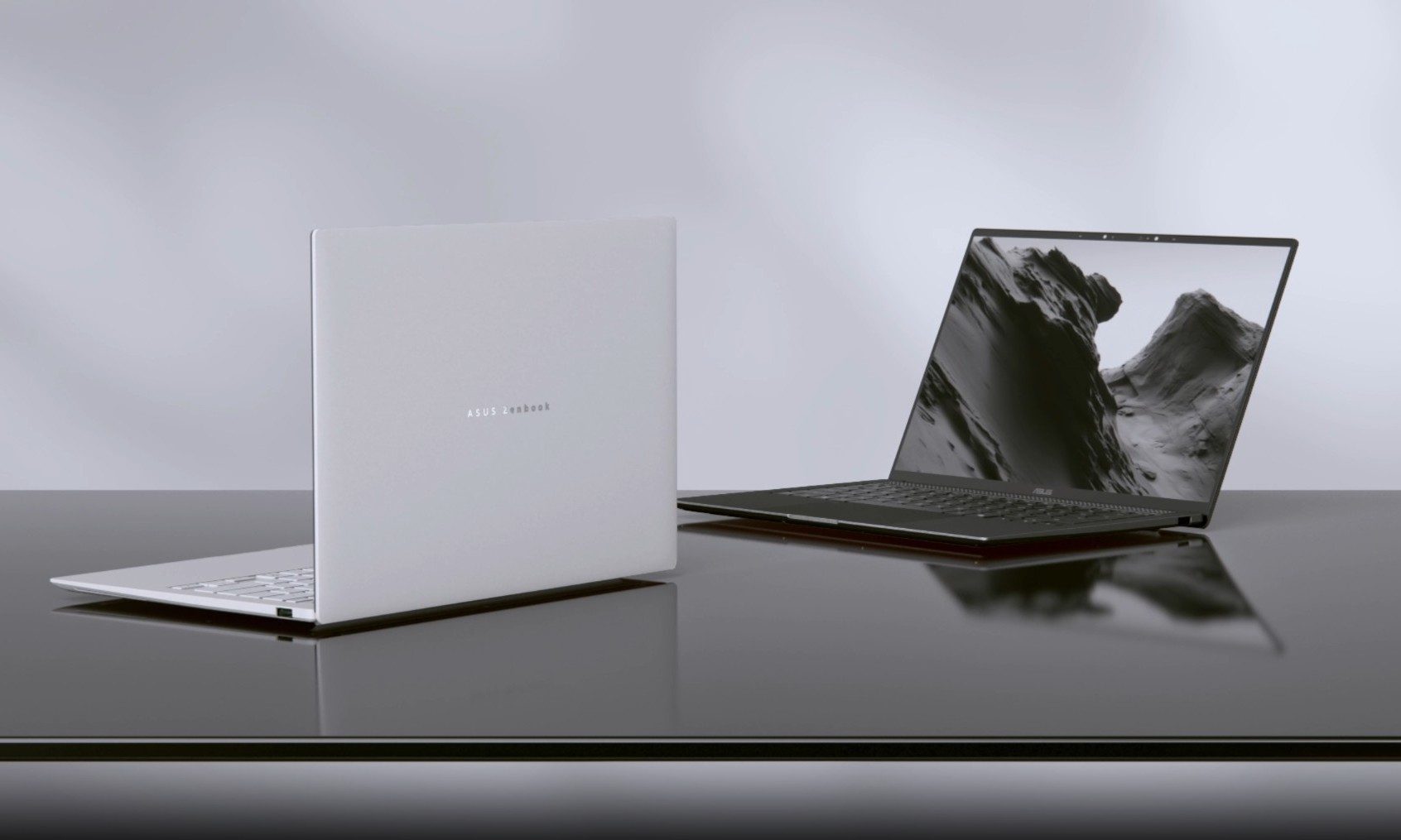
Asus has introduced a new AMD-powered version of the Zenbook 14 Air 2026, combining a bright OLED display and a large battery inside an 11mm-thick chassis. It weighs 1.19kg, keeping it firmly in ultraportable territory despite the 77Wh battery inside.

The Zenbook 14 Air 2026 itself is not entirely new. Asus launched an Intel configuration powered by the Core Ultra 9 386H in China back in January. The latest version switches to AMD’s Ryzen AI 7 H 445 and is priced at CNY 9,999, or around $1,477. (via Notebookcheck)

Read more