1. Home
  2. Computing
  3. News

Maybe, ditch Gemini and ChatGPT for your AI images. Try an alternative that I jut came across

For posters, thumbnails, banners, and social graphics, Ideogram’s mix of text accuracy and style control stands out

Add as a preferred source on Google
ChatGPT Images 2.0 Artwork
OpenAI

Gemini and ChatGPT dominate the AI image generator conversation, but Ideogram has a cleaner argument for attention. It focuses on visual work people need to ship, from creator assets to layouts that have to fit a platform on the first try.

Its clearest advantage is typography. Ideogram is built for posters, banners, social posts, newsletter illustrations, and video thumbnails, with a particular strength in generating readable copy inside designs. One garbled word can wreck an otherwise usable graphic.

Recommended Videos

It also gives users practical controls, including prompt refinement, four image options per request, public galleries for inspiration, style choices, dimensions, remixing, and paid editing through Canvas. Those features help turn a rough request into something closer to publishable.

Why Ideogram keeps pulling users back

Ideogram puts text placement and format choices into the workflow from the start. For creators working on layout-heavy assets, that can cut down the repair loop that usually follows a flawed AI image result.

The service gives users four generated options each time, which adds a useful layer of selection before editing begins. Its automatic prompt refinement can expand a rough idea, while public galleries make it easier to study existing images and build from other starting points.

Why bigger tools don’t settle it

Gemini and ChatGPT still have strengths Ideogram doesn’t erase. Gemini’s Nano Banana Pro is positioned as versatile across logos, infographics, slide designs, portraits, and abstract visuals, while ChatGPT is strong for diagrams, and image edits guided through conversation.

Ideogram wins a more specific fight. It fits jobs where creator assets often fail over small details, especially copy in the design, reusable styles, flexible aspect ratios, and fast revision. For public-facing graphics, those details can outweigh brand familiarity.

Where Ideogram still makes you wait

Ideogram isn’t a clean win for everyone. The free plan includes restricted daily generations, slower rendering, public image creation, and lower-quality JPEG downloads. Paid plans add more images, faster output, extra dimensions, negative prompts, and Canvas editing.

The smartest approach is to treat Ideogram as a specialist. Flux, Adobe Firefly, Gemini, and ChatGPT all have their own strengths, but Ideogram deserves a test run when the job depends on readable design copy and repeatable formats.

Start with the free version, but don’t judge it from one request. Its value shows up after a few iterations, style changes, and format tests.

Paulo Vargas
Paulo Vargas is an English major turned reporter turned technical writer, with a career that has always circled back to…
A metallic Hall effect keyboard and a 59g mouse are Lenovo’s latest upgrades for snazzy gaming setups
The Legion R7 RT75 keyboard and Y7MG mouse bring 8K polling to both sides of your gaming setup
Computer, Computer Hardware, Computer Keyboard

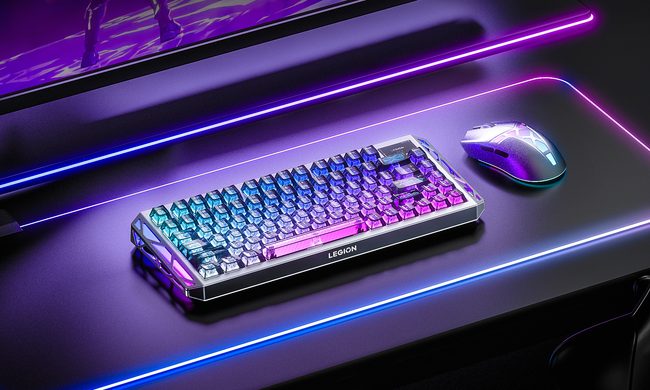
Magnetic gaming keyboards and lightweight mice are hardly unusual anymore, but Lenovo is trying to push both ideas a little further with its latest Legion peripherals. The new lineup includes the Legion R7 RT75 keyboard and Legion Y7MG mouse, and both support an 8,000Hz polling rate for players who want every input delivered to their PC as quickly as possible.

Of course, Lenovo has styled these peripherals to be as bold and eye-catching as possible without getting in the way of practicality. The keyboard has a hefty metallic design with translucent keycaps and RGB lighting. Compared to that, the mouse is more tame and traditional in design, but it also has an RGB strip that appears to belong on an alien spaceship. (via NotebookCheck)

Read more
Shopping for back-to-school? These are the budget laptops I’d actually recommend
From a $359 Chromebook to the cheapest way into macOS, these are the budget picks worth your money.
Computer, Electronics, Laptop

The back-to-school season often turns into a laptop, especially the budget ones that aren't too heavy on your wallet. Due to the ongoing memory crisis, most manufacturers have already bumped up their laptop prices, including Apple. However, that doesn't mean that I won't help you get a new machine. So, for this one, I spent time digging through spec sheets, customer ratings, and price tags, finding devices that don't just look cheap in an Amazon listing, but actually hold up. 

From a flexible touchscreen Chromebook to the least expensive way into macOS, these six laptops balance price and performance well. I'd hand any one of them to a student heading back to campus this fall, depending on what they need and what their priorities are. 

Read more
Asus’ latest Zenbook puts a seriously bright OLED screen inside an impossibly slim body
The Zenbook 14 Air is only 11mm thick but still packs a 77Wh battery
Computer, Electronics, Laptop

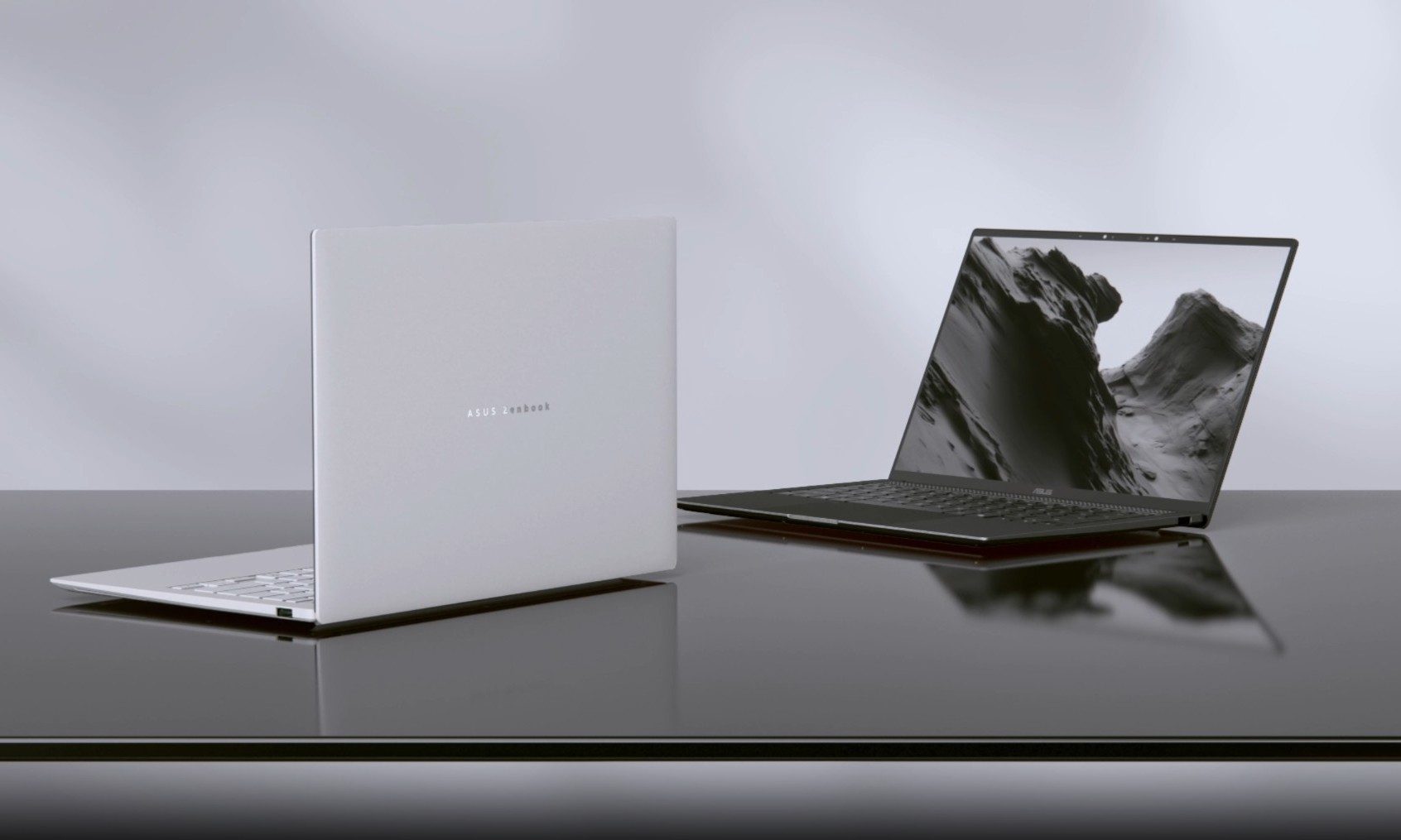
Asus has introduced a new AMD-powered version of the Zenbook 14 Air 2026, combining a bright OLED display and a large battery inside an 11mm-thick chassis. It weighs 1.19kg, keeping it firmly in ultraportable territory despite the 77Wh battery inside.

The Zenbook 14 Air 2026 itself is not entirely new. Asus launched an Intel configuration powered by the Core Ultra 9 386H in China back in January. The latest version switches to AMD’s Ryzen AI 7 H 445 and is priced at CNY 9,999, or around $1,477. (via Notebookcheck)

Read more