1. Home
  2. Computing
  3. Legacy Archives

Toshiba’s low-cost Radius 11 convertible bends over backwards to please

Add as a preferred source on Google

There is no shortage of versatile convertible PCs on the market nowadays, but very few are as flexible and affordable as Toshiba’s Satellite Radius 11. Lately, the Japanese giant has recently switched its concentration to budget-conscious gear — which spells great news for consumers.

For instance, the Encore Mini is one of the cheapest brand-name tablets running full Windows 8.1. The 1080p Chromebook 2 is surprisingly inexpensive, for what it brings to the table. Now, we have the Radius 11, which is priced at just $330.

Recommended Videos

Advertised as a 2-in-1 machine, it can actually be used in five distinct modes: laptop, tablet, tabletop, presentation, and audience. True, the keyboard is fixed, so as a tablet, the Satellite Radius 11 isn’t exactly a featherweight. On the bright side, the touchscreen bends over fully at a 360-degree angle, and the keyboard automatically locks when you push the display all the way back. Speaking of which, the screen resolution can be described as mediocre at best — 1,366 × 768 pixels.

For $330 and up though, the 11.6-inch, 2-in-1 hybrid offers decent power, courtesy of Intel Pentium and Celeron processors. However, it’s unclear which exact CPUs will be available with this system. On the storage front, you’ll be able to opt for either a 32GB SSD, or a 500GB mechanical hard drive. The specifics on the CPU models and clock speeds are weirdly kept under wraps. What gives, Toshiba?

Toshiba says the Windows 8.1 convertible supports up to 4GB, so it sounds like there will be a configuration that offers 2GB as well. A full range of ports is included, consisting of USB 2.0, 3.0, and HDMI. An SD memory card slot is also available.

Another key selling point is the absence of fans, which keeps the Radius 11’s heft in check. The exact dimensions and weight aren’t provided either, but the Satellite Radius 11 seems pretty slim, at least when used as a “conventional” laptop.

Considering that Toshiba claims the Radius 11 is fan-less, we suspect that it will feature Intel’s new fan-free Core M, Broadwell-based processors.

Look for it in major retail locations across the U.S., as well as Toshiba Direct, starting October 26.

Adrian Diaconescu
Former Digital Trends Contributor
Adrian is a mobile aficionado since the days of the Nokia 3310, and a PC enthusiast since Windows 98. Later, he discovered…
Topics
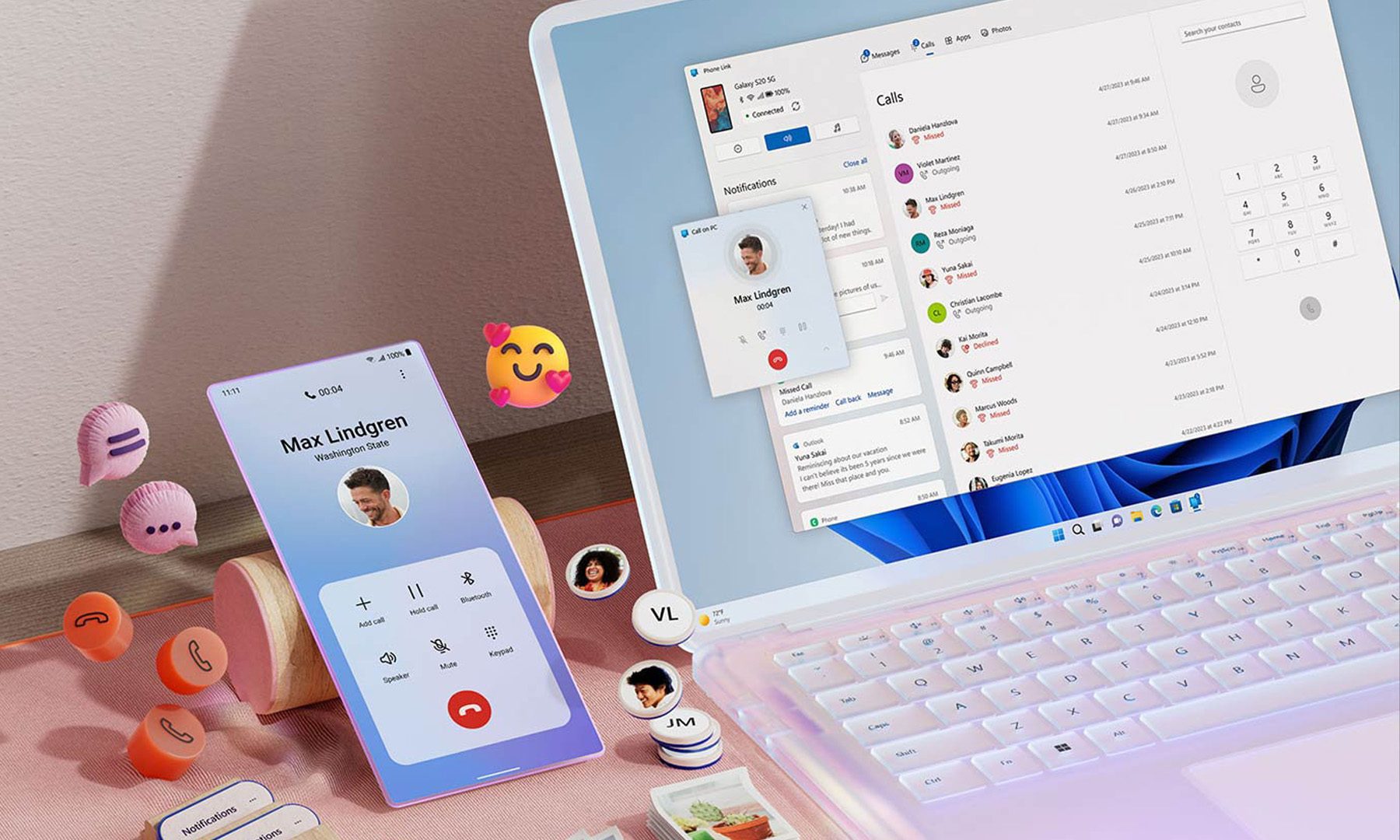
Microsoft wants Windows 11 and your phone to become best friends
Microsoft's latest plans reportedly focus on making the PC and smartphone experience feel seamless.
Windows 11 PC with Android Phone

For years, Phone Link has felt like that one app everyone knows exists but rarely remembers to open. Microsoft apparently wants to change that. According to a report from Windows Central, the company is working on a major overhaul of how smartphones integrate with Windows 11, making phones feel like a native part of the operating system instead of something users access through a separate app.

Phone Link is coming out of hiding

Read more
What are Copilot+ PCs? Everything you need to know
Copilot

Walk through a laptop aisle in 2026 and the Copilot+ PC branding is highlight for most Windows laptops. From Microsoft's own surface to other PC makers like Samsung, HP, and Dell, you can find notebooks that carry this badge to convey that they are AI-ready. At a glance, the name sounds like it refers to a computer with a better version of the Copilot chatbot, which only explains a small part of it.

A Copilot+ PC is a Windows 11 computer that meets Microsoft’s hardware standard for advanced on-device AI features like a compatible processor with a dedicated NPU. You also need a certain amount of RAM and storage, all of which brings access to Windows features such as Recall, Click to Do, and much more. Many of these experiences use the NPU to process information locally, reducing their reliance on cloud servers and helping them run more efficiently in the background.

Read more
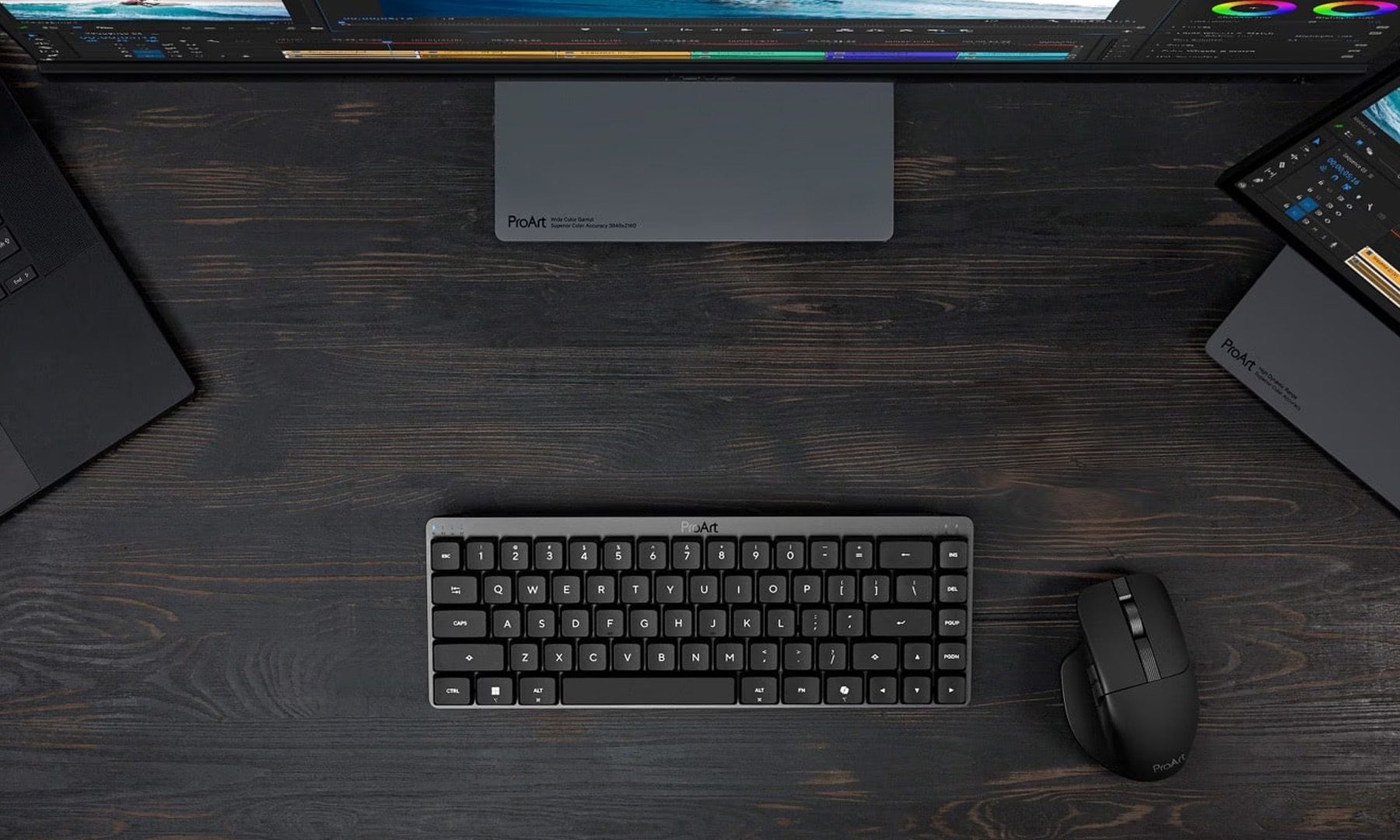
ASUS expands its ProArt lineup with a compact keyboard and a smart creator mouse
The new ProArt KD300 and MD301 are designed to make life easier for designers, editors, and creators.
ASUS ProArt Keyboard KD300 and ProArt Mouse MD301

Creators have long had plenty of powerful laptops and monitors to choose from. Keyboards and mice? Not so much. ASUS is looking to change that with the expansion of its ProArt accessory lineup. Leading the announcement is the new ProArt Keyboard KD300, a compact low-profile keyboard that's designed to work alongside the ProArt Mouse MD301, giving creators a matching desktop setup built specifically for productivity instead of gaming.

A compact keyboard that doesn't sacrifice functionality

Read more