1. Home
  2. Computing
  3. Audio / Video
  4. Gaming
  5. Legacy Archives

NZXT’s $100 Doko vows to stream anything and everything from a PC to your living room TV

Add as a preferred source on Google

The idea of weaving together conventional PC and TV content is an old one, and while streaming devices are about to become as common as hack attacks against US governmental agencies, certain limitations and restrictions continue to prevent the concept from achieving perfection.

Razer’s recently unveiled Forge TV is perhaps the best streaming concept around, but it’s a games-first gadget, and on paper, it looks a little too ambitious for its own good. Meanwhile, the NZXT Doko is the complete opposite, keeping things refreshingly simple.

Recommended Videos

Too simple? In a way, yes, as hardcore PC gamers should probably seek a living room, clutter-free sidekick elsewhere. Framerate and general response times aren’t great, according to Trusted Reviews, and NZXT doesn’t claim otherwise, merely promising 1080p video playing at 30 frames per second with latency of no more than 80 milliseconds.

That’s likely enough for casual titles with not-very-demanding graphics, but it certainly doesn’t ensure a silky smooth, no-stutter Far Cry 4 experience. Again though, Doko’s claim to fame isn’t high-end performance.

Instead, it’s ease of use, quick setup and full support for everything your PC can handle. Yes, everything. Browser games, Origin, Steam, Ubisoft titles, single-players, multiplayers, music, movies, email services, everything.

No proprietary software or hardware needed either. Just hook up the tiny box to your TV, use the Ethernet port for network connectivity, pair your PC to the Doko, and you’re ready to go. Wi-Fi support isn’t offered, for fear of hurting the mirroring experience and speed, and aside from HDMI, a generous quartet of USB 3.0 connectors are accommodated on the streamer’s seemingly restricted footprint.

The design is minimalistic and features no standout elements, which is ideal for a device that doesn’t call attention to itself, but rather facilitates the desktop-TV interaction and puts the spotlight on the latter. Priced at $99.99, it can be pre-ordered already via the NZXT Armory Store.

Adrian Diaconescu
Former Digital Trends Contributor
Adrian is a mobile aficionado since the days of the Nokia 3310, and a PC enthusiast since Windows 98. Later, he discovered…
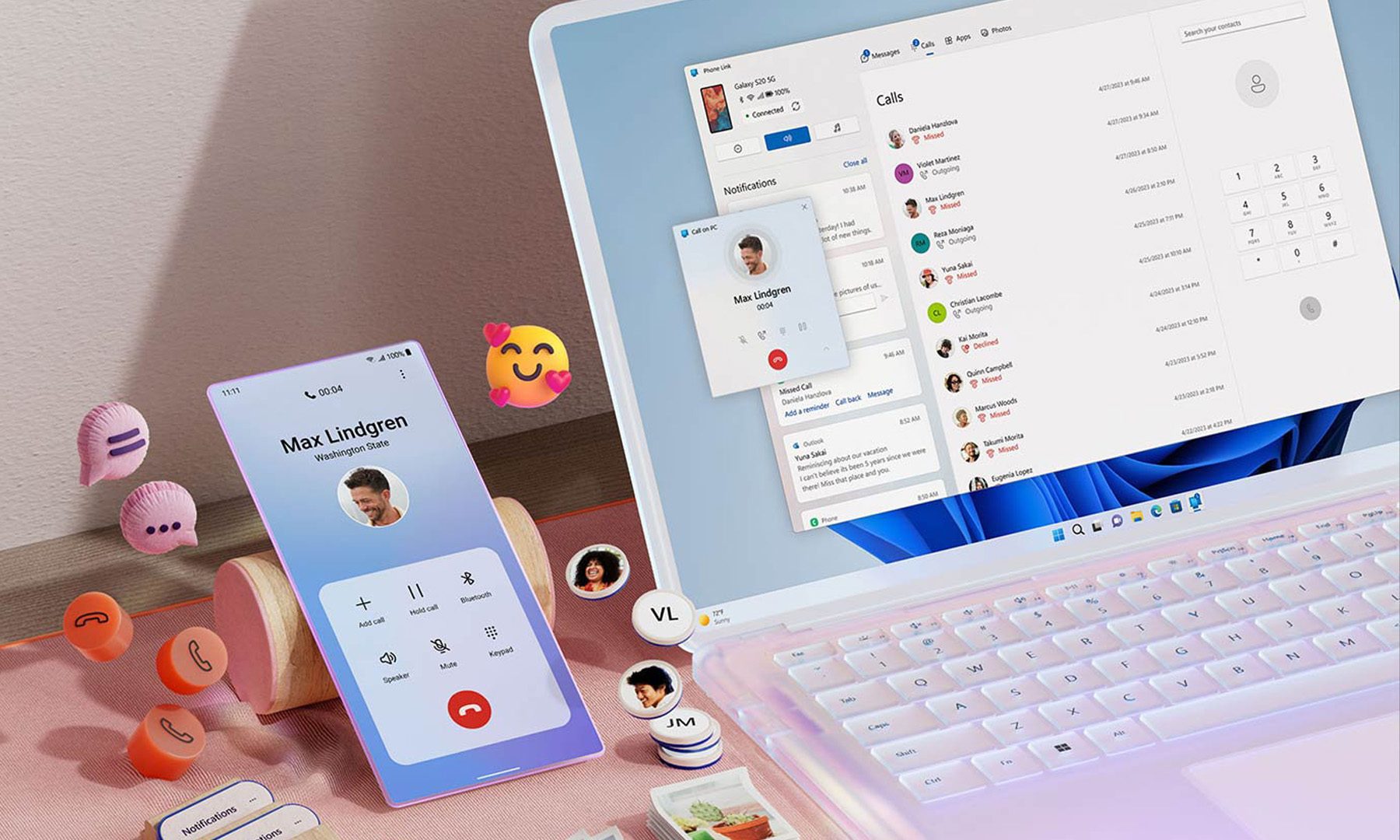
Microsoft wants Windows 11 and your phone to become best friends
Microsoft's latest plans reportedly focus on making the PC and smartphone experience feel seamless.
Windows 11 PC with Android Phone

For years, Phone Link has felt like that one app everyone knows exists but rarely remembers to open. Microsoft apparently wants to change that. According to a report from Windows Central, the company is working on a major overhaul of how smartphones integrate with Windows 11, making phones feel like a native part of the operating system instead of something users access through a separate app.

Phone Link is coming out of hiding

Read more
What are Copilot+ PCs? Everything you need to know
Copilot

Walk through a laptop aisle in 2026 and the Copilot+ PC branding is highlight for most Windows laptops. From Microsoft's own surface to other PC makers like Samsung, HP, and Dell, you can find notebooks that carry this badge to convey that they are AI-ready. At a glance, the name sounds like it refers to a computer with a better version of the Copilot chatbot, which only explains a small part of it.

A Copilot+ PC is a Windows 11 computer that meets Microsoft’s hardware standard for advanced on-device AI features like a compatible processor with a dedicated NPU. You also need a certain amount of RAM and storage, all of which brings access to Windows features such as Recall, Click to Do, and much more. Many of these experiences use the NPU to process information locally, reducing their reliance on cloud servers and helping them run more efficiently in the background.

Read more
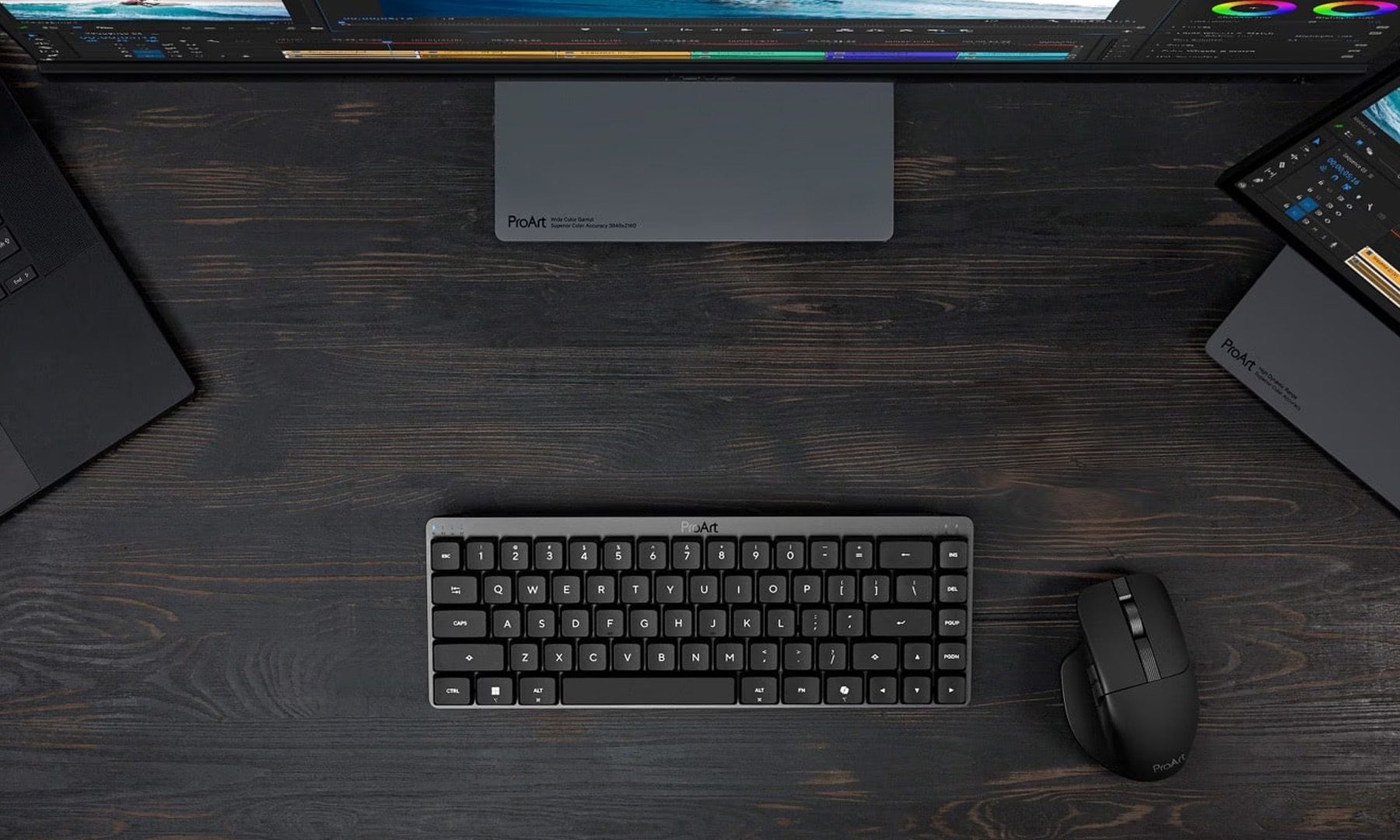
ASUS expands its ProArt lineup with a compact keyboard and a smart creator mouse
The new ProArt KD300 and MD301 are designed to make life easier for designers, editors, and creators.
ASUS ProArt Keyboard KD300 and ProArt Mouse MD301

Creators have long had plenty of powerful laptops and monitors to choose from. Keyboards and mice? Not so much. ASUS is looking to change that with the expansion of its ProArt accessory lineup. Leading the announcement is the new ProArt Keyboard KD300, a compact low-profile keyboard that's designed to work alongside the ProArt Mouse MD301, giving creators a matching desktop setup built specifically for productivity instead of gaming.

A compact keyboard that doesn't sacrifice functionality

Read more