1. Home
  2. Computing
  3. Gaming
  4. News

Prepare your rig for Just Cause 3 with this official specs list

Add as a preferred source on Google

To start your month off right, Just Cause 3 is here next week, and while it promises to be more chaotic — but somehow at the same time more focused — than ever, that’s obviously going to put some pressure on your PC. Thankfully, with the help of a Tweet from its developer, Avalanche Studios, we can all let out a sigh (of either relief or apprehension) for the recently revealed minimum and recommended specs for the forthcoming sandbox adventure.

Just Cause 3                   Minimum                 Recommended
CPU Intel Core i5-2500K (Sandy Bridge, 3.3 GHz) or AMD Phenom II X6 1075T (Thuban, 3.0 GHz) Intel Core i7-3770K (Ivy Bridge, 3.4 GHz) or AMD FX-8350 (Vishera, 4.0 GHz)
GPU Nvidia GeForce GTX 670 (2 GB) or AMD Radeon HD 7870 (3 GB) Nvidia GeForce GTX 780 (3 GB) or AMD Radeon R9 290 (4 GB)
RAM 6 GB 8 GB
OS Windows Vista SP2, 7 SP1, 8.1 (64-bit OS required) Windows Vista SP2, 7 SP1, 8.1 (64-bit OS required)
Recommended Videos

Curiously, there’s no word on how much disk space you’ll need to install the game, though that’s probably for the best considering many games nowadays grow tremendously over time thanks to updates, patches, and DLC. It would, however, be helpful to know just how much free space you’ll need to start out with.

That’s why, just a few hours ago, a Reddit user took it into their own hands to show their suspiciously obtained box to the rest of the world, conspicuously denoting storage requirements. If this leak is to be believed, we’re looking at a sizable 45GB download. Not the most conservation-oriented title, but not completely out of the norm for a game of this stature. By comparison, Grand Theft Auto V occupied 65GB of storage space at its launch. This shouldn’t be too demanding for your hard drive, but if you’re using an SSD, it may already be time to move Fallout 4 elsewhere.

Gabe Carey
A freelancer for Digital Trends, Gabe Carey has been covering the intersection of video games and technology since he was 16…
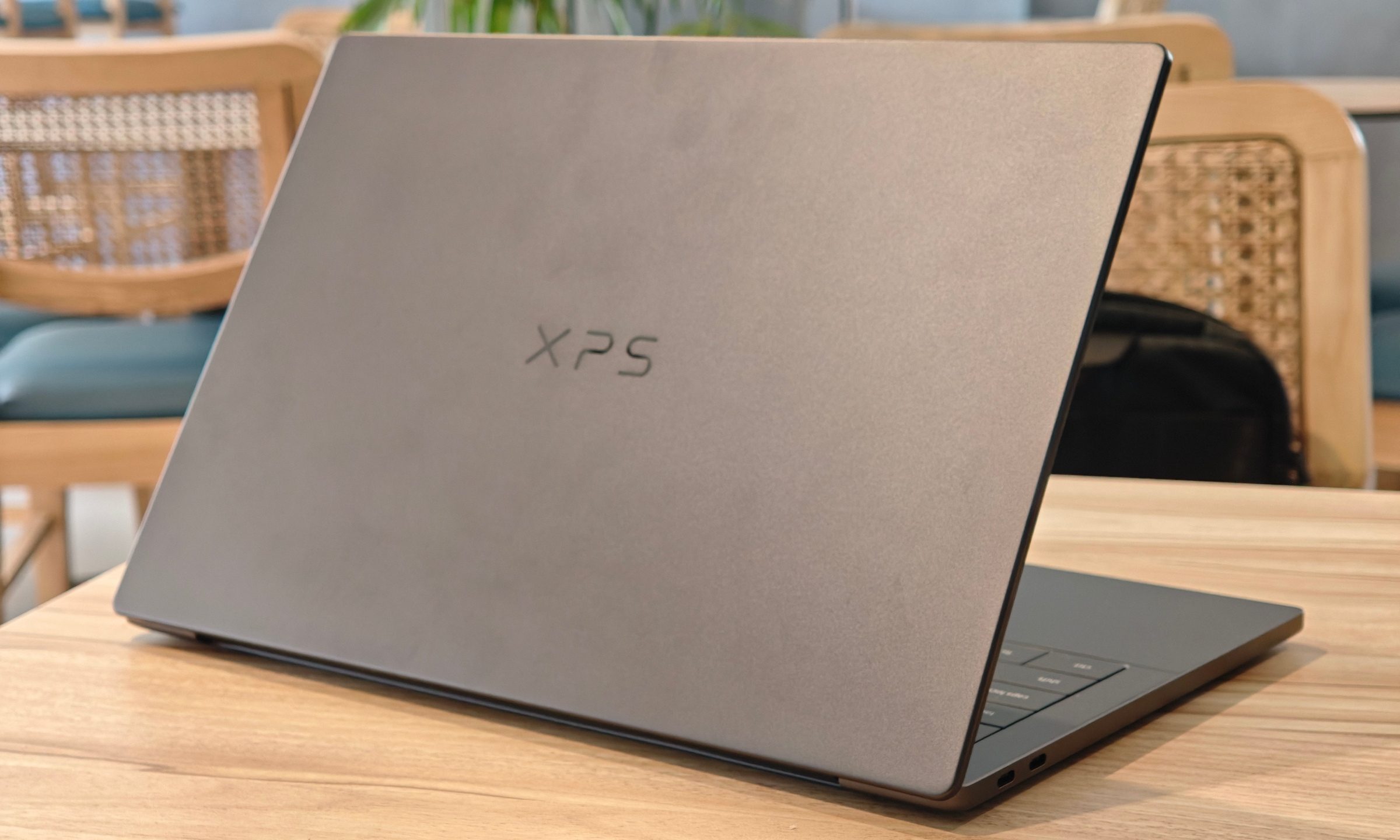
Dell XPS 14 (DA14260) Review: Dell’s classic Windows laptop returns, and it’s hard to put down
The icon returns, and shows why it's still relevant
Dell XPS 14 Review: Featured

Quick take

Dell’s XPS line has always carried a certain weight. It is one of those Windows laptop families that people recognize even if they don’t follow laptops too closely. Clean design built with premium materials, sharp displays, and high-end hardware. The Dell XPS 14 DA14260 continues that legacy. 

Read more
Samsung’s secret AI chip could finally cool down Exynos phones
Samsung's GAIA AI chip is landing in laptops first, but its shared DNA with Exynos hints at a real fix for phones down the line.
Samsung Exynos chip illustration.

If you've ever owned an Exynos-powered Galaxy phone, you already know the drill: heavy tasks like capturing back-to-back pictures or photos for a while, heavy gaming, or rendering videos turn your device into a hand warmer. 

In such a situation, the battery bar drops faster than usual as well. Turns out, Samsung might be working on the fix, and it's coming in a way nobody expected.

Read more
Buying a monitor? This Mac app can expose problems before the return window closes
Your new monitor may look perfect, but it doesn't hurt to double check.
Screen Test v1.1

Making a brand-new tech purchase doesn't always carry the guarantee of a perfectly functioning unit. But a tiny Mac app called Screen Test can help you find a defect before it gets too late. Screen Test (version 1.1) is a native macOS utility containing more than 25 patterns and diagnostic tools for evaluating built-in and external displays. It can help reveal dead or stuck pixels, backlight bleeding, and other issues. The app works completely offline, so you don't have to rely on browser tabs or an internet connection.

Every pixel gets scrutinized

Read more