1. Home
  2. Computing
  3. Legacy Archives

Goodbye, Internet Explorer! Firefox for Windows 8 Touch Beta has arrived

Add as a preferred source on Google

If you’ve warmed up to Windows 8’s tiled Modern/Metro user interface, you have a new Web browsing option to play with. 

Mozilla announced via an official blog post that it has released Firefox for Windows 8 Touch Beta. This isn’t a standard Firefox browser beta release. This is an app designed for Windows 8’s tiled UI. You can snag the beta by downloading it here.

Recommended Videos

Firefox for Windows 8 Touch Beta supports touch gestures like swiping and pinch to zoom, as well as full-screen and snap views. You can also share content from the Firefox app using the Windows 8 Share charm. 

Considering that this is a beta release, you should expect to encounter bugs and/or other quirks that have yet to be worked out. One of the known bugs you may come across when using Firefox for Windows 8 Touch Beta includes a freezing issue. Mozilla says that if you’re playing a flash video in full-screen mode, putting the Firefox app in the background and then bringing it back to full-screen view will lock up the app. So, don’t do that. If you encounter any bugs while using the app beta, and you feel like reporting them to Mozilla, you can do so here.

The release of the Firefox for Windows 8 Touch Beta likely means that the completed version of the app will hit in the near future. When it does get released, we’ll follow up with a full review of the app.

What do you think of the Firefox for Windows 8 Touch Beta? Sound off in the comments below. 

Konrad Krawczyk
Former Computing Editor
Konrad covers desktops, laptops, tablets, sports tech and subjects in between for Digital Trends. Prior to joining DT, he…
This cross-device clipboard app solves the copy-paste problem I keep running into on my Mac
ClipboardAI keeps a searchable history of everything you copy
Text, Electronics, Mobile Phone

I have lost count of how many times I have copied something important, copied another thing before pasting it, and then realized the first item was gone. It is a small frustration, but it happens often enough to become annoying. I recently came across ClipboardAI, which caught my attention because it goes beyond Apple’s built-in clipboard by saving copied items into a searchable history.

Instead of replacing the last thing you copied every time, ClipboardAI keeps a searchable record of copied text, links, codes, email addresses, phone numbers, addresses, and images across iPhone, iPad, and Mac. That means an older clip does not disappear just because you copied something new.

Read more
If you miss the feel of paper in the digital age, this app gives your Mac’s screen a textured look
A paper-like screen overlay could make long work sessions feel less harsh.
Advertisement, Poster, Electronics

Most screen-comfort tools work by changing color temperature. Apple’s Night Shift makes the screen warmer, often giving everything an orange tint. Paperman is an interesting alternative because it adds a subtle paper-like texture over the display instead.

The app is available for Mac and Windows, and it is designed to make a screen look closer to paper, matte glass, or an e-ink display. It softens the harsh contrast and reduces the glossy look of modern screens during long reading or writing sessions.

Read more
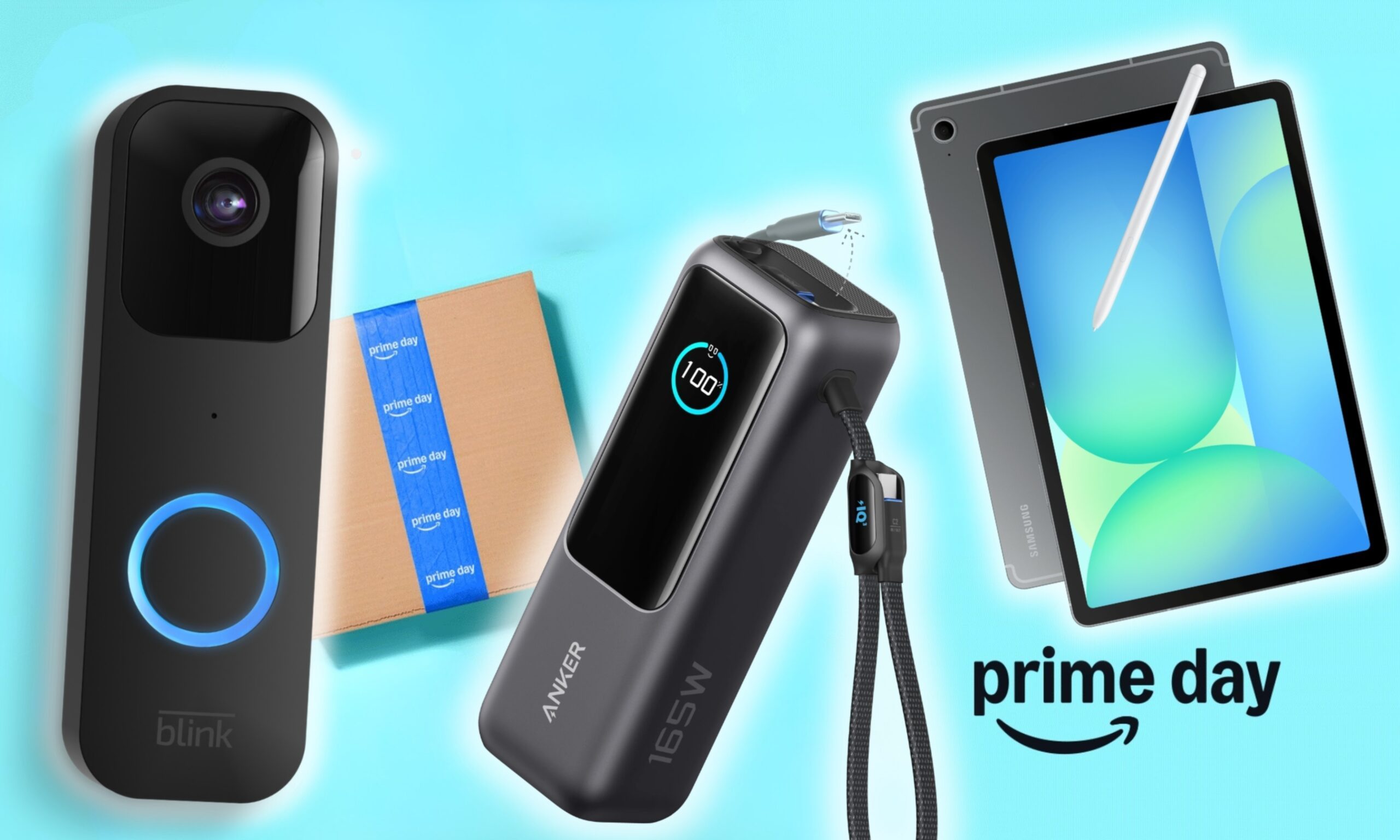
I dug these last-hour Prime Day smart home, laptop, and accessory deals that are irresistible
Deals up to 60% off, a few hours left, and no reason to wait any longer.
Electronics, Phone, Speaker

Amazon's Prime Day 2026 sale is in its final hours, giving you your last chance to get your hands on the best smart home, security, tablet, laptop, and accessory deals. I've pulled together the picks that are still live, still deeply discounted, and still worth buying before the sale ends tonight or until the stock lasts.

Best Amazon Prime Day deals on smart home devices

Read more