  1. Home
  2. Computing
  3. How tos

How to show hidden files in Windows

Add as a preferred source on Google
Person using Windows 11 laptop on their lap by the window.
Microsoft

Hiding files is a great way to improve the security and privacy of your data, but it doesn't lock them away with a password or encryption. You can show hidden files in Windows on your account so that you can still readily access them if you know where they are. They still won't show up in search results, but will have a translucent look to them, making them easier to open, edit, or otherwise.

Here's how to show hidden files in Windows.

Recommended Videos

Difficulty

Easy

Duration

5 minutes
Hidden items in Windows 11.
Digital Trends

How to show hidden files in Windows 11

Step 1: Open any folder or the Windows File Explorer.

Step 2: Select View from the top-bar menu.

Step 3: Select Show from the drop-down menu that appears.

Step 4: Select Hidden items.

Hidden files and folders will now be partially visible.

Step 5: If you ever want to hide those files again, you can repeat the above steps and select Hidden items again, so that it is unticked.

show hidden files in Windows
Digital Trends

How to show hidden files in Windows 10

Showing hidden files in Windows 10 is much the same as Windows 11, though not exactly. Here's how to do it.

Step 1: Open any folder or the Windows File Explorer.

Step 2: Select the View tab in the quick-access toolbar.

Step 3: On the right-hand side, select the checkbox next to Hidden items. Hidden files and folders will now be visible.

If you can't see the option, select the Show/hide button to open the options up.

Step 4: If you ever want to hide files and folders again, simple repeat these steps and uncheck the box.

Want to hide some more files and folders? Here's our guide on how to hide folders in Windows.

Jon Martindale
Jon Martindale covers how to guides, best-of lists, and explainers to help everyone understand the hottest new hardware and…
This $1,299 gaming PC wants to be a Steam Machine without waiting for Valve
Valve’s Steam Machine dream is already real in MetaPC's new prebuilt
MetaPC's Steamroller is a new Steam Machine rival

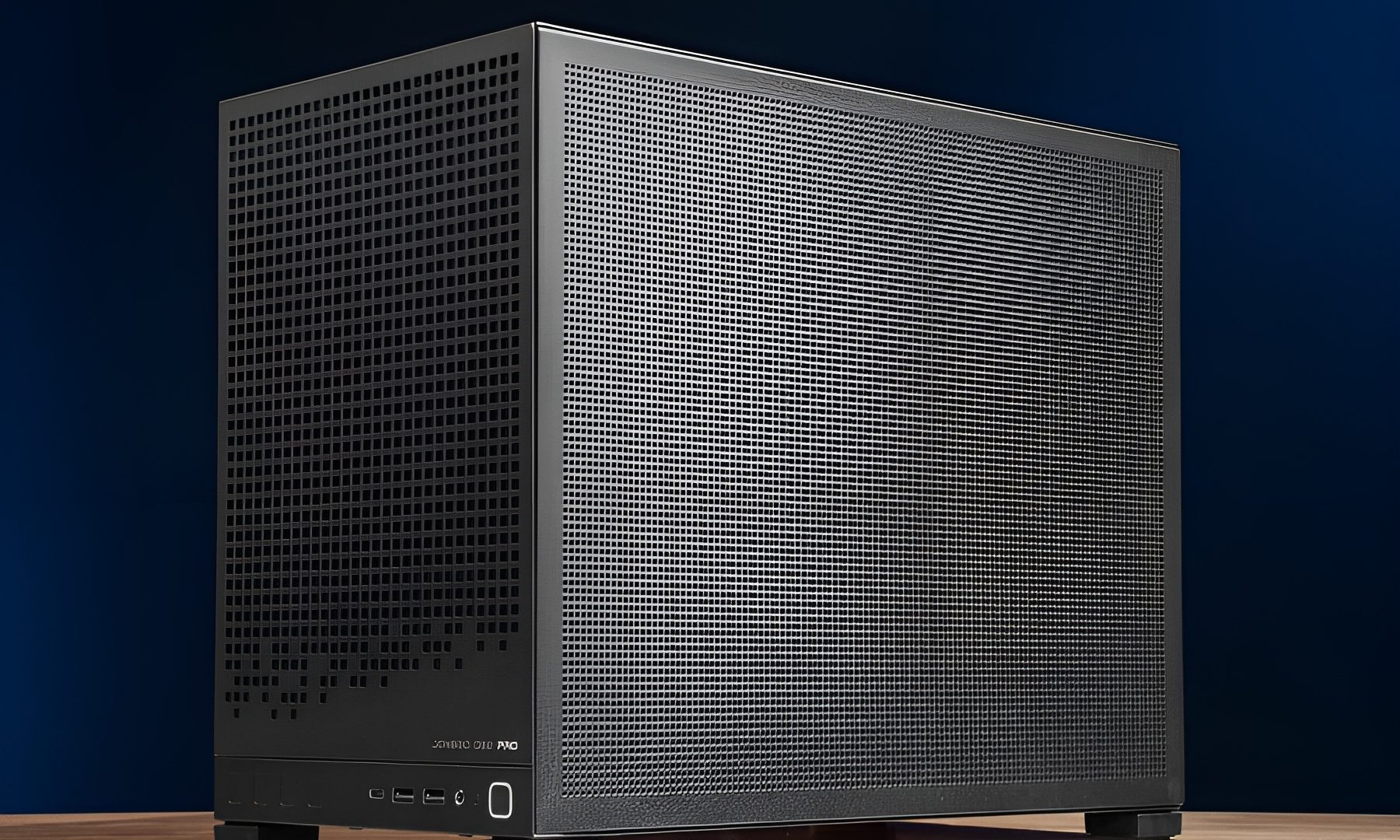
Valve’s Steam Machine may be the face of SteamOS, but the platform isn't exclusive to it. A big announcement after Steam Machine's unveiling was that SteamOS would be arriving on systems outside of the new hybrid console. Now, MetaPCs is one of the first to take advantage of this by opening the preorders for the Steamroller, a new prebuilt gaming desktop that ships with SteamOS installed by default.

Though Steamroller is not trying to be a tiny console-like cube. It is a normal desktop PC with standard parts and a real upgrade path. The system costs $1,299 and is listed with a preorder date of July 3, 2026.

Read more
This cheap Steam Machine clone sounds too good to be true because it probably is
A Chinese Steam Machine clone claims impossible hardware at an impossible price
A Chinese rip-off of the Steam Machine

Valve’s new Steam Machine has already caused plenty of sticker shock. So it's no surprise that a flood of cheaper alternatives is hitting the online market. Valve is currently charging over $1,000 for its tiny-living-room SteamOS PC, and of course, people are trying to offer the same feel for less money,

One listing from China is a great example, but it looks a little too suspicious. According to VideoCardz, a Steam Machine-style mini PC listing shared on Reddit claims to offer a compact SteamOS system with a 2TB SSD, AMD Ryzen 5 5500 processor, Radeon RX 6750 GRE 10GB graphics, 16GB of DDR5 memory, and a price of 4,680 RMB, or roughly $688. This sounds incredible... if it were true.

Read more
A YouTuber 3D printed an entire outfit, but the comfort and cost are more complicated than you’d think
The 3D-printed outfit is real. Whether it's practical is a different conversation entirely.
Adult, Male, Man

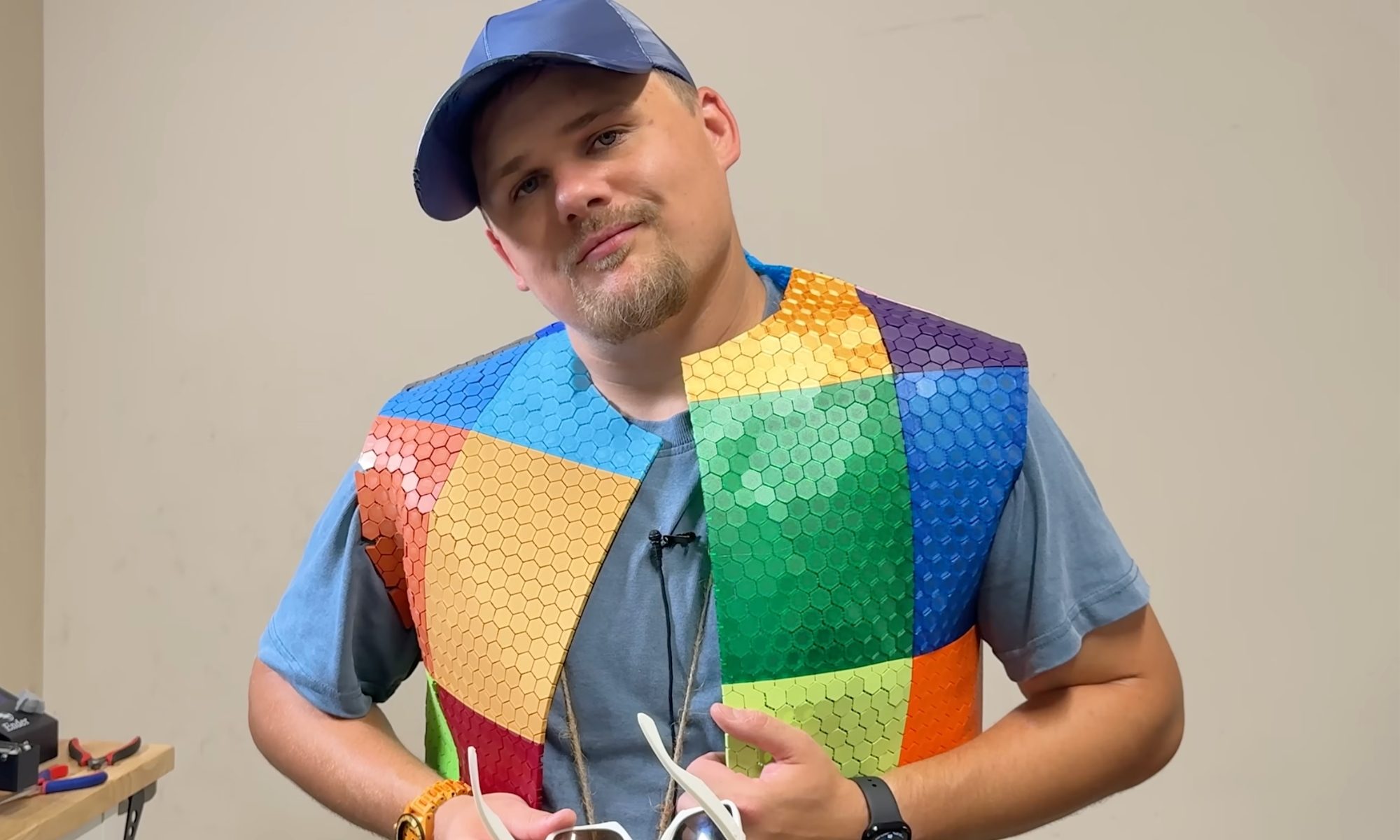
YouTuber Matthew Trahan has made a career out of 3D printing increasingly unusual things. He has printed musical instruments, bedroom furniture, and, in one particularly memorable video, himself.

His latest project is a full outfit, from shirt to shoes, belt to glasses, because apparently nobody told him 3D printers are for creating engineering prototypes or structures that aren’t otherwise feasible, not for fashion week.

Read more