1. Home
  2. Computing
  3. Legacy Archives

It’s true! Windows Start button’s return confirmed in Windows 8.1 screen shots

Add as a preferred source on Google
Windows 8.1 Start Button
Image used with permission by copyright holder

As Microsoft’s Build conference (June 26 to 28) nears, it’s only natural that we’d be hearing more and more Windows 8.1 rumors, and actually confirming a few of them. Today, we can semi-validate one previously unverified report that the updated operating system will bring back the Start button.

According to Paul Thurrott’s SuperSite for Windows, Microsoft will indeed be bringing back the Start button. You’ll no longer have a need for Start menu apps since Windows 8.1, informally called Windows Blue, is returning the long lost button to its users. In fact, it’ll look very similar to that of Start8, one of our favorite Start menu apps.

Recommended Videos

Thurrott, who has access to the Milestone Preview build of Windows 8.1, reports that hovering over the Start button will cause it to change colors “with a black background and the accent color used on the flag logo.” It’ll look just like the Start Charm and it cannot be turned off (not that you’d want to after finally getting it back!).

Even more good news is coming with 8.1: you’ll be able to boot straight to the desktop, completely avoiding the Metro-style Windows 8 home screen that so many users detest.

Thurrott also confirmed that in addition to the preloaded backgrounds and colors provided by Microsoft, users will also have the option of having their desktop wallpaper sit behind the Start background, though we wonder why this is a new addition and not something Microsoft made available to begin with. After all, Windows 8 is supposed to be all about customization and making an OS that works for everyone.

As we reported earlier this month, Windows 8.1 will be a free upgrade available as a public preview on the first day of Build, and we can’t wait to get our hands on it. 

[Update 7:10 p.m. EST 5/30/13: Microsoft commented on the Start button as well as other new Windows 8.1 features. Read more about it here.]


Jennifer Bergen
Former Computing Editor
Jennifer Bergen is the Computing Section Editor at Digital Trends and is in charge of all things laptops, desktops, and their…
This cross-device clipboard app solves the copy-paste problem I keep running into on my Mac
ClipboardAI keeps a searchable history of everything you copy
Text, Electronics, Mobile Phone

I have lost count of how many times I have copied something important, copied another thing before pasting it, and then realized the first item was gone. It is a small frustration, but it happens often enough to become annoying. I recently came across ClipboardAI, which caught my attention because it goes beyond Apple’s built-in clipboard by saving copied items into a searchable history.

Instead of replacing the last thing you copied every time, ClipboardAI keeps a searchable record of copied text, links, codes, email addresses, phone numbers, addresses, and images across iPhone, iPad, and Mac. That means an older clip does not disappear just because you copied something new.

Read more
If you miss the feel of paper in the digital age, this app gives your Mac’s screen a textured look
A paper-like screen overlay could make long work sessions feel less harsh.
Advertisement, Poster, Electronics

Most screen-comfort tools work by changing color temperature. Apple’s Night Shift makes the screen warmer, often giving everything an orange tint. Paperman is an interesting alternative because it adds a subtle paper-like texture over the display instead.

The app is available for Mac and Windows, and it is designed to make a screen look closer to paper, matte glass, or an e-ink display. It softens the harsh contrast and reduces the glossy look of modern screens during long reading or writing sessions.

Read more
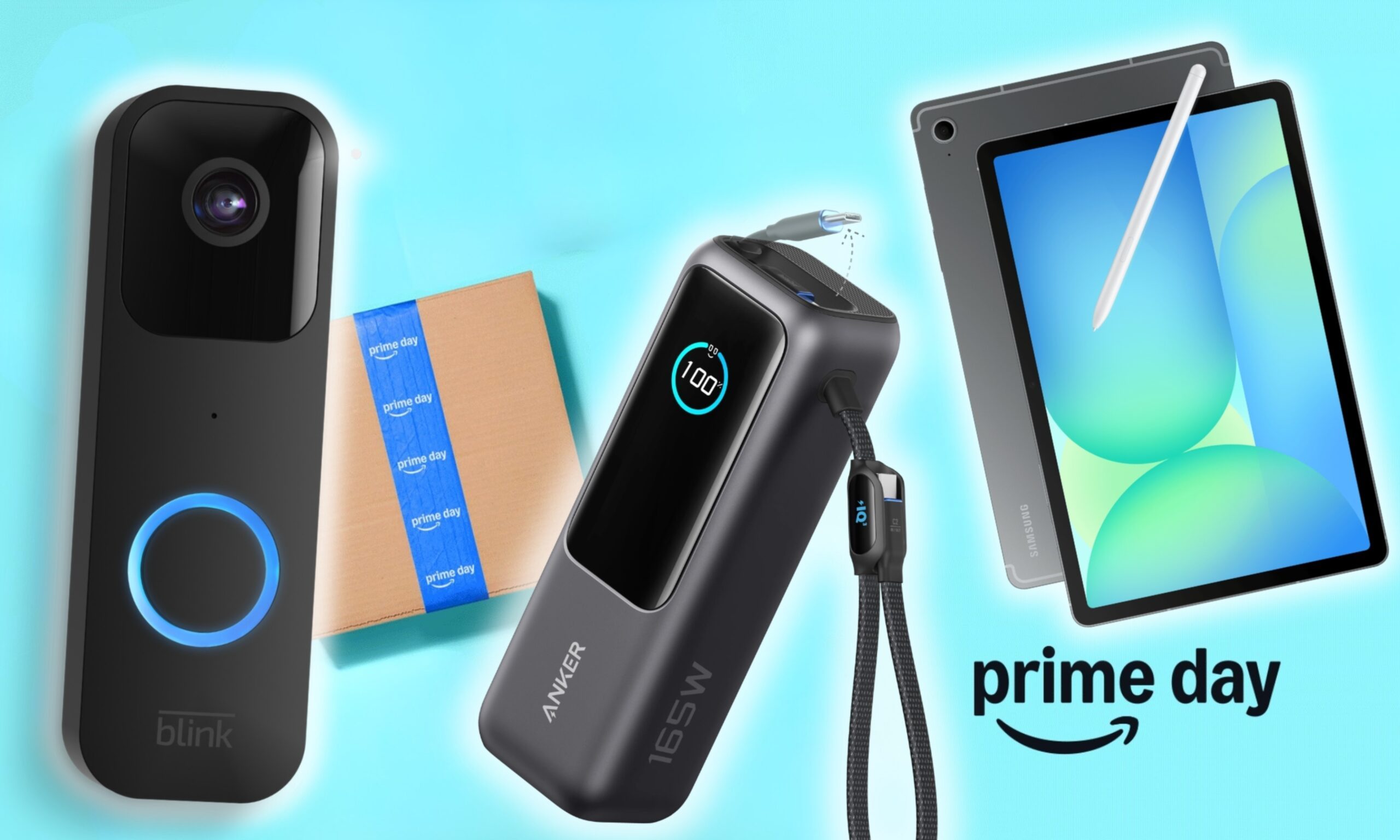
I dug these last-hour Prime Day smart home, laptop, and accessory deals that are irresistible
Deals up to 60% off, a few hours left, and no reason to wait any longer.
Electronics, Phone, Speaker

Amazon's Prime Day 2026 sale is in its final hours, giving you your last chance to get your hands on the best smart home, security, tablet, laptop, and accessory deals. I've pulled together the picks that are still live, still deeply discounted, and still worth buying before the sale ends tonight or until the stock lasts.

Best Amazon Prime Day deals on smart home devices

Read more