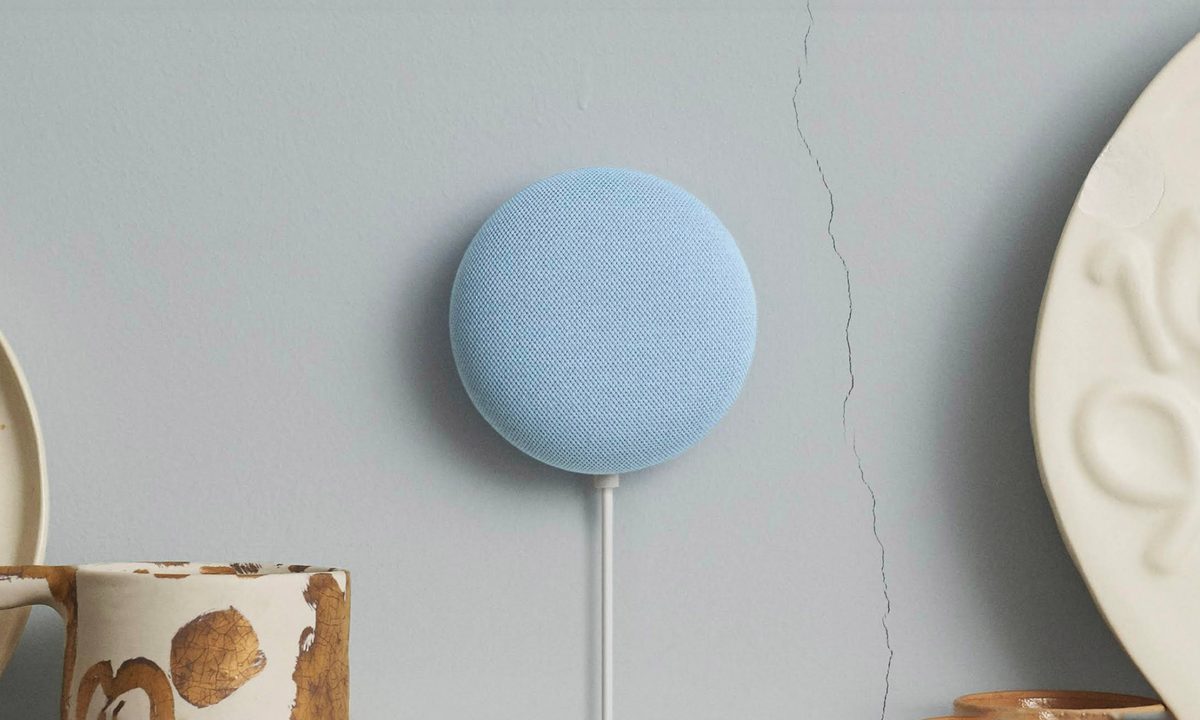
The Google Nest Mini is one of the most affordable smart speakers you'll find. For less than $50, it gives you access to the Google voice assistant, lets you dish out commands to connected smart home products, and is capable of producing surprisingly robust sound. While the smart speaker is great for entry-level setups, you might eventually want to sell your Nest Mini and upgrade to something more powerful. And before you do that, you'll want to wipe all your data from the device so its next owner doesn't accidentally gain access to any of your personal information.
Google made it easy to do this with its factory reset feature. This will return the smart speaker to its original factory settings, ensuring all your data is permanently deleted.
Looking to get rid of your device? Here's how to factory reset the Google Nest Mini. Whether you own the old Google Home Mini 1st Gen or the newer Google Nest Mini 2nd Gen, the process takes no more than a few seconds.
How to reset Google Nest Mini (2nd Gen)
There are currently two generations of the Google Home Mini. If you’re not sure which one you own, flip the speaker over. If there’s a wall-mount screw slot, it’s a second-gen model -- commonly known as the Google Nest Mini. If there’s no screw slot at all, it’s a first-gen.
Step 1: On the side of your device, you should see a microphone on/off switch. First, flip that to the off position. The LED lights on the top of your speaker should pulse orange.

Step 2: After about five seconds, your device will automatically begin the factory reset process. Continue to hold for about 10 seconds. You should then hear a chime, indicating the reset process is complete.
How to reset Google Home Mini (1st Gen)
For the first-gen Mini, the reset button is located below the power cord on the bottom of your device. Do note that a factory reset cannot be performed with the Google Home app. For both generations, the only way to perform a reset is with the buttons on the speaker. Completing a factory reset will clear the data from the device, and it will get the speaker ready for a new user.
Step 1: Press and hold the reset button for about 15 seconds to factory reset your device.

Step 2: Similar to a second-gen reset, you’ll hear a chime once your factory wipe is complete.
Just need to reboot?
If you’re trying to reboot your Home Mini instead of performing a full-on factory reset, you can try a simple power cycle.
Step 1: Begin by unplugging the device, leaving it unplugged for about one minute, and then plugging it back in.
Step 2: You can also use the Google Home app and go to Settings > Device Settings, then press the More button (the three dots), to select Reboot.
Selling or trading in your Google Home Mini
You can exchange your Google Home Mini for another product in numerous stores. Target and Walmart will shell out approximately $4 for a properly operating Google Home Mini. The benefit of selling or trading your device at these megastores is that it is a convenient and swift process. Be aware that you probably won’t make as much money as you might if you sold it directly to another person. Still, your particular situation may warrant a speedy business transaction instead of more money.
You can trade your Home Mini with an interested buyer on many different websites such as Swappa, eBay, or LetGo. Swappa’s standard rate is around $20, so you’re sure to earn bigger bucks than you would if you tried to sell it at Target or Walmart. You’ll need to invest some time and effort if you want to see that payoff come full circle. Keep in mind that you might have to wait an extended amount of time before a customer comes along and makes an offer on your product. If you’re ready to walk the extra mile, we believe you’ll earn a better return on investment.
You always have the choice to make your device a tax-deductible donation. Doing this allows you to collect something for your item during tax time, even though you're giving it away.