 Two months after its initial announcement, Fitbit has finally shipped its latest fitness device: The Fitbit One. The tiny personal health tracker is meant to phase out the company’s first edition of the gadget, the Ultra, and maintains the same competitive price of $100. We’ve previously reviewed the Fitbit Zip, but should you spend the extra $40 for the upgraded version? Here’s our hands on verdict.
Fitbit One basics
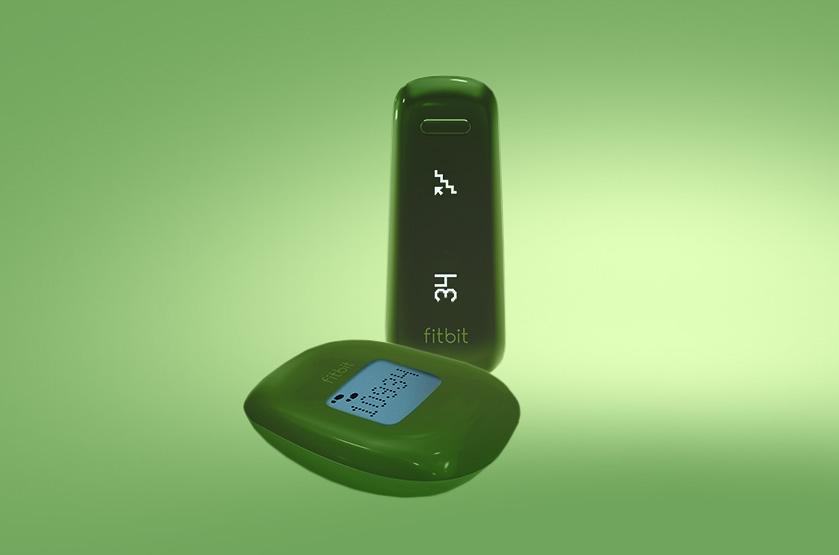
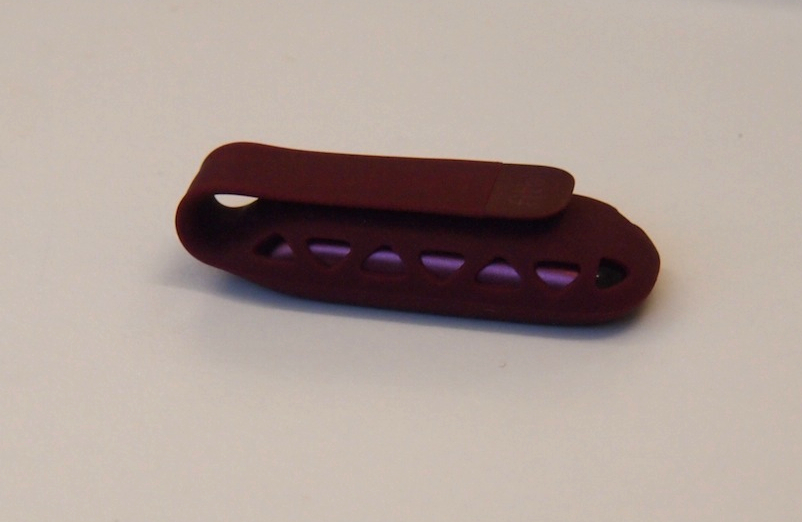
 The Fitbit One looks a lot like the Ultra – just a slimmed down version of its predecessor. Available in black or burgundy, the device comes with a silicon clip so you can attach it onto your clothes or carry in your pocket. The body of the device itself is mainly plastic with an LED display which alternates between showing you the amount of steps you’ve taken, floors climbed, calories burned, distance, time, and a stop watch feature. You charge the One with a USB cable and can get about a week’s worth of power in one charge.
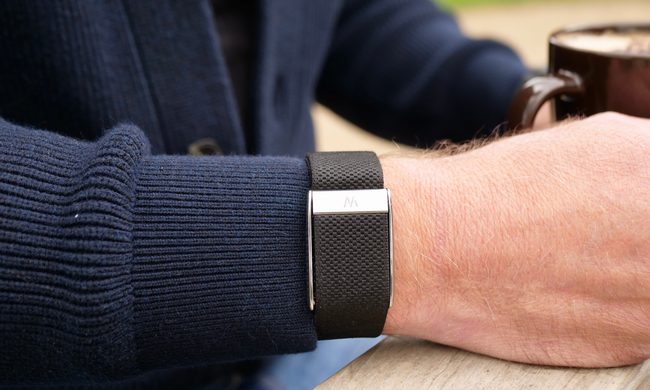
Unlike the Zip, the Fitbit One also has a wrist/arm strap so you can actually wear the device rather than clip it on. This is because the device is capable of tracking sleep on top of steps taken to help you evaluate your overall lifestyle. You can set the sleep feature to recognize you as a Normal or Sensitive sleeper – the latter in case you happen to move a lot throughout the night. This function is made so you can see how much sleep you actually get in a night’s rest and what your “sleep efficiency” is.
You can also set up a “Silent Alarm” that comes as a series of vibration on your wrist to help wake you up when it’s time to rise and shine. This is a neat feature that’s best for those who share a bed with someone else, and don’t want to wake them up when you have to. Overall, the sleep data makes for an informative bar graph, but it’s still up to you as the user to figure out a way to get better sleep.
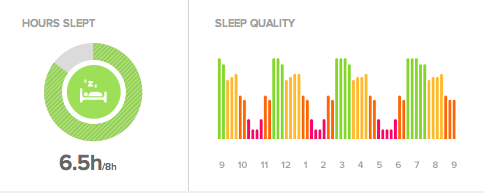
One gripe I have with the One is its inability to automatically recognize when a user has fallen asleep. The device requires you to manually push a button when you sleep and wake up so it calculates the twists and turns you take during your sleep – so if you forgot to start or stop the clock during this period, the readings will be off. You also can’t go in the Fitbit Web interface to manually correct the times.
One versus Zip differences
 Aside from the sleep feature, the One also comes with a few more upgrades from the Zip. One of the more notable feature is the LED screen which allows you to actually see your data in the dark (the Zip has no backlight). Its Bluetooth capability also allows you to sync your data straight to your mobile device, as well as transfer the information over to other fitness apps such as RunKeeper, LoseIt!, or MyFitnessPal. It’s an incredibly handy tool to help bridge all your mobile exercise routine together.
The USB charge is also an improvement over the Zip’s coin battery that needs replacement every six months. Instead of worrying about when the device will run of out juice, you can always keep the One plugged in a few hours a day to guarantee the day’s activity. The ability to wear the One on your wrist is also convenient, but can be a bit too obvious for those who prefer to keep their gadgets a bit more hidden.
Aside from these differences, the One and Zip operate in, more or less, the same manner. You’ll still see all your steps (and sleep data) logged on the Web interface, you can still customize personal goals, you still have to input exercise or food logs separately, and it’s still not shower-safe. Oh, and the device still greets you with an adorable smily face when you get a lot of steps in your day.
Bottom line
So, is the extra $40 worth the upgrade from the Zip to the One? If you actually care about your sleep patterns, or aim to use it in conjunction with fitness apps to get the most out of your mobile devices, absolutely. The better screen and Bluetooth functionality is made for those diligent enough to keep at their workouts thanks to a few apps and gadgets. If you are on a budget and want just a simple tool to track calorie burn and steps taken, the One will do just fine to keep you aware of daily activities.

At $100, the Fitbit One is one of the more affordable wearable fitness trackers on the market. There are some limitations, such as the lack of waterproofing and automatic sleep sensors, but it’s the perfect entry-level item for those who want to get started on changing their lifestyle.