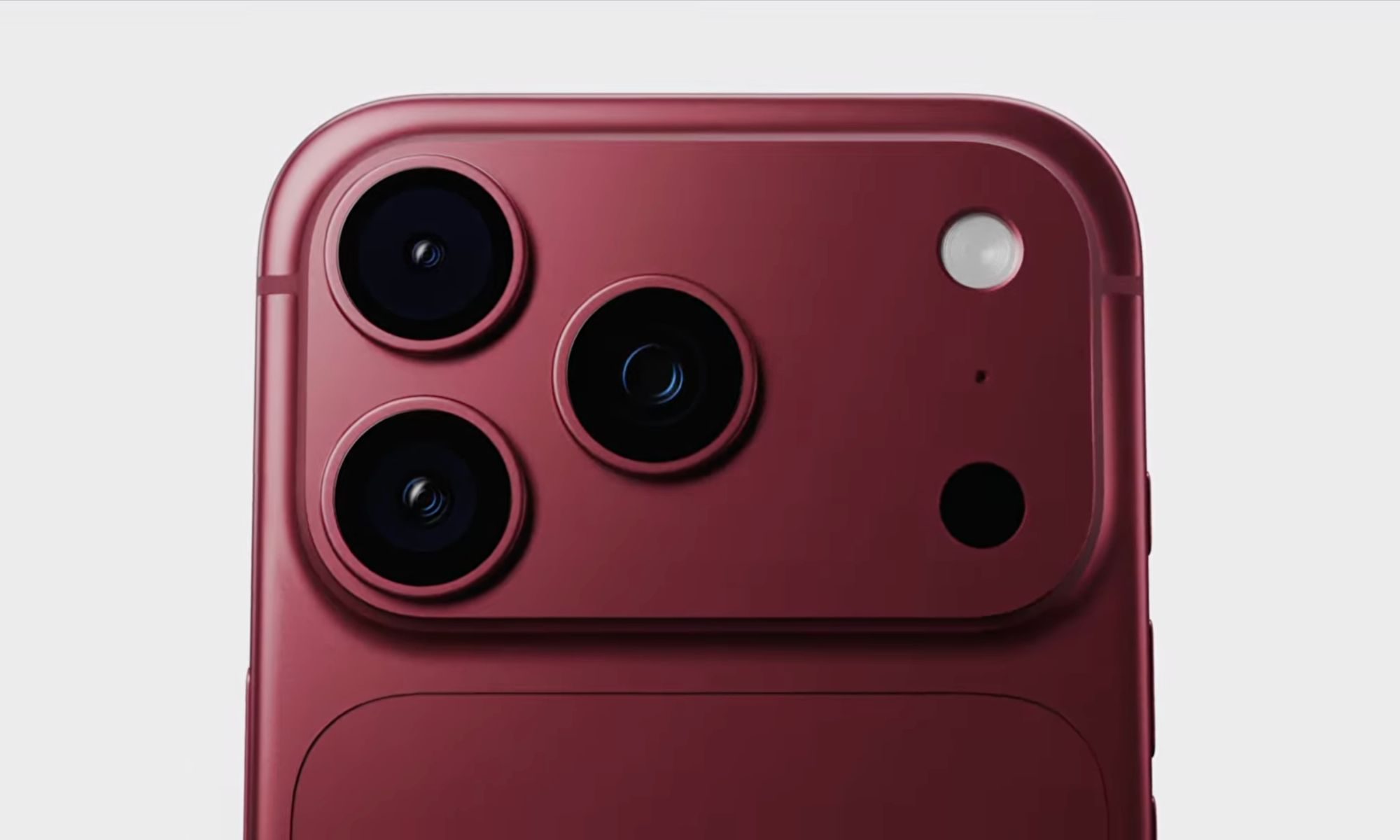
In the second week of June, Apple will likely give the world a glimpse of its jazzed-up operating systems at WWDC 2025, and a major redesign is expected for iOS 19. Though I’ve always yearned for a return to the skeuomorphism look, we are hearing that Apple is eying a unified aesthetic language that is more reminiscent of Vision OS running on its uber-expensive headset.
A lot of eyes and ears will hunt for AI-related announcements, especially in the wake of Apple Intelligence flubs and delays. On the more practical side of things, an AI fitness coach might land this year with the iOS 19 update. But after going through all the hype and rumors, I hope Apple brings back the following features that it abandoned years ago, but with a modern makeover:
Game Center app
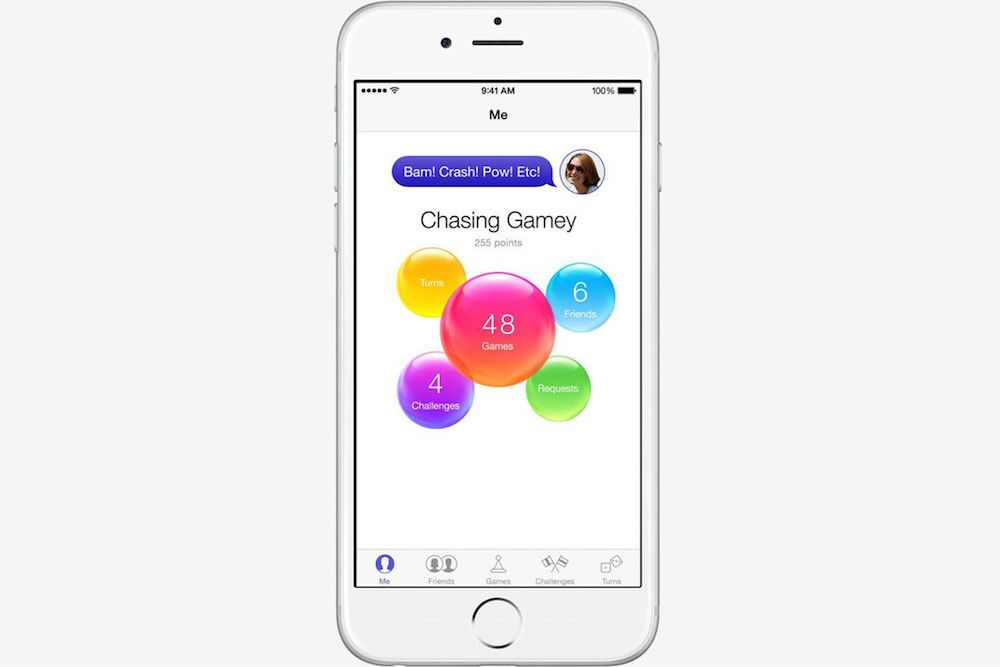
Apple removed the Game Center app with the arrival of iOS 10 back in 2016. It continued to live on under the same name, but not as a standalone app. Instead, the company started to call it “Apple’s social gaming network” and buried it within the Settings app. It’s time Apple brought it back.
Over the past few years, the gaming ecosystem has changed a lot. Apple is now host to AAA titles such as Resident Evil and Death Stranding, and more heavy-hitters are on the way. The Apple Arcade library is its own little universe of some beautiful games. Plus, users now stream games across a variety of services such as Xbox Cloud and Nvidia GeForce Now.
What Apple needs right now, is a dedicated app that serves as a one-stop shop for all the gaming needs of iPhone users. Something like a dedicated launcher, with its own set of tools for utilities like screen capture, social sharing, and even some performance tuning.

The Backbone app shipping with the eponymous controller is a fantastic example of how a revived Game Center app should pan out. Plus, there are a few rumors from last year claiming that a unified gaming app was in the works at Apple, so there’s that, too.
Landscape home screen
There is no better time to pull this off than iOS 19. We recently came across murmurs of Apple cooking up a desktop mode for iPhones, something that would be similar to the concept of DeX mode on Samsung phones. While at it, why not bring back a rotating home screen to the iPhone, as well?
Apple used to offer a landscape home screen mode exclusively on its first-gen “Plus” smartphones, such as the iPhone 6 Plus. The idea was to make the best of that “large” 5.5-inch screen real estate. It was not merely a shuffled placement for app icons and widgets, but also included some extra functionalities, as well.
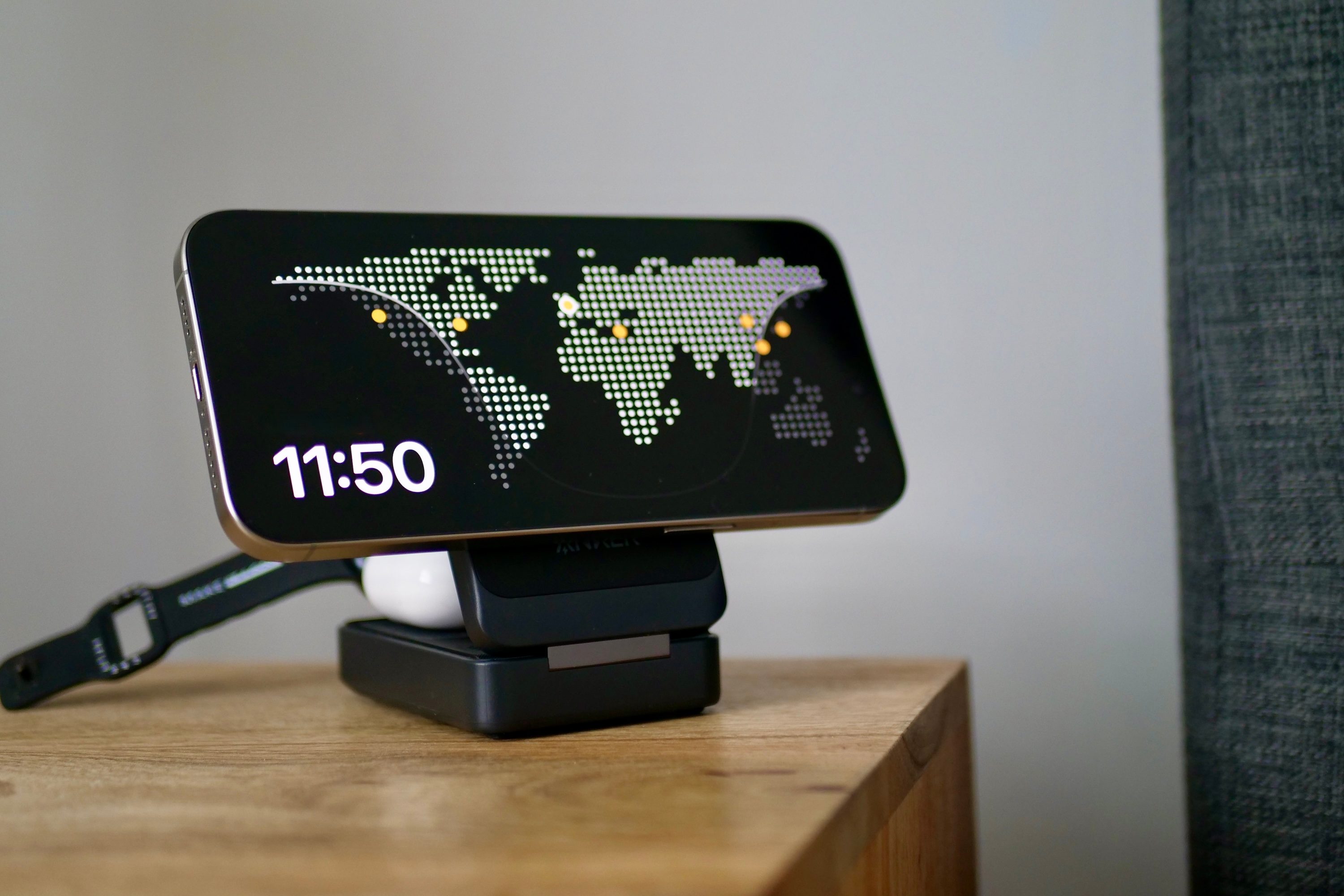
With the arrival of iPhones with Face ID, Apple abandoned the concept. Years later, a landscape-oriented Standby mode arrived on iPhones, delivering a more stylish and glance-friendly lock screen experience.
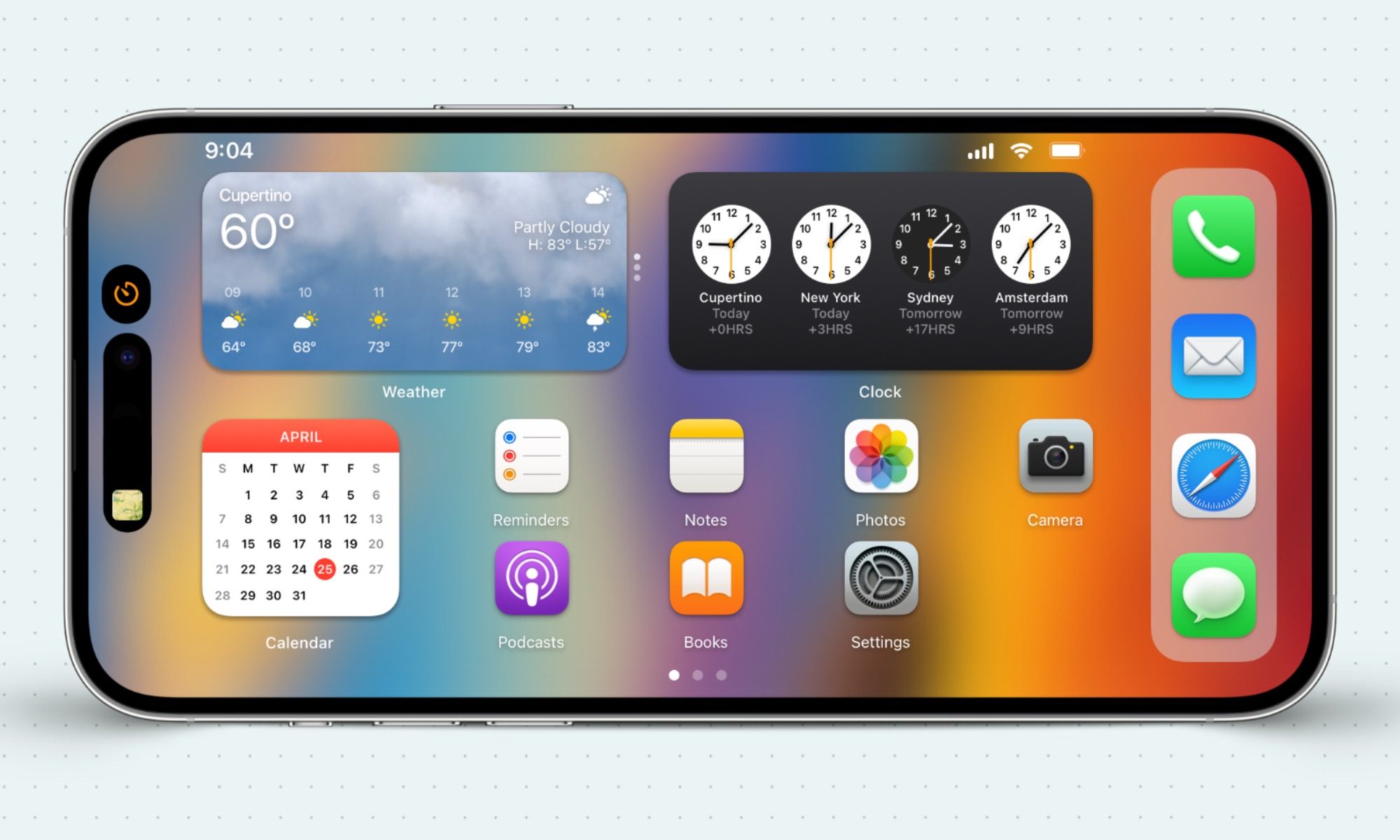
Apple needs to build on those foundations and bring back the horizontal home screen mode. Also, the company is working on foldable phones, so it’s quite likely that a more adaptable home screen system is on the horizon for iOS. I just hope that a prelude for it lands with the rumored desktop mode due for an appearance at WWDC next month.
A full-screen Siri
Siri used to hog all the screen space up until iOS 14, but its capabilities were extremely limited. Now that AI has reimagined what a personal assistant can accomplish, a full-screen functional makeover for Siri is something I desperately wish iOS 19 could bring to the table.

I still don’t understand why Siri hasn’t returned to its full-screen roots, despite Apple now offering a world-understanding AI feature called Visual Intelligence. Google, on the other hand, has offered all the flexibility, even on iPhones. You can choose to invoke Circle to Search at any spot in the Android UI.
Then you have Gemini Live, which can chat, look at the screen, or the world around you through the camera. Soon, it will even be able to talk about data stored in your Google ecosystem apps. Essentially, it’s about to evolve into an “everything AI” app. Apple is not too far, but the approach is pretty scattered.
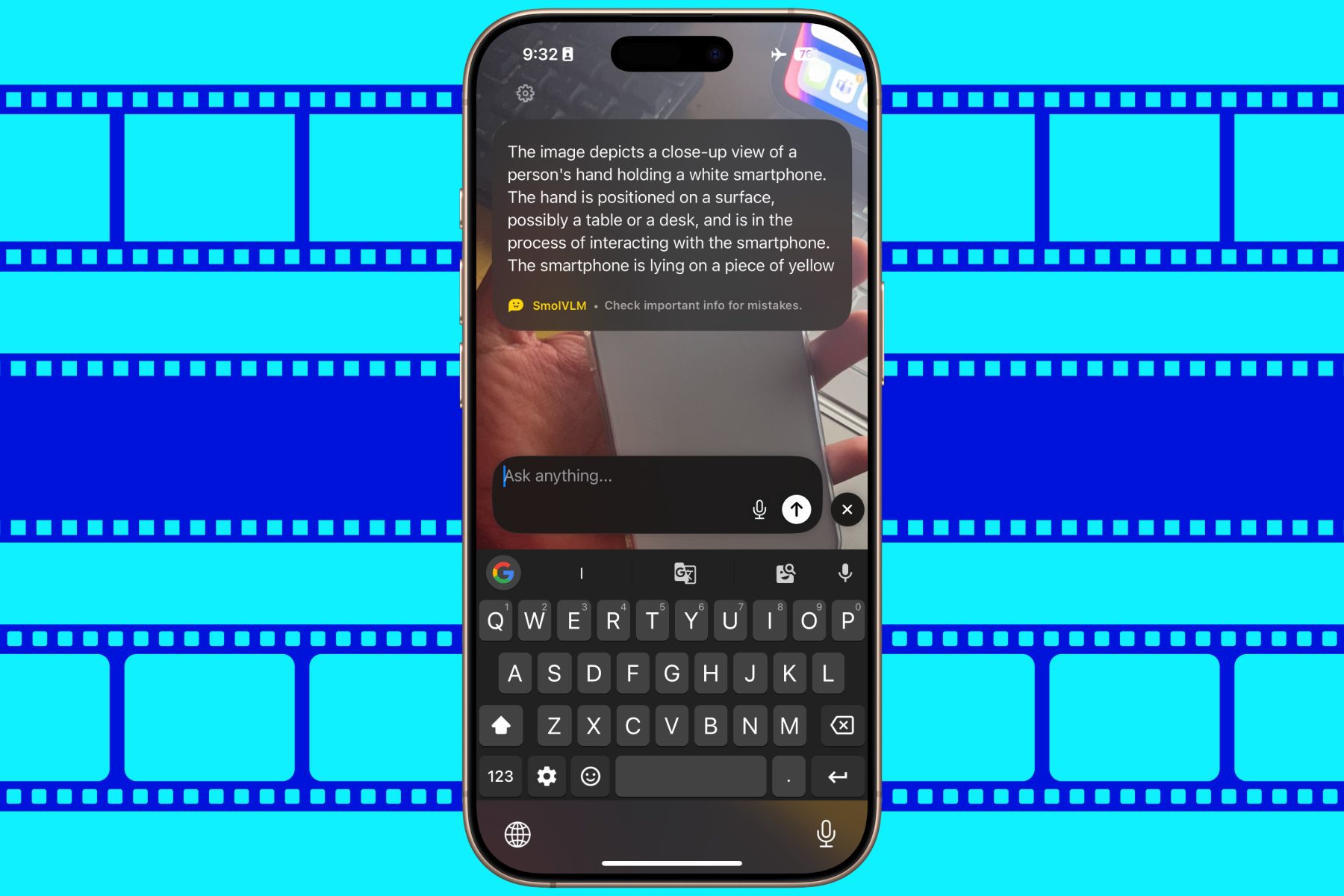
You can invoke Siri, which then offloads some of your requests to ChatGPT. For Visual Intelligence, it’s a different UI flow and a shortcut. Why not bake it all neatly on a full-screen interface, with dedicated buttons for the marquee tools in the corner or a bottom bar, while leaving the rest of the screen for users (and the AI) to make sense of.
Live Wallpapers
One of the more underrated but aesthetically pleasing elements of iPhones, not too long ago, was live wallpapers. With the arrival of iOS 16, it rode into the sunset. In case you’re not familiar, Live Wallpapers were, well, wallpapers that were dynamic, but only kicked into animated action when you long-pressed on the screen.
There was a whole category of live wallpapers in the settings section, alongside a Dynamic preset, as well. Apple removed the system because the long-press gesture now invokes the extensive lock-screen customization system. But I guess now is the right time to bring it back, with some user customization facility.
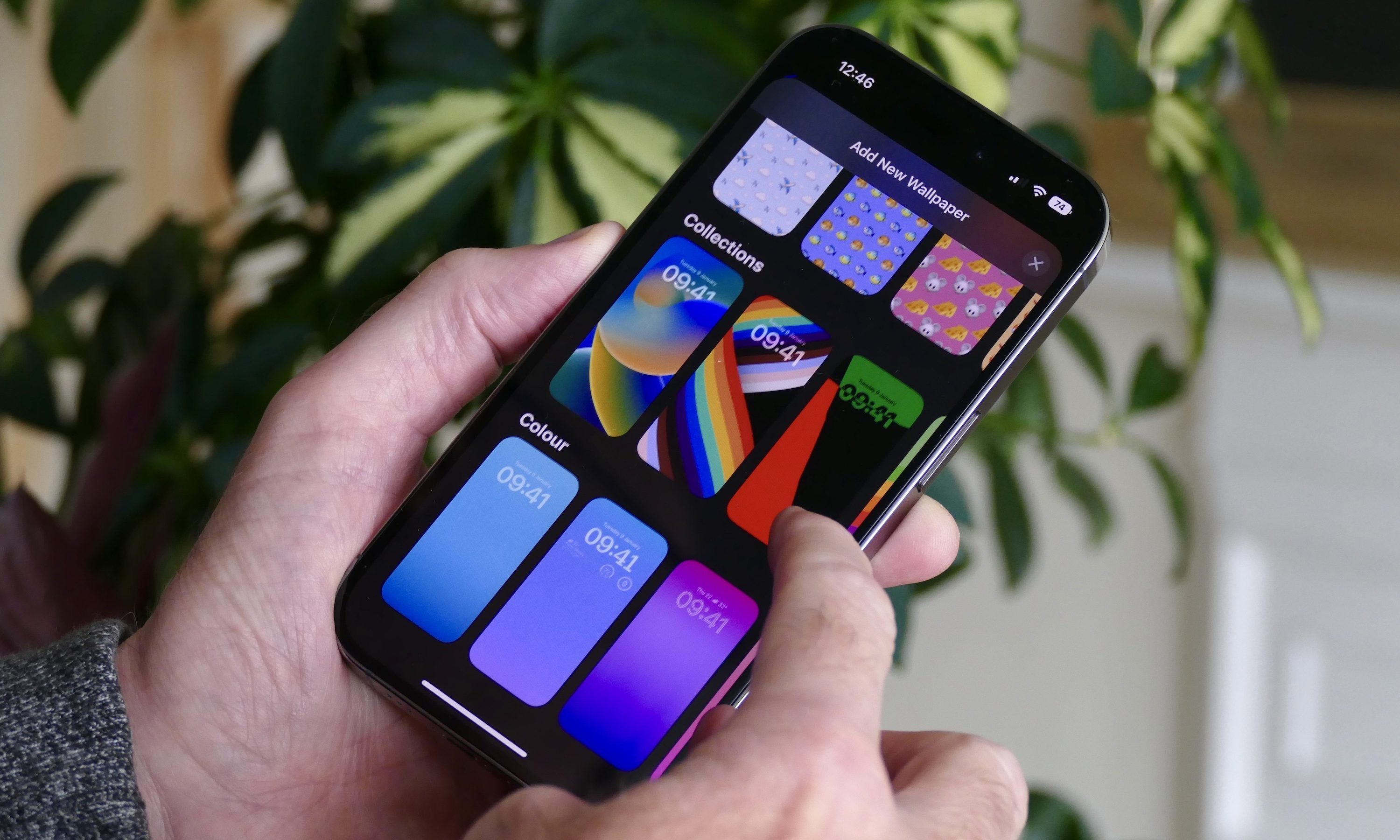
Apple already has some impressive text-to-image AI features ready within the Apple Intelligence stack. Elsewhere, partners like OpenAI are already doing text-to-video. Why not bring some of that magic to let users create their own unique live wallpapers and watch them come alive, probably by letting them customize tap-to-wake or double-tap-on-screen gestures?
Doing so won’t overlap with the pre-existing long-press gesture for lock screen changes, while also letting users express their creative side on the iPhone’s screen. Come on, Apple, bring some fun back with iOS 19, will ya?
3D Touch
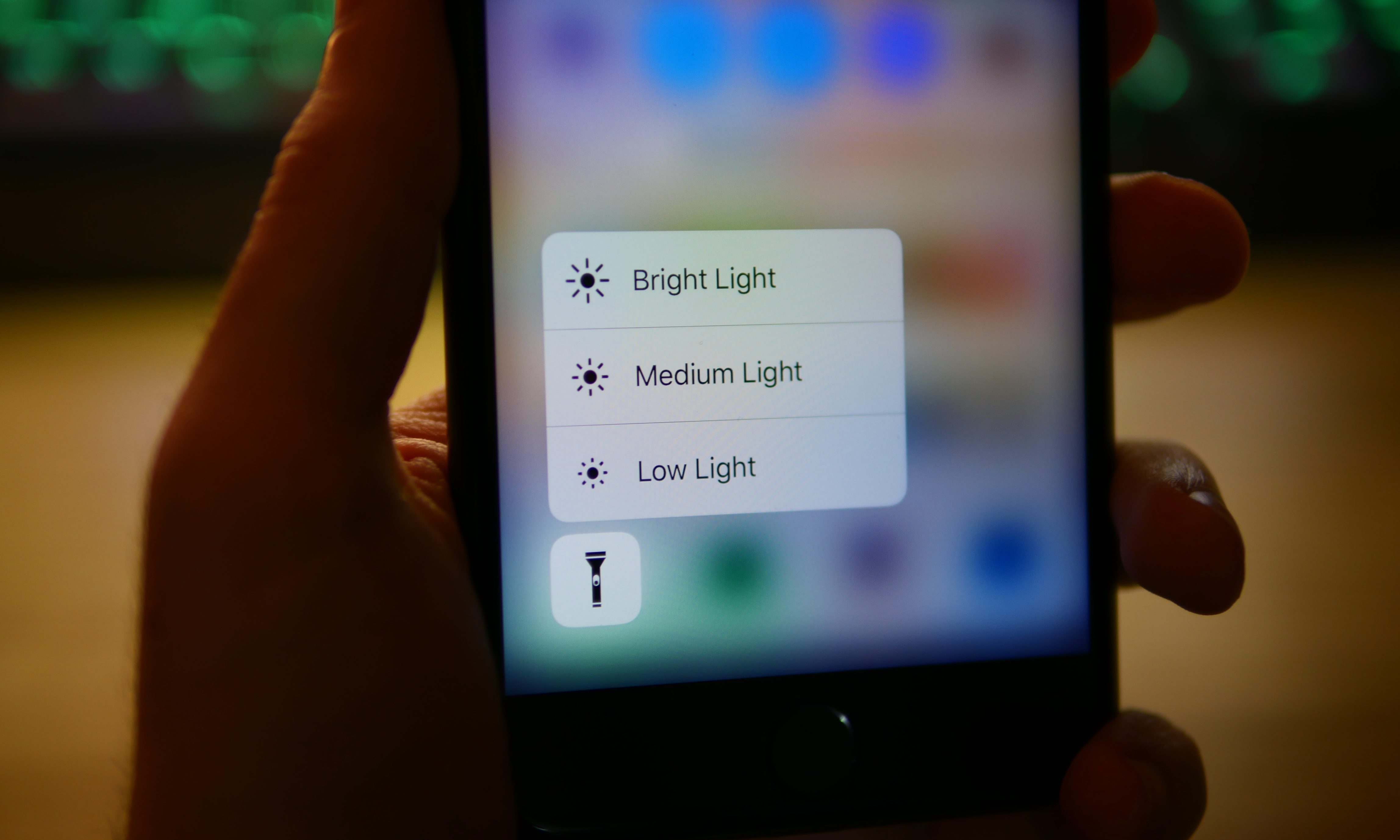
Yes, we’re still talking about 3D touch, over half a decade after its demise. A system that took advantage of pressure-sensing to perform contextual actions, 3D touch was a clever way to do more with less. It was replaced with Haptic Touch, but the gap is still felt among fans. If Apple somehow manages to revive it with iOS 19, it would make a lot of sense.
Look no further than AI for some functional inspiration.
A normal press opens the app, but a pressure-sensitive tap opens a contextual window where either Siri, shortcuts, or a third-party AI agent takes over. For example, instead of opening a transcriber app, simply long-press on a recording, and move the action to a next-gen Siri, which can also handle a few extra steps like summarization, format conversion, and translation while at it.
At the end of the day, make it all contextually aware. Bloomberg recently reported that Apple was planning to expand its in-house AI models to app developers. I believe it’s a good time to bring back 3D touch, and let it rewrite the user experience for iPhone users once again, one where they are in control while also possessing the flexibility to offload their chores to AI models.