Smartphones have profoundly changed the way people live, communicate with each other, and keep themselves entertained. But like everything else, there’s a downside. Corrupt people always want what doesn’t belong to them, and devise elaborate criminal methods to get what they want and make everyone else miserable. When thieves hack smartphones, they take more than possessions — they steal information, money, identity, and — in some cases — reputation, all of which can destabilize and endanger the target’s health and well-being.
Don’t bother expending any effort to identify the hacker. While it’s possible to find out who broke into your phone, most of these searches wind up failing. That’s because most phone hackers operate on the dark web and behind proxy servers. They specialize in covering their tracks. Most cyberattacks and phone hacks are carried out via malware, anyway, so despite how personal it may feel, mostly it’s not personal at all.
Hackers use various techniques to gain illegal access to your private assets and information, from SIM swaps, spyware, malware, phishing text, and social media malicious links, to straight-up data theft. Here are some of the ways you can recognize if your smartphone has been targeted by hackers, how to prevent it, and what to do if it happens.
Signs your smartphone has been hacked
Excessive pop-up ads
Beware of X-rated or screaming, flashing ads. Even if you don’t employ a pop-up blocker, it’s easy to discern the difference between legitimate content and number of pop-up ads and a potential criminal problem. Most pop-ups are generated by the site you’re visiting or an advertiser associated with that site. An excessive number of random ads, especially those outside of your range of interests and particularly of the sexually oriented or porn variety, signal trouble.
Texts or calls you did not send or make

Monitor your incoming and outgoing texts and calls. If you see calls or messages you do not remember, or bookmarks you did not create, someone else could be making them for you via a hacked handset.
Excess data use
Month by month, you know approximately how much data you use, so if that level starts to spike for no apparent reason or extra use, that may be a sign you’re getting some unwanted outside help.
Strange apps
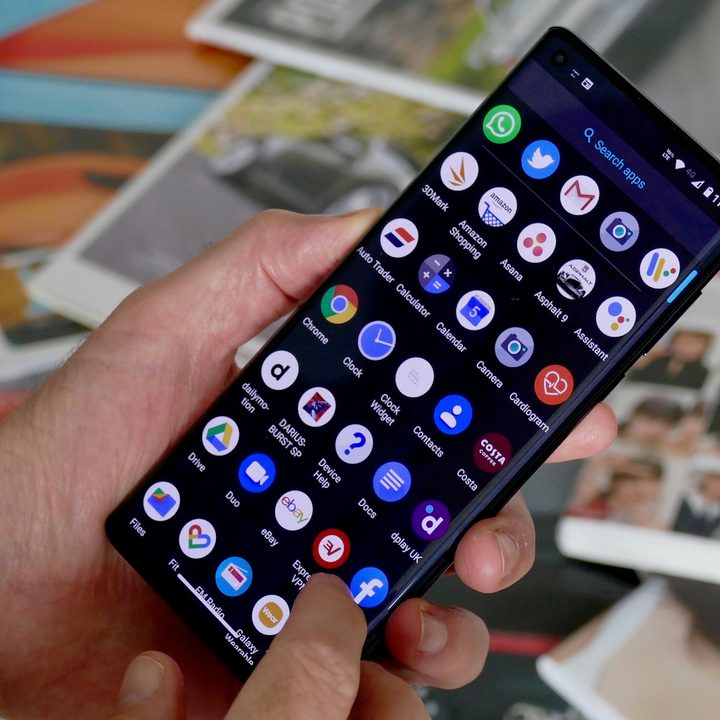
Both iOS and Android phones come with a slate of apps that vendors believe users need and want. We all know those apps — some are easy to get rid of, some are integral to the functioning of the device, and others are disposable. The problem arises with third-party apps that you do not recognize, remember downloading, or even use. Mystery apps are a sign that your phone has been hacked.
Battery drain
If your smartphone battery quickly depletes, even though you are not using your phone any more than usual, this could indicate the presence of hacker-controlled malware or spyware apps on your device. While a smartphone’s battery life degrades over time, a phone infected with malware or spyware shows more battery drain than would be considered normal. Malicious apps leverage mobile resources like data and battery to run in the background, monitor your device, or transfer data to outside servers.
Poor performance

As smartphones age, batteries drain more quickly and updated apps may use more resources as older phones struggle to keep up. This is to be expected. However if your phone freezes, crashes applications, switches on and off at will, and continues to run apps even after you have closed them, that spells trouble.
Running hot
If your handset suddenly feels unusually warm or hot to the touch, it may be the result of malware of data mining apps consuming resources in the background — or even someone remotely controlling your device.
Password issues
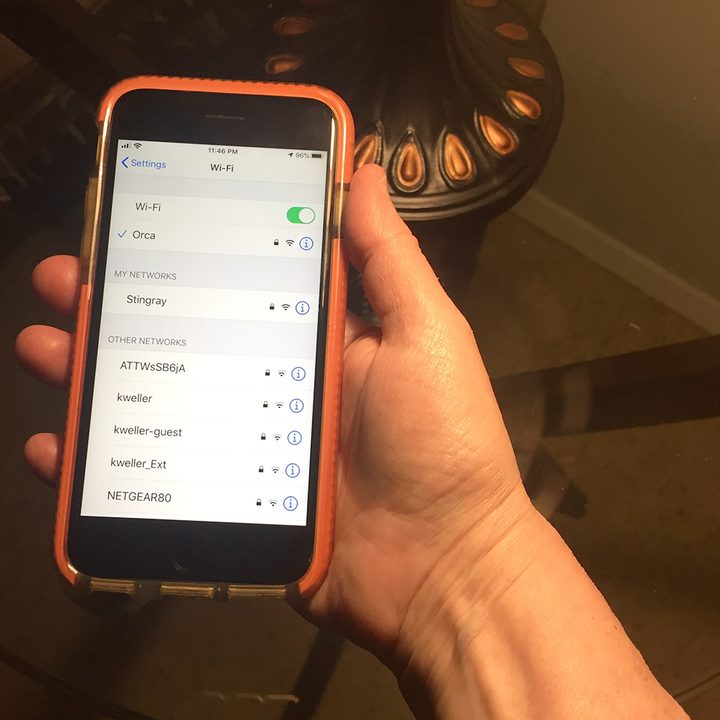
If your passwords stop working, or settings have been enabled or disabled without your input, it may signify the presence of an unwanted third party controlling your phone.
Phone won’t shut down
If you cannot turn off your phone completely or at all, it may be because it has been hacked in order to stay available for criminals to rob your information.
Camera invasion

Yes, your camera can be hacked. For example, you may notice photos and videos in your camera roll or gallery that you don’t remember taking.
How to keep your smartphone safe from hackers
While there’s always a danger of criminal smartphone invasion, here are some simple tips to help keep your smartphone safe.
- Install a mobile security app to scan and eliminate malware and spyware.
- Always employ two-factor authentication whenever it’s available.
- Keep your mobile phone software up to date, as updates generally enhance security.
- Lock your SIM card.
- Store sensitive information like credit card numbers only within a secure app.
- Uninstall apps you are no longer using.
- Turn off your mobile hotspot and Bluetooth when in public.
- Avoid using public Wi-Fi and charging ports, or use a USB data blocker if necessary.
- Always lock your phone with a passcode.
- Use VPNs to secure your browsing and keep it private.
- Only download apps and attachments from trusted sources like the Google Play Store and the Apple App Store.
What to do if your smartphone gets hacked
Despite all the precautions, it’s still possible for determined hackers to invade your smartphone. If your smartphone has been hacked, here are some tips on how to mitigate the damage.
- Immediately change all passwords and use a password manager to generate some strong new passwords.
- Restore your smartphone to its factory settings for iOS and Android, if necessary.
- Inform all contacts to ignore messages or links from you until the issue is resolved — this protects your friends, family, and associates if someone has hacked your phone and is sending out bogus messages.
- Secure your log-in process with two-factor authentication, if you have not already done so.
- Uninstall all suspicious apps — apps you don’t remember downloading and any apps you don’t use.
- Check your credit cards and bank accounts for unauthorized activity. If you find anything amiss, contact the company immediately to report it. You may want to close out your current accounts and open new ones.
- Clear your online browser’s history, cache, and cookies and enable private browsing.