

Ever since news of Google Reader’s impending destruction hit the Web, people who’ve made the RSS service a part of their everyday routine are making sure they’re taking all measures available to try and save it. Other companies are capable of designing a similar product, and Digg already stepped up to the plate with the announcement of intent to build its own Reader. Zite, on the other hand, decided to do more than just appeal to the Internet public by asking them what they want in an RSS reader – it decided it’s best to show disappointed Google Reader loyalists that it’s very easy to find a replacement; it only took them six hours to build one.
As a company that champions better news content discovery, it is probably in Zite’s wheelhouse to design a new RSS service that can take over the reigns for Google Reader. In an announcement on its blog, Zite offered short condolences for the exiting reader and hoped to keep the ball rolling by providing a simple guide for setting up its alternate solution. “Zite was able to pull this together so quickly because of how our backend works,” the blog post read.
Those who’ve used the Zite app before can attest to how easy it is to compile the most-read news all over the Web into one simple source, and adding your Google Reader account has always been an option that ultimately improves the quality of your news sources. The reader Zite built, however, is not heavily reliant on Google’s infrastructure.
Hands on: zitereader
I remember being a Google Reader user once, but I haven’t used it in months (okay, maybe more than a year). However, I would like to try and save the feeds I used to keep tabs on, so I decided to give the new Zite reader a whirl.

Upon installing and booting the Zite app, you are immediately asked to link some of your social media accounts to improve the content the app collects for you. In case you didn’t know, Zite takes pride in using algorithms that enhance your news browsing experience the more you use and interact with the app.
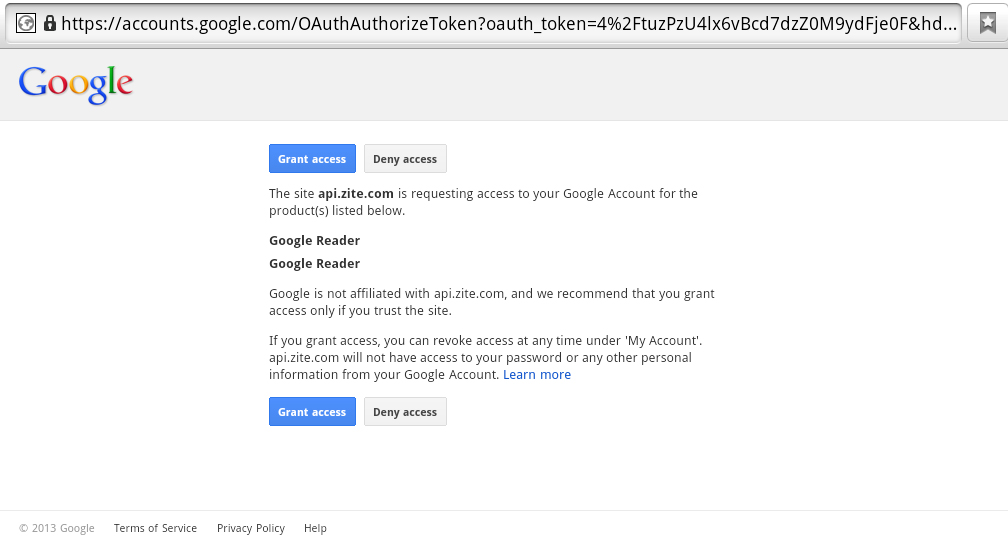
A Google page will pop up to ensure that you grant Google Reader access to the Zite app. Go ahead and click Grant Access. Give the app a few minutes to create your magazine. Maybe ponder on possible reasons why Google Reader had to be discontinued.

You will then be asked to choose sections you would like to have in your magazine. The top-most option is called the zitereader, which is basically all your Google Reader feeds compressed into one feed.
More on the Zite reader
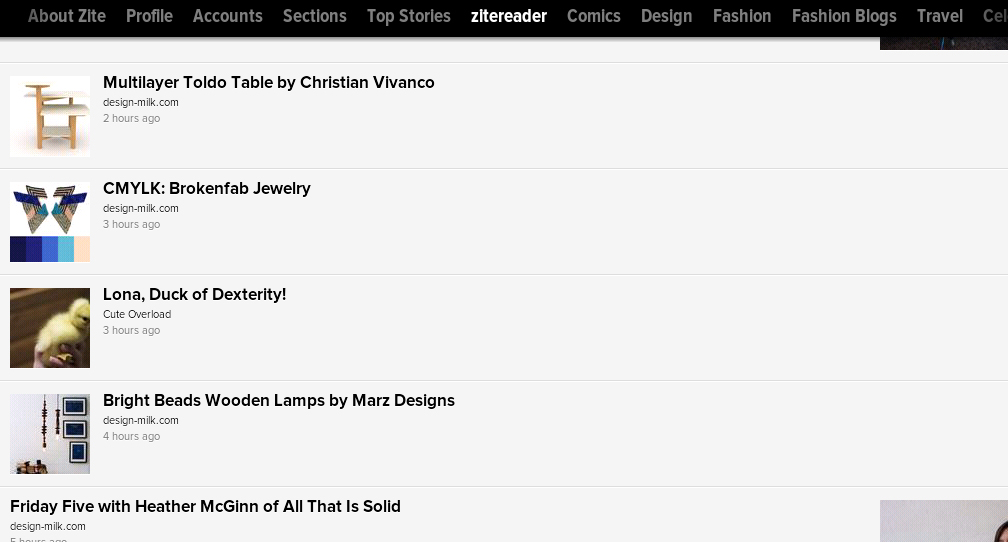
Zite’s reader design is very basic, with a few limitations. Right now, your Google Reader feeds can only be force-synced by re-linking your account and will only appear after adding a new category and restarting the app. The reader as it is does not index all your RSS feeds, an issue they plan to address in the next few days. If you organize your Google Reader feeds in folders, it won’t be reflected in the Zite app, but other ways for feed grouping and organization are currently being explored. Finally, even though the basic Zite reader does not offer an option to edit feeds, they intend to design a web-based platform that addresses the need.
If it only took Zite a mere 6 hours to develop a bare-bones reader, you can expect more companies to get in the game of creating an adequate Google Reader replacement till its scheduled departure on July 1.


