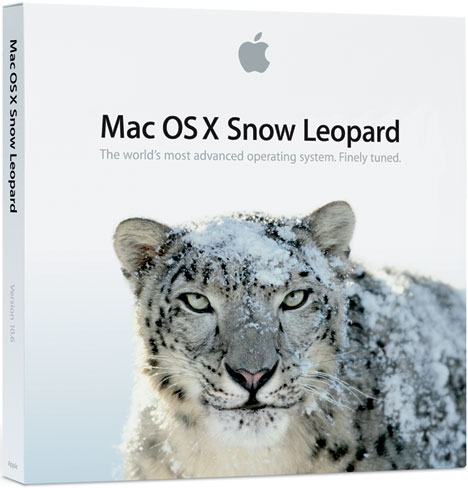
 Now that the snow on the ground last time Apple updated Mac OS X in November has finally begun to melt (if you’re somewhere Northerly, anyway), Apple has finally gotten around to releasing yet another Snow Leopard update. Version 1.6.3 brings a number of updates to speed, security and compatability for OS X users.
What will it do, exactly? Glad you asked. According to Apple, the 1.6.3 update will:
- improve the reliability and compatibility of QuickTime X
- address compatibility issues with OpenGL-based applications
- address an issue that causes background message colors to display incorrectly in Mail
- resolve an issue that prevented files with the # or & characters in their names from opening in Rosetta applications
- resolve an issue that prevented files from copying to Windows file servers
- improve performance of Logic Pro 9 and Main Stage 2 when running in 64-bit mode
- improve sleep and wake reliability when using Bonjour wake on demand
- address a color issue in iMovie with HD content
- improve printing reliability
- resolve issues with recurring events in iCal when connected to an Exchange server
- improve the reliability of 3rd party USB input devices
- fix glowing, stuck, or dark pixels when viewing video from the iMac (Late 2009) built-in iSight camera
Full information on the exact security fixes can be found on another Apple support document. The full update weighs in at a whopping 719MB.
Editors' Recommendations
- These 6 tweaks take MacBooks from great to nearly perfect
- 10 Mac trackpad gestures that everyone should be using
- The 6 best ways Macs work with your other Apple devices
- How to delete a user on your Mac and free up disk space
- How to speed up your Mac and get it back into shape