Pokémon Bank is a downloadable 3DS app that lets you store your Pokémon in an online server, rather than in a specific game, and transfer them between games. It’s useful for sending Pokémon from old games into newer ones, like last year’s Pokémon Sun and Moon, or if you want to get rid of a game (say, by trading in the cartridge) but want to save all your Pokémon somewhere for the future.
With the recent Pokémon Bank update, the app is finally compatible with Pokémon Sun and Moon, something fans have been waiting for since the games launched in 2016. Many players will be logging into Bank for the first time, but it’s not the most intuitive app. Use this guide to learn exactly how to use Pokémon Bank.
Download or update the app(s)
First off you need to download Pokémon Bank and/or Poké Transporter (if you want to transfer Pokémon from games older than Pokémon X and Y). Head to the eShop from the 3DS’s main menu and use the search field to find them.
If you already have the apps and just need the updates, it’s a bit of a process. To update Pokémon Bank simply open the app while connected to the internet and you’ll receive a prompt. To update Poké Transporter you may have to follow these steps: Open the eShop, tap the menu button in the upper left, scroll down to “Settings/other,” scroll to updates, and go down the list until you find it.
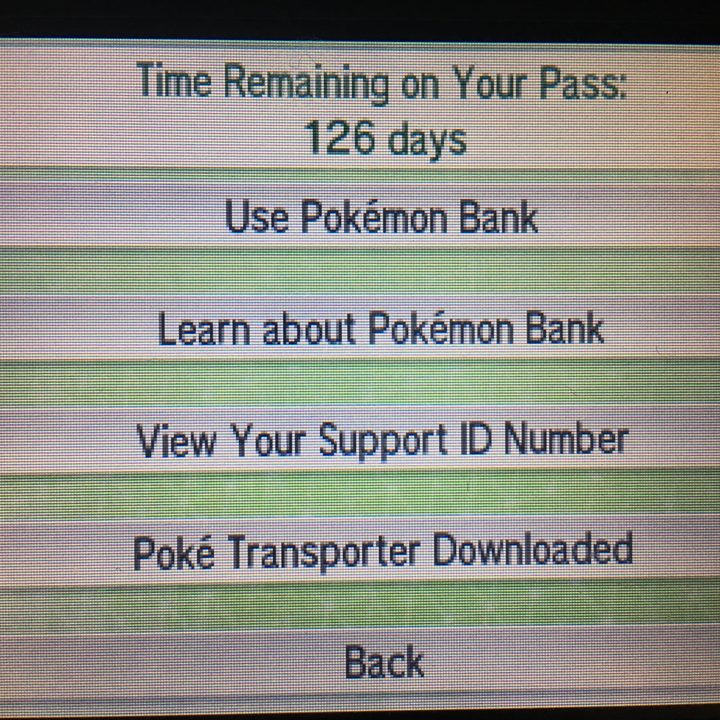
Get to know Pokémon Bank
The main app itself has four main menu options. Select “Use Pokémon Bank” to get started right away. “Learn about Pokémon Bank” imparts some useful information, like the fact that if you try to deposit Pokémon holding items, the items will be transferred to your bag automatically.
From the menu you can also view your support ID number, which you’ll use if you need to contact customer support, and go directly to download Poké Transporter if you haven’t already.
Pay the subscription fee
Lastly the main menu will show how many days you have remaining in your subscription, which costs $5 for a year of Pokémon Bank access. If your subscription runs out while you have Pokémon in the Bank, you can still withdraw them, but only for a set period of time before they’re erased forever. Kind of terrifying, isn’t it?
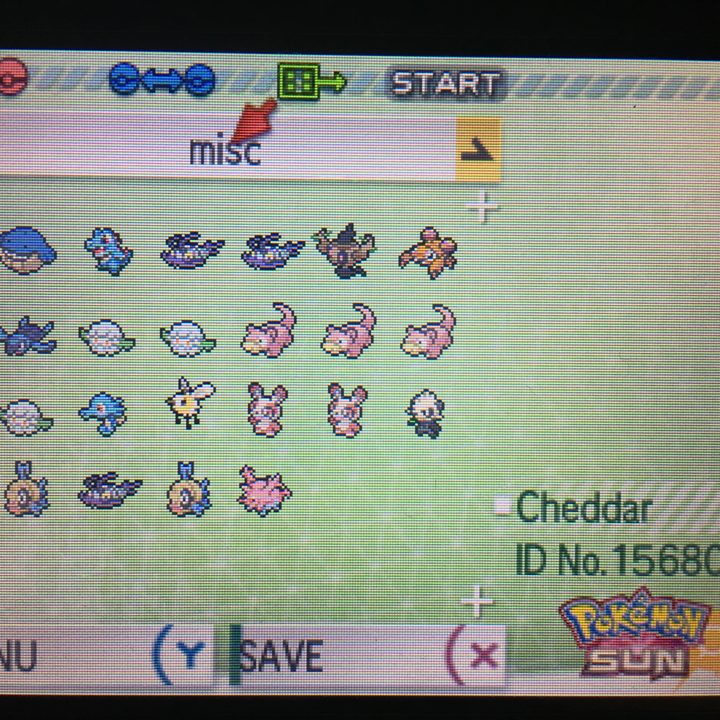
Use Pokémon Bank
The first thing you’ll do after selecting “Use Pokémon Bank” is select which game’s Pokémon you want to access. This will include the Pokémon game in your system’s cartridge slot as well as any downloadable versions of X, Y, Omega Ruby, or Alpha Sapphire that are present.
Select the game you want and you’ll head to the transfer screen. On the top 3DS screen are your Pokémon Bank boxes, while the bottom shows the PC boxes in whatever game you selected.
Weirdly, Pokémon Bank doesn’t use the system’s touchscreen, so you have to move the cursor manually to select a Pokémon, select “move,” and drag the Pokémon up to the top screen to deposit it in the Bank. Press X to save and quit when you’re done.
Pokémon Bank can hold up to 3,000 Pokémon in its 100 boxes, so it’s unlikely you’ll run out of room any time soon. There’s one additional box, the Transport Box, that we’ll explain shortly.
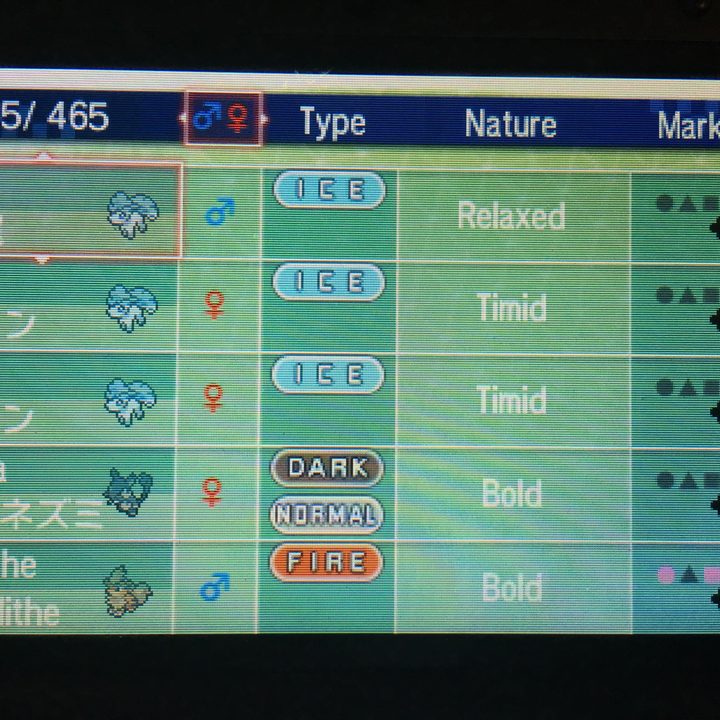
Search for the Pokémon you want
There are two other handy features you should know about. By pressing the “Y” button while using Pokémon Bank and opening the menu, you can view all the current game’s Pokémon in a list format.
From here you can move the cursor up and down to select Pokémon, or left and right to select a specific column, from gender, type, nature and marking all the way to shiny, Pokérus and Dex No. You can tap “A” on any of these columns to move the cursor down to the bottom screen, where you can then sort by that trait, search for specific Pokémon, or view the box in which a specific Pokémon is located.
The other option you can access from the menu is the Pokémon Bank Pokedex, which will update itself every time you open it to include all the Pokémon you’ve seen and caught in every Pokémon game you use with the Bank.
Using Poké Transporter
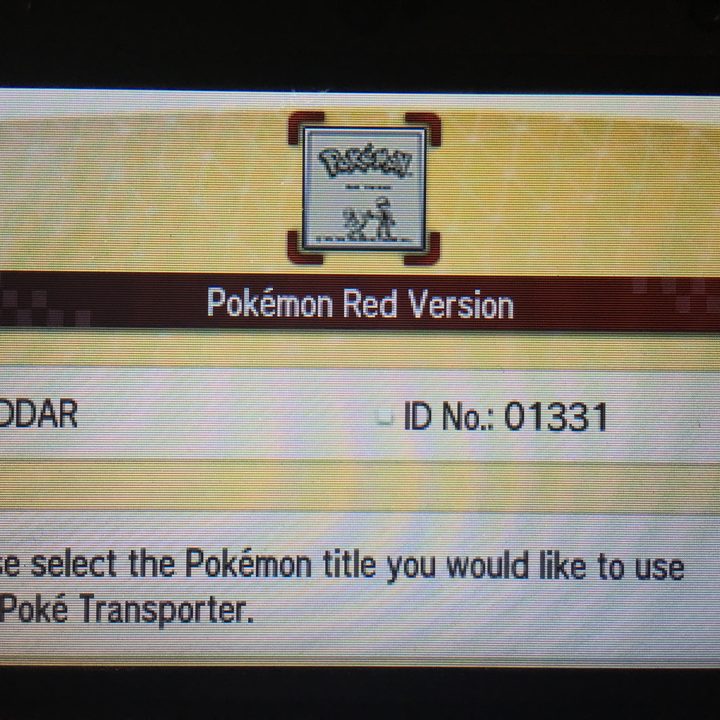
The separate Poké Transporter app is good for one thing: Transferring Pokémon out of Pokémon Red/Blue/Yellow, Black/White, and Black 2/White 2 into the Pokémon Bank. Why this function needed to be in a totally separate app is anyone’s guess, but that’s how it works.
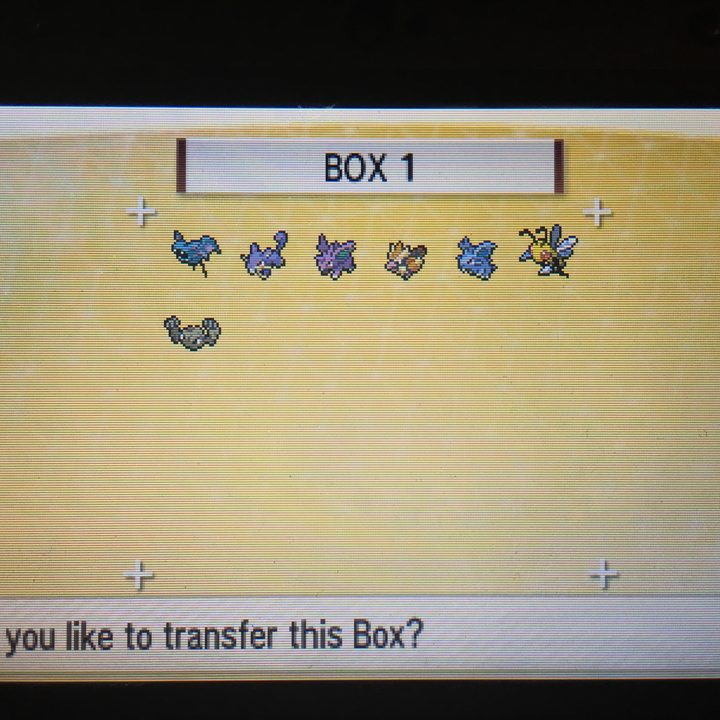
To transfer Pokémon from either the Black/White/Black 2/White 2 cartridges or the downloadable versions of Red/Blue/Yellow you’ll need to first open those games and move any Pokémon you want to transfer to box 1 of the PC in any Pokémon Center.
Next, open Pokémon Bank and select the game you’re transferring from. Confirm the transfer and all the Pokémon in box 1 of that game’s PC will be permanently transferred to the Bank’s Transport Box. From there you can move them to other Bank boxes and to newer Pokémon games (note that Red, Blue and Yellow Pokémon can only be moved to Sun and Moon, not to X/Y/Omega Ruby/Alpha Sapphire).
Transferring Pokémon from older games to Sun and Moon
There are ways to get Pokémon from even older games, all the way back to Ruby/Sapphire and Fire Red/Leaf Green on the Game Boy Advance, into the current generation games. These methods are generally pretty convoluted, but it is possible.
For example to get Pokémon from the GBA games into Sun/Moon, you need to first transfer them from the old rectangular cartridges into one of the first two generations of original DS Pokémon games: Diamond/Pearl/Platinum and HeartGold/SoulSilver. That requires an original DS system that had the Game Boy Advance cartridge slot, which later models of the handheld lacked.
Once they’re in any of those DS games you can transfer them to the later DS games, Black and White, which requires two DS systems and a trip to a special in-game location called the Poké Transfer Lab. From Black or White, you can use the Poké Transporter app to send them to Pokémon Bank, and then to Sun/Moon.
If you’re still confused, this graphic… probably won’t help you
Game Freak and The Pokémon Company released this handy and totally not illegible infographic to help you keep track of exactly where and how Pokémon can be moved around using the Pokémon Bank and Poké Transporter. Still, if you’re a visual learner, you might want to take a look.
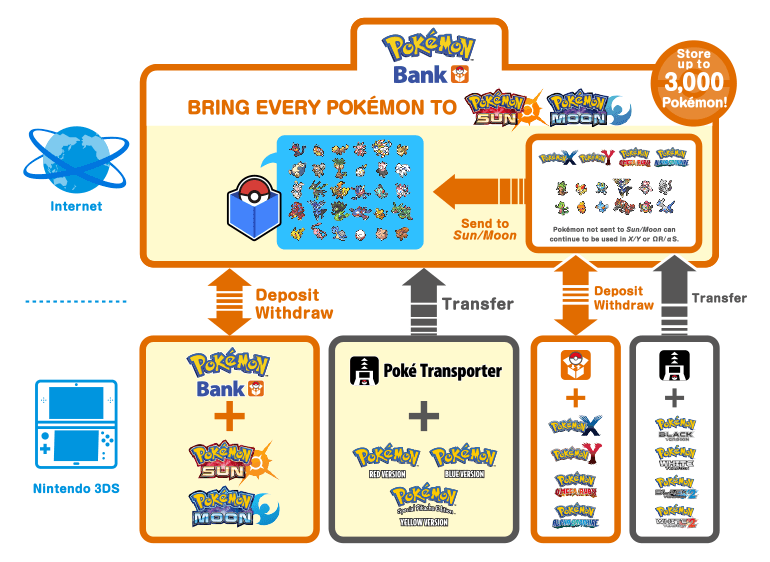
As you can see, it’s a lot of work, but some people really care about their Pokémon.