A RAW photo offers better image quality than a JPEG, but capturing RAW images was once a feature reserved for only DSLRs and other high-end cameras. But thanks to increasingly capable smartphone cameras and clever developers, it’s now possible to shoot RAW photos on your smartphone. In fact, both iOS and Android support RAW photo capture out of the box.
But to take your mobile photography even further, you’ll need an app that can really put those files to use. We’ve rounded up the best RAW-compatible mobile apps for both Android and iOS, each of which takes a unique approach to shooting, editing, and managing RAW photos on your phone.
Darkroom (iOS)
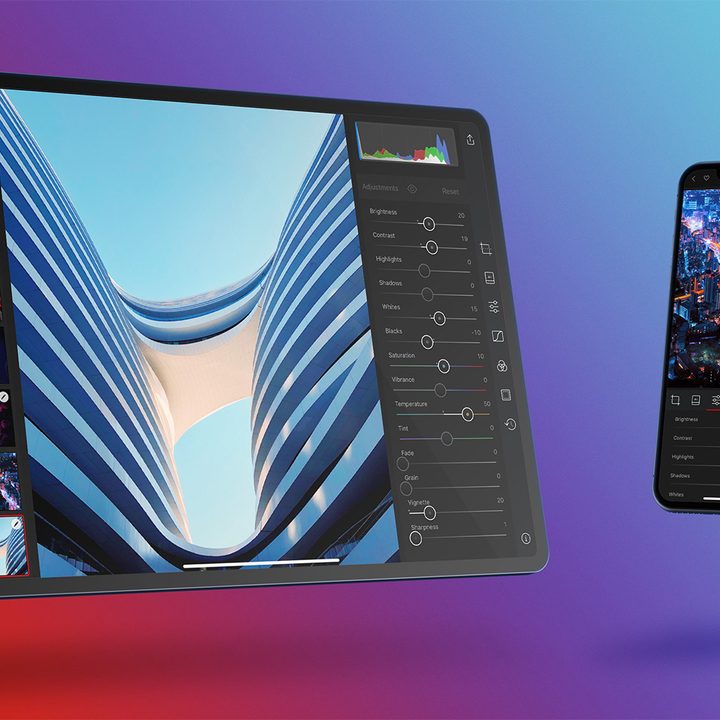
Darkroom is a full-featured photo editor for iOS designed for both iPhones and iPads that even includes keyboard support with shortcut commands on the iPad. In addition to offering full RAW editing, it also lets you separately edit the foreground and background of a portrait mode photo and adjust the amount of blur. The app offers a number of professional-level tools, including curves, selective color, and batch editing. It also offers some video editing and color grading capabilities. Thanks to a no-import process, it’s incredibly easy to set up and use — all of the photos on your phone show up automatically. Darkroom is free to download and use, but offers in-app purchases.
Adobe Lightroom CC (Android, iOS)
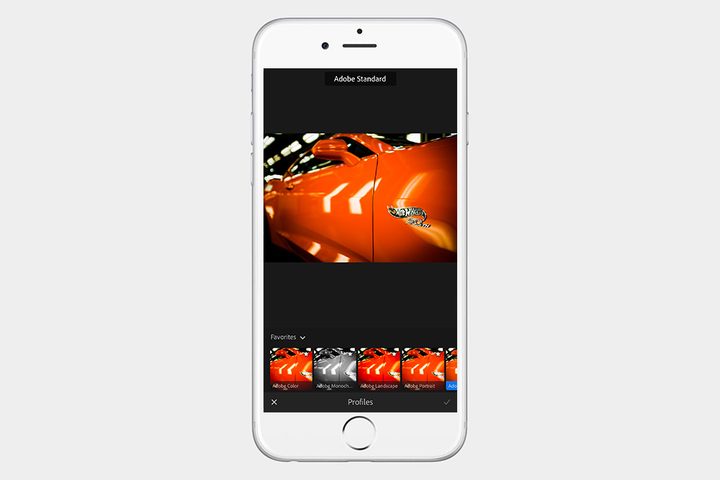
Adobe Lightroom CC shouldn’t need much of an introduction. Like its desktop counterpart, Adobe Lightroom CC is both a digital asset manager (DAM) and a post-production studio, where you can edit almost any image you throw its way, including proprietary RAW formats. Better yet, you can even capture RAW photos directly inside the app using the built-in camera.
Whether it’s a photo straight from your smartphone or one imported from a DSLR, there is no shortage of editing tools available. From basic exposure settings to layered gradient adjustments, Lightroom has it all. The best part is, if you have one of Adobe’s Creative Cloud subscription plans — including the $10 per month Photography plans — all of your photos will sync across all of your mobile and desktop devices, so you can start an edit on your phone and finish it from your computer when you get home.
VSCO (Android, iOS)
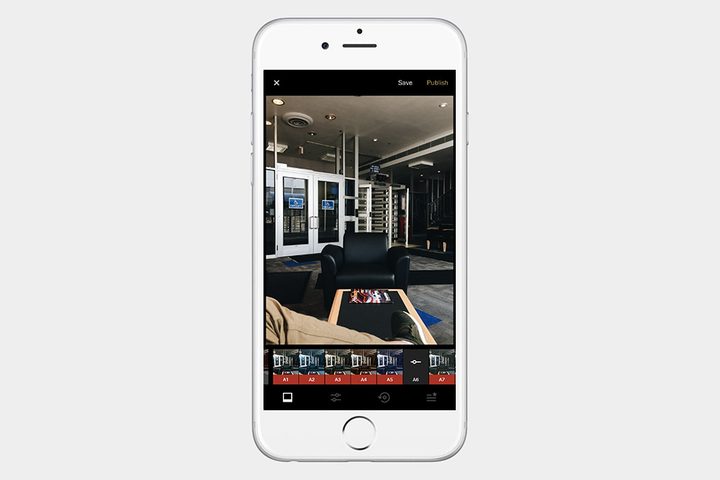
VSCO started out as a simple app to add film-like presets to photos and has now grown both in features and users. There are more than 50 filters to choose from — with more to purchase — and a whole collection of tools for editing your images. VSCO not only works with RAW images, but also captures them using the integrated camera, making it a great all-in-one solution to shooting and editing RAW photos on the fly. VSCO is free to download and comes with a small collection of sample presets. More presets can be purchased via in-app purchases, while a VSCO Membership subscription — which gives you access to more than 200 presets, tools, and beta features — is offered for $20 per year.
Snapseed (Android, iOS)
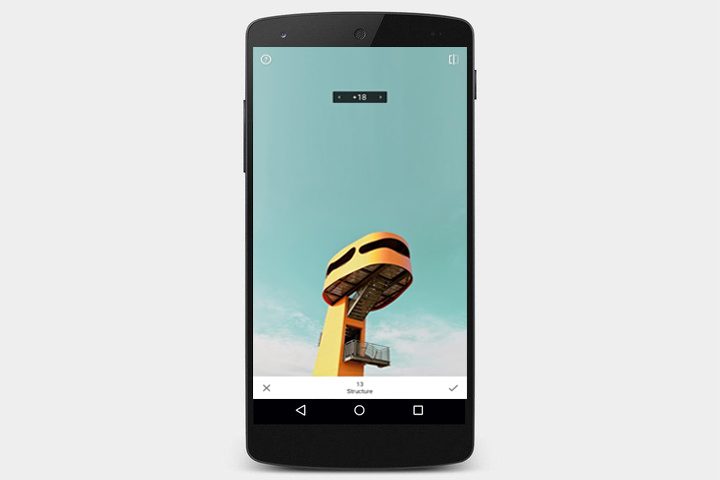
Now owned by Google, Snapseed is a free photo editing app that is capable of non-destructive RAW edits. Along with the usual slew of tools like exposure and color adjustments, Snapseed also includes a bokeh tool to add background blur, a face enhance to quickly retouch portraits, and tools for double exposures. Most of the app’s updates focus on bug fixes and device compatibility and the last major update was years ago, but the app remains a good free option for handling photos, including RAW files.
Halide (iOS)
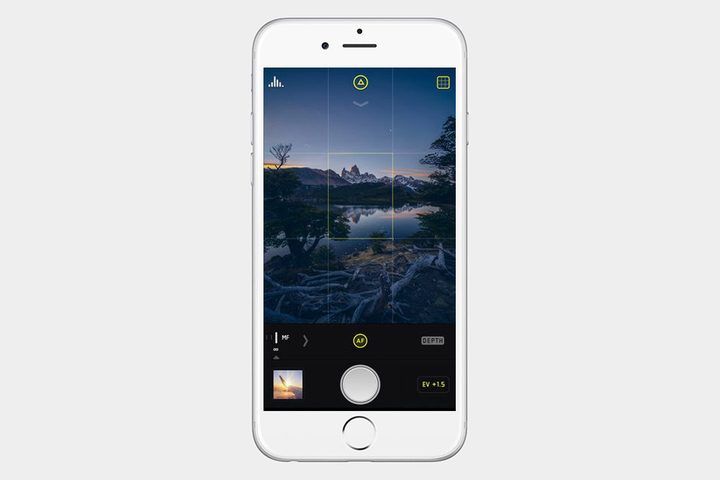
If you want all of the latest iOS photo features boiled down into a simple, minimal app, Halide is what you’re looking for. Described by its developers as “perfect photography, within reach,” Halide is designed so that you can completely control it using only one hand. Despite its simple interface, it includes professional-grade features, including Portrait Mode for both people and pets, depth map tools for dual camera devices, focus peaking, and — of course — RAW photo capture. The designers created Halide’s lens switcher to work especially well with the iPhone 11 Pro. The app is also praised by users for the gesture controls, including ones to switch lenses on the latest iPhones. Halide is $6 on the iOS App Store.
ProCam 7 (iOS)
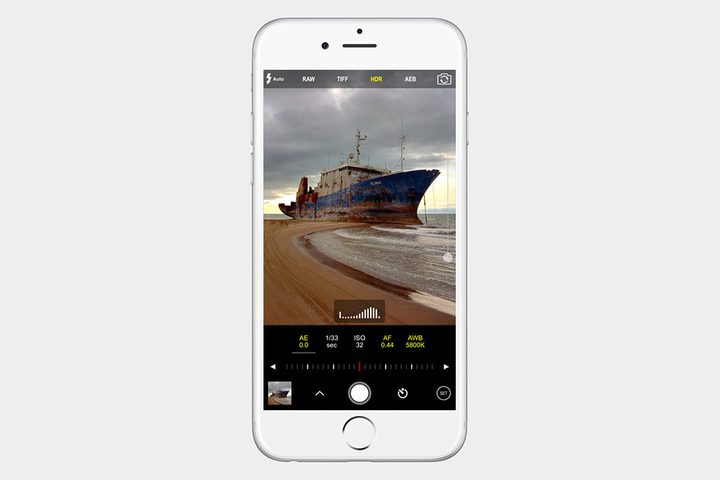
Stills, video, RAW images — ProCam 7 has everything you need. With over six shooting modes, including night mode, burst mode, portrait mode, and even 3D photos, ProCam 7 packs a punch into a single app. The interface is intimidating for those unfamiliar with heavy-duty camera apps, but once you get comfortable with the app, ProCam 7 has a lot to offer. The RAW editor is non-destructive, meaning it allows you to go back and undo or modify it. Everything you need as a photographer is available through ProCam 7 — you’ll have full access to all the essential manual controls as well as the special features.
RAW Power (iOS)
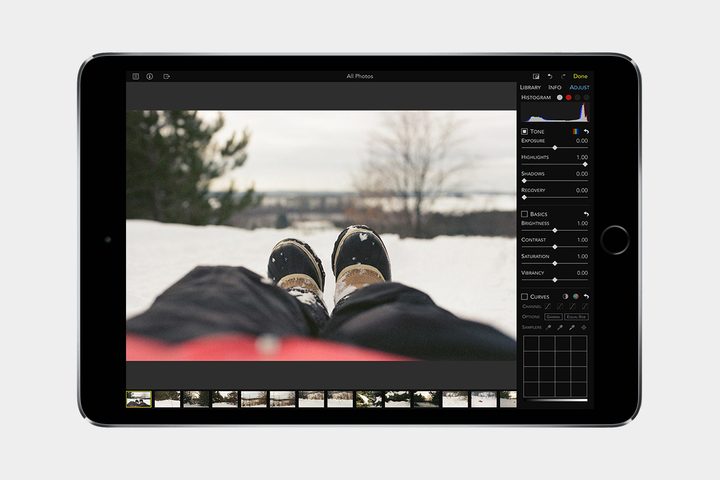
RAW power is a unique addition to this particular list because it’s actually not categorized as a photo-taking app. In reality, it’s a digital asset manager, or DAM, for the photos on your iPhone or iPad. It incorporates RAW files despite if they started on your phone’s camera or came from another source.
We see this app as vastly similar to Lightroom, more so than any other app presented in this article. This app gives you the ability to edit elements such as exposure adjustments, curve alterations and even lets you order and arrange photos. One other neat feature is that you can immediately start editing the Depth Effect images captured on an IOS dual camera.
If RAW Power has piqued your interest, head over to the iOS App Store to find and download it. You can access updated and more advanced editing tools by purchasing add-ons within the app itself. That being said, we do want to stress that before spending your cash, keep in mind that RAW Power is not supported by the iPod Touch, iPad Air 1, iPad Mini 2 or 3, or iPhone 5S, 6, and 6 Plus.