
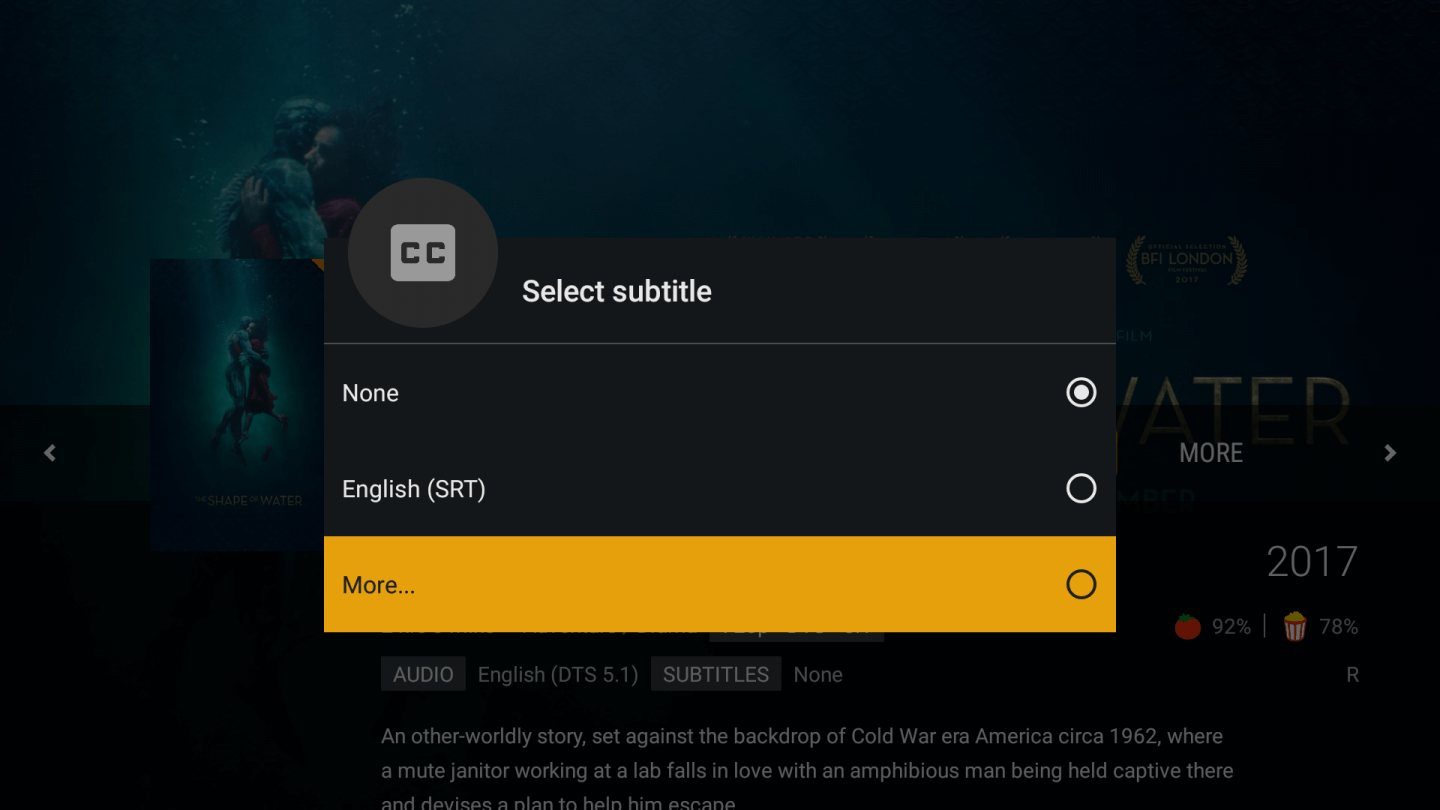
Plex might have started as a simple media server that let you play video files located on your PC on your streaming box or game console, but the service has been constantly adding features over the years. Sometimes this means additions, like enhanced subtitle support, which Plex announced in a blog post on Tuesday, September 25, and sometimes it means removing features not many people use in order to focus on more popular features.
We’ll start with the good news: if you frequently watch content that is in a language other than your main language, you’ll be glad to know that subtitles just got a major upgrade in Plex. In the past, unless subtitles were encoded within the video file itself, you’d need to go find a file with subtitles and move it into the right location on the PC running Plex Media Server. Now, you don’t even have to get off the couch, as Plex can now automatically fetch subtitles for you.
The blog post on the Plex website doesn’t got into great detail on how exactly this feature works behind the scenes, simply stating that the software uses “all sorts of smarts to find you the best matches in all sorts of languages.” Like many Plex features, you’ll need a Plex Pass subscription to use the feature, which will cost you $5 per month, $40 per year, or $120 for a lifetime subscription. The feature is rolling out initially on the web, Xbox One, LG Smart TVs, Plex Media Player, Android mobile devices, and the Android TV platform, with iOS and Apple TV devices following shortly.
Now for the bad news: feature removals. The one most likely to upset Plex users is the removal of plugins, which let you add functionality to Plex, but the vast majority of plugins have had their functionality replaced by stand-alone apps for your smart TV or the streaming box of your choosing. The other two removals are less likely to bother most users. Watch Later, which let you bookmark videos on the web to watch later, is one, while the other, Cloud Sync, is so unpopular that Plex jokes in the blog post that if you send them a picture of yourself using Cloud Sync and holding today’s newspaper, they’ll buy you a beer.
This comes on the tail of the announcement that Plex is killing off Plex Cloud, which launched in 2016, so it could seem like Plex is on a roll when it comes to chopping off features, but the company says this is to make way for more improvements. Some upgrades in the works are better offline syncing, better playback on Android devices, and “some amazing music player improvements in the works,” which the blog post hints could include gapless playback. Whether this would be in the core Plex Media Player, its Plexamp stand-alone music player, or both remains to be seen.



