
The GPU market is a disaster in 2021. A global semiconductor shortage, combined with massive demand from gamers and cryptocurrency miners, has driven graphics cards off the digital shelves. And with tariffs on imported goods from the East, cards are selling well above MSRP. Scalpers have only compounded the issue, selling cards on the secondhand market for twice their asking price (and sometimes even more).
The GPU market isn’t going to recover anytime soon, but the news isn’t all bad. You can play the latest PC games with the most up-to-date components if you know where to look. Here are four alternatives to buying an expensive GPU right now.
1. Get a prebuilt PC
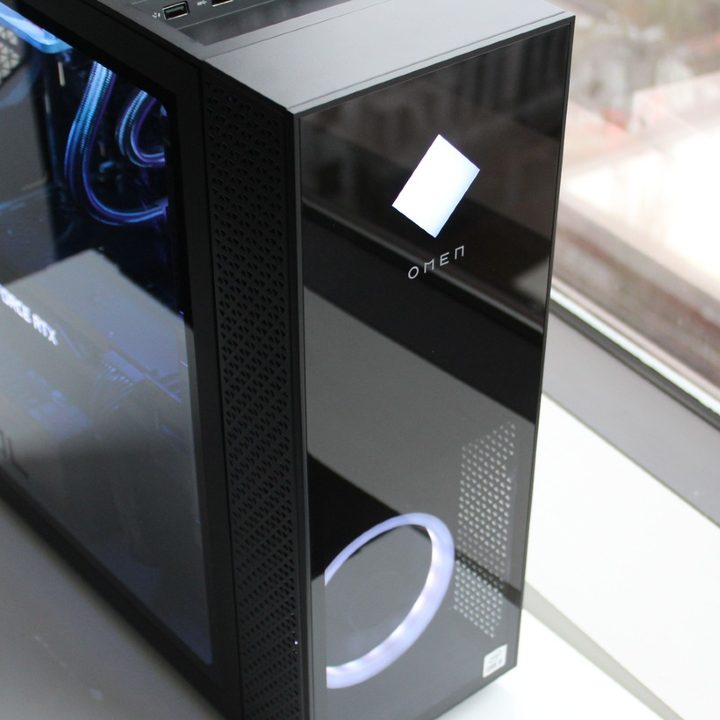
The only consistent way to get a GPU in 2021 is through a prebuilt computer. There are a lot of machines packing RTX 30-series and RX 6000 graphics cards, including the Dell XPS 8940 SE and HP Omen 30L. You can find these machines online and at big-box retailers, but HP and Dell are big names, so you might struggle finding a configuration with the graphics card you want. That makes totally custom machines like the Falcon Northwest Talon a little more compelling, as they allow you to choose the exact specs you want (assuming you have the money).
Falcon is a great option, but you can find similar prebuilt machines at Maingear, Origin PC, and CyberPower PC. Newegg and Micro Center have their own custom PCs, too, and NZXT offers its BLD program.
If you already have a gaming PC, the good news is that GPUs aren’t the only components in short supply. You can strip out the graphics card from a prebuilt and take the other components on the secondhand market.
2. Get a gaming laptop
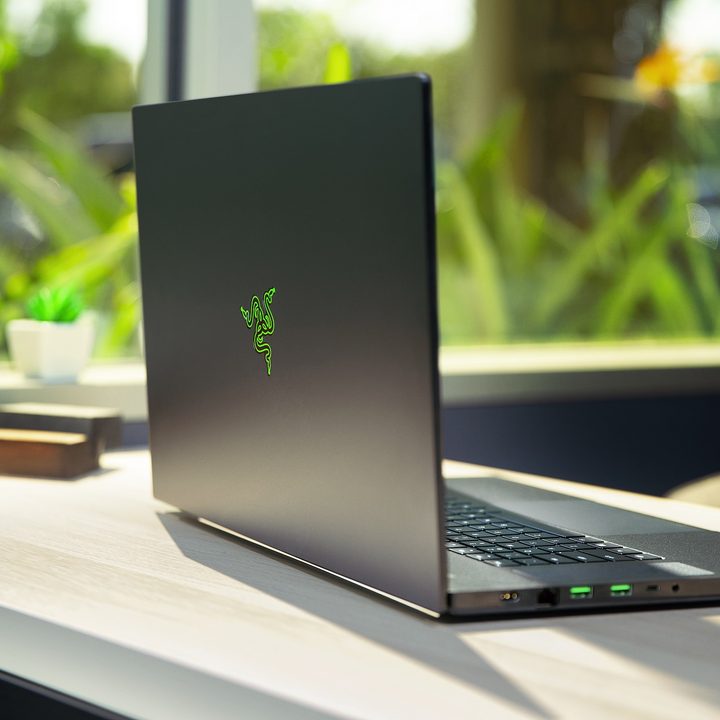
Gaming laptops have come a long way. You don’t need to drag around a cinder block to game on the go, thanks to machines like the Razer Blade 15 and Alienware m15, which offer desktop-like performance in a thin-and-light chassis. In addition to getting lighter, gaming laptops have also gotten less expensive. You can find a high-end configuration for under $2,000, and there are plenty of excellent midrange machines under $1,000.
Our roundup of the best gaming laptops has options for any size and budget, but you can still achieve acceptable gaming performance with machines like the Dell XPS 15 or HP Spectre x360. AMD doesn’t show up much in mobile gaming rigs, so you’ll generally find machines with Nvidia’s RTX 30-series mobile graphics cards or a slightly older GTX 16-series card.
If you’re starting from scratch, a gaming laptop might be your best bet anyway. You can easily turn it into a desktop replacement with a Thunderbolt 3 dock, and external GPU enclosures make it easy to add a little extra power down the road.
3. Try cloud gaming

Cloud gaming is not a replacement for a dedicated gaming PC, but it can get you by until the GPU market recovers. If you want to get into PC gaming or are waiting to upgrade, the best option is GeForce Now. It uses the library of games you already have on Steam, the Epic Games Stores, and other platforms, so you can continue to build your library before you upgrade. Shadow is also a great option, as it gives you a dedicated gaming PC in the cloud. The waiting list is long, though.
If you already have a gaming PC, you can use a hybrid approach. For demanding games like Cyberpunk 2077, you can use the cloud, and for less demanding titles, you can use the hardware you have. This is the best setup if you want to upgrade down the line.
There are other cloud gaming services including PlayStation Now, Amazon Luna, Xbox Game Pass, and Google Stadia. All of these platforms are closed, so you won’t be able to transfer your progress to a gaming PC down the line. PS Now, Game Pass, and Luna all require a subscription that unlocks a library of games. Stadia has a similar program, but you have to buy games separately.
4. Buy an older GPU
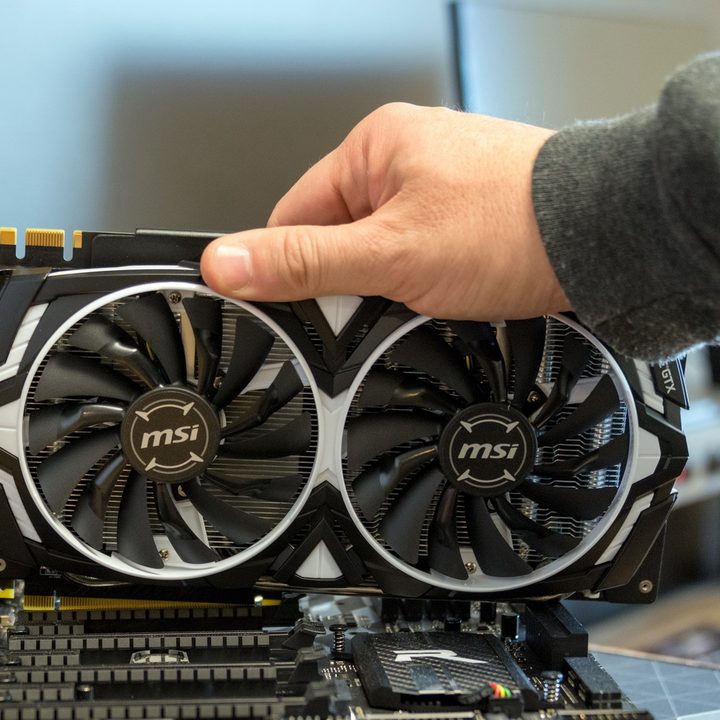
This is the least effective option, but if you’re diligent, you’ll find an older GPU faster than you’ll find a new one. If you want a brand-new card, we maintain a list of the best GPU deals that’s updated regularly. Nearly all cards are overpriced right now, from flagship models to the cheapest budget GPUs, but reasonably priced cards pop up every now and then. Check our list often, and make sure to check local retail stores like Best Buy and Micro Center if you have one near you.
You can save some money shopping on the secondhand market. You can find an RTX 2080 Super for around $1,000 and a GTX 1070 for around $400 on eBay, but you can find cards even cheaper on Craigslist and Facebook Marketplace. Again, these cards are overpriced, but given the state of the GPU market, they don’t look too bad.
Regardless if you buy new or used, we wouldn’t recommend buying anything older than a GTX 10-series graphics card. AMD has RX 5000 cards and RX 500 cards, but they’re popular with miners, so they’re hard to find. We wouldn’t recommend any older cards from AMD.
Even with the squeeze on the GPU market, there are ways to plenty of ways to play PC games in 2021. If you want to upgrade and have some extra money, go with a prebuilt. If you’re just starting, we recommend going with a gaming laptop. And if you want to upgrade but don’t have the money right now, you can use cloud gaming to bridge the gap. None of them are ideal, but at least there are still ways to play.



