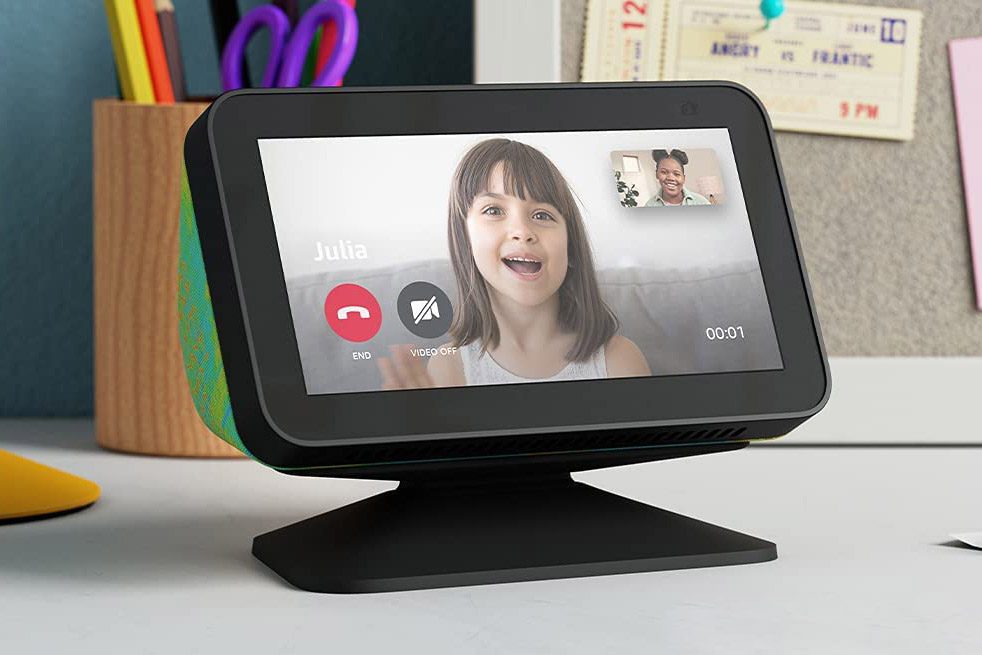
If you’re hoping to get all you can from your new Amazon Echo Show 15, by now you’ve likely set up Visual ID. If you haven’t, here’s how to get started with Visual ID and what it can do. Need to back up and find out what's so great? Read our review of the Amazon Echo Show 15.
It’s one thing to set up yourself and your partner, but what about the rest of the family? Kids can also have access to the personalized content that Visual ID offers: Here’s how to do it and what you need to know.

Can I set up Amazon Visual ID for my child?
It’s now possible to set up Visual ID for children. The first step, however, is to set up an Amazon Kids profile for your youngster.
Amazon Kids helps you create a customized experience for your child by providing age-appropriate and kid-friendly books, videos, apps, and games.
Amazon Kids also lets a parent get access to their child’s activity within their Amazon Kids profile, as well as monitor and change web browser access. What you can do with Amazon Kids will vary from device to device, and you will need to set up Visual ID separately on each device you want to use it on since Amazon doesn’t store facial recognition data on the cloud.
Create a free Child Profile on any compatible Echo device to get started, including a Fire Tablet, Fire TV, Kindle e-Reader, and most Alexa devices. It’s also supported on Android, iOS, or Chrome OS, though you will need to download the Amazon Kids+ app for Android, iOS, and Chrome devices.
How to turn Amazon Kids on Alexa on or off using the Alexa app
Step 1: Open the Alexa app.
Step 2: Select Devices.
Step 3: Select Echo & Alexa and then your device.
Step 4: Select Amazon Kids and then turn it on or off.
After turning on Amazon Kids, follow the on-screen prompts to create a profile or select an existing profile.
How to set up Visual ID for your child
Next, you can set up your child for Visual ID. You can have your child say, “Alexa, learn my face" or follow the step below.
Step 1: Swipe down from the top of the screen and select Settings.
Step 2: Select Your Profile & Family.
Step 3: Choose a profile.
Step 4: Select Visual ID.
Step 5: Click Add Visual ID to this Echo.
Step 6: Click Agree & Continue and follow the steps on your device.
One note: To do the setup, your camera shutter must be open.
What can my child do with Visual ID on Echo Show 15?
Visual ID provides personalized information and updates based on who Alexa sees in front of the camera. Visual ID can provide daily calendar info and appointments, kids’ news, or a special digital sticky note that reads, “Have a good day at school!”
When someone else in your household who is also enrolled in visual ID nears the device, they can see information that’s specific to them, too.
That’s how to get the rest of the family set up to make the most from an Echo Show 15.