One of the most common problems you’ll encounter with your vacuum cleaner is a loss of suction. The severity can range from complete blockage to trouble picking up heavier pieces of debris — but regardless of severity, it’s always a headache. Oftentimes, a loss of suction is a sign that it’s time to upgrade to a newer model. But Shark vacuums are quite resilient, and with a bit of troubleshooting, you can usually fix the issue and keep using your current device.
Is your shark vacuum not sucking? Here’s a look at how you can fix the problem and get back to cleaning your home. If nothing works, consider bringing it to a professional or replacing it with one of our favorite cordless vacuums. There’s also a growing number of excellent robot vacuum and mop combos, which fully automate all your floor-related chores.
Clean out the vacuum’s head
Most Shark vacuums have a head where the brush bar rotates and applies suction. This should be your first stop to address suction issues. Clean any junk or tangles out of the brush bar (a pair of pliers and scissors can help), and check for any masses that are creating blockages around the head. Shark vacuums usually let you remove the brush bar entirely by lifting the “lid” section of the cleaning head by using a nearby button dedicated to detaching the bar.
Once you complete those steps, try to use your Shark vac again. If performance is greatly improved, that was probably the source of your problem.
Fully empty the dust bin and clean the air filters

Drag your vacuum to the kitchen, then remove the dust bin/cup and empty it into the trash. Many Shark vacs also use an air filter or two to help trap dust. Take these out as well, and inspect them. Most can be washed in the sink to clean them, although some are disposable and should be replaced with a new model. Wash your filters until the water runs clean, and then leave them out to dry for at least a full day.
When the filters have dried, put everything back together and test your vac again. Dirty filters can clog your vacuum and impede suction if left for too long. HEPA or HEPA-like filters for very small particles can get clogged with surprising speed, so it’s important to keep an eye on them.
Check the hose for any clogs
If your Shark vac has a hose, feel along the length for any lumps. That indicates a clog that’s causing your suction issues.
See if you can break the clog by applying gentle pressure with your hands, or gently move it to the end of the hose to remove it. If not, detach the hose entirely and use something like a stake or broom handle to slowly push the clog out, being careful not to damage the hose. You can also try pouring a mix of white vinegar and baking soda (half a cup each) into the hose and shaking it, but this only works on some kinds of clogs.
Check the cleaning head height
If your Shark vacuum has an adjustable cleaning head that can be put at several different heights, take a close look at the setting. The height may have gotten accidentally adjusted to a higher level, which means the vac won’t perform as well. Try lowering the height and see if this restores your expected suction.
Look for cracks or leaks
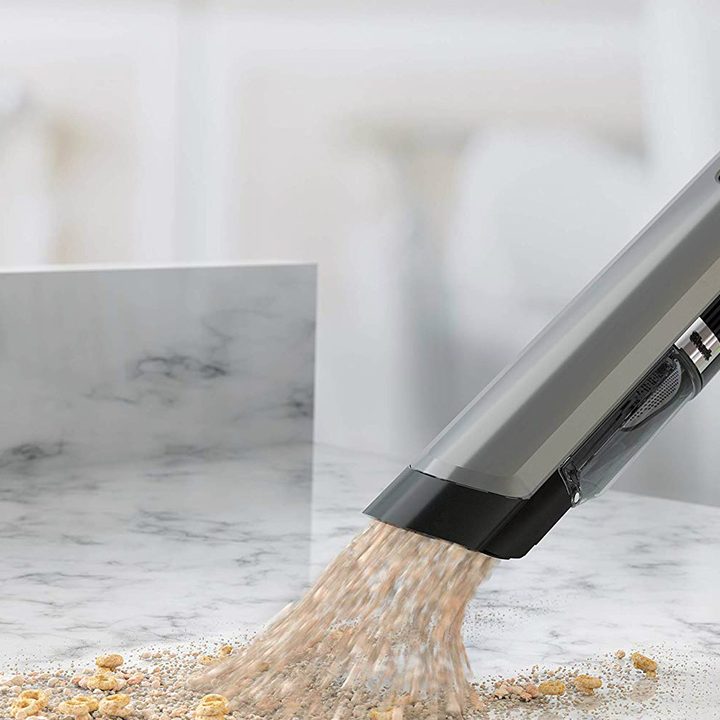
Suction also depends on the integrity of your Shark vac. If there are any leaks that allow air to escape, this can drastically decrease your suction performance. Carefully check the hose and frame for any cracks or gaps that could be leaking air out. Make sure you check all hose segments, as Shark vacuums may come with more than one hose section.
Sometimes you’ll discover gaps that can be fixed, such as covers that aren’t fully closed or dust bins that weren’t completely reattached. These are simple fixes. But in other cases, there could be permanent damage to the hose or frame. If that happens, it may be a good idea to start looking for a new vacuum cleaner instead of attempting repairs.
Take a look at charging conditions
Some Shark models use an internal battery that needs to be recharged from time to time. If this is the case, check your battery charger to make sure it is working properly, connecting to the battery properly, and that the connectors are not dirty or damaged. If it’s been a few years since you started using the vac, you may need to buy a new battery. A weaker battery will lead to lower suction, something you can usually tell simply by listening to the motor when you turn the vac on.
Finally, if you want a vacuum that will never let you down when it comes to suction power, we suggest taking a look at our best Dyson vac picks.