1. Home
  2. Gaming
  3. Evergreens

How (and where) to trade Poes in Zelda: Tears of the Kingdom

Add as a preferred source on Google

It might take place in the same Hyrule as Breath of the Wild, but Tears of the Kingdom‘s landscape is radically different from its predecessor. Along with massive floating islands in the sky, there’s a sprawling underworld to explore that’s filled with secrets to discover and abilities to unlock. One such secret is Poes, which take a very different form than in past Zelda games — instead of serving as an enemy, they’re now an alternate form of currency.

Interested in learning more about where to trade Poes in Zelda: Tears of the Kingdom and how to find them? Here’s everything you need to know about these unique collectibles.

Recommended Videos

What are Poes in Tears of the Kingdom?

When you first dive into Hyrule’s underground area, you’ll probably notice tons of blue-and-white wisps scattered around the surface in patches. Those wisps are Tears of the Kingdom‘s version of Poes. Yes, the classic enemy is now a simple item that you can collect.
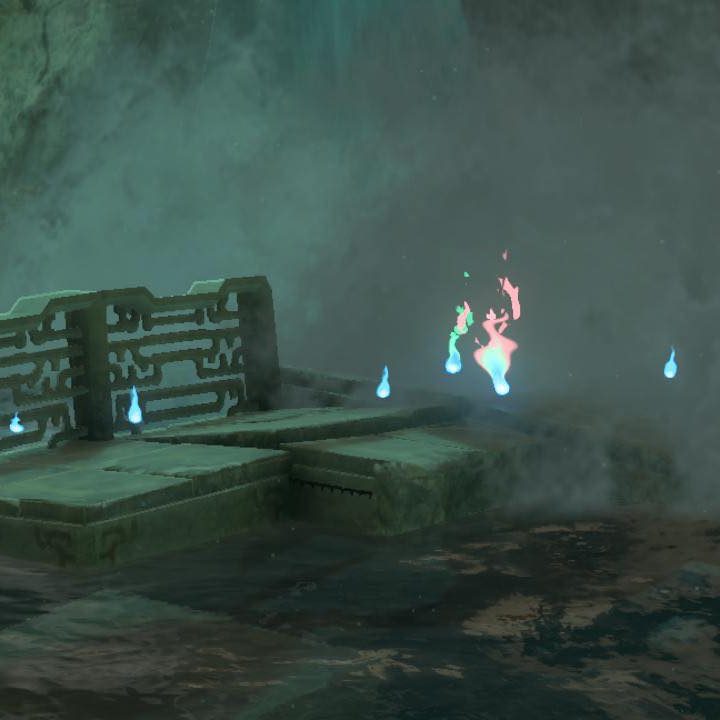
Poes sit near a waterfall in The Legend of Zelda: tears of the Kingdom.
Image used with permission by copyright holder

While you’ll find tons of basic Poes lying around, the underground also contains some bigger Poes that are worth a bit more. These look the same as regular Poes, but they’re a little larger and have either a red or green tint to them instead of blue. A Large Poe is worth five, while a Grand Poe is worth 20. If you see one in the distance, it’s worth seeking them out.

How to trade Poes in Tears of the Kingdom

So, what is the actual purpose of Poes? They’re essentially the currency of the underground world, and are used to buy a selection of items. Some of those are specific to the underground. You’ll do that at Bargainer’s Statues, which you’ll first discover through a quest on the surface (though you can also stumble into them underground without starting that quest).
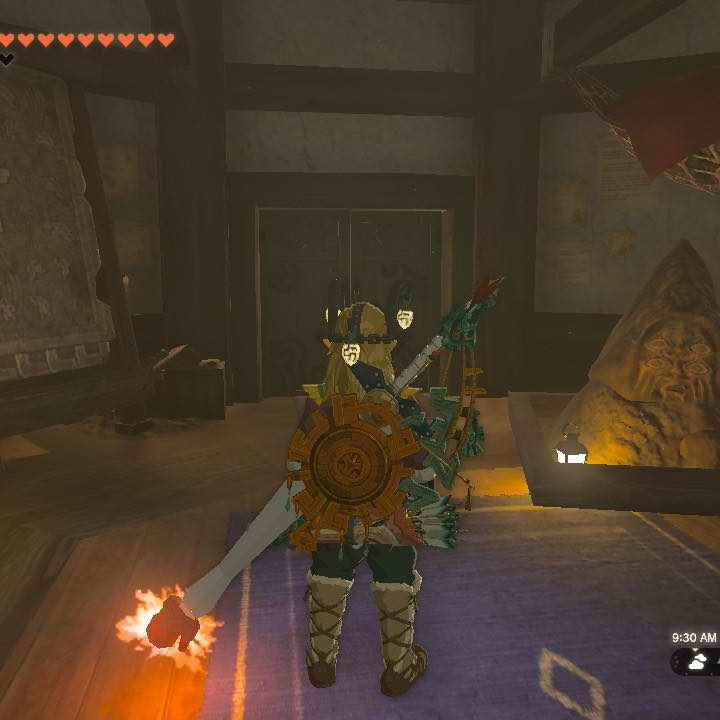
Link stands in front of a Bargainer's Statue in The Legend of Zelda: Tears of the Kingdom.
Image used with permission by copyright holder

To get things started, head to Lookout Landing on the surface — it’s the hub town right in front of Hyrule Castle. In the northmost building, you’ll find a stone statue. Talk to it and give it a single Poe. Once you do that, you’ll be able to start trading Poes to statues. The Bargainer’s Statue in Lookout Landing will also tell you the location of other statues for 100 Poes. There are six total in the underground area. They can be a little hard to see, so keep an eye out for a “Pray” prompt when you’re standing on the map marker.

Here’s every Bargainer’s Statue location if you don’t feel like wasting your Poes to reveal their location.

A map of the underground in The Legend of Zelda: Tears of the Kingdom shows the location of every Bargainer's Statue.
Image used with permission by copyright holder

Each time you speak to a new Bargainer’s Statue for the first time, you’ll unlock a new piece of gear for their inventory. You’ll be able to get a Dark Link costume, Link’s iconic Breath of the Wild outfit, and a set of gloom-resistant gear that’s essential for exploration.

In addition to that, Bargainer’s Statues also sell Dark Clumps, Muddle Buds, Puffshrooms, and Bomb Flowers. You’ll also be able to rebuy costume pieces and weapons (like the Biggoron’s Sword) obtained in the underground via statues. So make sure to stock up on Poes while exploring. Even if it seems like you have plenty, you’ll always need more.

Giovanni Colantonio
As a veteran of the industry who first began writing about games professionally as a teenager, Giovanni brings a wealth of…
Lenovo’s $99 280Hz gaming monitor is built for the ramen-budget crowd
Lenovo is selling a 280Hz monitor for less than GTA 6 Ultimate Edition
Lenovo gaming monitor render

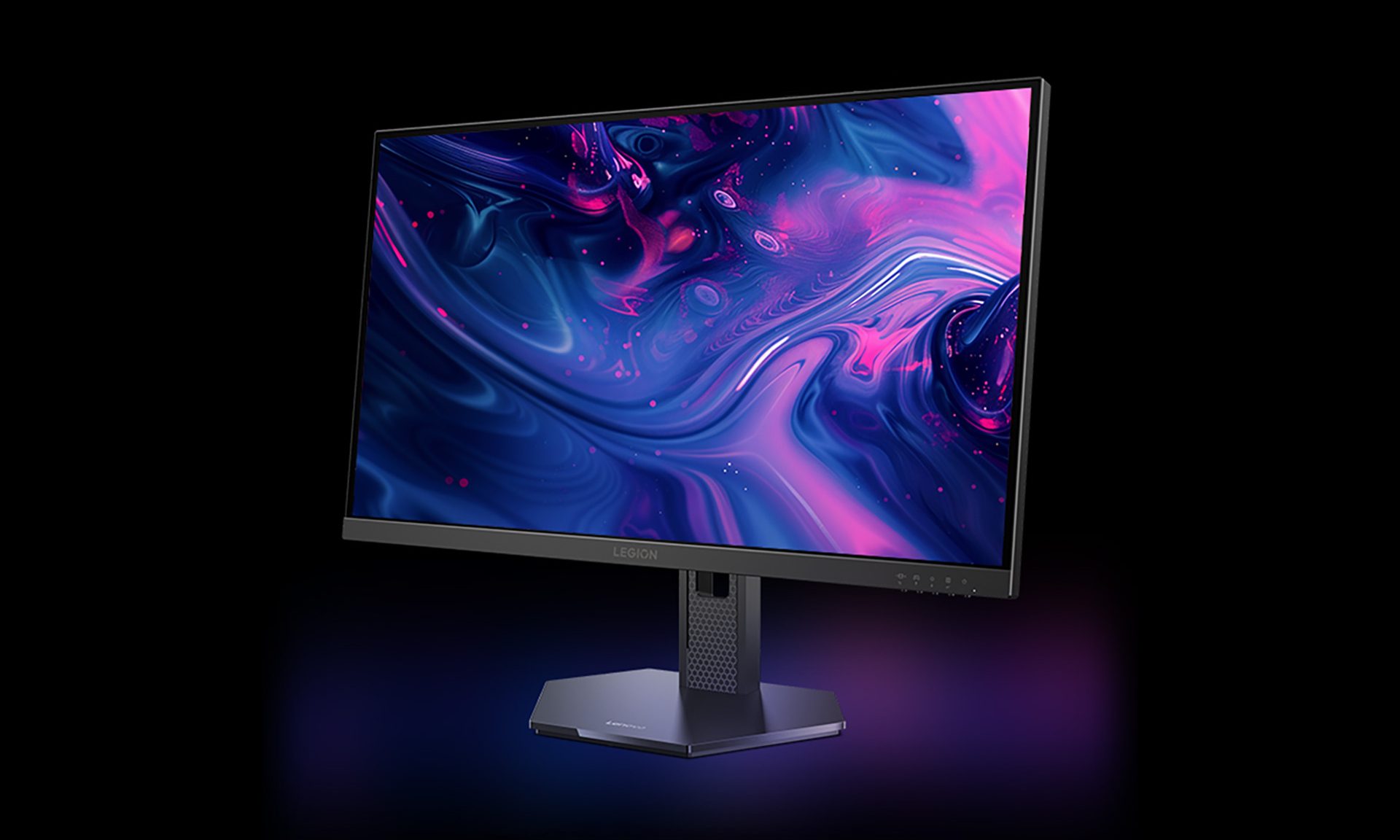
Fresh off launching a metallic Hall-effect keyboard and a 59g gaming mouse for flashy esports setups, Lenovo has turned its attention to gamers working with much tighter budgets. The Legion 24-1r looks made for broke college students who spent way too much on their first gaming rig and now have instant noodles doing most of the heavy lifting at dinner. It costs just 669 yuan, equivalent to around $99, yet offers a 23.8-inch IPS panel running at up to 280Hz.

Lenovo is also offering the 27-inch Legion 27-1r with the same core specifications for 789 yuan, or roughly $116. For the ramen-budget crowd chasing competitive frame rates, both look like seriously tempting deals. (via NotebookCheck)

Read more
I played Halo: Campaign Evolved, and its cinematics show what a Halo series could’ve been
Halo’s remake looks ready for Hollywood. So where is the show it deserves?
Adult, Male, Man

There is a moment early in Halo: Campaign Evolved where I stopped thinking about the remake as a game for a second. I was watching one of its newly rebuilt cutscenes. Master Chief, Captain Keyes, Cortana, the Pillar of Autumn, and the enormous scale of everything around them suddenly appeared a lot more cinematic than ever before.

I played the original Halo: Combat Evolved in the early 2000s, and in my head, this was exactly how it looked and felt. The first Halo title introduced intergalactic war to me long before Star Wars, and the cinematic tastefully adds enough minor touches that enhance Bungie's original work from decades ago.

Read more
Xbox is fixing one of the PC app’s biggest annoyances with download speed
A new Smart Download Client promises faster, more consistent download speeds for games and updates.
Xbox's logo used during the Extended Games Showcase

Waiting for a massive Game Pass download to finish could soon become a little less painful. Microsoft has begun testing a new Smart Download Client as part of the latest Xbox Insider Alpha Skip-Ahead update. The feature is designed to speed up game installs and updates by automatically connecting users to the fastest available content server. While it's currently limited to Xbox Insider testers, early reports suggest the improvements are also making their way to the Xbox PC app, potentially solving one of the platform's longest-standing frustrations.

How the Smart Download Client works

Read more