  1. Home
  2. Gaming
  3. How tos

How to get the true ending in Pikmin 4

Add as a preferred source on Google
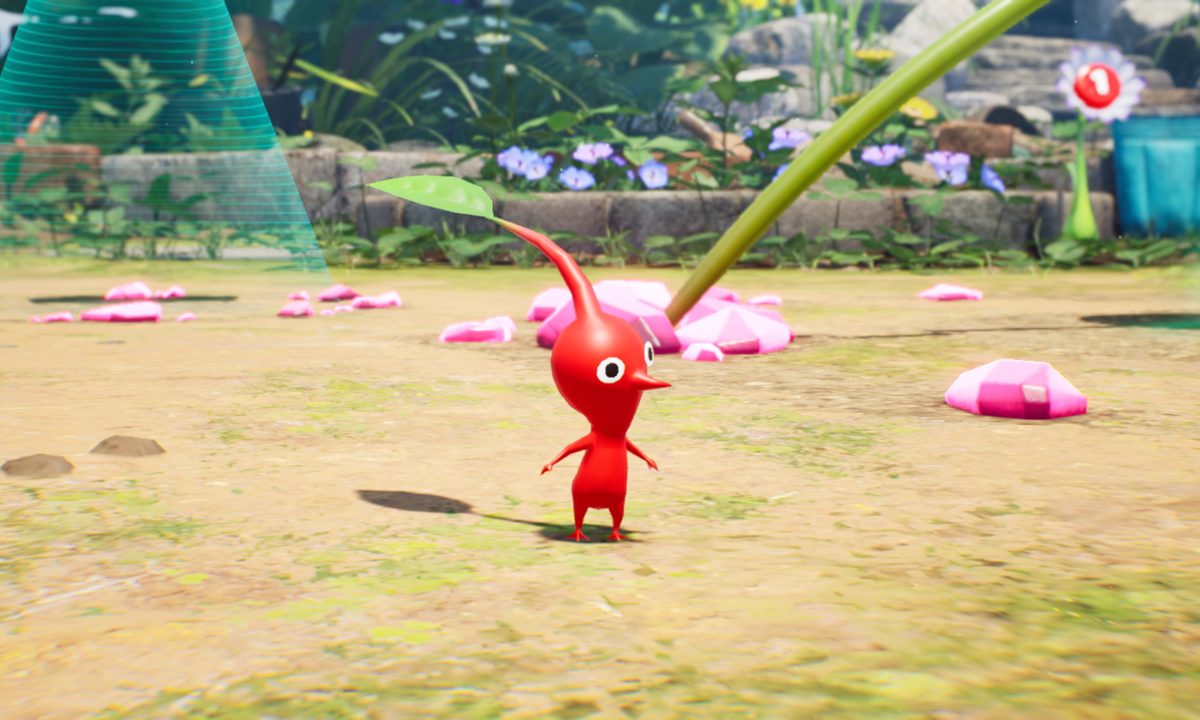
A red Pikmin looks around in Pikmin 4.
Nintendo / Nintendo

You might expect a more simple, casual game like Pikmin 4 to have a straightforward path to a single ending. While that was the case for prior games, this time around you will need to do quite a bit more work if you want to see the true conclusion to this tale. If you only play to the point of seeing the credits, you are leaving nearly half the game on the table unplayed. The post-game content is arguably longer than the main game and is the only way to see the true ending. Here's how you can see Pikmin 4 top its true conclusion.

Note that we will only spoil the names of locations and bosses below, not the content of either ending.

Recommended Videos

Difficulty

Hard

What You Need

  • Reach the ending credits one time

  • Collect 11,000 Sparklium

How to get the true ending

The normal path to credits will take you through several stages and bosses, and even roll credits, but isn't where your journey really ends.

Step 1: Go through the main missions through Hero's Hideaway.

Step 2: Beat the Leafy Showdown and watch the ending credits.

Step 3: If you don't have it already, you will now need to collect 11,000 Sparklium to unlock the new Giant's Hearth stage.

Step 4: Your new mission is titled "Cure Oatchi" and leads you to the Cavern for a King in the Primordial Thicket.

Step 5: Make your way through this boss rush until you reach the very bottom.

Step 6: Defeat the true final boss of the game, Louie and the Ancient Sirehound.

Step 7: Defeating this boss will reward you with the Gift of Friendship that you can use to cure Oatchi.

Step 8: Enjoy the true final cutscene of the game.

Jesse Lennox
Former Digital Trends Contributor
Jesse Lennox covers all things gaming but has a specific interest in all things PlayStation, JRPGs, and experimental indies…
This PS5-exclusive Game of the Year is now running on PC… sort of
Sony isn't planning PC ports for its PlayStation exclusives, but that isn't stopping the emulation community.
Astro Bot dresses like the hero from Ape Escape.

Nobody wants to wait for Grand Theft Auto VI on PC. With Rockstar still promising only PlayStation 5 and Xbox Series X/S versions for November 19, a sudden burst of PS5-emulation progress has naturally attracted plenty of attention. 

Two open-source projects, KytyPS5 and SharpEmu, can now boot genuine commercial PS5 software on computers. Both remain extremely experimental, so anyone picturing GTA VI running on a gaming laptop this November should lower their expectations considerably. 

Read more
Madden NFL 27 is coming to Apple Arcade next month, and it lets you run an NFL franchise from top to bottom
Apple Arcade adds Madden NFL 27 alongside Retro Bowl College+ and NFL Retro Bowl ’27
Helmet, Photography, People

Madden has been available on phones for years, but its mobile versions have never offered the same depth as the main console games. EA is now bringing a more substantial version to Apple Arcade through Madden NFL 27 Arcade Edition, which launches on August 6.

As per EA, the game focuses on full NFL seasons, franchise management, and 11-on-11 matches. Players can manage trades, free agency, and roster changes before taking their team through the regular season and playoffs. Quick Play is also included for anyone who wants to skip the management side and start an exhibition match.

Read more
GameNative just made it dangerously easy to fill your Android phone with PC game mods
The emulator now handles Nexus Mods downloads and per-game profiles directly inside the app
Electronics, Phone, Mobile Phone

GameNative is making it much easier for Android players to commit one of PC gaming’s oldest crimes against storage space. Its v1.1.1 pre-release adds Nexus Mods integration, cutting out much of the file shuffling usually required to get PC game mods running on a phone.

According to GameNative’s official release notes, users can sign in to a Nexus account and download mods through the app. Downloads can be paused and resumed too, so losing your connection shouldn’t force you back to the beginning.

Read more