  1. Home
  2. Gaming
  3. Audio / Video
  4. How tos

How to connect AirPods to Xbox Series X

Add as a preferred source on Google
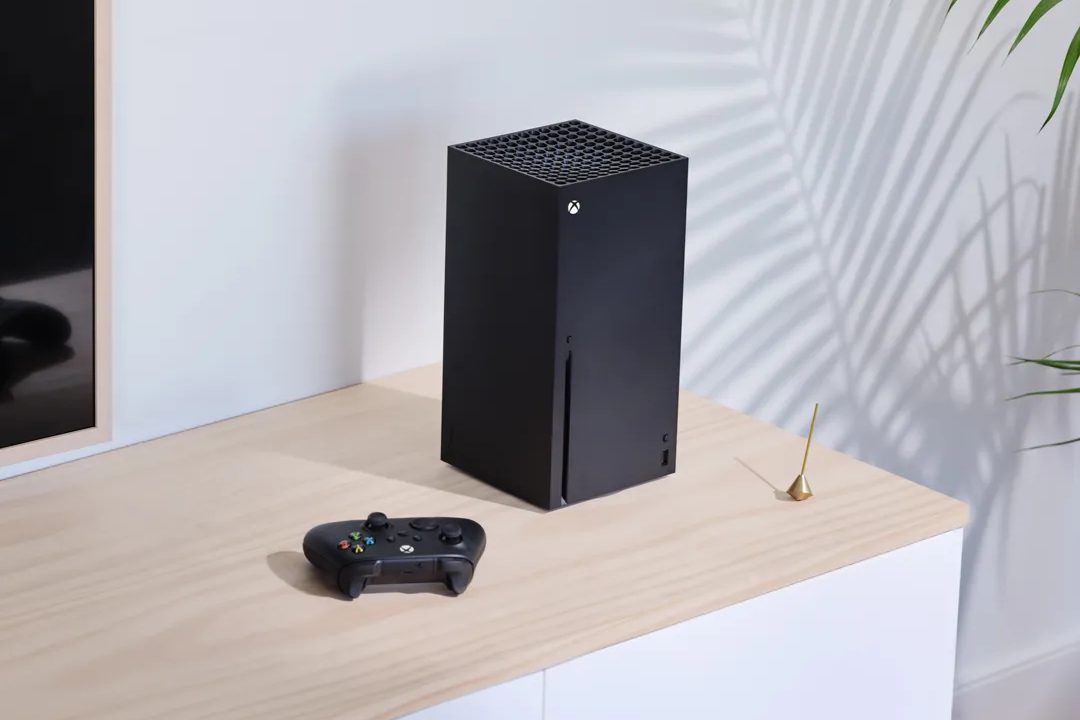
Xbox Series X on a table.
Xbox

Being able to hear the best Series X games clearly is almost as important as being able to see them. Your Xbox Series X can handle the visual aspects just fine, but audio is down to your own setup. In a lot of cases, you may be playing in a shared space where you can't get away with blasting your multiplayer games at maximum volume for full immersion, but also can't afford to invest in some expensive headsets. If you've already got a pair of AirPods laying around, those could be a great solution before all the upcoming Xbox games release, though it might seem impossible to pair them to your console. Luckily, there is a workaround you can take advantage of.

If you do happen to have a Bluetooth headset and need help connecting it to your Xbox, we've got you covered there as well.

Recommended Videos

Difficulty

Easy

Duration

5 minutes

What You Need

  • AirPods

  • Any smart TV with Bluetooth

A Roku 75-inch Class Plus Series QLED 4K Smart Roku TV hanging on the wall.
Roku

How to connect AirPods via a smart TV

If you have a smart TV, odds are it will come equipped with its own Bluetooth receiver. We can use this to get around your console's lack of Bluetooth support.

Step 1: Go into your TV's settings and locate the Bluetooth menu. It will likely be labeled as a Sound or Bluetooth menu.

Step 2: Hold the pairing button on your AirPod case and wait for them to show up on your TV as an option.

Step 3: Connect your AirPods to the TV. This will play any audio that would normally come from the TV's speakers through your AirPods, including from your Xbox Series X.

There are also special Bluetooth adapters you can purchase and plug into your Xbox Series X controller to allow for Bluetooth compatibility if you do not have a smart TV and are willing to spend a little money to make it work.


Jesse Lennox
Former Digital Trends Contributor
Jesse Lennox covers all things gaming but has a specific interest in all things PlayStation, JRPGs, and experimental indies…
Your GTA 6 ‘physical copy’ could expire before you even play it
Rockstar has confirmed that Japanese PS5 download codes won't remain valid forever.
Poster for GTA 6 game.

The debate around GTA 6's "physical" edition just got another twist. Rockstar has confirmed on its official website that PS5 download codes included with physical copies of Grand Theft Auto VI sold in Japan will expire 170 days after the game's November 19, 2026 launch date. That means players who don't redeem the code before roughly May 8, 2027 could be left with nothing more than an empty game box, even though they purchased a physical copy. The company says the policy is required due to regional regulations in Japan.

Why only Japan?

Read more
God of War Laufey finally has a release date, and there’s some good news for Kratos fans too
Santa Monica Studio confirmed the game will launch February 16, 2027, and revealed a new mainline Kratos title is already in development.
God of War: Laufey

Sony gave fans their first look at God of War Laufey during June's PlayStation State of Play, but the company did not share a release date at the time. Speculation about the launch window followed almost immediately, with industry insider NateTheHate pointing to a release in the first half of 2027. Santa Monica Studio has finally ended the guessing game, confirming that the title will launch on February 16, 2027.

Physical copies are locked in

Read more
Lenovo’s $99 280Hz gaming monitor is built for the ramen-budget crowd
Lenovo is selling a 280Hz monitor for less than GTA 6 Ultimate Edition
Lenovo gaming monitor render

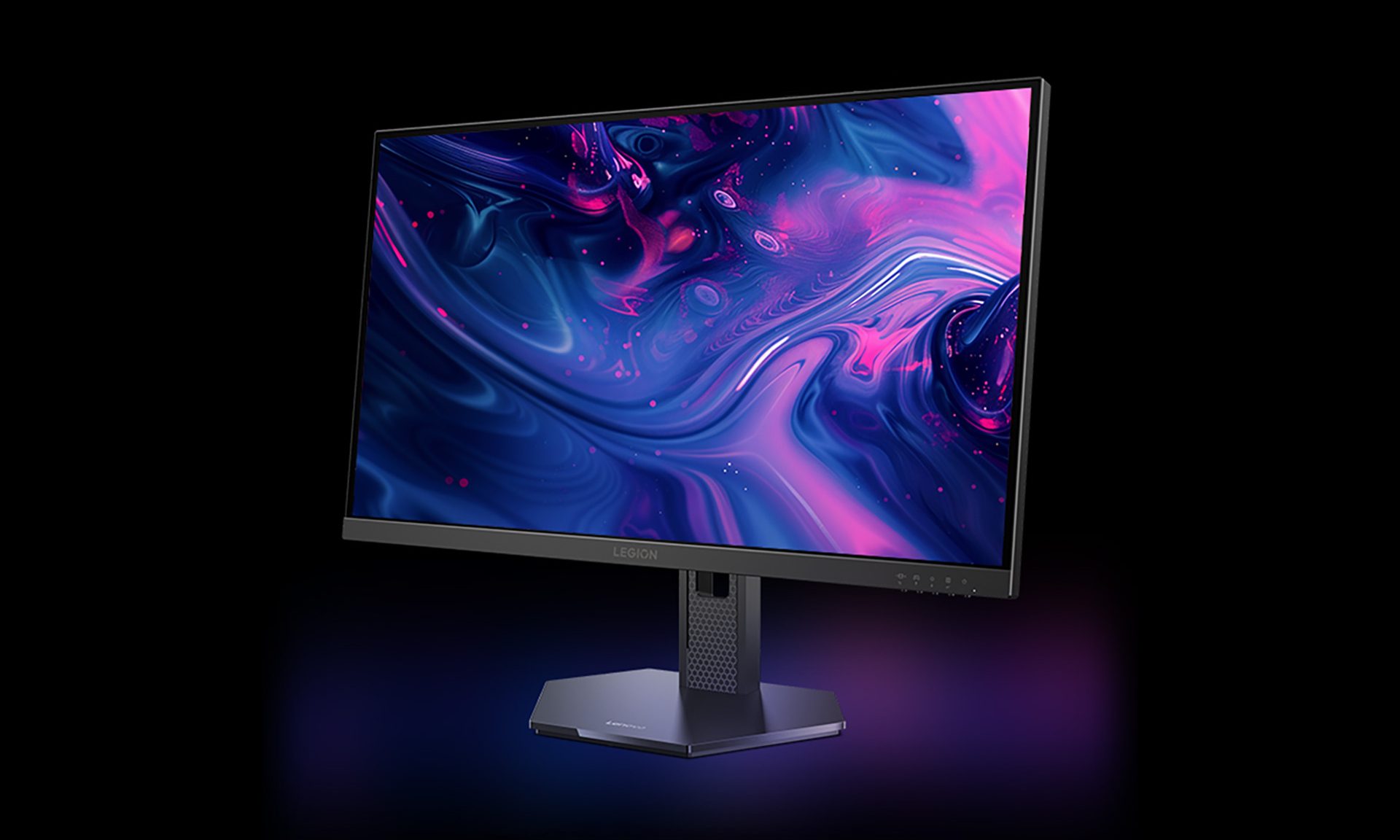
Fresh off launching a metallic Hall-effect keyboard and a 59g gaming mouse for flashy esports setups, Lenovo has turned its attention to gamers working with much tighter budgets. The Legion 24-1r looks made for broke college students who spent way too much on their first gaming rig and now have instant noodles doing most of the heavy lifting at dinner. It costs just 669 yuan, equivalent to around $99, yet offers a 23.8-inch IPS panel running at up to 280Hz.

Lenovo is also offering the 27-inch Legion 27-1r with the same core specifications for 789 yuan, or roughly $116. For the ramen-budget crowd chasing competitive frame rates, both look like seriously tempting deals. (via NotebookCheck)

Read more