  1. Home
  2. Gaming
  3. How tos

How to redeem codes on Steam

Add as a preferred source on Google
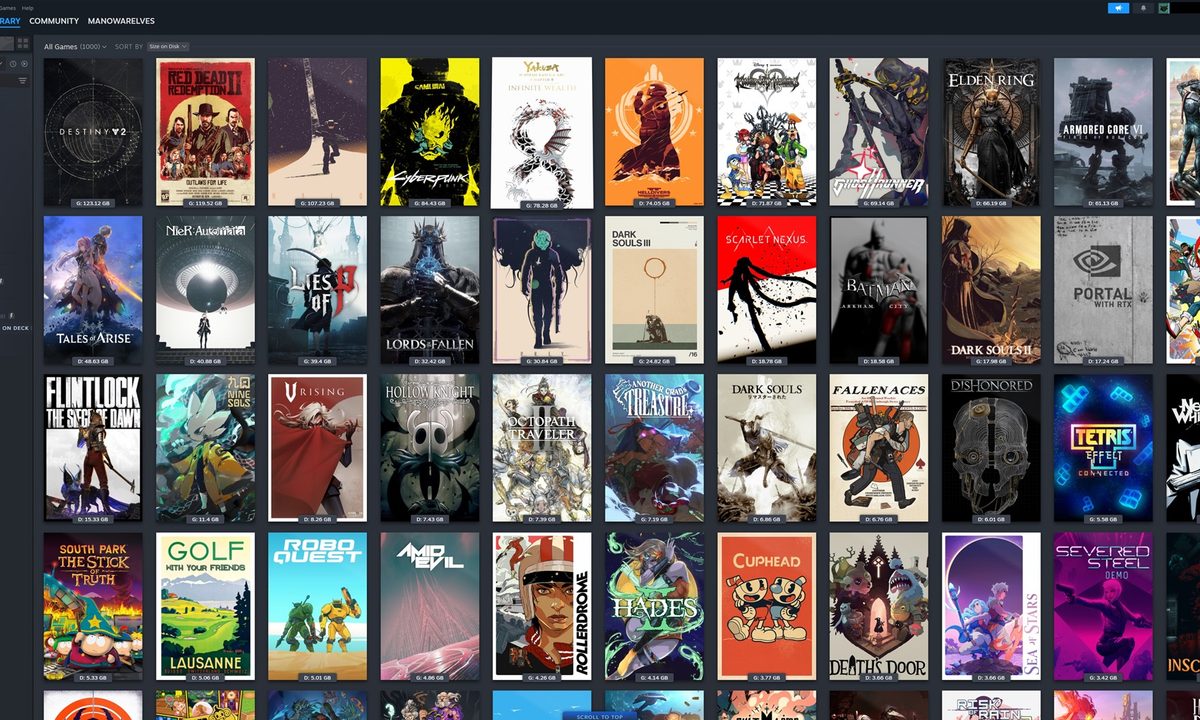
Custom art in a Steam library.
Jacob Roach / Digital Trends

Steam, and PC gaming in general, has become almost exclusively digital. Even if you can find a boxed copy of a PC game today, you're almost guaranteed to open it up and just find a code inside. That Steam code only needs to be entered once to give you access to the game, whether it comes from a boxed copy or more likely an online seller. If you're used to simply purchasing games with your Steam wallet funds or attached credit card to add it to your library directly, you may have no idea how to redeem a product on Steam. Not to worry — the process is as simple as can be.

Recommended Videos

Difficulty

Easy

Duration

5 minutes

What You Need

  • A Steam product code

How to redeem a product code on Steam

Redeeming any product code on Steam can be done in a few quick clicks so you can start downloading and playing your new game ASAP.

Step 1: Open up Steam and make sure you're logged in.

Step 2: Click on the Games tab.

The steam homepage.
Valve

Step 3: From the dropdown, select Activate a Product on Steam. This is also where you can add funds to your wallet.

The Steam code redeem page.
Valve

Step 4: Type or paste in your activation code, hit Confirm, and it will be added to your library.


Jesse Lennox
Former Digital Trends Contributor
Jesse Lennox covers all things gaming but has a specific interest in all things PlayStation, JRPGs, and experimental indies…
Criterion says Burnout isn’t forgotten… but that’s exactly what worries me
Battlefield's success makes EA's decision easy to understand, but it also leaves a huge hole in arcade racing.
Burnout Paradise Remastered Featured

As part of its recent interview with IGN, Criterion reflected on its 30-year journey, from Burnout and Need for Speed to helping revive Battlefield. The studio made it clear that Burnout remains an important part of its identity, but it also acknowledged that its future now lies firmly with Battlefield. Fittingly, Criterion's new 30th anniversary logo proudly carries the tagline: "Criterion: A Battlefield Studio."

On paper, that makes perfect sense. Battlefield 6 has already become one of EA's biggest success stories in years. It revived a franchise many had written off, delivered the biggest launch in Battlefield history, and reminded everyone why the series was once Call of Duty's fiercest rival. As a Battlefield fan, I genuinely couldn't be happier. As a Burnout fan, though? That realization stings a little.

Read more
My favorite multiplayer survival sandbox is finally getting the mobile port it deserves
Don’t Starve Together comes to iOS and Android on July 21
Person, Face, Head

Don’t Starve Together is finally coming to iOS and Android on July 21, and this one has me genuinely excited. I have spent a lot of time with the PC version, and it remains one of my favorite multiplayer survival sandbox games because of how quickly a normal session can turn into complete chaos.

Klei Entertainment’s gloomy, strange, and unforgiving survival game is being ported to mobile by Playdigious. Preorders and preregistrations are live now, and the game is available at a 10 percent launch discount, bringing the price down to $8.99 from the usual $9.99.

Read more
Xbox reportedly cancels Avowed sequel to make room for a new Fallout game from the New Vegas director
Bloomberg says Obsidian is shifting to Fallout as part of Xbox's wider gaming reset.
Fallout New Vegas Featured

Xbox's recent restructuring may have claimed another project, but Fallout fans could be getting something far more exciting in return. According to Bloomberg, Microsoft-owned Obsidian Entertainment has cancelled its planned Avowed sequel and is instead shifting its focus to a brand-new Fallout game. The project will reportedly be led by Josh Sawyer, the director behind the critically acclaimed Fallout: New Vegas, making it one of the most exciting Fallout developments in years.

A familiar name returns to Fallout

Read more