1. Home
  2. Computing
  3. News

Microsoft turns Windows 11 into an AI-driven OS with new Copilot features

Your files, settings, and apps will soon feel more connected on Windows 11

Add as a preferred source on Google
Copilot
Unsplash

What Happened: Microsoft is making Windows 11 a lot smarter with a massive wave of new AI features.

  • It’s basically baking its Copilot assistant deeper into the operating system than ever before.
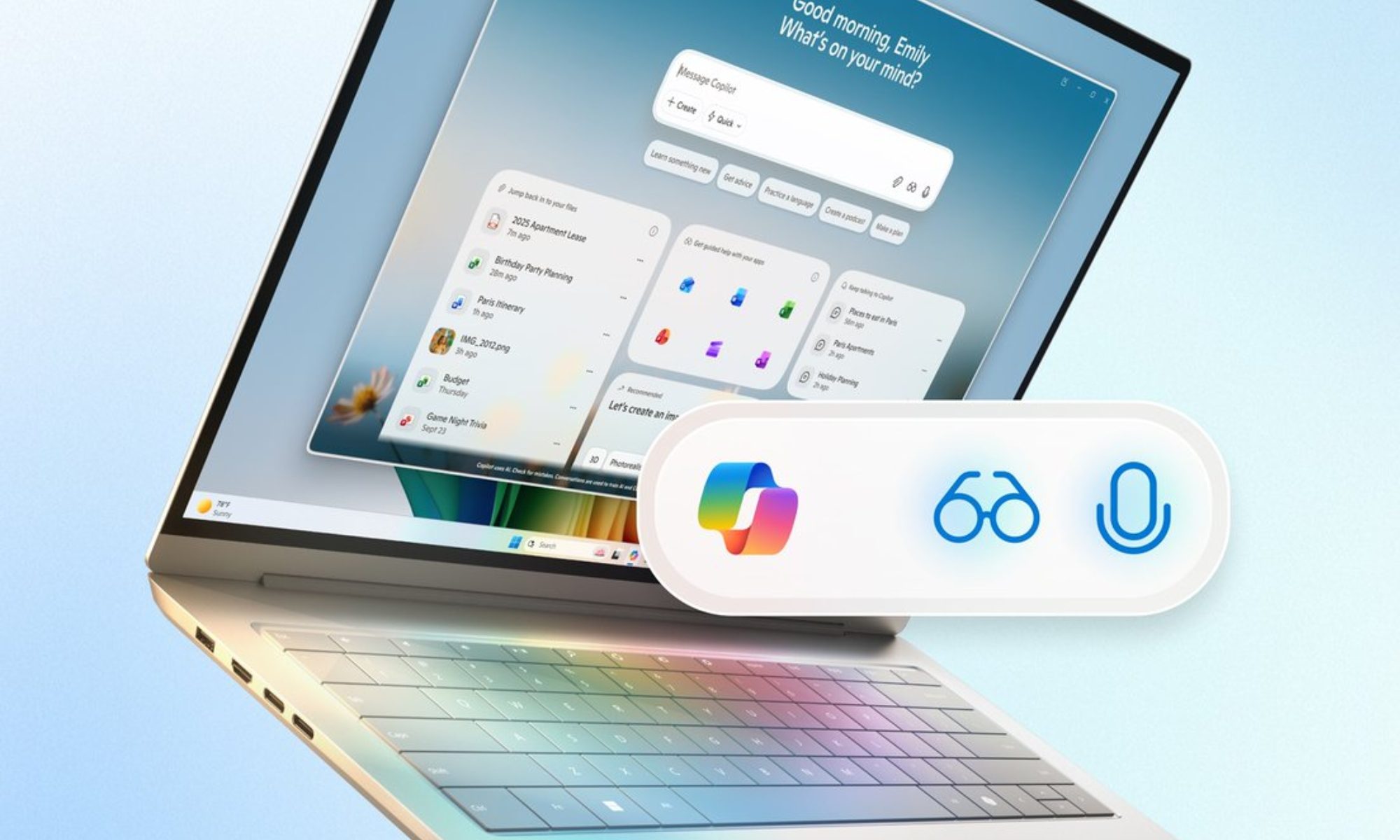
  • The big news is that you can now just say, “Hey Copilot“, to wake it up with your voice.
  • It’s also getting “Copilot Vision,” which means it can actually see what’s on your screen – whether that’s a document, a photo, or an app – and help you right then and there.
  • Plus, it’s now integrated into File Explorer and can automatically do certain tasks for you, even running little AI helpers right from your taskbar.
  • A lot of this stuff started rolling out with the October update, but the most advanced features will hit users over the next few months.

Why This Is Important: This is a huge strategic move. Microsoft is trying to turn Windows into what it calls an “agentic OS.”

  • What that means is that the AI isn’t just a chatbot you talk to; it proactively manages tasks across all your programs.
  • With Copilot Vision, it can look at a PDF and summarize it, or look at a complicated spreadsheet and offer help.
  • Since it connects to your OneDrive, Gmail, Outlook, and Google Calendar, it can pull all your digital life into one place.
  • This isn’t just a new tool; it’s becoming a fundamental layer for how you interact with your PC.
Why You Should Care: These upgrades can honestly save you a ton of time.

  • Think about it: Copilot can now summarize big files, quickly sort those messy photo folders, manage your emails and calendar across different accounts (all with a single command), and even change your system settings just by you telling it to.
  • Whether you’re a student trying to summarize a long research paper or a professional juggling three different email inboxes, Copilot is turning those tedious, multi-click tasks into quick voice or text prompts. No more digging through menus; the AI just handles it.
Recommended Videos

What’s Next: Microsoft says it plans to keep expanding Copilot Actions and rolling out more automated workflows throughout 2026.

  • Expect even more third-party apps to get hooked up, plus deeper personalization options and more tools specifically for gaming.
  • The really advanced, system-level features are currently being tested behind the scenes, with a worldwide release planned soon.
Moinak Pal
Moinak Pal is has been working in the technology sector covering both consumer centric tech and automotive technology for the…
Lenovo’s next ThinkCenter desktop is ready to hit the shelves, but the price will make you blink twice
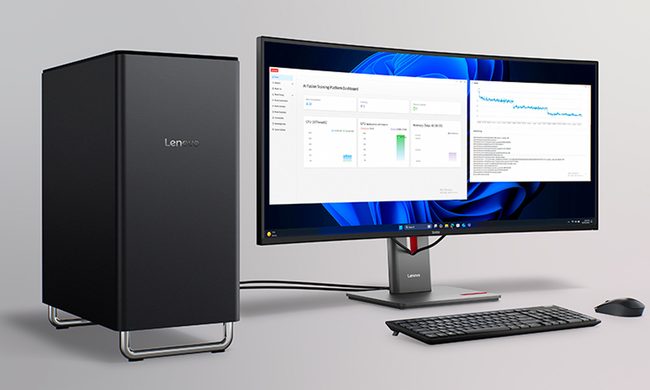
The ThinkCentre X is finally heading to the US with up to 256GB RAM, dual RTX 5060 Ti GPUs, and a price tag that rivals a used car.
Lenovo ThinkCentre X workstation with monitor

If the phrase "future-proof desktop" means never worrying about running out of RAM again, Lenovo may have just built the ultimate machine. The company is preparing to launch its new ThinkCentre X workstation desktop in the US after making it available in several international markets. Built for AI workloads, professional content creation, and demanding enterprise applications, the desktop can be configured with up to 256GB of DDR5 memory, Intel's latest Core Ultra 9 processor, and support for dual GeForce RTX 5060 Ti 16GB GPUs.

A workstation built for serious workloads

Read more
A metallic Hall effect keyboard and a 59g mouse are Lenovo’s latest upgrades for snazzy gaming setups
The Legion R7 RT75 keyboard and Y7MG mouse bring 8K polling to both sides of your gaming setup
Computer, Computer Hardware, Computer Keyboard

Magnetic gaming keyboards and lightweight mice are hardly unusual anymore, but Lenovo is trying to push both ideas a little further with its latest Legion peripherals. The new lineup includes the Legion R7 RT75 keyboard and Legion Y7MG mouse, and both support an 8,000Hz polling rate for players who want every input delivered to their PC as quickly as possible.

Of course, Lenovo has styled these peripherals to be as bold and eye-catching as possible without getting in the way of practicality. The keyboard has a hefty metallic design with translucent keycaps and RGB lighting. Compared to that, the mouse is more tame and traditional in design, but it also has an RGB strip that appears to belong on an alien spaceship. (via NotebookCheck)

Read more
Shopping for back-to-school? These are the budget laptops I’d actually recommend
From a $359 Chromebook to the cheapest way into macOS, these are the budget picks worth your money.
Computer, Electronics, Laptop

The back-to-school season often turns into a laptop, especially the budget ones that aren't too heavy on your wallet. Due to the ongoing memory crisis, most manufacturers have already bumped up their laptop prices, including Apple. However, that doesn't mean that I won't help you get a new machine. So, for this one, I spent time digging through spec sheets, customer ratings, and price tags, finding devices that don't just look cheap in an Amazon listing, but actually hold up. 

From a flexible touchscreen Chromebook to the least expensive way into macOS, these six laptops balance price and performance well. I'd hand any one of them to a student heading back to campus this fall, depending on what they need and what their priorities are. 

Read more