
Gemini Notebook has become one of the apps I use more than almost anything else. Whether I’m researching for a feature, studying for hours, or trying to make sense of a stack of PDFs, it’s almost always open somewhere on my phone. Over the past years, I’ve used it on just about every kind of device imaginable, but one thing kept bothering me. It never really felt like a notebook.
Don’t get me wrong — it worked perfectly well on a regular phone. All the features were there, and I never felt like I was missing anything. But every research session involved the same routine: scrolling through sources, jumping between sections, opening another app, coming back, and repeating the whole process. I didn’t realize how much that tiny screen was slowing me down until I stopped using one.
That stopped happening when I switched to the Samsung Galaxy Z Fold 8 Ultra. Gemini Notebook now comes pre-installed on Samsung’s latest foldables, and the larger display finally gives the app enough room to breathe.
It finally feels like a real notebook
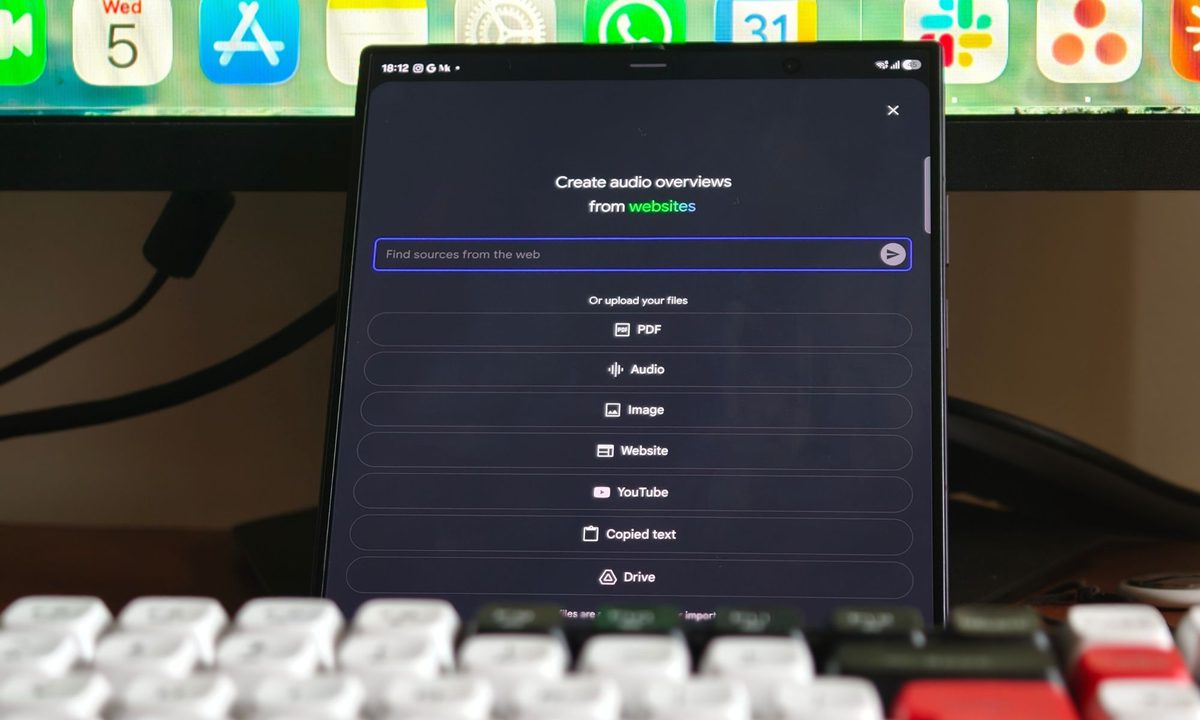
The funny thing is that, on paper, nothing really changes. You still get the same interface, the same tools, and the same experience you’d find on any other Android phone. Yet the moment you unfold the Galaxy Z Fold 8 Ultra, everything feels different. Instead of trying to squeeze an entire workspace into a tall, narrow display, the app suddenly has space to spread out. Most of my notebooks begin the same way. I’ll upload a handful of research papers, add a few web articles, throw in screenshots I’ve collected, and sometimes even ask Gemini to find additional sources for me. On a regular phone, that usually means a lot of scrolling to remember what I’ve already uploaded. On the Fold, I can actually see what I’m working with. My source material stays open, Gemini’s responses sit alongside it, and the key points I want to remember are visible at the same time. So I can read through multiple sources and ask follow-up questions without losing my pace.
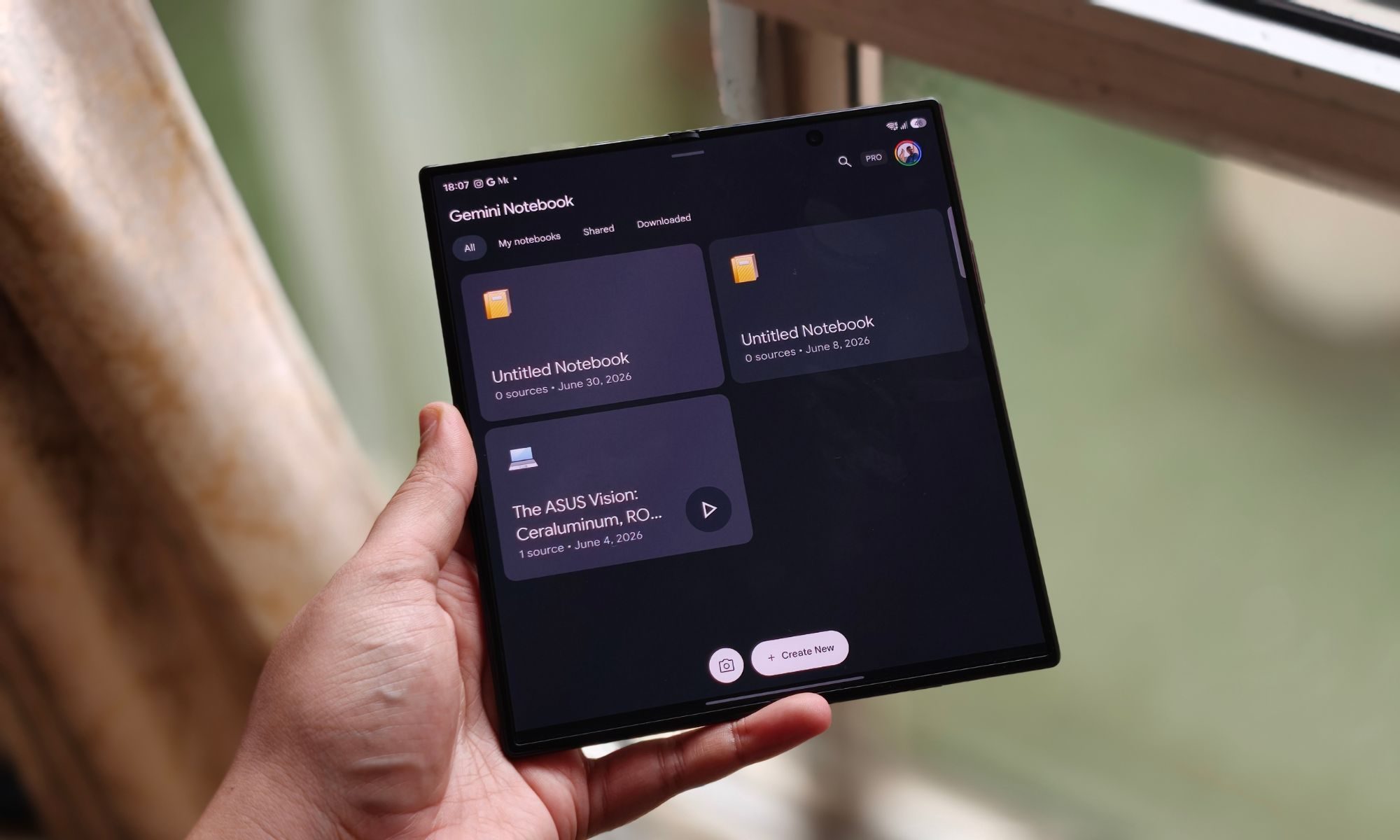
I also didn’t expect Samsung’s multitasking to become such a big part of my workflow. If I come across an interesting article in Chrome, a screenshot in Gallery, a PDF in Files, or notes I’ve written elsewhere, I keep both apps open side by side and drag everything straight into Gemini Notebook. It only takes a few seconds, feels completely natural, and going back to the old method suddenly feels unnecessarily slow. One feature I keep coming back to is Audio Overviews. I already loved them before switching to the Fold, but creating them on the larger display is oddly satisfying. Watching the podcast-style animation stretch across the screen somehow makes the whole experience feel more alive. Then the conversation begins, and I’m reminded why I use the feature so often. The AI hosts don’t sound like they’re reading from a document. They react, interrupt each other, and explain ideas in a way that feels remarkably human. Listening to long research summaries has become something I genuinely enjoy instead of something I sit through.
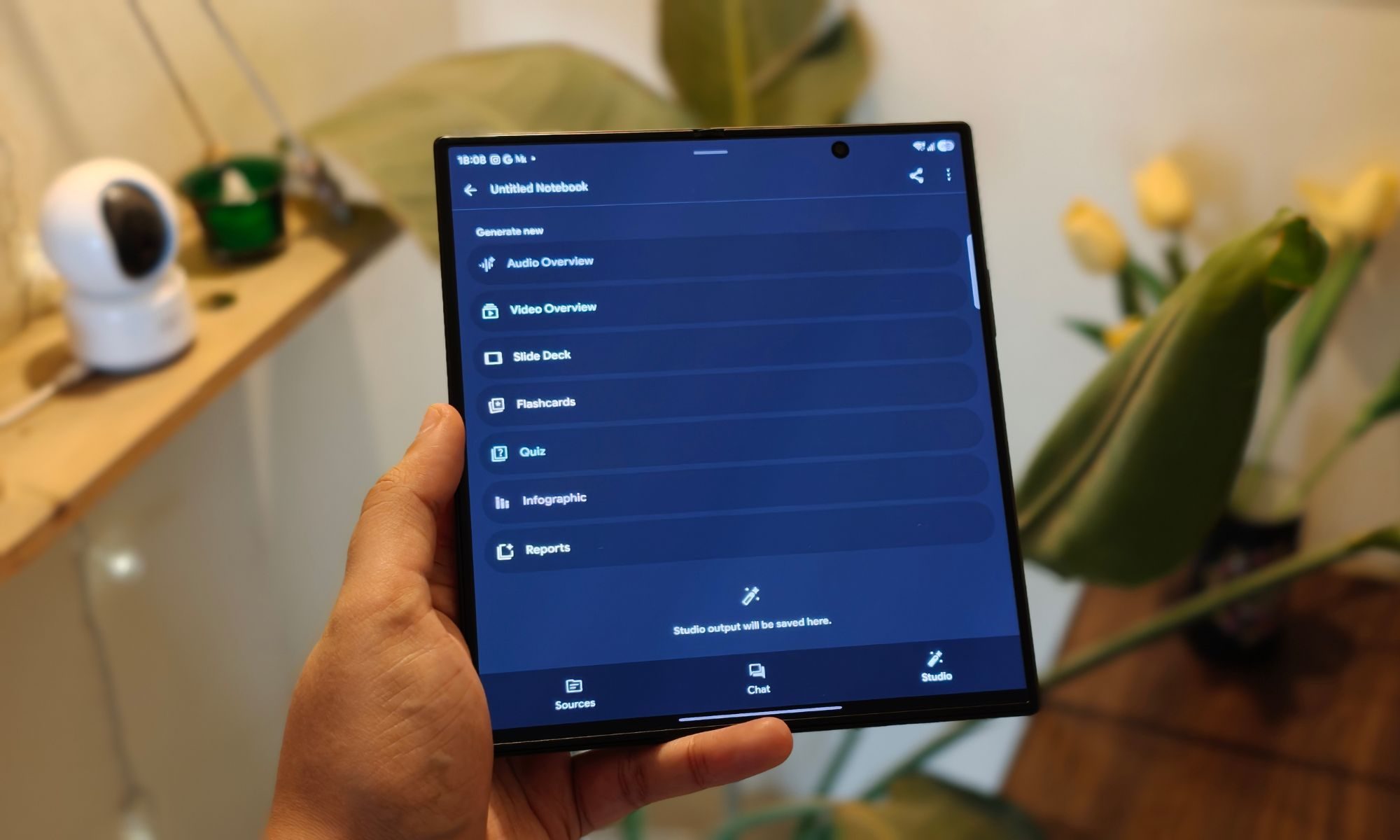
The same applies to Flashcards and Video Overviews. On a regular phone, I often find myself bouncing between different parts of the notebook to keep track of what’s happening. On the Galaxy Z Fold 8 Ultra, everything stays together. I spend less time managing windows and more time actually learning. Somewhere along the way, I also noticed something unexpected: I wasn’t reaching for my laptop nearly as often. Not because the Fold replaces a computer in every situation, but because it handles so much of my everyday research that I don’t feel the need to switch devices anymore.
Now I know why it’s pre-installed
When I first noticed Gemini Notebook came pre-installed on the Galaxy Z Fold 8 and Galaxy Z Fold 8 Ultra, I honestly didn’t think much of it. But after using it every day, though, the decision makes perfect sense. Google is clearly making Gemini a much bigger part of the Android experience, and Samsung’s foldables are probably the best showcase for that vision right now. The larger display gives Gemini Notebook the space it needs, making it feel like a genuine productivity tool that you can comfortably use for hours. Samsung sweetens the deal, too. Buying the Galaxy Z Fold 8 or Galaxy Z Fold 8 Ultra includes a six-month trial that unlocks higher Gemini generation limits and larger source caps. If you’re someone who relies on Notebook for studying, work, or research, it’s a genuinely useful bonus rather than just another free trial you’ll forget about.
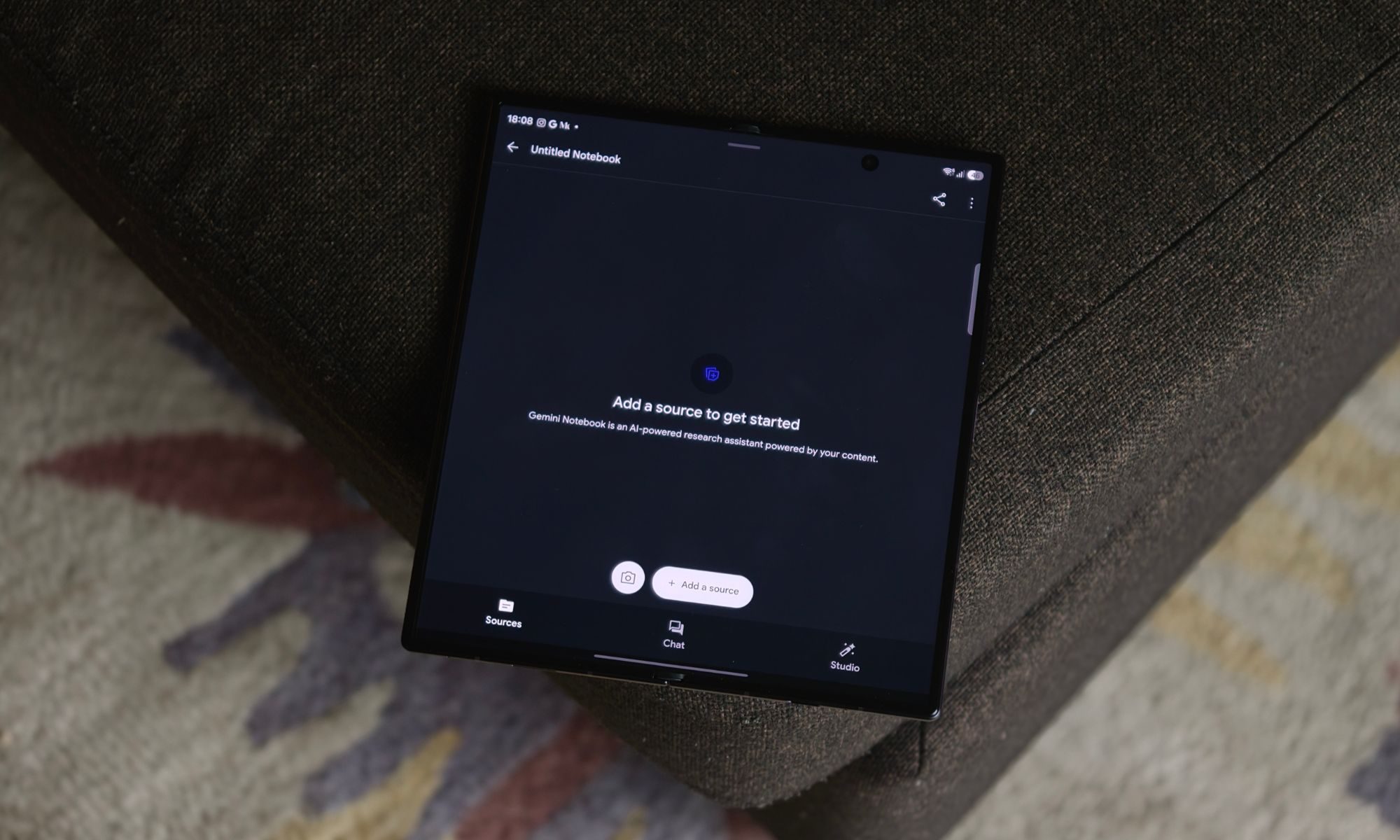
More importantly, though, this setup has changed the way I work. Whether I’m collecting research, dragging in web clips, or listening to Audio Overviews while making notes, I can comfortably do everything from the Fold’s larger display. I no longer feel like I’m forcing desktop-style work onto a phone. Instead, it feels like the phone has finally caught up with the way I actually work. That’s probably the biggest compliment I can give Gemini Notebook on the Galaxy Z Fold 8 Ultra. So, after a week of using it this way, opening Gemini Notebook on a regular slab phone feels a bit like trying to work through a keyhole. You can absolutely get the job done — but once you’ve experienced all that extra room, it’s incredibly hard to go back.