1. Home
  2. Computing
  3. News

Users report streaming video issues with Windows 10, but is it the culprit?

Add as a preferred source on Google

While the Windows 10 launch might have been a monumental success for Microsoft in many ways, not every user is entirely happy with their upgrade – whether it was free or not. Some users have reported that following on from changing up to the new OS, they’ve encountered a lot of problems with online video. Not local video, mind you — just online streaming.

What’s a little bizarre, is that their symptoms sound like hardware issues, as if the GPU or on board processor is having issues. This could be related to hardware failure, driver problems, or software issues.

Recommended Videos

“I had updated to Windows 10 from Windows 7. Every time I go to watch something either on YouTube or Netflix the video either doesn’t work or starts late with the sound going ahead of it. Sometimes there is just green screen with blue and red boxes,” said one user, quoted by TechTimes.

Others have reported seeing the blue screen of death (BSOD) with some even claiming the strange symptom of the video’s audio skipping ahead – which sounds more like dodgy video than any problem with the operating system.

Of course, it could well be a driver issue. New operating systems are prone to not being supported by everything early on. Sony recently issued a statement that users of its Vaio laptops shouldn’t upgrade their systems to Windows 10 until the appropriate driver updates had been released. Users who have upgraded need to make sure they have the latest drivers available from Intel, AMD or Nvidia, depending on the graphics solution.

Microsoft has acknowledged those with these video issues and has suggested that they use traditional troubleshooting methodology to discover the problem, as well as make sure they can play local videos correctly. They also suggested that everyone run Windows Update, to make sure that they are running the absolute latest stable version of the OS and its associated services.

Jon Martindale
Jon Martindale covers how to guides, best-of lists, and explainers to help everyone understand the hottest new hardware and…
Firefox just made work and personal browsing easier to separate
Containers are now built into Firefox to keep work and personal accounts separate
mozilla-firefox

Mozilla has released Firefox 153, giving people a built-in way to keep work, personal, shopping, and banking activity apart. The update began rolling out to Release channel users on July 21 and also introduces HDR video playback on Windows, PDF improvements, and tighter controls over local files and network devices.

Containers open tabs in isolated spaces where cookies, logins, and site storage are not shared. Someone can remain signed into two accounts on the same website, keep a work Google account away from personal YouTube activity, or stop shopping cookies from following everyday browsing.

Read more
ChatGPT can now connect to your Apple Health data to give more personalized health answers
OpenAI brings personalized health conversations to ChatGPT
Health in ChatGPT

OpenAI is expanding ChatGPT into a new category with the launch of Health in ChatGPT, a feature that allows users to securely connect health information from Apple Health and supported medical records. The feature is rolling out to users in the United States and is designed to help people ask health-related questions with more personalized context, instead of relying on isolated conversations.

According to OpenAI, more than 300 million people use ChatGPT every week for health-related queries, ranging from understanding lab reports to preparing for doctor appointments.

Read more
These are the mice I’d recommend for Back-to-school
The right mouse can outlast an entire degree. These are the ones worth picking up.
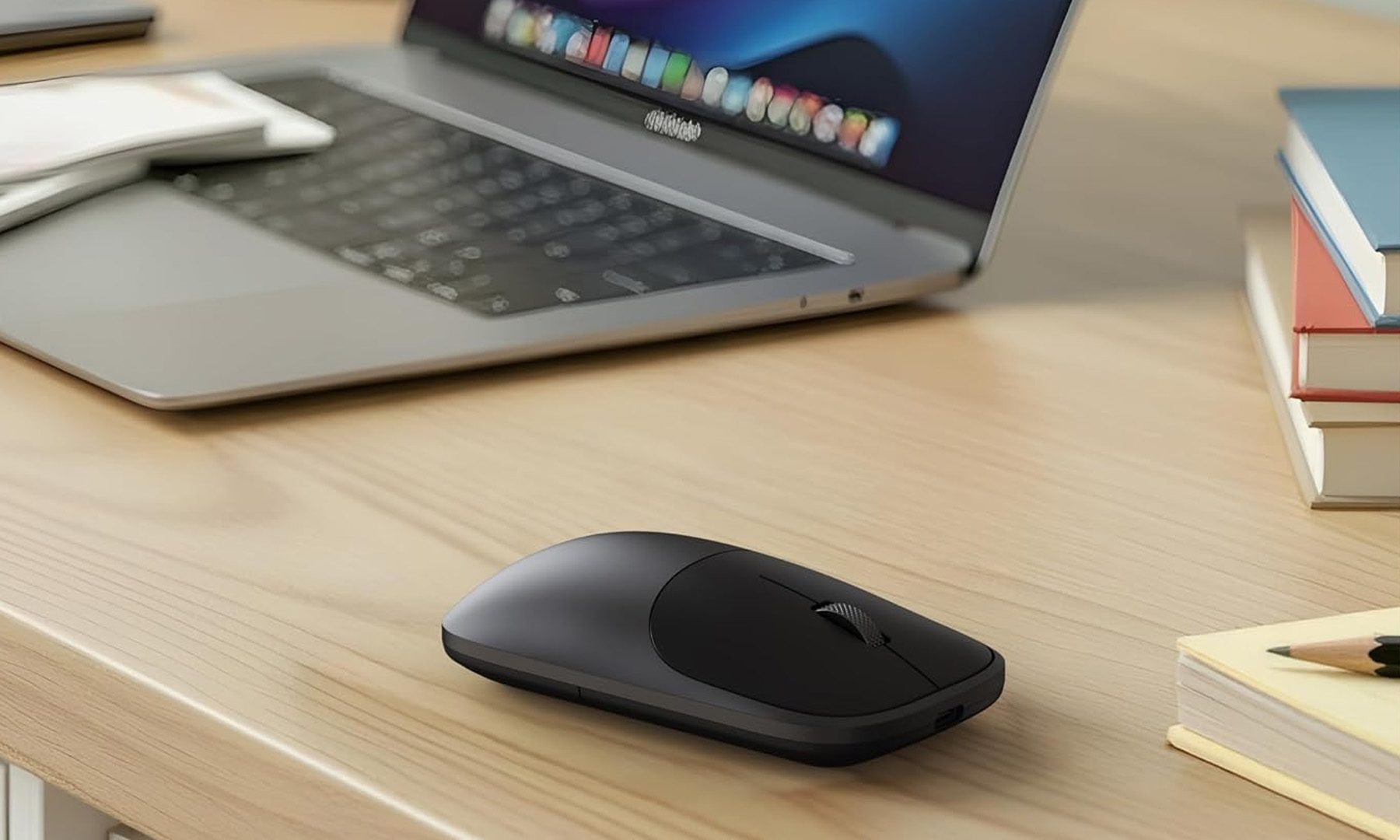
Satechi Slim EX Wireless Mouse These Are the Mice I'd Recommend for Back-to-School featured

A good mouse doesn't get nearly as much attention as a laptop, but it's one of those upgrades that quietly makes a difference every single day. Whether it's powering through assignments, editing photos, attending online classes, or squeezing in a few rounds of Valorant after lectures, the right mouse can make long hours at a desk far more comfortable. After looking through this year's options, these are the five mice I'd actually recommend for the Back-to-School season. They each serve a different purpose, which means there's something here whether gaming, productivity, or portability is the priority.

Satechi Slim EX Wireless Mouse

Read more