1. Home
  2. Phones
  3. Mobile
  4. Web
  5. News

Google wants to replace your password with your smartphone

Add as a preferred source on Google

A fair argument could be made that passwords are more of a hassle than they’re worth. They’re a pain to juggle, recall, and enter, and in most cases aren’t even secure enough to protect from the most common forms of malicious cracking — according to a survey by cybersecurity firm TeleSign, 21 percent of people use passwords that are 10 years old and 73 percent use duplicated passwords. That’s why companies from Twitter to Microsoft, with the approval of the White House, have launched ambitious plans to “kill the password” in recent years, and one reason why Google’s eschewing passwords entirely: according to a Reddit user, the Internet monolith is testing a password-free login system that relies on a smartphone for authentication.

In a thread on Reddit, rp1225 reported receiving an e-mail invitation to test a new Google login method: smartphone-based sign in. Instead of relying on a pass phrase or two-factor authentication to secure your account, the new system leverages your smartphone’s location data and security settings.

Recommended Videos

Here’s how it appears to work: after formally enrolling in the program, accepting an invitation for a private Google Group, selecting a compatible phone, and enabling a form of screen lock on said phone, logging in to your Google account would no longer require a password. Instead, a prompt would appear on your smartphone when you sign in on the Web.

The program’s very much a work in progress, an FAQ included in the invitation notes. Depending on the circumstances, enrolled users “may be asked to complete an extra step or two,” and password-based login isn’t disabled entirely; you can still use your old pass code in case your phone’s dead, lost, or missing. There’s a mechanism for enrolling a new phone, too (although the criteria for “compatible” phones isn’t exactly clear), and a way to opt-out of the new login system altogether.

google-login-thing
Image used with permission by copyright holder

The new system’s the latest of Google’s attempts to reduce reliance on passwords. In Android 5.1, the firm introduced On-Body detection, a system that measures your smartphone’s sensors to automatically bypass the lockscreen in certain scenarios. It joined the FIDO Alliance to develop password-free standards. And in 2013, Google’s security team experimented with a Yubico cryptographic card that, when slid into a USB reader, could automatically log into an associated Google account.

And Google has some even wackier ideas. In a paper published in the engineering journal IEEE Security & Privacy Magazine, Eric Grosse, Google’s vice president of security, and engineer Mayank Upadhyay envision a “smartphone” or “smartcard-embedded ring finger” that can authorize a computer via nothing more than a tap. That may not come to pass, but if there’s one thing that’s certain, it’s that the password is doomed. Might as well give your current crop of pass codes (“password12345,” anyone?) an early retirement.

Kyle Wiggers
Kyle Wiggers is a writer, Web designer, and podcaster with an acute interest in all things tech. When not reviewing gadgets…
I went hands-on with Samsung Galaxy Z Fold 8 Ultra. It’s peak foldable in an old garb. 
It may not look like a fresh start, but underneath the familiar chassis, there's plenty of thoughtful engineering tweaks.
Samsung Galaxy Z Fold 8 Ultra

Samsung just wrapped up its glitzy Unpacked event, revealing three new foldable phones and a pair of smartwatches. While my heart flutters for the pocketable Galaxy Z Fold 8, it’s the Ultra variant that truly feels like a refinement. Interestingly, when you look at the Galaxy Z Fold 8 Ultra for the first time, you might mistake it for the Galaxy Z Fold 7.

Both of them look identical, and Samsung has not made any visible changes on the Galaxy Z Fold 8 Ultra for it to stand out from its predecessor. Color options, obviously, are fresh this time around, but there are a few changes that have been made under the hood, and they make this phone feel like a practically rewarding iteration.

Read more
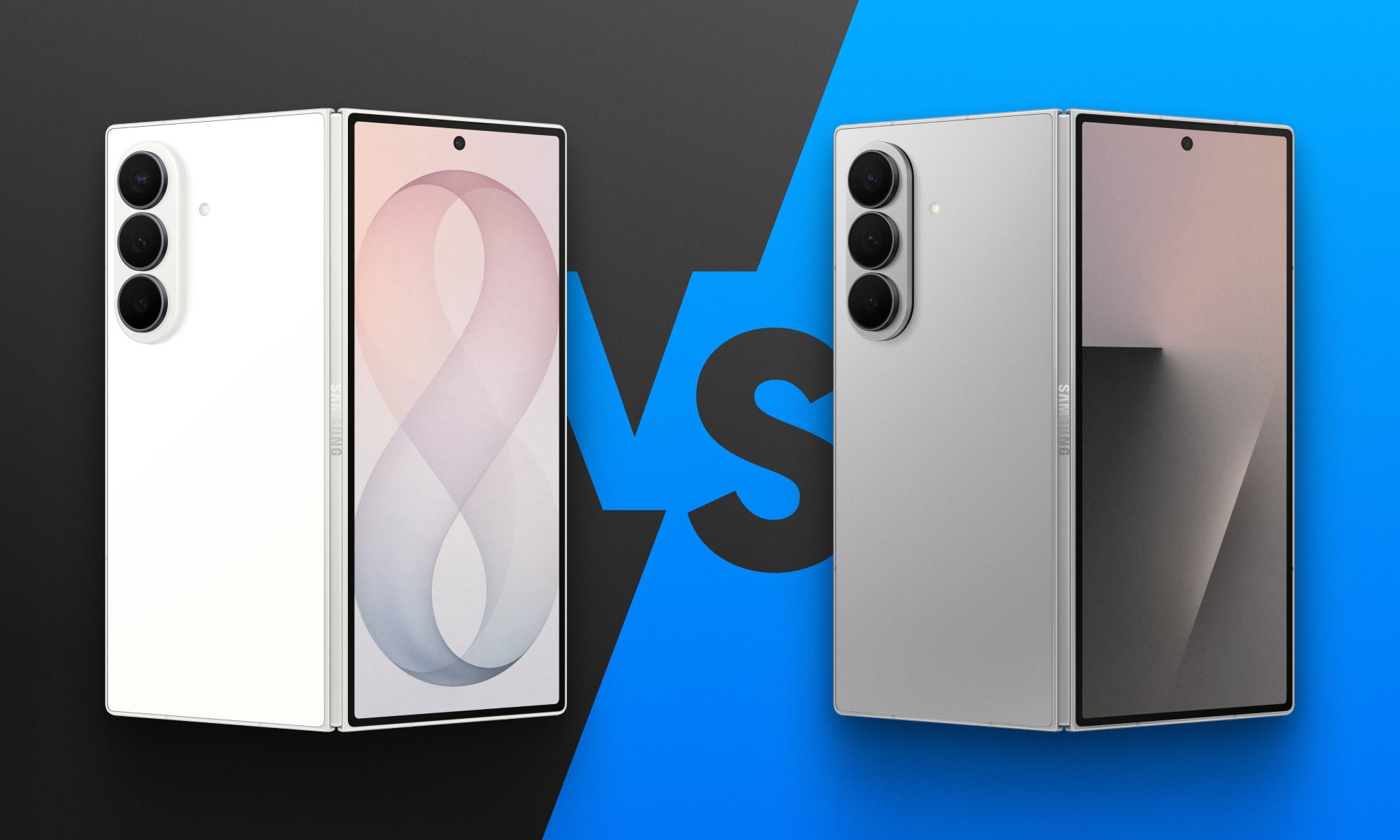
Fold 8 Ultra vs. Fold 7: Upgrades across the board, but is the Ultra really worth the upgrade?
From battery capacity to camera hardware, here's a full comparison between the Galaxy Z Fold 8 Ultra and Galaxy Z Fold 7, and whether upgrading actually makes sense.
Galaxy Z Fold 8 Ultra vs. Fold 7

Foldables age differently than regular smartphones or flagships. But why do I say this? It's the hinge and the foldable aspect that wins buyers over in the first place, not the specifications that get outdated every single year. That's precisely why anyone still carrying last year's Galaxy Z Fold 7 is asking a fair question today: does Samsung's freshly unveiled Z Fold 8 Ultra genuinely earn an upgrade, or does the Fold 7 still hold its ground?

And for shoppers who skipped last year's model entirely and are weighing their first foldable purchase, the calculus is totally different. A now-discounted Fold 7 might undercut the Ultra by a considerable sum, and that could matter to those looking to spend on the form factor, not the latest specifications. 

Read more
Samsung makes it easier to run multiple apps on Galaxy Z Flip 8’s cover screen
Samsung's Galaxy Z Flip 8 now runs 16 apps on its cover screen.
Galaxy Z Flip 8 cover display

Samsung is finally making the Galaxy Z Flip's cover screen much more useful. With the new Galaxy Z Flip 8, you no longer have to rely on workarounds to access more apps without unfolding the phone. Instead, Samsung has expanded native support on the FlexWindow, allowing 16 apps to run directly on the outer display and also making it much easier to launch virtually any other app.

The update addresses one of the biggest complaints Flip users have had for years and brings Samsung up to the level of rivals like Motorola, whose Razr series has long offered a more flexible cover screen experience.

Read more