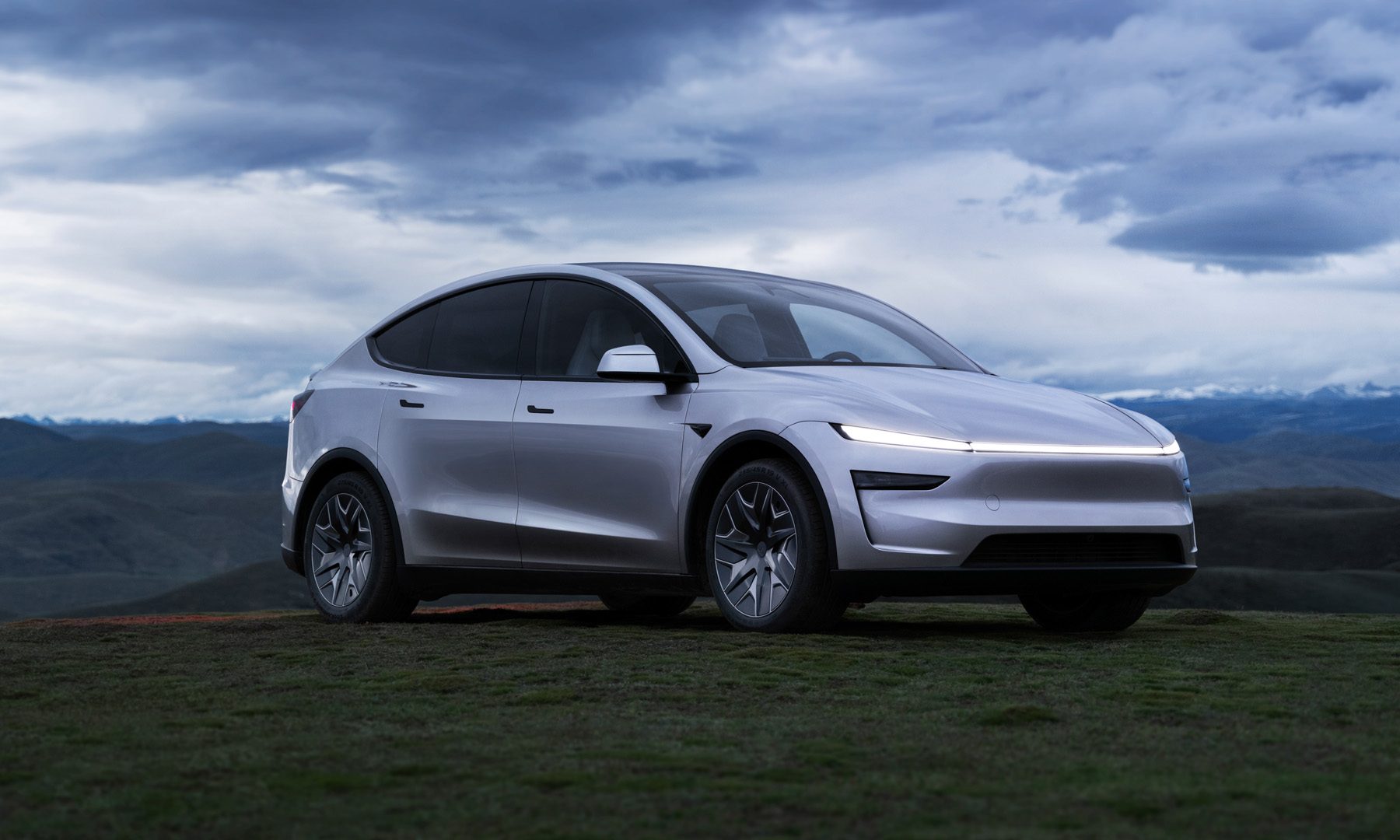
I’ve been driving a Chevrolet Equinox 2025 SUV rental car for the past week, and it’s reminded me exactly what my next car needs. It runs Android Automotive, which I’ve already decided is a requirement in my next car, but the more convenient feature is arguably how Chevrolet has approached its CarPlay and Android Auto integration.
CarPlay and Android Auto offer immense benefits and virtually no pitfalls to drivers. They’re designed to bring your phone and its apps into your car, and make it easier to access up-to-date maps and traffic data without relying on often-archaic solutions implemented by your carmaker.
Yet, these two platforms have a few key pitfalls, and Chevrolet has taken an approach that only a few other carmakers have taken to solve them. My next car must have this CarPlay and Android Auto feature, here’s why.
How Android Auto and CarPlay work in most cars

Most car makers adopt Apple CarPlay or Android Auto by routing the custom interface to the car’s main display. This is the most logical, as it means the car’s display, usually larger than anything else you may have on you, becomes the focal point of your driving experience. However, it also means you have to look away for navigation directions.
Then there are companies like Mercedes and BMW, the latter being the first to bring your preferred mapping solution closer to your line of sight. Chevrolet follows this approach, but instead of your maps appearing in a Heads-up Display (HUD), they appear in a secondary display usually housed in your dashboard.
Hundreds, if not thousands, of cars support Android Auto and CarPlay in the center console display, but far, far fewer support it in the gauge display, the instrument cluster behind the steering wheel, or the HUD. This is where it makes sense: after driving 500 miles, it’s far less distracting to look down for a split second, which you may be doing anyway to check your speed, than to look sideways at a giant display.
The varying types of dual display CarPlay and Android Auto
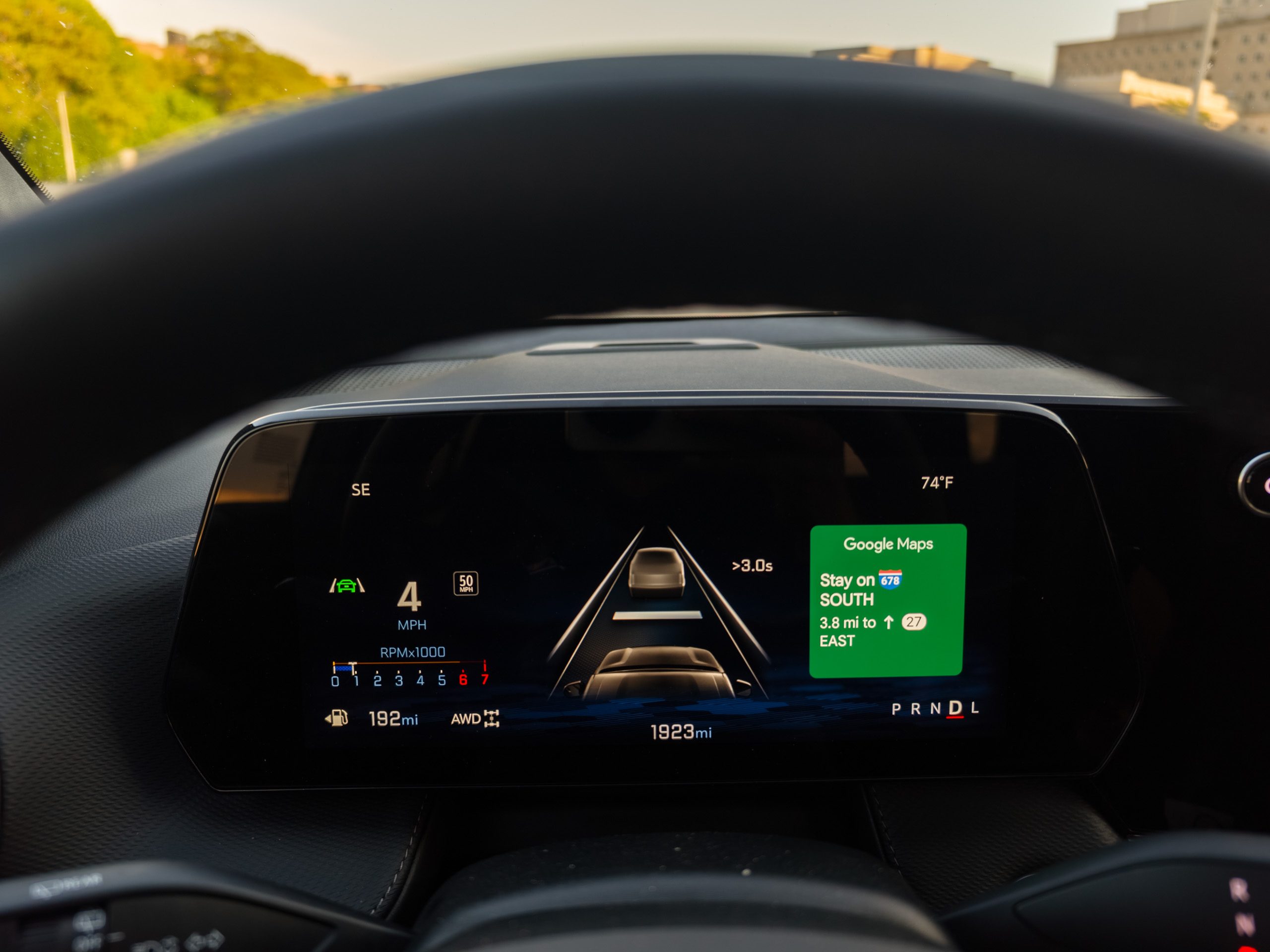
Android Auto doesn’t natively support a dual display output, so carmakers must build it themselves. This could be why so few cars support this feature. While large displays are commonplace in the center console, it’s far rarer for a carmaker to include a secondary display behind the steering wheel or a Heads-up Display.
For those that do, the Android Auto and CarPlay integration is varied. Most offer some form of integration between that display and the mapping solution you’re using on your phone, allowing you to see upcoming turn-by-turn guidance (usually including distance to the turn), directions, and even a mini-map.
There are quite a few cars that support this type of integration, ranging from BMW, which was the earliest, to Polestar, VW Group (including Audi), Mercedes, and Volvo. Not every model features this type of integration, and the experience can vary wildly. However, I’ve found the ideal dual-display Android Auto or CarPlay integration implementation.
Why Chevrolet has my favorite implementation
I’ve driven a wide variety of cars and seen a lot of different Android Auto and CarPlay implementations to spot a good one when I experience it. I’ve driven the Chevy Equinox 2025 SUV for the past week and realized that Chevrolet has my favorite implementation for a few reasons.
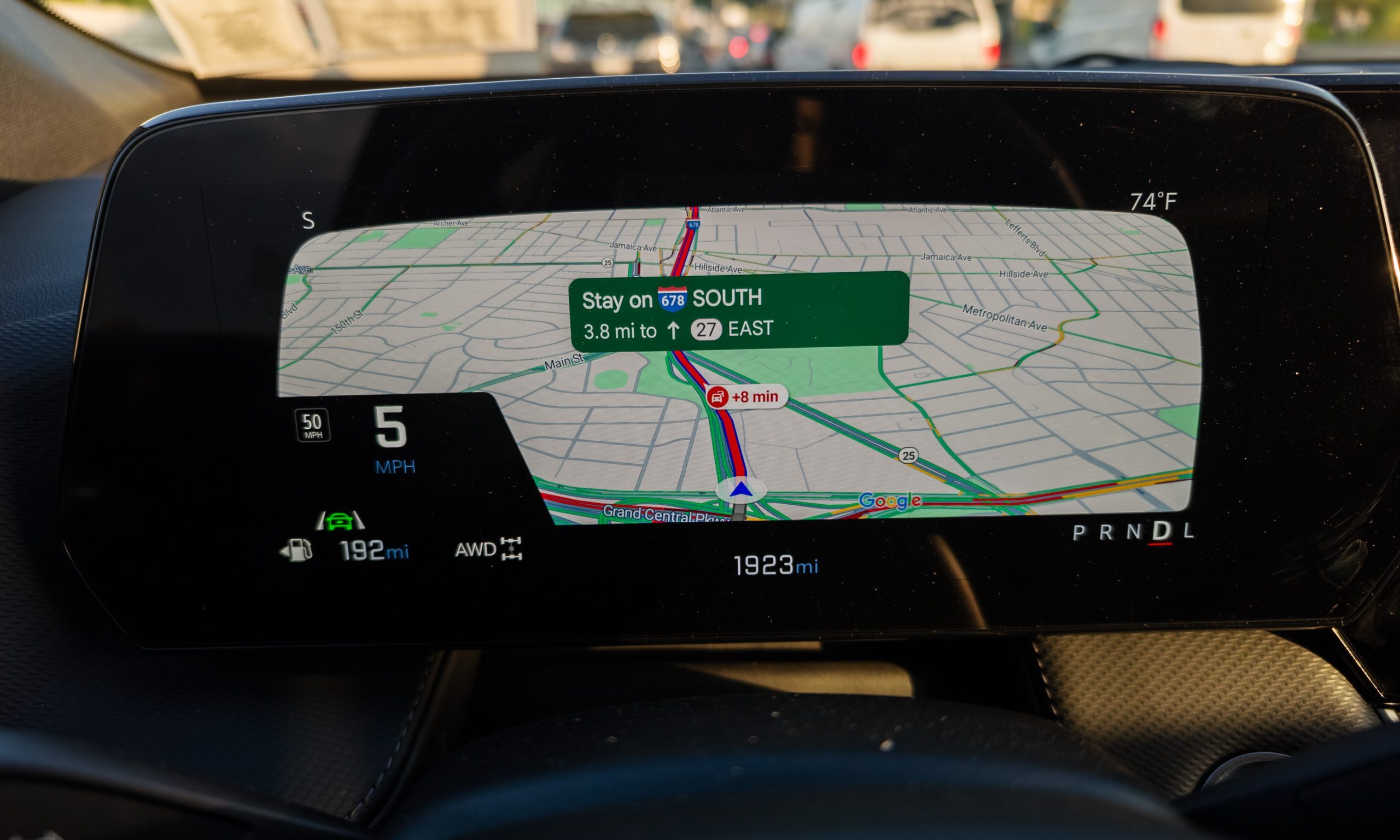
One of these is that the entire instrument cluster is digital. This can be frustrating when you’re used to fiddling with buttons to change trip information or what’s displayed on a partial display, but it means that the carmaker can build a far more immersive experience.
The digital approach means that CarPlay and Android Auto maps can be routed to take over almost the entire display. Instead of a small window that shows turn-by-turn guidance, this gives you the whole map on this display and means you mostly don’t need to turn your head to the main display. Except, there’s one problem: this second display won’t show you things like ETA or distance.
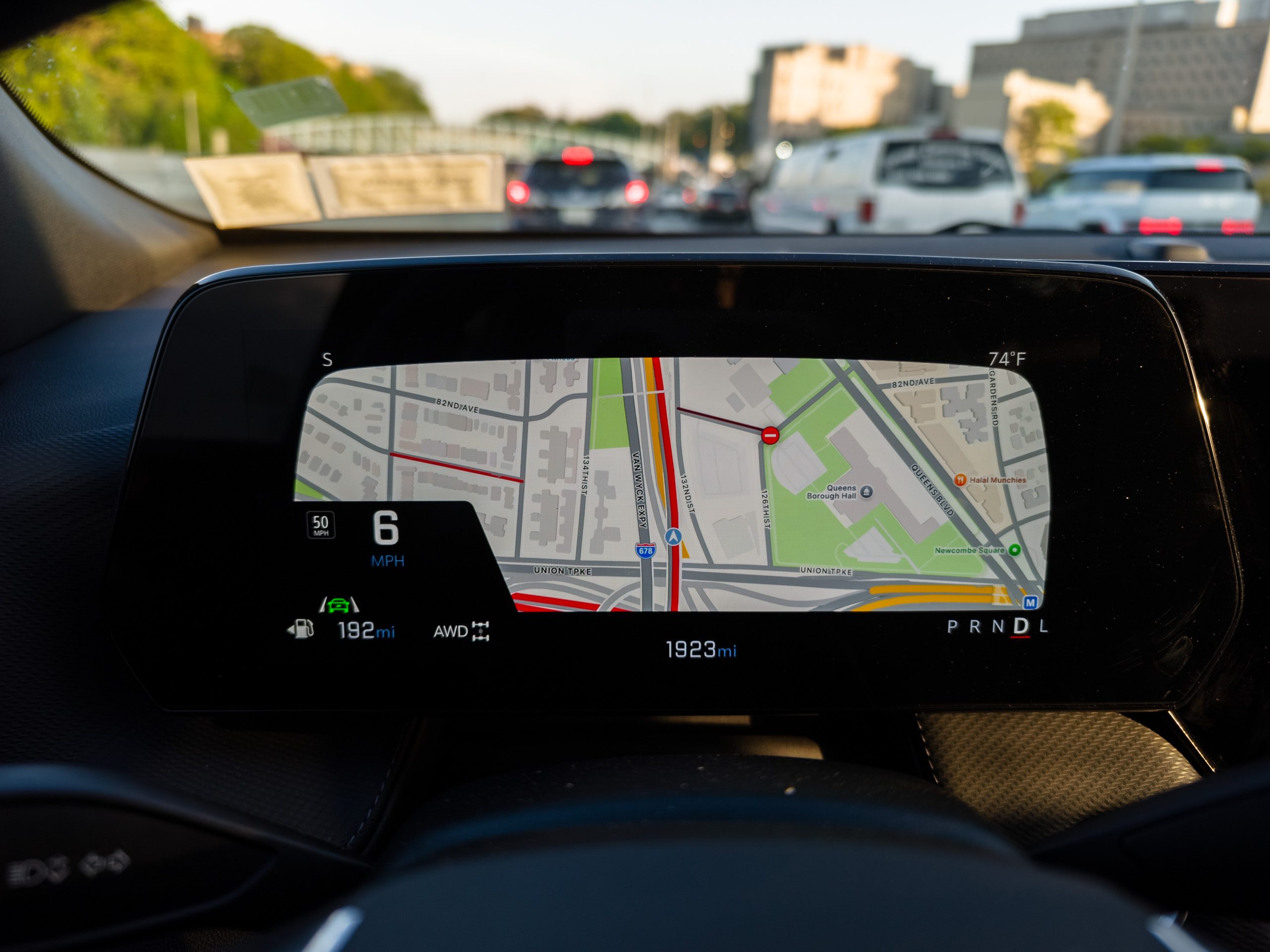
The more interesting part is that there are several implementations. As you press a button on the steering wheel to cycle through different displays, you can choose from the entire map view or a smaller window to the side with turn-by-turn guidance. When navigating, I find it’s almost always easier to use the full map, but the small window is useful to keep an eye on the gauges.
However, the most interesting part is how Chevrolet has incorporated mapping solutions into this display. As Android Automotive powers the car, you get Google Maps with live traffic natively integrated into the car’s OS. Then you also have whichever mapping solution you use on your phone. Interestingly, Chevrolet has ensured you can choose either, as it displays both in a full-screen map view as you cycle through the different screens.
Overall, this is my favorite implementation of a dual-screen display with CarPlay or Android Auto so far, and I hope other carmakers follow suit.