1. Home
  2. Computing
  3. News

Windows 10 IoT Core releases to Raspberry Pi, MinnowBoard Max

Add as a preferred source on Google

Windows 10 has been available for nearly two weeks now on PCs and tablets, but what if you want to run a version of the operating system on your toaster?

That’s the question Microsoft has been trying to answer since it first revealed its Internet of Things Windows 10 Preview earlier this year, and now we’re one step closer to that dystopian reality thanks to the release of Windows 10 IoT for the Raspberry Pi 2 and MinnowBoard Max.

Recommended Videos

For those not in the know, Raspberry Pi is a $35 computer resembling the size of a credit card, mainly used by educators and developers. MinnowBoard Max, on the other hand starts at $99, but bears better customization options and a 64-bit Atom processor, again, mostly focused on developers.

The arrival of IoT Core on these devices means developers can acquire the tools to start making apps via the Windows IoT Dev Center. Doing so, however, requires a device running the launch day version of Windows 10 for desktop (build 10240) as well as the most recent edition of Visual Studio.

Developing for Windows 10 IoT differs dramatically from other variants of the OS. For instance, many of the devices that support IoT Core don’t possess displays, so you could be developing for an air hockey table or an air conditioning unit.

Microsoft says developers can “write a Universal Windows app that is the interface and ‘personality’ for your device.” The platform is designed to be relatively easy for developers to navigate, even when creating apps for “professional grade devices.”

With this version in particular, Wi-Fi and Bluetooth are now supported, clearly an improvement for those looking to devise software for smart devices.

Additionally, Microsoft boasts improved support for programming languages Python and Node.js, better GPIO performance support on the Raspberry Pi 2, and more clear-cut control over system features such as time zone and network connections.

Geared mostly toward engineers, more information about this release has been outlined by Microsoft in a recent blog post.


Gabe Carey
A freelancer for Digital Trends, Gabe Carey has been covering the intersection of video games and technology since he was 16…
WhatsApp’s Liquid Glass redesign is finally coming to Mac after months of waiting
WhatsApp's Mac app is getting Apple's Liquid Glass-inspired makeover
WhatsApp

WhatsApp has been steadily adopting Apple's new design language across its apps, but Mac users have largely been left watching from the sidelines. That is finally beginning to change.

The messaging platform has started rolling out its Liquid Glass redesign for the WhatsApp Mac app, bringing the desktop experience much closer to what iPhone and iPad users have been seeing over the past few months. The update introduces a refreshed interface with redesigned navigation elements, updated menus, and a cleaner layout that aligns with Apple's latest software aesthetic. According to WABetaInfo, the rollout has begun through the latest Mac App Store update and is currently reaching a limited number of users.

Read more
NVIDIA’s new AI can detect deepfake videos in just 22 milliseconds
NVIDIA has a new AI tool that can tell fake videos from real ones in milliseconds
Nvidia logo

As generative AI becomes increasingly capable of producing videos that are nearly indistinguishable from real footage, the race is no longer just about creating synthetic media. It's about detecting it before it spreads.

At SIGGRAPH 2026, NVIDIA unveiled Synthetic Video Detector, a new AI-powered verification tool designed to identify AI-generated videos with remarkable speed and accuracy. Rather than replacing traditional fact-checking or forensic analysis, the company says the technology is intended to give newsrooms, broadcasters and enterprises another layer of confidence before synthetic videos enter the public domain.

Read more
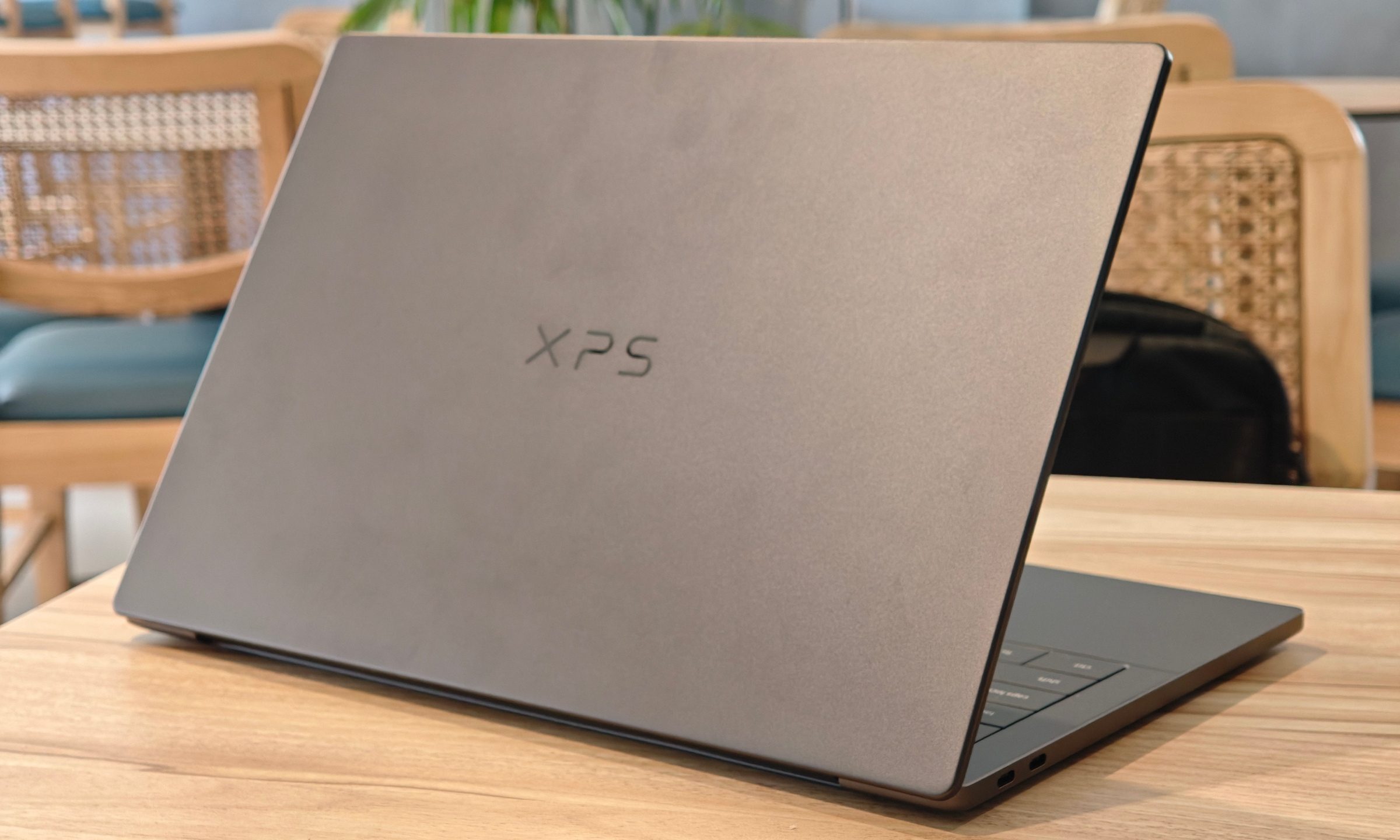
Dell XPS 14 (2026) Review: Dell’s classic Windows laptop returns, and it’s hard to put down
The icon returns, and shows why it's still relevant
Dell XPS 14 Review: Featured

Quick take

Dell’s XPS line has always carried a certain weight. It is one of those Windows laptop families that people recognize even if they don’t follow laptops too closely. Clean design built with premium materials, sharp displays, and high-end hardware. The Dell XPS 14 DA14260 continues that legacy. 

Read more