  1. Home
  2. Phones
  3. Mobile
  4. How tos

Apple Music Replay 2023: how to find your replay experience

Add as a preferred source on Google
Apple Music Replay 2023 hero.
Digital Trends

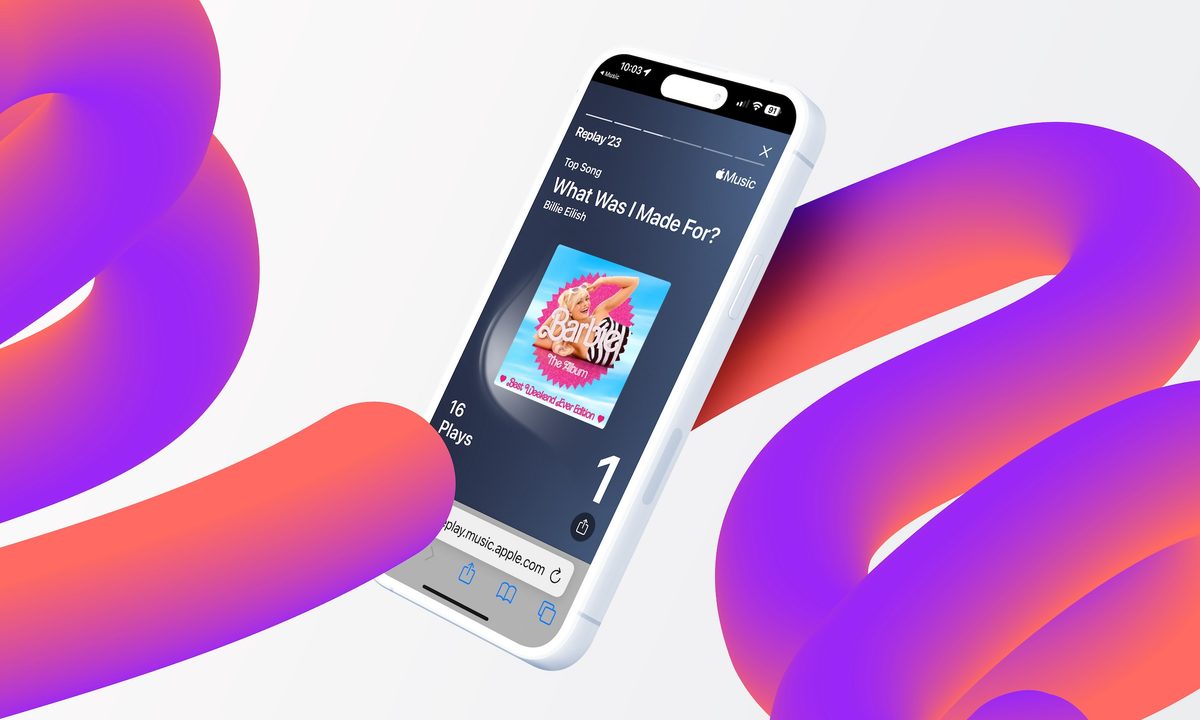
As we approach the end of the year, Apple Music has a special gift for its users. You can now view your music listening statistics with Apple Music Replay 2023. This feature allows you to see your most played songs, artists, and albums of the year.

Apple Music is one of the top music-streaming apps available, and at the end of each year, it offers users the Apple Music Replay experience, which displays your listening history of the past 12 months. This feature is a great way to reflect on your music taste and discover new artists and songs that you may have missed throughout the year. Spotify also has a similar tool called Spotify Unwrapped for its users.

If you're interested in seeing what your listening habits look like and want to check out your own Apple Music Replay for 2023, but don't know how to find it, don't worry! Here's a quick guide that will walk you through the entire process.

Recommended Videos

Difficulty

Easy

Duration

5 minutes

What You Need

  • An iPhone or Android phone

  • The Apple Music app

Apple Music Replay 2023 hero.
Digital Trends

How to find Apple Music Replay 2023

The easiest way to access Apple Music Replay is through the Apple Music app for the iPhone or an Android phone. You'll find iPhone screenshots below. However, keep in mind that the steps are the same on Android phones such as the Google Pixel 8 Pro or Samsung Galaxy S23 Ultra.

Step 1: First, open the Apple Music app on your device.

Step 2: On the Listen Now page, scroll down, then select Replay under the Check Your Progress section. This will transfer you to the Apple Music Replay website.

Screenshot showing the steps to opening Apple Music Replay 2023 on your mobile device.
Digital Trends

Step 3: Tap Jump In in the center of the screen. Log in with the Apple ID assigned to your Apple Music subscription.

Step 4: Next, tap Play Your Highlight Reel to enjoy your Apple Music Replay 2023.
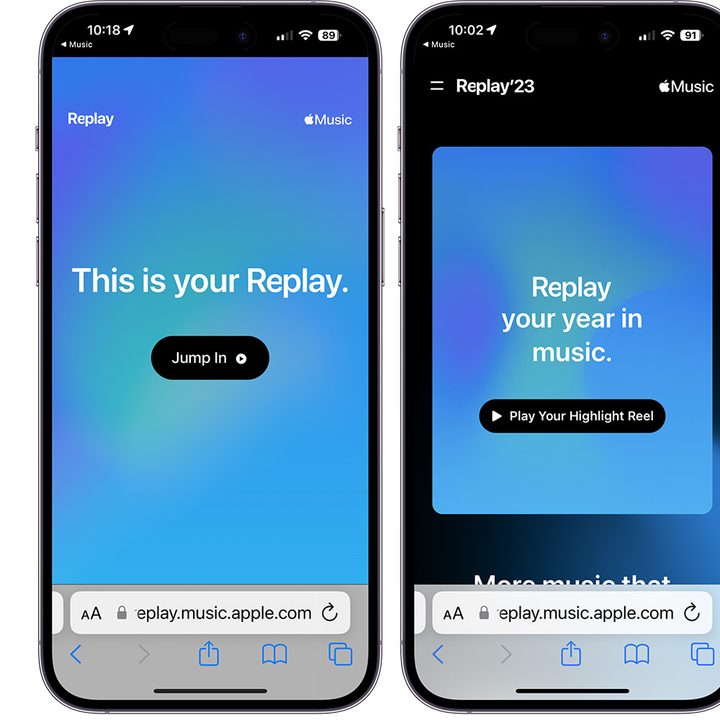
How to activate the Apple Music Replay 2023 feature on your iPhone.
Digital Trends

Step 5: Once you've watched and listened to your Apple Music Replay 2023, tap Explore Your Dashboard is learn more about your year in review.

Screenshot showing information from the Apple Music Replay 2023 feature on iPhone.
Digital Trends

How to see your Apple Music Replay playlists

Apple Music allows you to access your yearly and past playlists of most-listened songs through the app on your mobile device.

Step 1: After opening the Apple Music app, choose the Listen Now tab.

Step 2: Scroll down, choose the year you wish to replay under the Replay: Your Top Songs by Year section. Listen to the playlist.

Screenshot showing how to bring up Apple Music Replay by year on iPhone.
Digital Trends

That's it! Now you have near-instant access to your favorite music of 2023.

Bryan M. Wolfe
Former Mobile and A/V Freelancer
Bryan M. Wolfe has over a decade of experience as a technology writer. He writes about mobile.
Instapaper just had its biggest update in years, and it’s packed with goodies
New website, new iOS app, and AI Voices for Android, Instapaper's glow-up has arrived.
Instapaper iOS app

Apps like Instapaper are essential for keeping my reading goals in check. I cannot always read an article in full when I come across it, so the ability to save articles in a read-it-later app is a must-have feature for me. After Pocket's demise, Instapaper became the alternative most people flocked to. 

And now the company just handed its users a massive update to be thankful for. The company rebuilt its website from scratch, redesigned the iOS app around Apple's Liquid Glass look, and finally brought AI Voices to Android. Let's break down what's actually new.

Read more
How much does Apple’s Upgrade plan cost to lease devices and is it worth it?
The age-old ownership vs. subscription fight hits Apple devices.
Computer, Electronics, Laptop

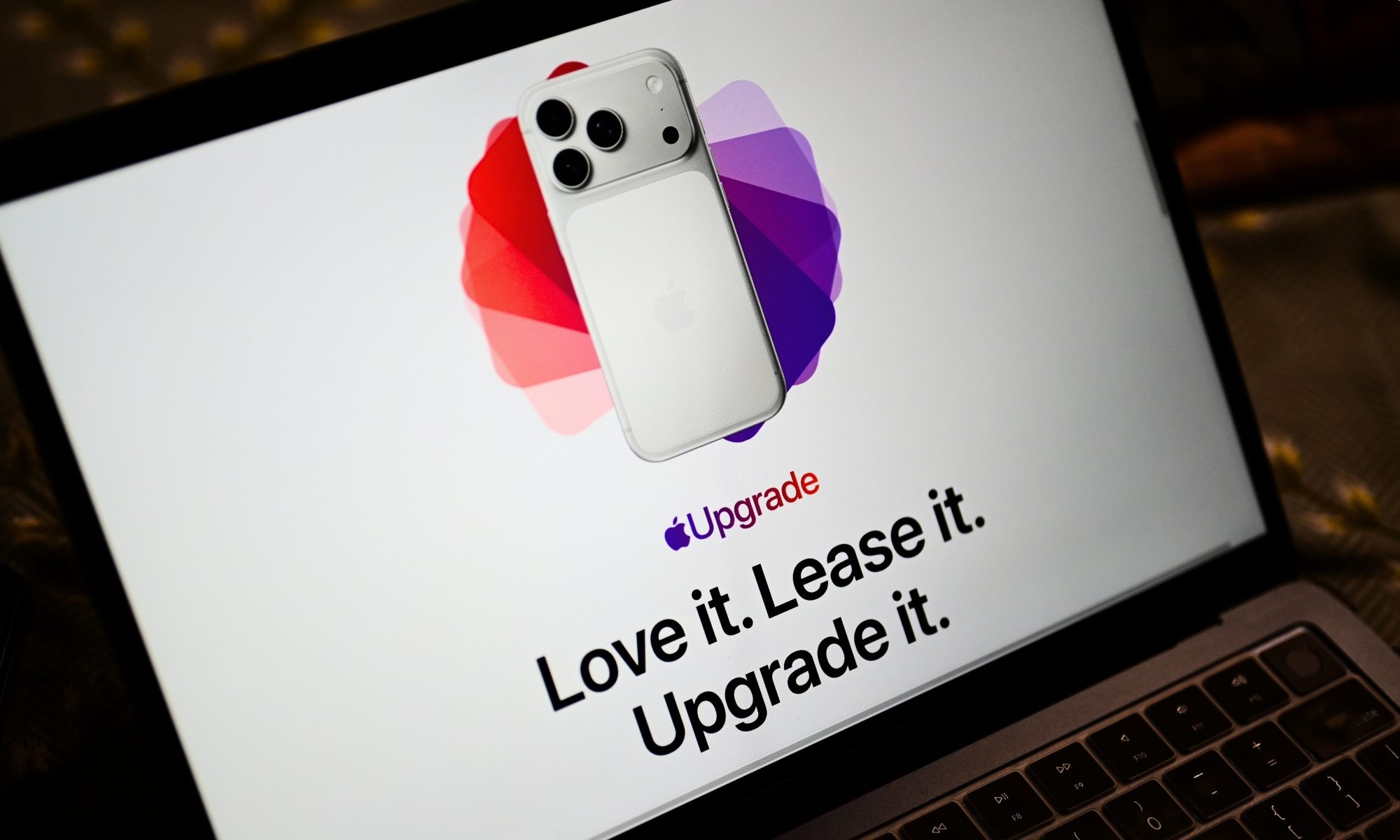
Apple just gave you a new way to own an iPhone, iPad, Mac, or Apple Watch without buying it. The newly launched Apple Upgrade program lets you lease Apple hardware through Klarna instead of paying full price upfront, and I'll admit that the monthly numbers genuinely look tempting.

I went through Apple's own published rates device by device to figure out where this actually saves you money, and where it's just a slower way to pay full price for something you'll never own.

Read more
HBO Max is stealing TikTok’s best trick to help you find something to watch
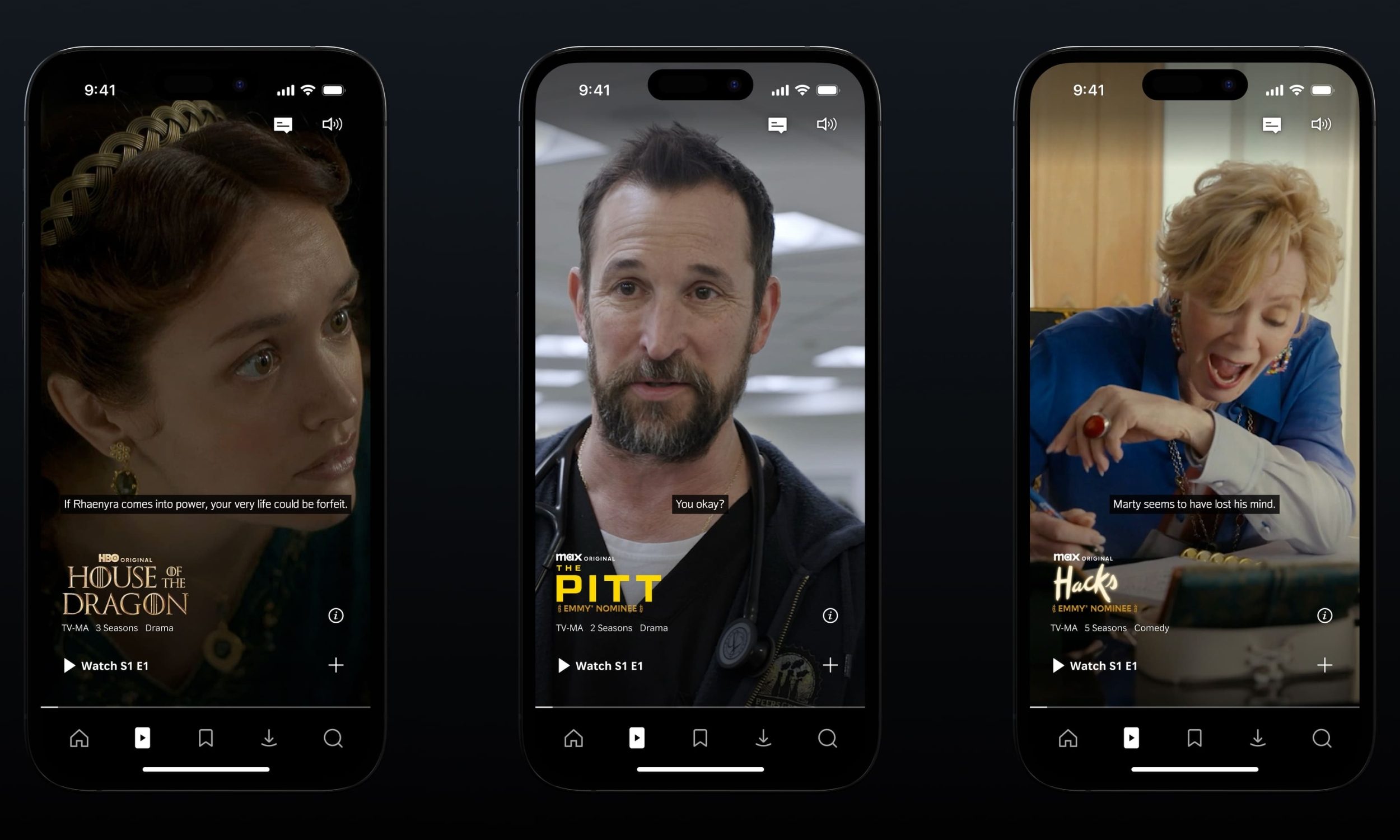
It brings a TikTok-style vertical feed to the app.
Electronics, Phone, Mobile Phone

Streaming apps have a big discovery problem: people are finding what to watch on TikTok instead. HBO Max's answer is to bring that endless-scroll experience into its own app.

So what exactly is HBO Max Shorts?

Read more