  1. Home
  2. Phones
  3. Android
  4. Mobile
  5. Music
  6. News

You can now dance with Childish Gambino in Playground on Pixel

Add as a preferred source on Google
Image used with permission by copyright holder

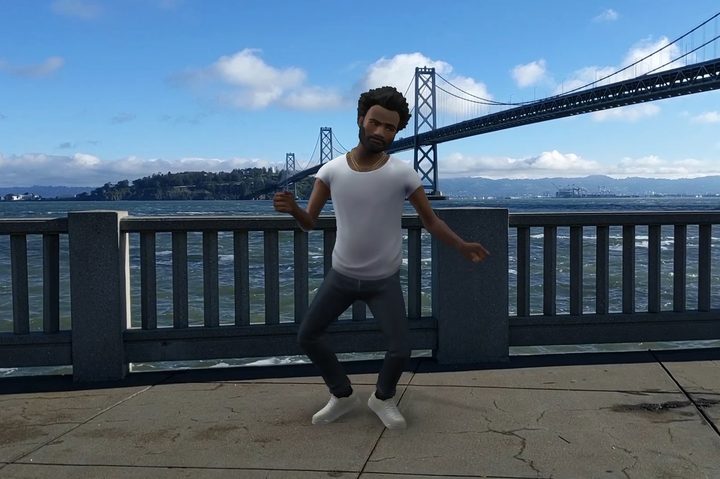
Ever wanted to dance with Childish Gambino? Now you can, as Childish Gambino and his legendary dance moves have been added to Playground on Pixel, allowing users to use augmented reality (AR) to project a virtual Gambino into your life.

If you’re not familiar with the feature, Google’s Playground uses the Pixel camera to fill your life with augmented reality-created avatars — known as Playmojis — that you can interact with. We saw some early versions of this include characters from Star Wars and the Marvel universe, and Google has continued to expand Playground’s roster with the inclusion of the This is America singer.

The Childish Gambino Playmoji pack includes dance moves from three of Childish Gambino’s songs — This is America, Redbone, and Summertime Magic — and Google’s team worked with Childish Gambino himself and his music video choreographer, Sherrie Silver, to make sure the AR version of Gambino can rival the real Gambino’s dance moves. Google has injected a bit of machine learning magic into the AR Gambino, too, and he’ll be able to intelligently react to certain facial expressions while he shares your selfies. This, along with ARCore’s motion tracking, light estimation, and ability to react to the world around him, means the AR version of Childish Gambino should feel pretty real.

Users of any of the Pixel phone, from the original Pixel to the newest Google Pixel 3 and Pixel 3 XL, should be able to start playing with Childish Gambino today, as the update is rolling out worldwide. Getting started with Playground is easy; just open your camera, swipe over to the More tab, and tap Playground. Then you should be able to access Playground by tapping the Sticker icon from your Pixel’s camera app. You can select your chosen character, move them around your world, and even make them bigger or smaller. Playground is usable with both the rear-facing and front-facing camera, so you can take selfies or pose them around while you take photos or videos.

Recommended Videos

Google wants #TeamPixel to show off its dance moves on Twitter, so get out there and bust out some moves alongside Childish Gambino. Just don’t forget to tag your effort with #pixeldanceoff when you’re sharing it.

Mark Jansen
Former Mobile Evergreen Editor
Mark Jansen is an avid follower of everything that beeps, bloops, or makes pretty lights. He has a degree in Ancient &…
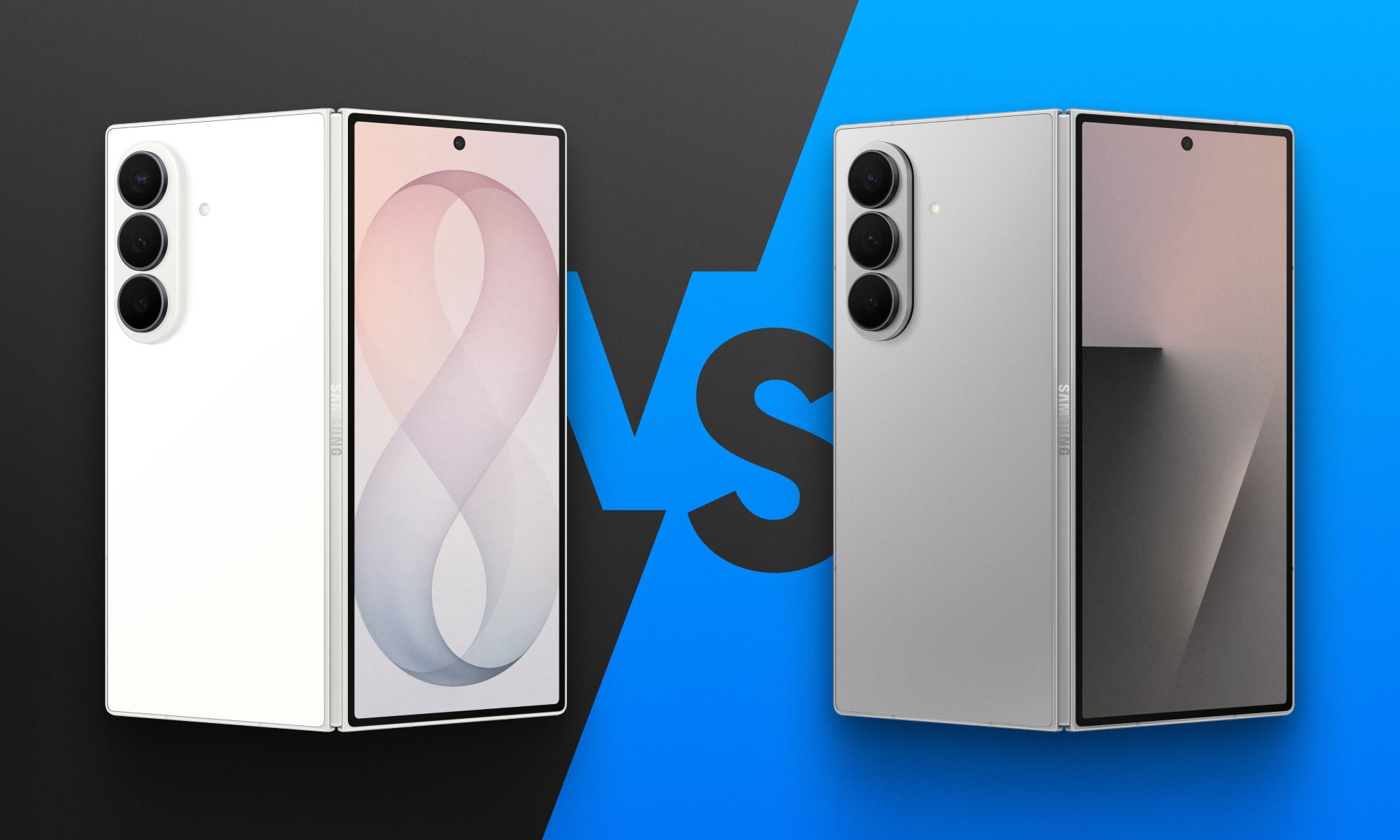
Fold 8 Ultra vs. Fold 7: Upgrades across the board, but is the Ultra really worth the upgrade?
From battery capacity to camera hardware, here's a full comparison between the Galaxy Z Fold 8 Ultra and Galaxy Z Fold 7, and whether upgrading actually makes sense.
Galaxy Z Fold 8 Ultra vs. Fold 7

Foldables age differently than regular smartphones or flagships. But why do I say this? It's the hinge and the foldable aspect that wins buyers over in the first place, not the specifications that get outdated every single year. That's precisely why anyone still carrying last year's Galaxy Z Fold 7 is asking a fair question today: does Samsung's freshly unveiled Z Fold 8 Ultra genuinely earn an upgrade, or does the Fold 7 still hold its ground?

And for shoppers who skipped last year's model entirely and are weighing their first foldable purchase, the calculus is totally different. A now-discounted Fold 7 might undercut the Ultra by a considerable sum, and that could matter to those looking to spend on the form factor, not the latest specifications. 

Read more
Samsung makes it easier to run multiple apps on Galaxy Z Flip 8’s cover screen
Samsung's Galaxy Z Flip 8 now runs 16 apps on its cover screen.
Galaxy Z Flip 8 cover display

Samsung is finally making the Galaxy Z Flip's cover screen much more useful. With the new Galaxy Z Flip 8, you no longer have to rely on workarounds to access more apps without unfolding the phone. Instead, Samsung has expanded native support on the FlexWindow, allowing 16 apps to run directly on the outer display and also making it much easier to launch virtually any other app.

The update addresses one of the biggest complaints Flip users have had for years and brings Samsung up to the level of rivals like Motorola, whose Razr series has long offered a more flexible cover screen experience.

Read more
Google just made switching from iPhone to Android much easier with Android 17
Android 17 can now transfer your passwords, passkeys, eSIM, and even your home screen.
Android-17-switch-ios-to-android

Moving from an iPhone to an Android phone has never been an easy process, but Google is trying to change that. With Android 17, the company has introduced a rebuilt Android Switch that can move far more of your data than any past version ever could.

Google worked with Apple to create the new transfer system from the ground up, allowing far more information to move wirelessly than before. The upgraded experience is already rolling out to eligible Pixel devices and is also available on Samsung's new Galaxy Z Fold 8 and Galaxy Z Flip 8 through Smart Switch.

Read more