
GameNative is making it much easier for Android players to commit one of PC gaming’s oldest crimes against storage space. Its v1.1.1 pre-release adds Nexus Mods integration, cutting out much of the file shuffling usually required to get PC game mods running on a phone.
According to GameNative’s official release notes, users can sign in to a Nexus account and download mods through the app. Downloads can be paused and resumed too, so losing your connection shouldn’t force you back to the beginning.
How does Nexus Mods work inside GameNative
The biggest improvement is keeping everything organized. Each game gets a dedicated profile showing its installed mods, where players can turn them on or off without deleting the files.
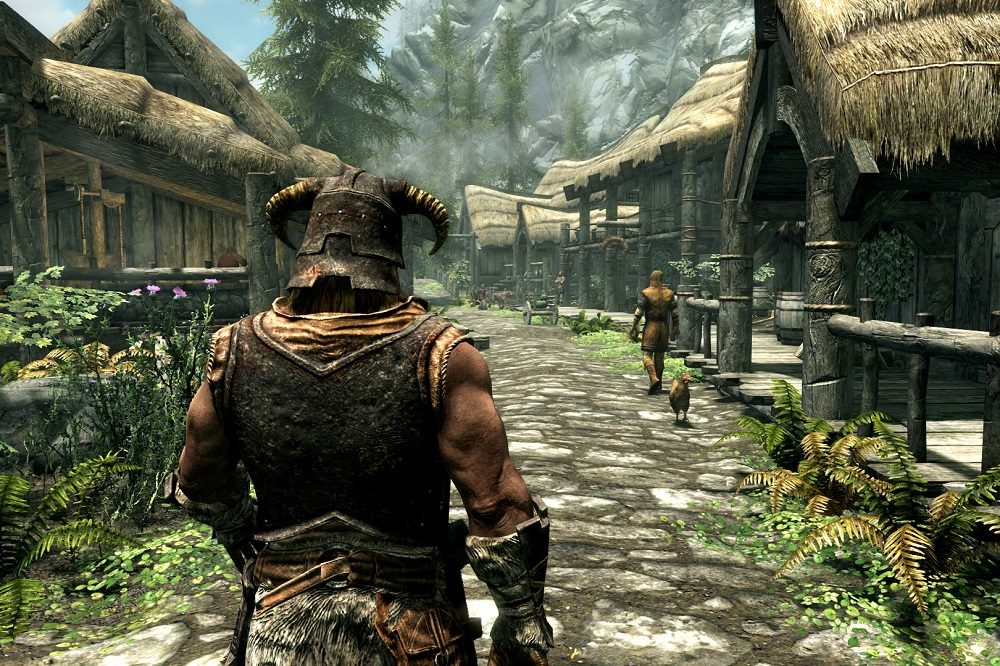
GameNative can also import individual mod files and Nexus Mods collections. This should make it easier to bring an existing setup onto Android or test different configurations without repeatedly digging through folders. Modding can still become a bottomless rabbit hole, but at least the entrance now has a proper door.
What else arrives with the update
Version 1.1.1 also includes multiple-controller support, allowing compatible games to recognize more than one connected controller.
A new recommendations page gives players another way to find games worth trying. The developers have also fixed problems affecting some Steam Workshop mods and large Steam libraries.
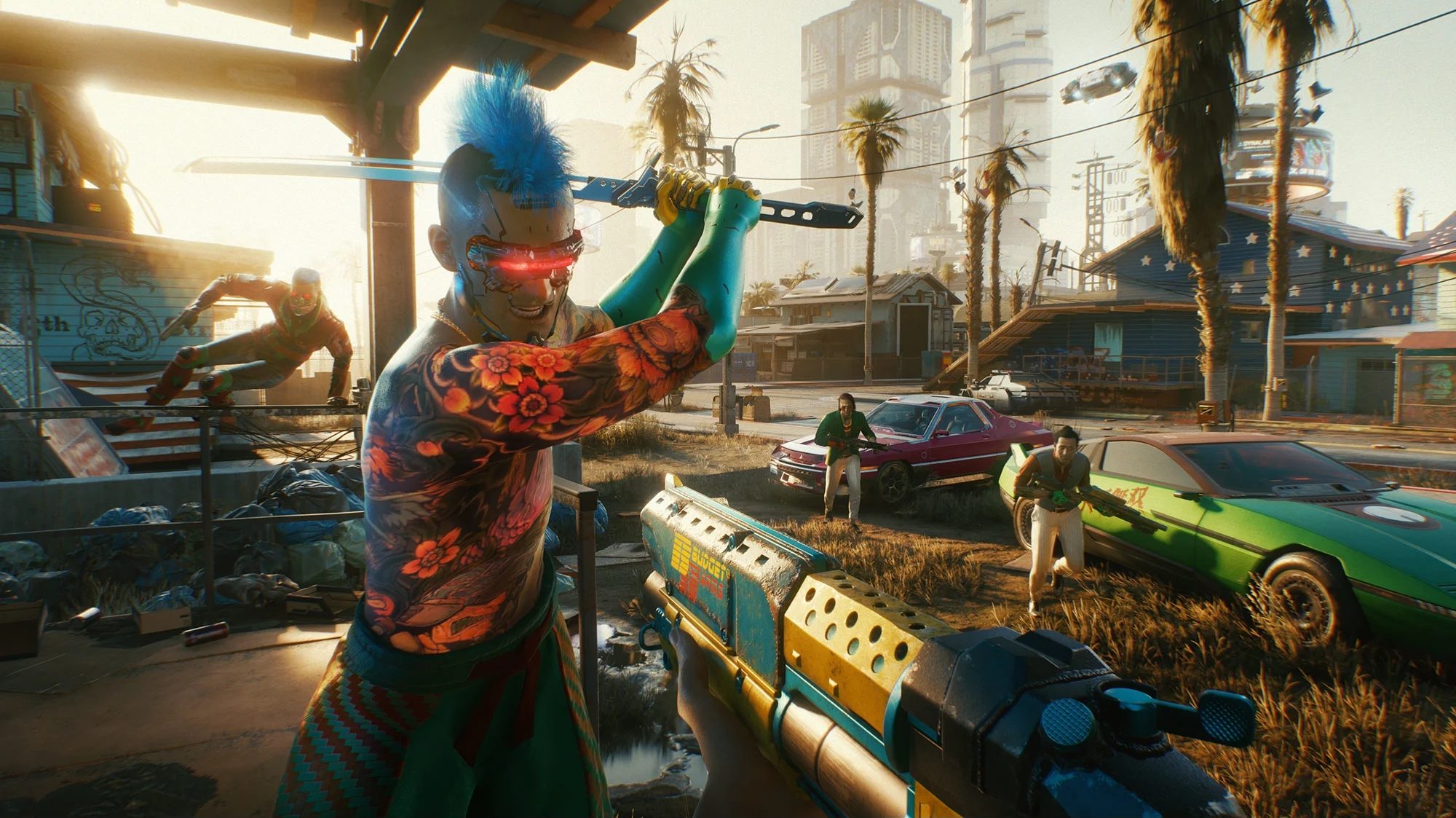
Together, these changes make GameNative feel less like a clever compatibility experiment. More of the work involved in running PC games on Android is disappearing behind controls that actually make sense on a phone.
Should you install it now
Version 1.1.1 remains a pre-release distributed through GameNative’s GitHub page. The stable Google Play build hasn’t received these features, so installing the update now means accepting that a few bugs may still be hiding beneath the new controls.
Eager modders have a good reason to try it, especially if manual file management has kept them away. Everyone else can wait for a stable release while more adventurous players discover which mods behave themselves on Android.