  1. Home
  2. Computing
  3. Apple
  4. News

MacOS Catalina already has a supplemental update, and you should download it now

Add as a preferred source on Google
New MacOS Catalina Update
Image used with permission by copyright holder

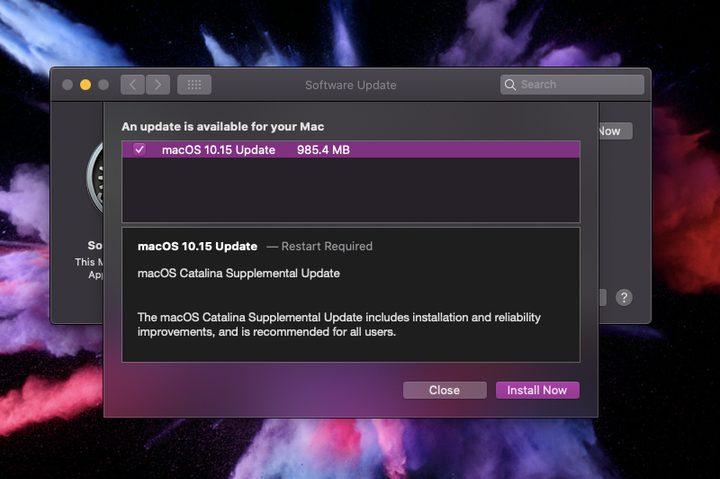
Apple released a supplemental update for MacOS 10.15 Catalina on Tuesday measuring 985.4MB. The company recommends that all Catalina users install this update, as it brings fixes and improved reliability. Mac owners must restart their device to complete the update.

Here are the release notes:

“macOS Catalina Supplemental Update

Recommended Videos

The macOS Catalina Supplemental Update includes installation and reliability improvements and is recommended for all users.

This update:

  • Improves installation reliability of macOS Catalina on Macs with low disk space
  • Fixes an issue that prevented Setup Assistant from completing during some installations
  • Resolves an issue that prevents accepting iCloud Terms and Conditions when multiple iCloud accounts are logged in
  • Improves the reliability of saving Game Center data when playing Apple Arcade games offline

For detailed information about the security content of this update, please visit: https://support.apple.com/kb/HT201222

MacOS 10.15 Catalina arrived in early October bringing new apps for music, Apple TV, and podcasts to Mac owners.”

Catalina also includes a new “Sidecar” feature that extends or mirrors the desktop to an iPad running iOS 13 serving as a secondary display. This apparently only works “officially” on specific Macs, like the 2018 MacBook Air and the 2019 Mac Pro, though users can enter a lengthy Terminal command to enable Sidecar on older Macs:

defaults write com.apple.sidecar.display AllowAllDevices -bool true; defaults write com.apple.sidecar.display hasShownPref -bool true; open /System/Library/PreferencePanes/Sidecar.prefPane

Other new features spied in Catalina include weak password warnings in Safari, a “block sender” tool in the Mail app, an updated Reminders app, larger photo previews, colored tints covering your entire screen, a new Apple ID location in System Preferences, and more.

The removal of iTunes may be a big surprise for Mac owners after the update. Rather than cram your entire media library into a single place, you can now access albums in the Music app and your TV shows and movies on the Apple TV app. Users can still purchase media through these apps, or enable the iTunes Store interface by clicking the app’s name in the menu bar followed by Preferences.

A previous report suggests that Mac owners may want to hold off on the Catalina upgrade. Many users now report of missing or incomplete messages after its installation. Others claim moving emails between mailboxes results in blank messages.


Kevin Parrish
Kevin started taking PCs apart in the 90s when Quake was on the way and his PC lacked the required components. Since then…
Shopping for back-to-school? These are the budget laptops I’d actually recommend
From a $359 Chromebook to the cheapest way into macOS, these are the budget picks worth your money.
Computer, Electronics, Laptop

The back-to-school season often turns into a laptop, especially the budget ones that aren't too heavy on your wallet. Due to the ongoing memory crisis, most manufacturers have already bumped up their laptop prices, including Apple. However, that doesn't mean that I won't help you get a new machine. So, for this one, I spent time digging through spec sheets, customer ratings, and price tags, finding devices that don't just look cheap in an Amazon listing, but actually hold up. 

From a flexible touchscreen Chromebook to the least expensive way into macOS, these six laptops balance price and performance well. I'd hand any one of them to a student heading back to campus this fall, depending on what they need and what their priorities are. 

Read more
Asus’ latest Zenbook puts a seriously bright OLED screen inside an impossibly slim body
The Zenbook 14 Air is only 11mm thick but still packs a 77Wh battery
Computer, Electronics, Laptop

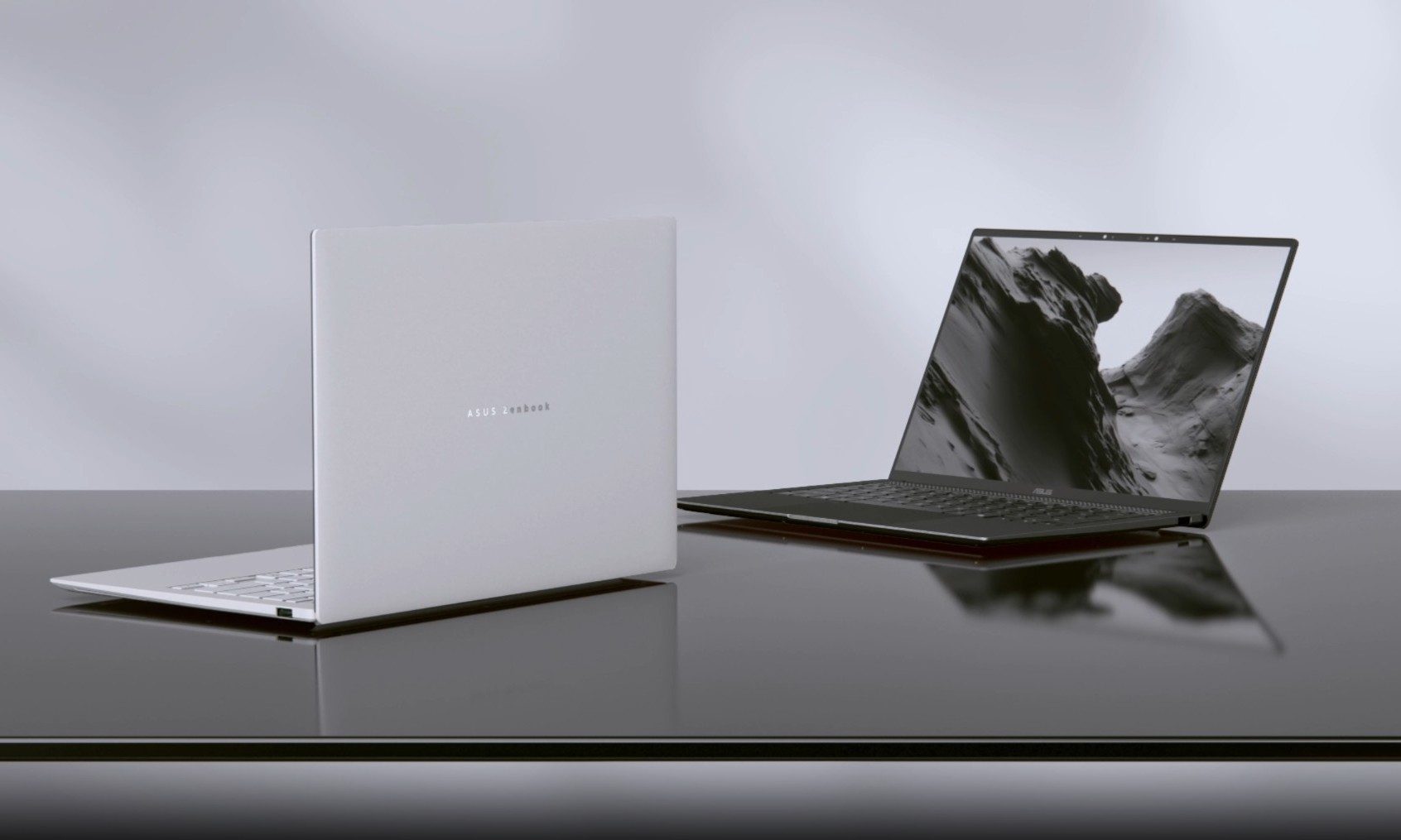
Asus has introduced a new AMD-powered version of the Zenbook 14 Air 2026, combining a bright OLED display and a large battery inside an 11mm-thick chassis. It weighs 1.19kg, keeping it firmly in ultraportable territory despite the 77Wh battery inside.

The Zenbook 14 Air 2026 itself is not entirely new. Asus launched an Intel configuration powered by the Core Ultra 9 386H in China back in January. The latest version switches to AMD’s Ryzen AI 7 H 445 and is priced at CNY 9,999, or around $1,477. (via Notebookcheck)

Read more
Before you blow your student budget, here’s the MacBook that actually suits your major
Confused by the MacBook lineup? I sorted it out so students don't have to
Computer, Electronics, Laptop

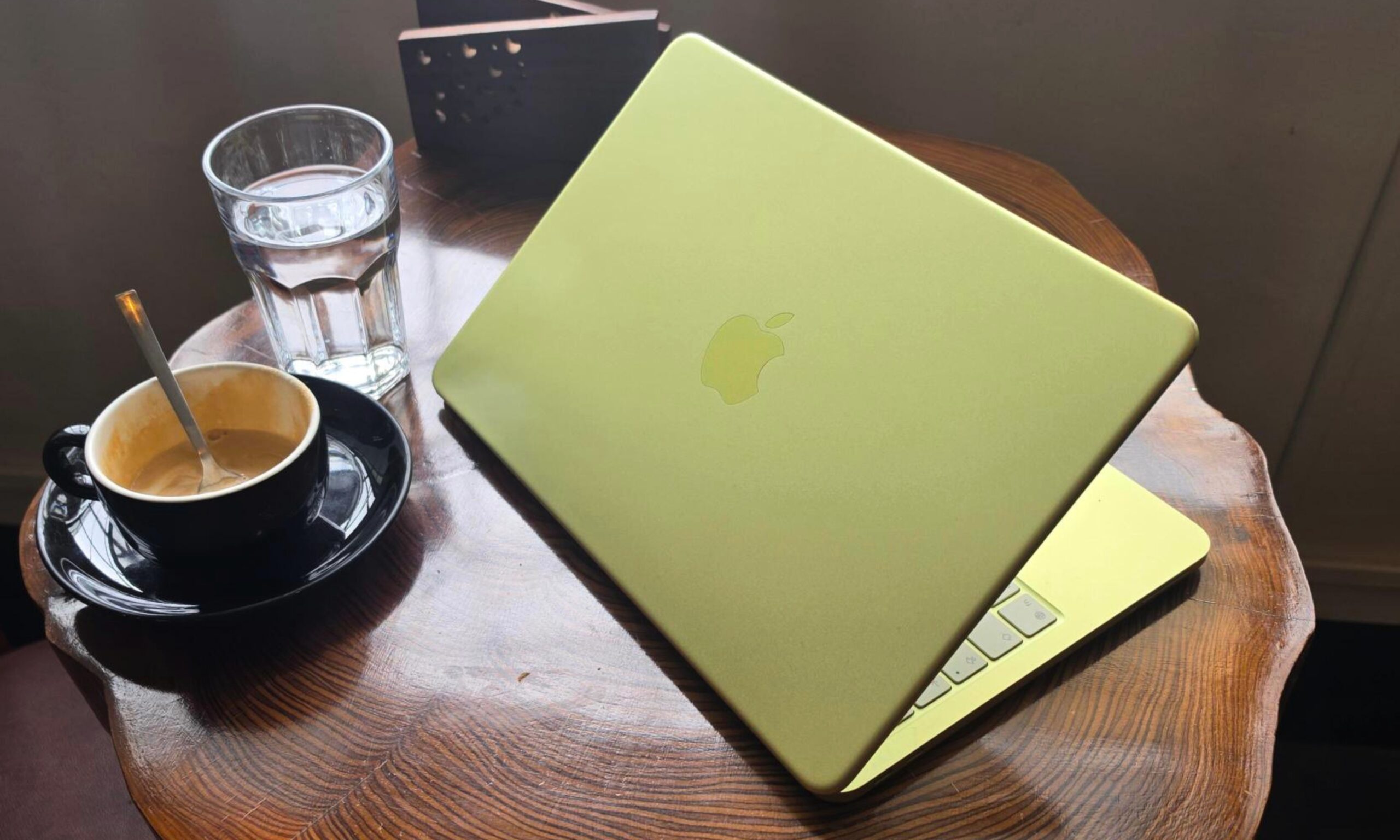
Apple’s MacBook lineup has become much broader in 2026. The MacBook Neo brings the entry price down considerably, the M5 MacBook Air remains the obvious all-rounder, and the MacBook Pro covers students whose coursework can push a laptop to its limits.

But with a wide range, choosing one becomes harder. Spending more can bring a better display, faster storage, additional ports, and considerably greater performance. However, plenty of students will never take advantage of those upgrades. So, I have narrowed the current lineup down to three models, each aimed at a distinct kind of buyer.

Read more