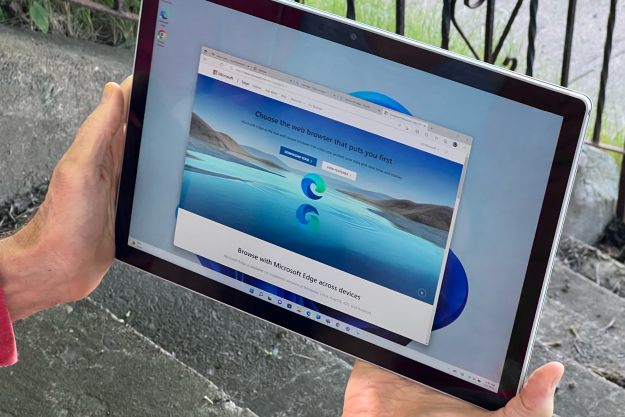
Microsoft’s new Edge browser has some serious upward momentum. According to new data from the firm NetMarketshare, Microsoft Edge is now the second-most popular web browser in the world, surpassing Mozilla Firefox and gaining on Google Chrome, the overwhelming leader.
Roughly three months after the redesigned version launched, the data reveals that Edge now holds a 7.59% of a sampled total market share worldwide. That marks roughly a 0.21% increase between February and March, according to Techradar.
The number is still a big way from Google Chrome’s 68.5% share, but it was enough to knock Mozilla Firefox out of second place, which now moves down to a third-place share of 7.19%. Elsewhere, Edge also beats out Internet Explorer at 5.87% and Apple’s Safari at 3.62%.

For Microsoft, the numbers are heartening, as it does suggest that at least some people are slowly switching away from other browsers in favor of the new Edge. According to the data, many of those making the switch seem to be Firefox users, as Chrome’s percentage continues to increase.
With Edge now being based on Google’s open-source Chromium engine, there’s plenty of reason to switch over. When we reviewed the new Edge, we found it was finally worth giving up Chrome for. From increased performance to a clean and easy to understand user interface, as well as more ways to customize the experience, there was a lot that we liked. We even found that Edge was great on Mac, too.
There were still some flaws. The browser launched without the ability to sync history, extensions, and some settings across devices. Microsoft, though, promised that the features will be coming soon, and has started beta-testing them across the various “channels” of the Edge Insider program.
Even though it is powered by Google’s Chromium engine, Edge is much more than just a copy of Google Chrome. With a much different user interface and cool things like the “Collections” feature, it is quite unique on its own.
Some features that will help distinguish it from Chrome are on the way soon. This includes “vertical tabs” and a settings option to check to see if your password has been posted on the dark web. There’s even a “Smart Copy” feature that is planned for Edge, which can help preserve the original formatting when copying and pasting.
Editors' Recommendations
- 5 web browsers you should use instead of Google Chrome or Edge
- Microsoft Edge is slowly becoming the go-to browser for PC gamers
- Microsoft Bing and Edge are getting a big DALL-E 3 upgrade
- This PowerPoint ploy could help hackers empty your bank account
- These 2 new Edge features are making Chrome look outdated