1. Home
  2. Emerging Tech
  3. News

FAA’s new app lays down the rules for drone flights

Add as a preferred source on Google

As exciting as drone technology can be for tech fans and amateur flight enthusiasts, it also brings with it a number of safety and privacy concerns that governments around the world are scrambling to come to terms with. After all, you don’t want a little unmanned aerial vehicle getting in the way of the progress of a commercial passenger jet you’re currently seated in.

The Federal Aviation Administration in the U.S. is at the forefront of official moves to get drone use under control, and the agency just released a new smartphone app that tells you exactly where you can and can’t fly your drone. The update isn’t yet public but it’s been sent out to 1,000 beta testers and will be arriving for everyone in the near future.

Recommended Videos

You simply type in the location you want to fly and the ‘B4UFLY’ app tells you whether you’re allowed to or not — it takes into account the location of airports, helipads, no-fly zones (like the one in Washington DC) and any Temporary Flight Restrictions (TFRs) current issued by the FAA. The app essentially offers a real-time, location-specific interpretation of the FAA’s existing rules for drone use.

The organization has been asking for volunteers to test the app since May, though the software itself has only just been issued. “Many unmanned aircraft users today have little or no aviation experience, and some of them are flying where they could endanger manned aircraft,” explains the FAA’s press release. “B4UFLY will give these flyers the tools and knowledge they need to operate safely.”

Right now the app is iOS-only but the Federal Aviation Administration says the final version will be available on Android after “several months” of testing. It should offer a simple, straightforward way of removing any doubt about whether you’re within FAA regulations. And once personal drone use has been sorted out, there’s the issue of commercial operations to address.

David Nield
Former Contributor
Dave is a freelance journalist from Manchester in the north-west of England. He's been writing about technology since the…
Remember Samsung’s Ballie home robot? It may finally be inching closer to reality
Leaked app wireframes give the strongest hint yet that Samsung's Ballie home robot, first shown at CES 2020, might still be headed toward an actual release.
Samsung Ballie robot in a room next to a dog feeder.

Samsung's rolling home robot has been the industry's longest-running "will it ever actually ship" joke, and I'll admit I'd mostly given up on it. Now, there's finally a glimmer of hope.

Samsung first unveiled Ballie as a concept at CES 2020. Then, it showed it as a significantly upgraded version four years later. However, the company never confirmed a release date or committed to releasing it at all. 

Read more
Polar is yet another AI browser, but it goes beyond just automating the mundane web chores
Polar wants to turn your browser into an AI-powered productivity tool
Polar AI browser

The AI browser race is entering a new phase. After spending much of 2025 trying to reinvent web search with built-in chatbots, startups are increasingly shifting their attention toward browser agents that can automate repetitive work instead of simply answering questions. The latest company to embrace that transition is Polar, a startup founded by former Perplexity engineer Kevin Zhang, which has raised $5.7 million in seed funding led by Madrona.

Unlike the first generation of AI browsers that targeted everyday consumers, Polar is designed specifically for knowledge workers. Its premise is straightforward: instead of replacing Google Search, the browser aims to eliminate repetitive tasks that professionals perform across dozens of browser tabs every day.

Read more
I use ChatGPT Pro everyday, and these 3 features keep me subscribed
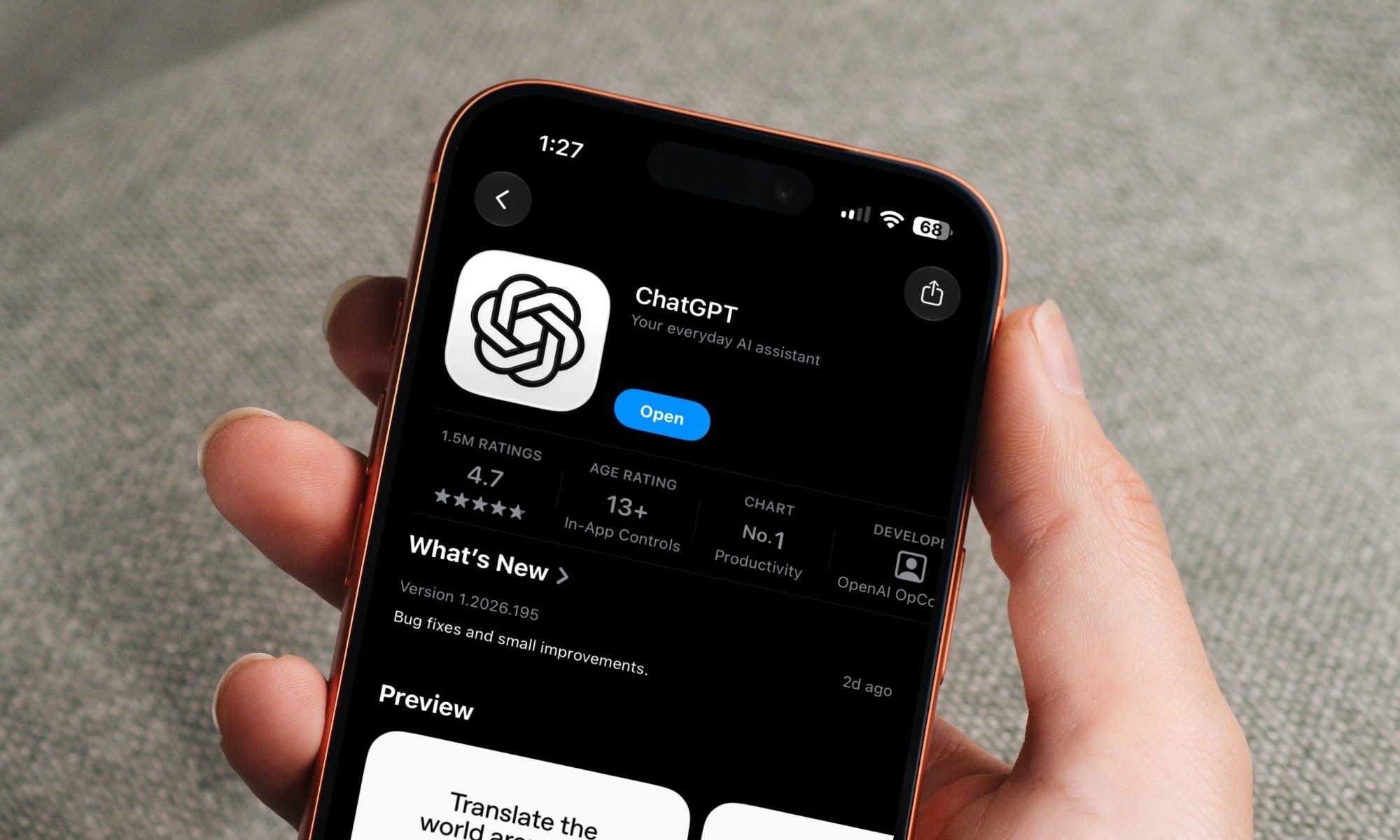
ChatGPT on iPhone

I've used ChatGPT for years, but for the longest time, I never felt the need to pay for it. Instead, I subscribed to Claude Pro because it fit my workflow better. Between regular chat and Cowork, it gave me everything I needed in one place, so paying for another AI subscription didn't make sense.

That changed when OpenAI introduced ChatGPT Work. I was curious enough to give ChatGPT Pro a proper shot, expecting to test one new feature and move on. Instead, I ended up using it far more than I expected. The more I relied on it in my day-to-day work, the more I realized it offered a few things I didn't want to give up. Those are the three features that have kept me happily subscribed ever since.

Read more