“If you love their modular, wireless design and dig a soft, bass-heavy sound, the Air may be an option for you. Otherwise, we recommend looking elsewhere.”
- Good stereo spread
- Clear, powerful sound
- Cool, comfy design
- Impressive wireless range
- Lack of detail up top
- Fielding long phone calls not ideal
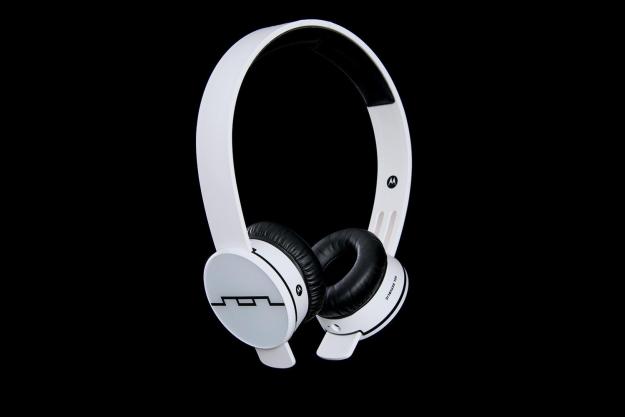
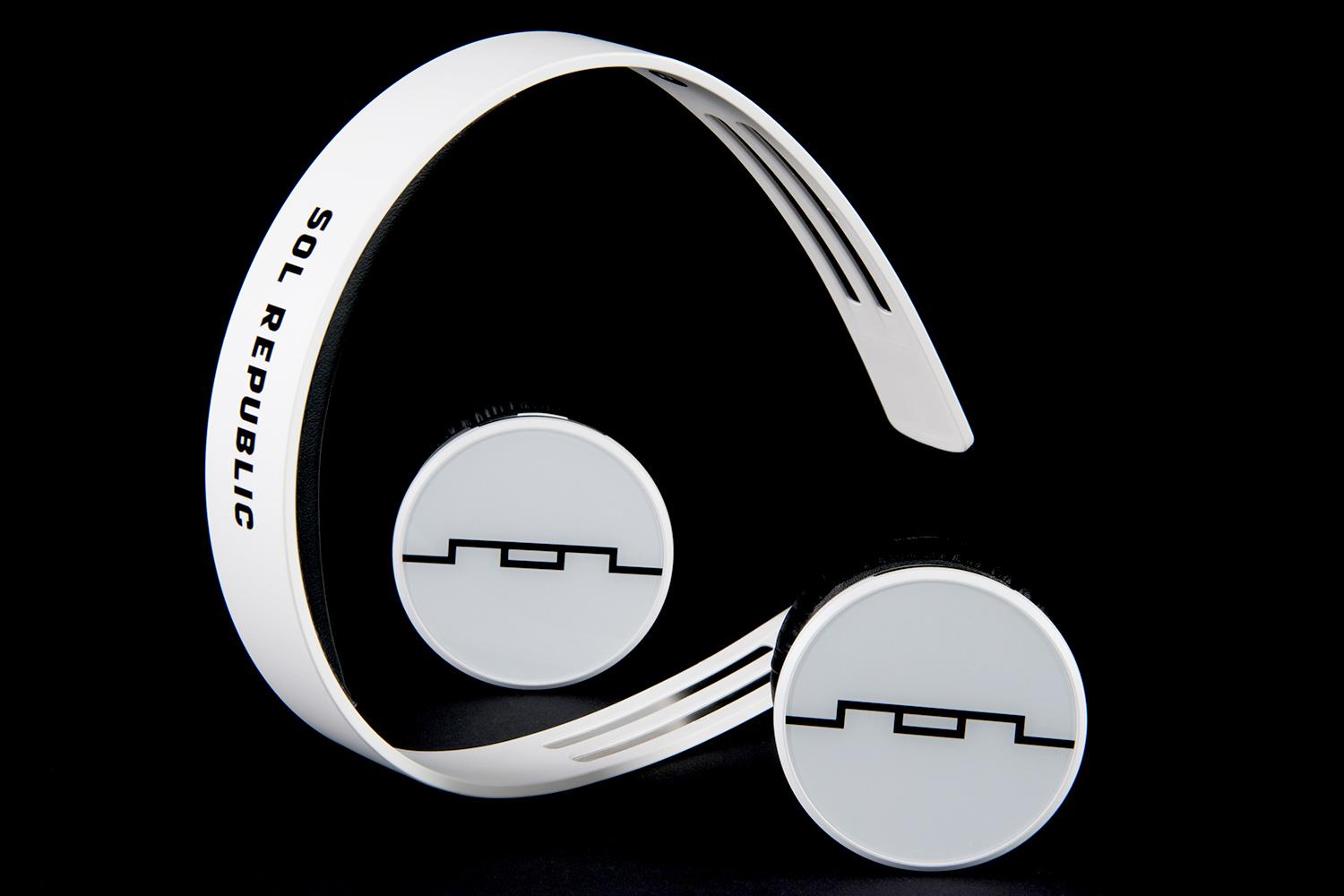
As demand for both headphones and wireless audio devices reaches a fever pitch, it comes as little surprise that an amalgamation of the two has become the en vogue product for the consumer audio industry. Sol Republic’s take on the genre, the Tracks Air Bluetooth headphones ($200), add the company’s own clever twist to the growing segment. The Air utilize the same near-indestructible polymer headband and signature modular design found in the rest of the Tracks family, resulting in a distinct pair of wireless ‘phones that blend style and utility like only Sol Republic can.
Delivering a modular set of cordless cans at a manageable price is a pretty ambitious undertaking, especially for a company founded just two years ago. But Sol Republic got help with the Air thanks to its burgeoning partnership with tech giant Motorola, which has been working with Bluetooth tech since its inception. Still, overcoming the design obstacles at hand while delivering a sound people that folks want to listen to is a monumental undertaking for any team. We spent some time with the new Tracks Air recently to see how they fared in the real world. Here’s what we discovered.
Out of the box
Right from the start, the Air struck a less elegant tone than our experience with Sol Republic’s refined-yet-rugged Master Tracks. As we removed the white, U-shaped headband and autonomous ear cups from their transparent display, the pieces’ all-plastic exterior felt less chic and solid. Sliding each earpiece up the headband created a jerky, squeaking motion – a far cry from the smooth, effortless glide we enjoyed when assembling the Master Tracks.


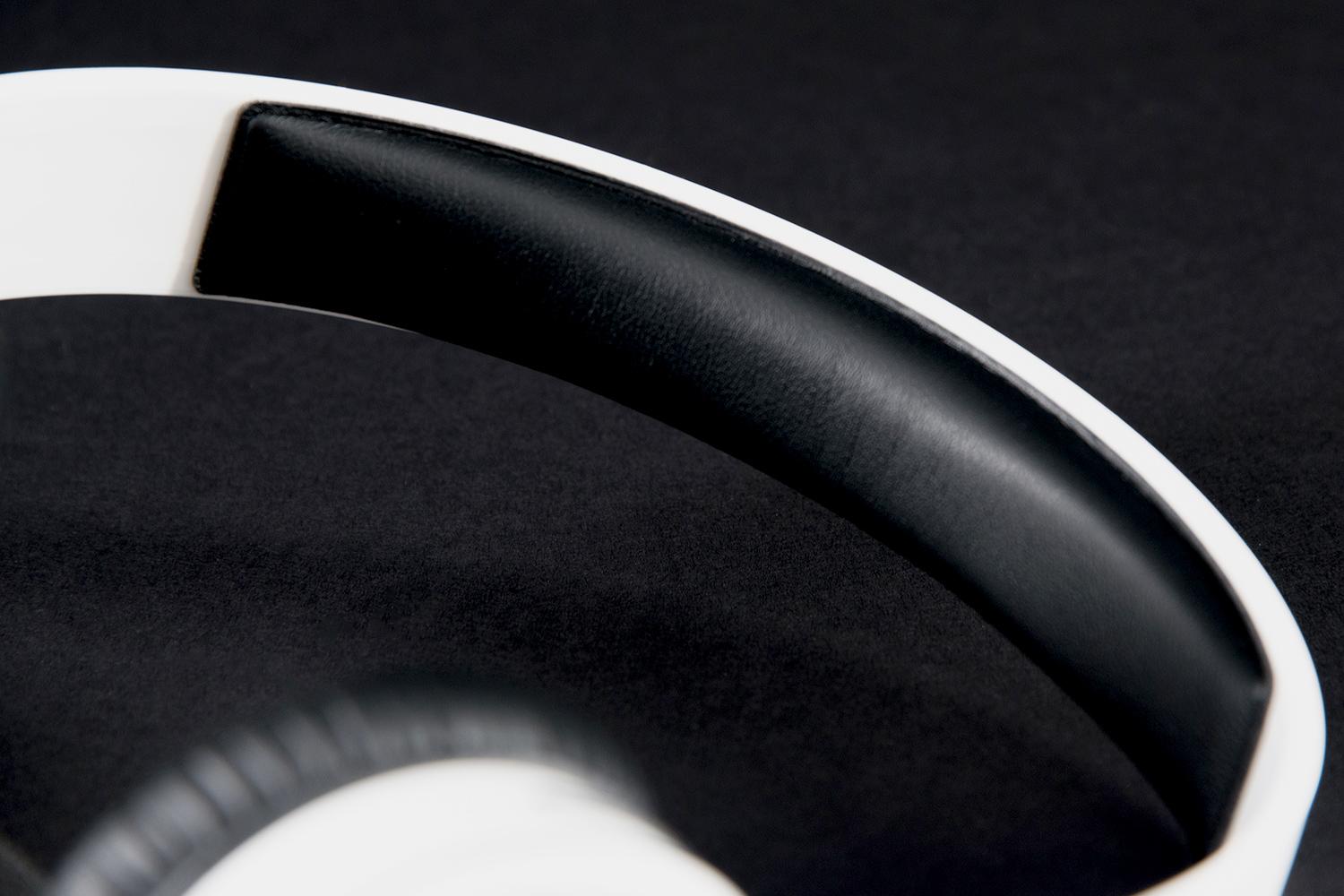
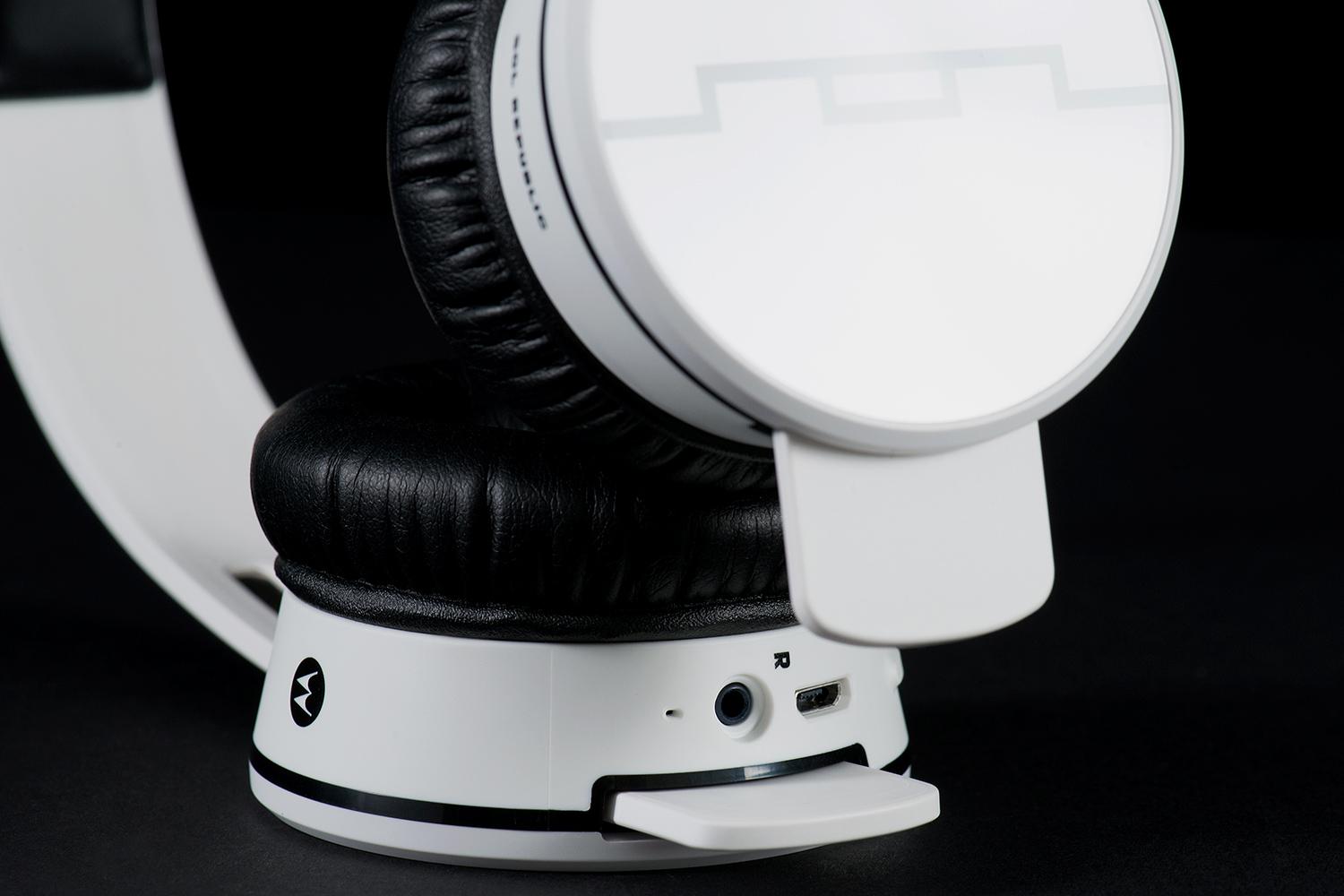
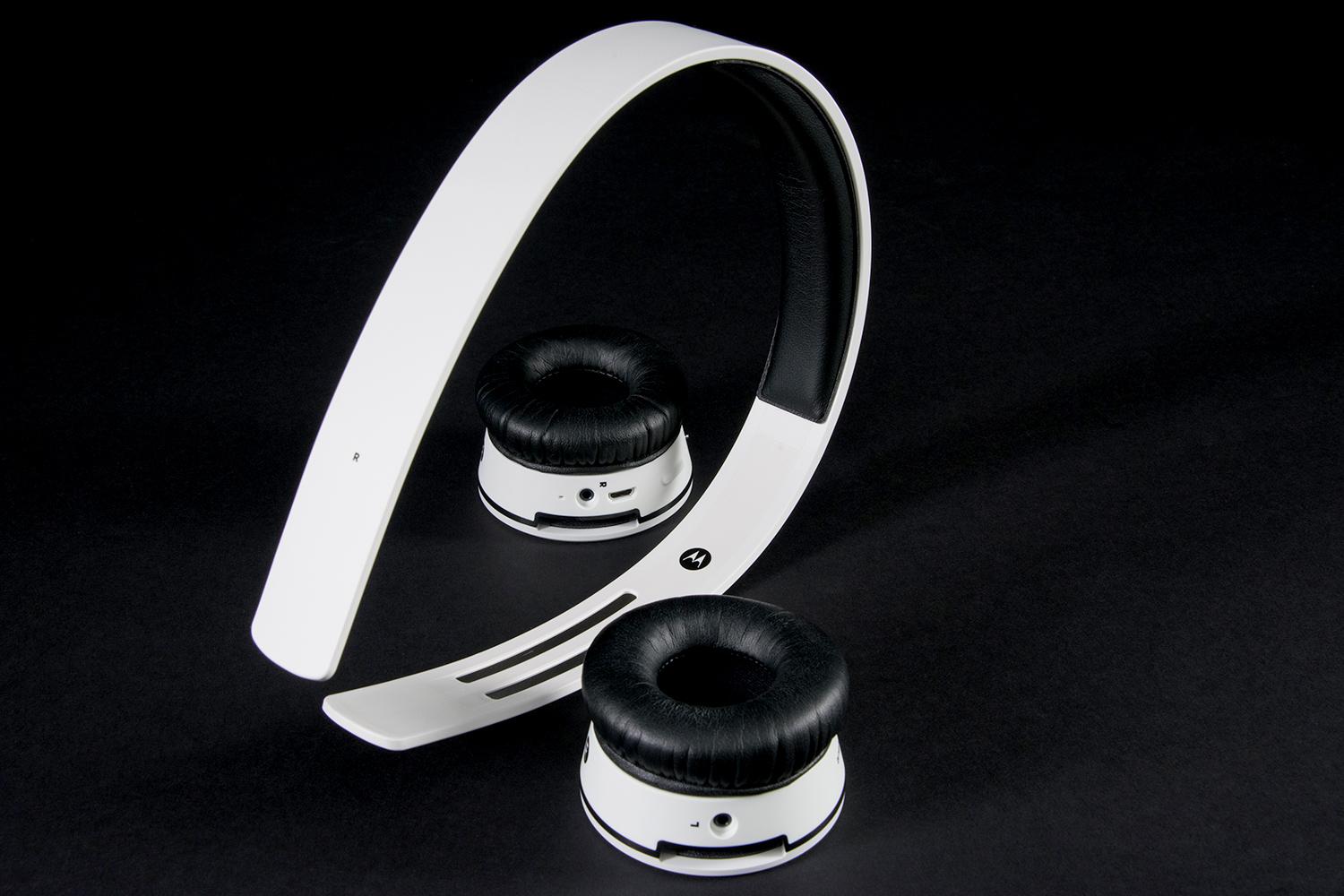
But as we dug deeper, we discovered the ingenious design trait that makes these detachable wireless earpieces possible. Carved along the underside of the band are two strips of metal which make contact with terminals inside each earpiece. Clearly, these strips allow for transmission of both sound and power from the right earpiece – which contains a battery and the bulk of the headphones’ electronics – to the left side.
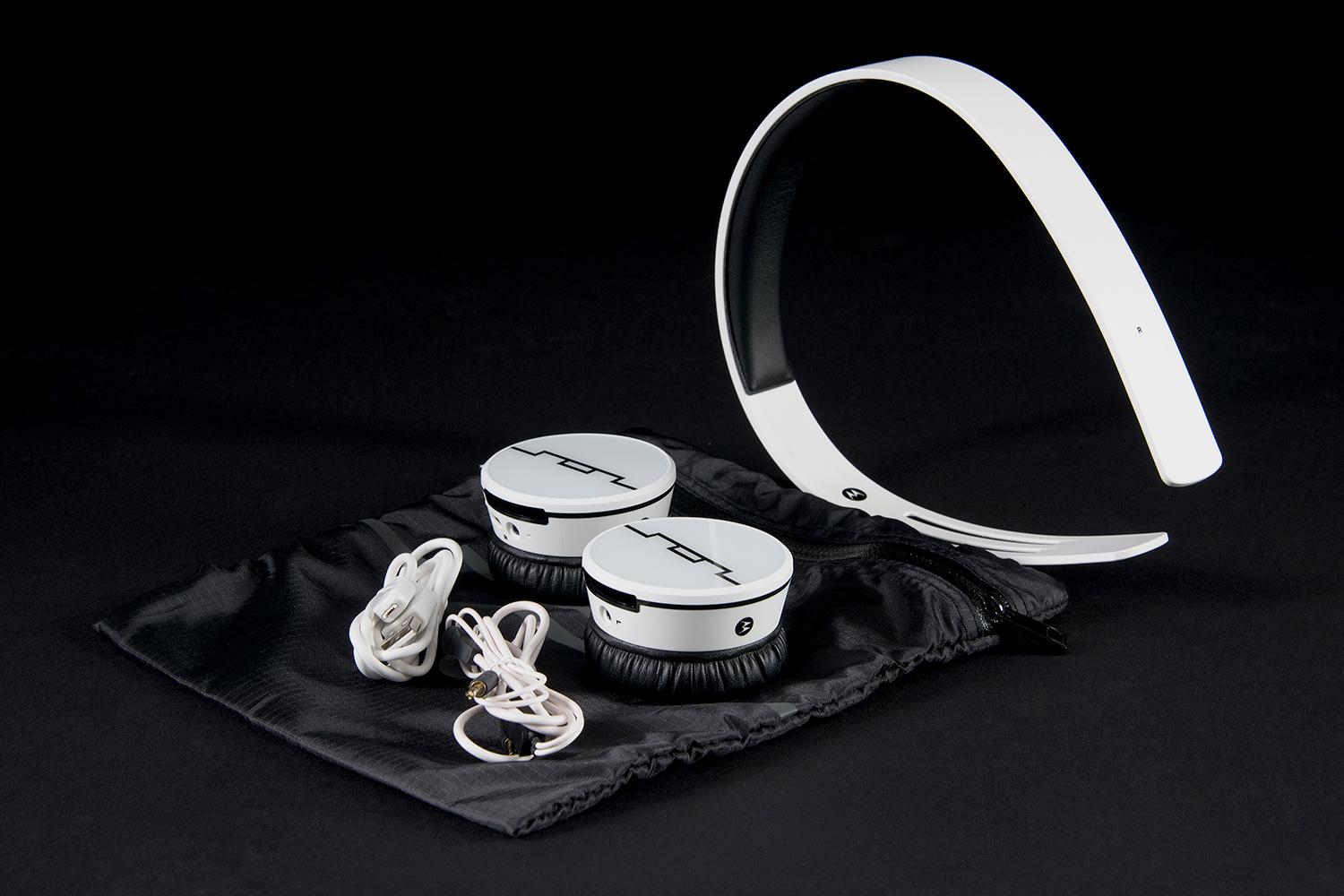
Further in, we found a collection of accessories including a travel bag, a mini-USB to USB charging cable, and a backup headphone cable in case the ‘phones run out of juice.
Features and design
Apart from their free-wheeling cordless design, the Air adhere strictly to Sol Republic’s signature style, leaning closely to the company’s basic Tracks headphones. The ebony and ivory color scheme of our “ice white” review unit struck a nice aesthetic, boasting clean black accents and the familiar ‘Sol’ logo on the ear cups’ exterior. The Air are also available in gunmetal black, with electro blue and vivid red models coming next year, all of which will provide interchangeable bands to let users switch up the style.
Apart from their free-wheeling cordless design, the Air adhere strictly to Sol Republic’s signature style.
The earpieces, which Sol Republic calls “A2 sound engines,” boast 40mm dynamic drivers and soft black pads around the exterior, cloaked in faux leather. As we mentioned, the right earpiece does the heavy lifting, bearing the electronics, the battery and charge port, the CrystalTalk dual microphone system, and onboard controls.
Navigation of the controls is succinct, with a dual volume button, and a multi-button which handles play/pause, calling, and forward search. There’s also a power button at the top, which has an LED ringlet beneath the surface that glows red when the Air need a charge, solid green when they’re ready to rock, and blue when powered on and paired. Both of the earpieces also include inputs for an included cable, should the battery die.
While Sol Republic claims a 15-hour battery run time, powering on the headphones after a full charge invoked a voice that told us we had “over 13 hours” of playtime left. We never timed them, but suffice it to say the 15 hours is a high-ball estimate. Another liberal claim is the Air’s 150-feet of wireless range, but we’ll get to that in the performance section.
The ‘phones pair via Bluetooth automatically upon startup, and include NFC touch pairing if your device is so equipped. They run Bluetooth version 3.0, with the the aptX codec for CD quality sound with compatible devices. Unlike most
Comfort
The Air felt pretty comfy for an hour or two of listening, thanks to the plush padding on the earpieces and across the top of the band. They also allowed for a decent amount of noise isolation with music playing lightly, thanks to their taught fit.
Performance
Wireless
As mentioned, the Air didn’t quite reach the claimed 150-feet of estimated wireless range, though we did top them out at a respectable 90-120 feet at line-of-sight before signal cut-out. Of course, throw a wall in the mix, and that range was cut down to around 20-30 feet before the connection became very inconsistent.
Signal noise was almost a non-factor and the wireless connection was nearly flawless, except when we tried to use the headphones for taking a long phone call. Though part of the trouble can no doubt be blamed on our iPhone 5 itself, the signal was a little dirty and distorted, and there was also some occasional clipping at the top of the voice when the caller on the other end made any real inflection with his voice. Volume was also a little too high on our side of calls, even at the lowest level, and the
Audio
Auditioning a varied selection of tracks from our catalog, the Air provided a simple and pleasant sound signature, notable for a warm, and powerful low register, and a light and nimble top end that allowed for good clarity on vocals and midrange instrumentation. There wasn’t a whole lot of detail when we dug into the deeper levels of the music, so we feel like you definitely pay a premium for the cordless aspect here. That said, if you’re looking for wireless sound that is extremely accessible for a wide range of music, the Tracks Air deliver.
The Air provided a simple and pleasant sound signature…that is extremely accessible for a wide range of music…
The headphones did some of their best work on lighter tracks from the early 70’s, like Elton John’s “Bring Down the Mission.” The lower half of the sound was a little thick, pushed by some of the extra force in the bass lines and kick drum, but the power below translated to a smooth midrange, offset nicely by a clean and clear upper register. There was a creamy texture to the piano, and a light cut in the sharp snare and cymbals. Instruments were fairly well spread out in the Air’s wider than average stereo image, allowing enough room for some decent detail to shine through up above.
The Air also did a good job with extremely well-produced tracks from the likes of Daft Punk, Stevie Wonder, and the Beatles, where every instrument is buffed out to a gleaming finish. This allowed the sound to break free of the heavier lower register cleanly, and exhibit good presence. We had a really nice listen to “All You Need is Love” from the Beatles’ Magical Mystery Tour. We certainly wouldn’t have complained if the instruments had been rendered with a bit more definition, but we were again impressed with the clarity up top here, allowing us to take in the wide array of strings, guitar, and vocals without missing a beat, while the low end was full and deftly balanced.
In fact, for most of our evaluation, the Tracks Air allowed us to simply sit back and enjoy, with very little signal noise to speak of — something that can’t be said for many of the
Conclusion
Sol Republic’s Tracks Air lacked the kind of finesse we look for in a $200 pair of headphones. But for the casual listener, they offer plenty of clarity up top, a full midrange, and that warm, punchy lower register that made the original Tracks such a hit. If you love the modular, near indestructible Tracks style, and you don’t mind paying a premium for the freedom of cutting the chord, the Sol Republic Tracks Air are definitely worth a look.
For those eyeing a more detailed sound signature in a wireless headphone, we also recommend looking at the slightly more expensive Sennheiser MM 500 X, or going big and adding ANC with the fantastic Phiaton Chord MS 530 ($300).
[Update: After receiving a replacement set of the Tracks Air for evaluation, it has been determined that the pair we originally evaluated were defective. As of 2/10/2104, this review has been altered to retract our observations about Bluetooth transmission noise and includes updated impressions of the products overall sound quality.
Highs
- Good stereo spread
- Clear, powerful sound
- Cool, comfy design
- Impressive wireless range
Lows
- Lack of detail up top
- Fielding long phone calls not ideal
Editors' Recommendations
- Best AirPods deals: Save on AirPods and AirPods Pro
- AirPods 4: Everything we know about Apple’s next wireless earbuds
- Apple lets AirPods Pro owners upgrade to USB-C
- Apple has upgraded the AirPods Pro with lossless audio, sort of
- B&O’s Beolab 8 wireless speaker uses AirTag tech to track you