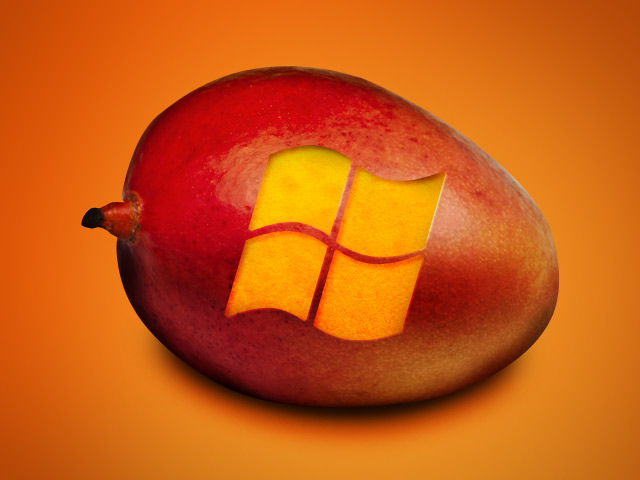
 Windows Phone 7 has been talking about the Mango update and everything it promises to bring to the fledgling mobile OS nearly since its own launch. Finally, the update is on its way (although the rollout might not be as quick and easy as foretold) and Microsoft has reportedly packaged a few surprises in to boot.
Namely, WP7 will soon boast Wi-Fi tethering capabilities thanks to the Mango update. WP7 owners can use their handsets to share connectivity with their other 3G or 4G devices, and Microsoft says you should be able to share Wi-Fi for up to five computers.
But if you know anything about Wi-Fi tethering it’s that it’s not as easy as allowing your various devices to piggyback off of one—there are your carriers to consider. While networks haven’t specifically addressed what the recourse for using the feature would be, there are likely to be extra charges.
Fees tacked on by your mobile provider? We know, that’s slightly less than a revelation. But it’s the technicalities of WP7’s networking hardware that may also present a problem. Enabling Wi-FI tethering requires a specific chipset, one that not all WP7 handsets are currently using (though future ones will). So basically, a handful of WP7 units out there will be able to use this function and others won’t. If you want to know if you’re one of the lucky ones, you need to find out if your phone is running a Broadcom 4329 chipset. If it isn’t, then you can at least be comforted by the thought that you’re next handset upgrade surely will (or at least that’s what Microsoft is heavily implying).
The other big surprise isn’t so much of a surprise now, but Microsoft recently announced its App Marketplace for the Web. Now users will be able to remotely install new apps for their phones.