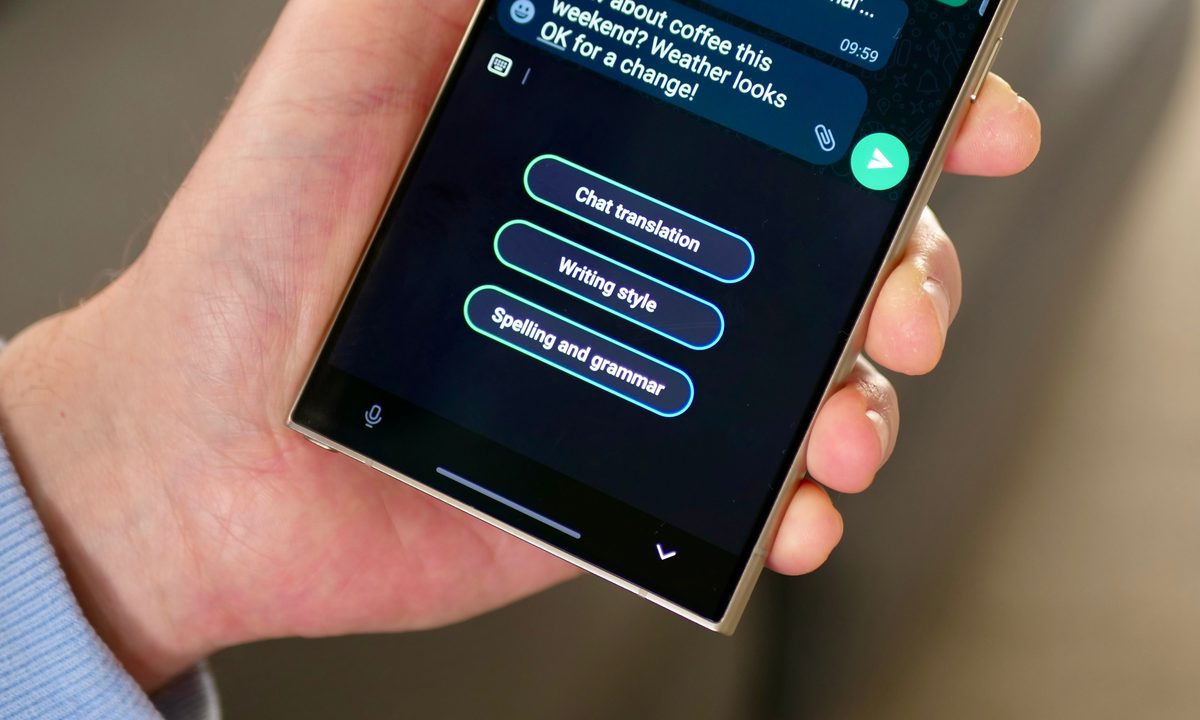
Samsung just released the new Galaxy S24 lineup in January, and one of its biggest selling points is Galaxy AI. Whether you love it or hate it, the era of mobile AI is here to stay, and Galaxy AI is Samsung’s suite of AI-powered tools to make your life easier.
Though Galaxy AI is one of the big features of the S24 series (which includes the base model Galaxy S24, the larger Galaxy S24 Plus, and top tier Galaxy S24 Ultra, Samsung will bring it to select older Galaxy devices too.
But if you’re curious about whether or not Galaxy AI is worth a new phone purchase, you can try it out right now on your iPhone or Android phone with a special web app. Here’s how to do it.
How to try Galaxy AI on an iPhone
Though it’s rumored that Apple is looking heavily into generative AI features for the next version of iOS 18, iPhones are among the few phones right now without any AI-powered tools. So, of course, iPhone users may be interested in testing the waters of what AI can do on a mobile device.
Step 1: Go to the Try Galaxy website on your iPhone or scan the following QR code with your iPhone camera.

Step 2: Select the Share button on the mobile Safari toolbar.
Step 3: Select Add to home screen.
Step 4: Type in a name for your home screen shortcut or just leave it as Try Galaxy.
Step 5: Select Add.

Step 6: The Try Galaxy app is now on your iPhone’s home screen.
Step 7: Open the Try Galaxy web app.
How to try Galaxy AI on an Android phone
If you have an older Samsung Galaxy phone, then you’ll be getting Galaxy AI. The list of devices that Galaxy AI is heading to includes: the S23 lineup (S23, S23 Plus, and S23 Ultra), S23 FE, Galaxy Z Fold 5, Galaxy Z Flip 5, Galaxy Tab S9 series (Tab S9, S9 Plus, and S9 Ultra).
But if you are using a Galaxy device that is older than that, or another Android phone like the OnePlus 12 or Google Pixel 8, then you won’t be getting Galaxy AI, unfortunately. However, like iPhone users, you can still try it out on your Android phone!
Note that the Circle to Search feature is a partnership with Google, so the Google Pixel 8 and Pixel 8 Pro do have Circle to Search enabled in the latest software update.
Step 1: Go to the Try Galaxy on your Android device or scan the following QR code with your Android camera.
Step 2: Select the More button in the top right corner (three vertical dots).
Step 3: Select Add to home screen.
Step 4: Select Install app or Add to home screen (depending on model).

Step 5: The Try Galaxy web app is now on your Android home screen.
Step 6: Open the Try Galaxy web app.
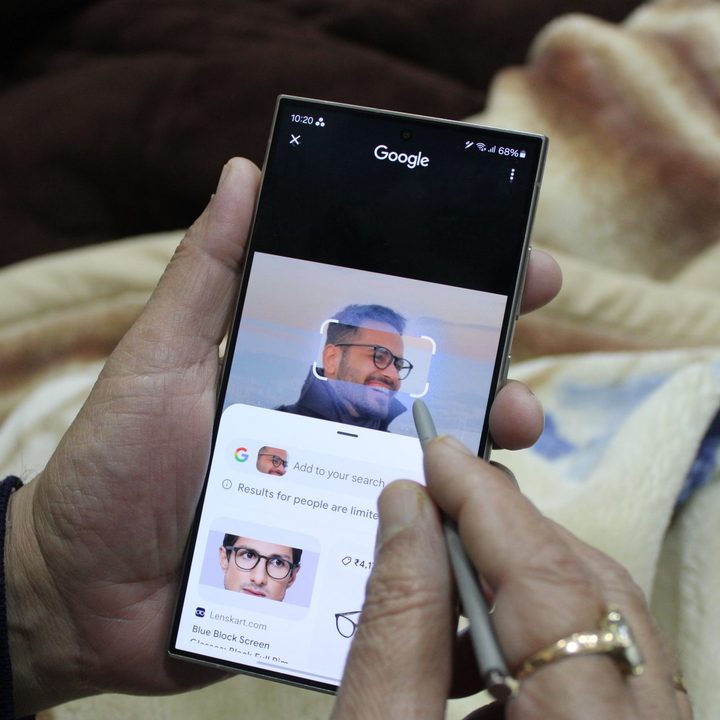
All of the Galaxy AI features you can try
Once you have added the Try Galaxy web app to your iPhone or Android device, just select it to launch the app. The Try Galaxy app will simulate the experience of looking at a Galaxy S24 home screen. It’s all interactive, so you can use swipes and other gestures to navigate through the OneUI 6.1 interface.
There’s even a widget on the second page of the simulated home screen. This widget introduces you to all of the core AI-powered features in Galaxy AI, including the advanced camera tools. Selecting one of these will launch a short demonstration video that explains the features and how one can use them in daily life.
The Try Galaxy app spotlights the following Galaxy AI features:
- Live Translate
- Note Assist
- Chat Assist
- Photo Assist
- Circle to Search with Google
- Advanced camera tools including Nightography
The Try Galaxy app also includes the ability to check out Galaxy Themes and background images beyond wallpapers, which are offered on the S24 Ultra. And there are three types of Art wallpapers that users can download for their device too, which is a nice bonus.
There is also some demo videos to show off the Galaxy ecosystem, and those interested in the foldable experience can check out the demo videos for the Galaxy Z Flip 5 and Z Fold 5.