1. Home
  2. Computing
  3. News

Microsoft interrupted a live broadcast to recommend Windows 10

Add as a preferred source on Google

Tired of those Windows 10 reminders popping up constantly on your computer? So was Iowa meteorologist Metinka Slate, after it interrupted her live weather update.

“Oh, Microsoft recommends Windows 10,” she said — on camera –after noticing the message, clearly annoyed but also trying to laugh it off. “What should I do?”

Recommended Videos

It’s a funny clip, especially given how well Slate handled the whole situation. But this is something many Windows users are getting pretty sick of, as Betanews pointed out.

Windows 10 is a free upgrade, and Microsoft is going out of its way to make sure everybody knows about it, regularly popping up notifications such as the one Slate confronted. If you run a Windows 7 or 8 computer, you know what we’re talking about. It seems pretty unlikely that anyone interested in the operating system at this point doesn’t know about it (or hasn’t already installed it).

So users are annoyed, making it extremely relatable to see a notification like this on live TV. Windows 10 notifications really are popping up everywhere, aren’t they?

At least a few Twitter users agree. Here’s a brilliant bit of Photoshop magic, showing that no version of Windows is safe from these popups:

https://twitter.com/blowdart/status/715372758901784578

And here’s another, in an altogether unexpected place:

@blowdart @troyhunt pic.twitter.com/itZJtWlM5i

— Dan Kern (@w6fdo) April 1, 2016

That’s right: you can run but you can’t hide. Windows 10 is going to find you. It doesn’t matter what device you’re using, or if you’re just watching the local news. Microsoft wants you to upgrade to Windows 10.

We actually think Windows 10 is pretty great, to be fair, but at the same time we can understand why users of Windows 7 and 8 are tired of seeing these popups. Here’s hoping Microsoft shuts down this annoyance come July, once the free upgrade period is up. But who knows? Maybe they’ll double down on the nuisance.

Justin Pot
Justin's always had a passion for trying out new software, asking questions, and explaining things – tech journalism is the…
This open-source Mac app finds the junk files your deleted apps leave behind
Uninstally removes apps properly, leftovers and all
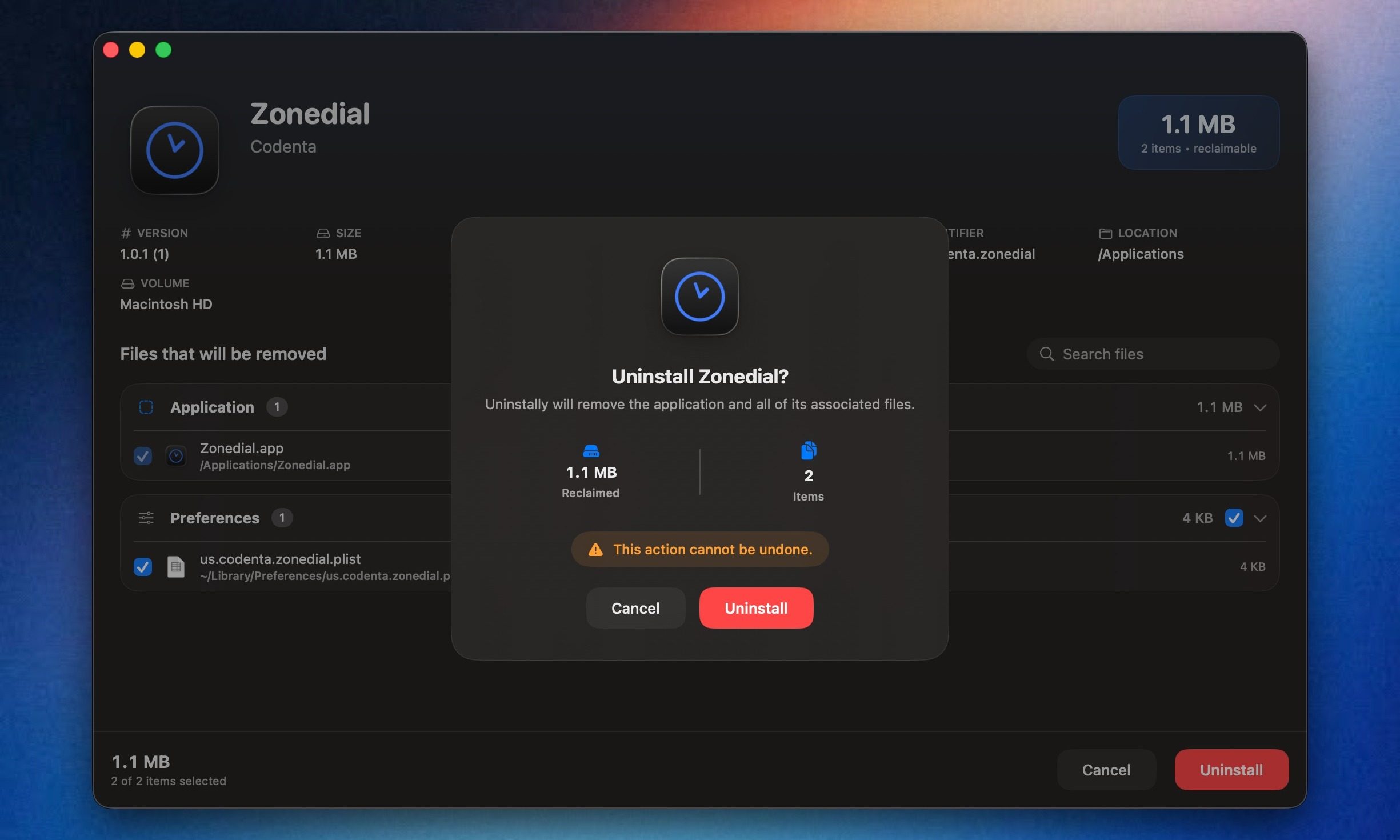
Uninstally macOS app UI

Uninstalling apps on macOS is usually very easy. You drag an app to the Trash, empty it, and move on. The annoying part is that many apps still leave residue behind, including support files, caches, preferences, containers, and logs. I have always found that frustrating, especially when old app data keeps sitting around long after the app itself is gone.

AppCleaner by FreeMacSoft has been the popular go-to option for this for years, and it still does the job well. But I recently came across a new open-source alternative called Uninstally by Codenta, which solves the same basic problem. It removes Mac apps along with the support files, caches, preferences, containers, logs, and other leftovers they usually leave behind.

Read more
AMD just made Ryzen laptop chips even more confusing, but here’s what’s actually new
The refreshed lineup brings more Zen 4 processors to mainstream and budget laptops.
AMD Ryzen 100 and 200 series

AMD has quietly expanded its mobile processor portfolio with 11 new Ryzen laptop processors, adding fresh models under both the Ryzen 200 and Ryzen 100 families. While that sounds straightforward enough, the bigger story isn't the chips themselves -- it's AMD's increasingly confusing naming strategy. The company has introduced seven new Ryzen 200 processors alongside four new Ryzen 100 models, but despite belonging to different series, many of them are actually built on the same Hawk Point silicon featuring Zen 4 CPU cores and RDNA 3 integrated graphics.

The Ryzen 200 series gets seven new CPUs

Read more
OpenAI is killing ChatGPT Atlas browser. I loved it, but it was an uphill race to the top
It was a trailblazer in a few ways, before it was copied down to its skeleton.
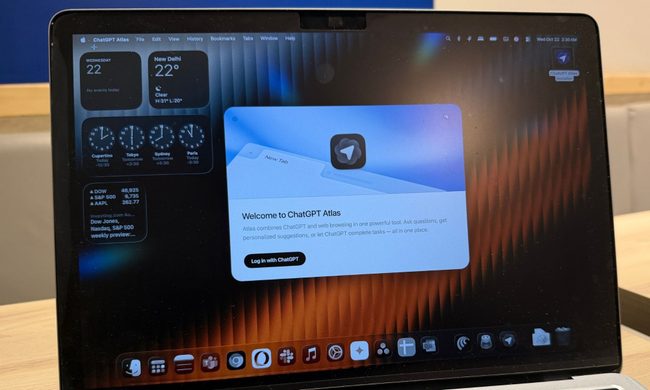
ChatGPT Atlas browser on a MacBook.

When OpenAI launched its own web browser, there was plenty of skepticism as to why a frontier AI lab is even bothering with making a browser in the first place. And yet, the company went ahead and launched ChatGPT Atlas with a heavy dosage of AI features built in. Well, the days of browser ambitions are over, and it will be put on cold ice in September this year.

OpenAI says it is sunsetting the short-lived browser in favor of pushing the new ChatGPT work desktop app, which already has a built-in browser as well as a cloud browser for AI agents. And now that ChatGPT is making its way to other browsers, such as Chrome, as an extension, there is little need for maintaining a dedicated browser project of its own.

Read more