

“Acer’s attempt to enter the premium all-in-one market doesn’t measure up. Performance, display quality, and value all come behind the competition, and these are the traits most important to an all-in-one.”
- Attractive design
- Excellent connectivity
- Good graphics performance
- Unexceptional display
- Poor audio quality
- Slow processor and hard drive
- Not a good value
“Why you can trust Digital Trends – We have a 20-year history of testing, reviewing, and rating products, services and apps to help you make a sound buying decision. Find out more about how we test and score products.“
Smartphones and HDTVs aren’t the only consumer electronics growing in size. All-in-one desktops have also been caught up in the trend. A few years ago, most computers of this type offered a 23-inch display at most. Now, nearly every major hardware manufacturer has a new 27-inch all-in-one for sale.
Just by its looks, it’s easy to mistake this expensive PC for one that costs hundreds less.
Yet the Aspire U arrived late to the party. Dell, HP, and Lenovo have mingled with consumers for some time, and, in different ways, set expectations that newcomers must hurdle. Acer may have some trouble attracting attention from an already enraptured consumer audience. Price won’t help, either – at $1,699, the Aspire U is on the high end of the market.
Minimalist to an extreme
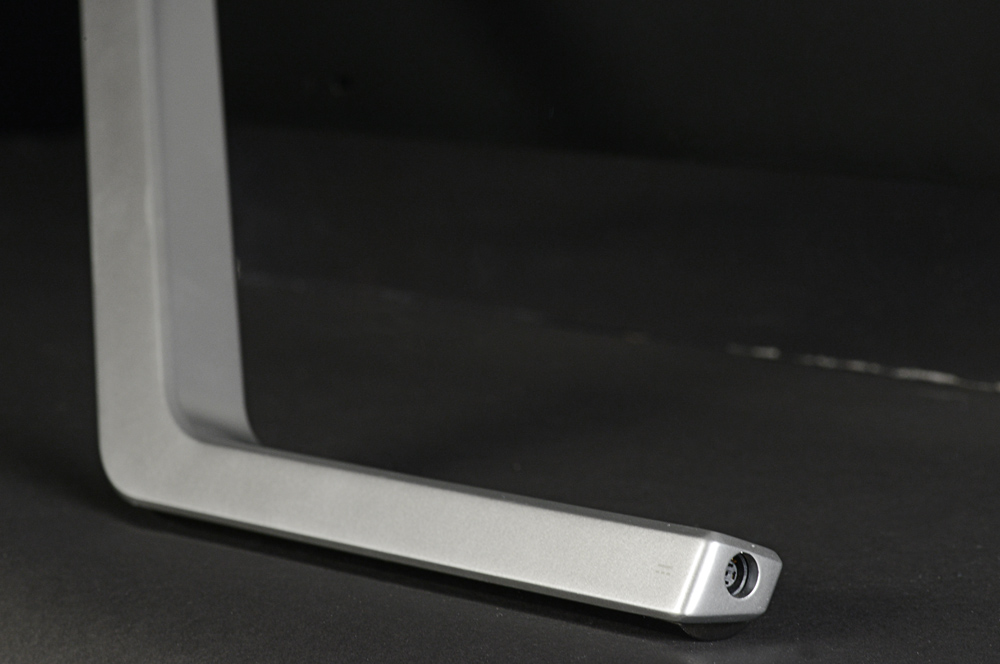
Lenovo set the bar for minimalism with the IdeaCentre A720. Though it features an outrageously thin and attractive design for an all-in-one, it still has a large base and stand that connect to the monitor. Acer doesn’t offer or need any of that. The Aspire U is held in place by only a sleek metal bar and a transparent strip along the bottom of the display. Aesthetically, the result is striking. From some angles the display appears supported only by air.
This design might seem luxurious, but there is an issue of context. You see, most cheap all-in-ones on the market have a similar look; and while they can’t match the Acer’s build quality, that advantage isn’t obvious at first glance. Just by its looks, it’s easy to mistake this expensive PC for one that costs hundreds less.
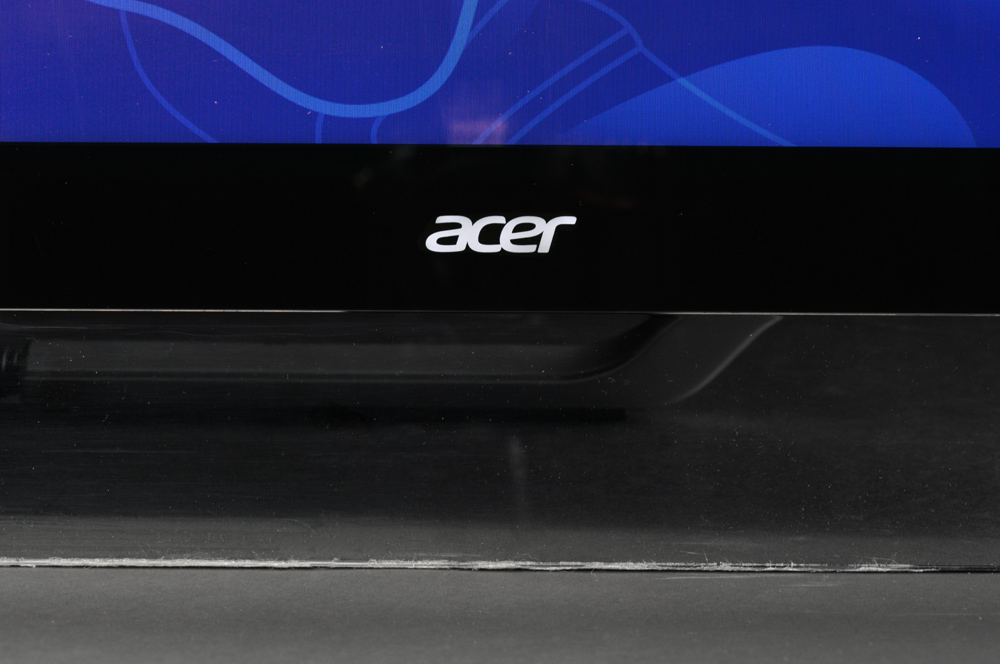
There are functional problems, too. Tilt is the only adjustment available, and, because the stand relies on gravity to keep the system in place, users can never adjust the display so that it’s perpendicular to the surface it stands on.
The stand can move into a reclining position for easy touch use, yet this feature can be a problem because the stand must move further back to support the computer’s weight. At full recline, the PC requires 21 inches of free space behind its front edge – enough to consume most of a large desk.


Acer serves up six USB ports, two of which are 3.0. Also includes is an audio in and out port, HDMI-out, and two HDMI-in ports, as well as Ethernet and integrated Wi-Fi. A Blu-ray drive is standard, too. The numerous media inputs beat the competition and make this all-in-one usable as both a PC and a small HDTV (via HDMI and audio input).
Last year’s resolution
Though the Acer Aspire U can be had with a beefy 27-inch display, going big doesn’t increase the pixel count – and that’s a problem. Though 1080p sounds great on paper, sharpness is poor when viewed on a display this large at the distance a typical PC is used (about three feet). Fine text shows signs of pixilation and images don’t offer the crisp look users will expect.
Standard touch makes matters worse by encouraging users to come even closer than they normally would. Comfortable touch use is difficult from more than two feet away – and even icons and interface elements appear pixelated and not sharp at that range.
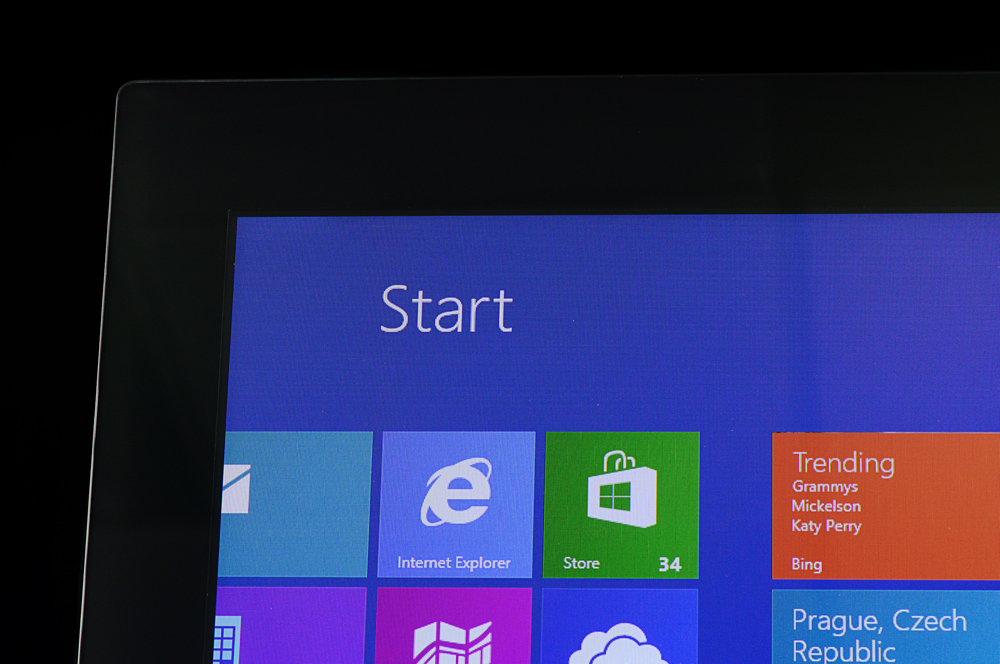
We found the display to be lacking in other areas, as well. Though contrast and brightness were great, at the display’s maximum brightness, black levels results were average and color gamut was only 94 percent of sRGB. These results are good, but they don’t stand out from all-in-ones with similar prices.
Audio has problems of its own. The speakers are mounted on the back and face away from the user, which impacts both volume and quality. What little bass exists is drained and flattened. Though capable of accepting audio-in, most users are going to want a pair of external speakers. Even a $50 set would be an upgrade.
Peripherally speaking
Acer bundles a keyboard and mouse, both of which are wireless. The mouse uses invisible laser technology, which is a nice upgrade over the outdated infrared sensors still found in many bundled mice.
The keyboard provides a full set of keys and even includes a numpad. A strip of plastic along the bottom mimics the look of the system and adds some visual flair. The mouse pulls the same trick with an arc of transparent plastic that rests in the user’s palm.


Neither peripheral stands up to hands-on use, however. Both use low-grade plastic in their construction and have a light, cheap feel. The mouse opens from the top to insert the batteries and an ugly dimple provides access to that panel. Complaints like these may seem trivial, but remember that this is an expensive computer. We expect better quality from a product just shy of two grand.
Some laptop in your all-in-one
Like the Lenovo A720, the Aspire U keeps a slim frame through the use of hardware meant for mobile products. Our review unit arrived with a Core i5-3210M processor, the same part found in many mid-range notebooks. It drove SiSoft Sandra’s Processor Arithmetic benchmark to a score of 45.46 GOPS and 7-Zip to a combined result of 8,556. These numbers are far behind most competitors. HP’s Spectre One, for example, scored 19,045 in 7-Zip.
The hardware struggles to power demanding 3D titles at the display’s native 1080p resolution.
Graphics performance is more competitive. The Nvidia GT 640M inside helped the Aspire U easily defeat the HP Spectre One and Samsung Series 7 AIO in terms of graphics. The Aspire U falls just short of the Dell XPS One, which can be configured with the same GT 640M graphics solution.
But don’t let these numbers fool you into thinking this a gamer’s PC. The hardware struggles to power demanding 3D titles at the display’s native 1080p resolution. Only titles that don’t focus on graphics will be playable beyond low or medium detail.
Silence prevails
The Acer Aspire U, like most all-in-ones, knows when to keep quiet. We found it produced a maximum volume of 41.7 decibels, which is good, and this figure refused to waver no matter the load we threw at the system. Processor stress tests and graphics benchmarks ran without an increase in noise.
Heat was also kept in check. Air exhausts through the top edge and rarely noticed by the user. External temperatures generally stayed below 100 degrees Fahrenheit near these vents and internal temperatures didn’t move beyond the normal range of 50 to 60 degrees Celsius at load.
Power tests revealed that the hardware drew 40 watts at idle and 72 watts at maximum load with the display at 50 percent brightness. These figures don’t outperform the HP Spectre One, which is a smaller AIO with a far more powerful processor.
Conclusion
Acer’s attempt to enter the premium all-in-one market doesn’t measure up. Performance, display quality, and value all come behind the competition, and these are the traits most important to an all-in-one.
Dell’s XPS One, for example, starts at $1,599 with a 2560 x 1440 touchscreen and Core i5-3330s. In this configuration, the Dell has a much better display and offers better processor performance. Only graphics performance comes up short due to standard Intel HD 4000 in the base model. But gamers rarely buy all-in-one PCs, so that’s barely a knock. We can’t find any reason as to why consumers should buy Acer’s less impressive Aspire U at a $100 premium.
That’s not to say this computer is a poor choice. Performance is adequate and some strengths, like connectivity, are exceptional for the category. The problem is value. At $1,299 the system’s flaws would be easy to excuse, but Acer has priced it to compete with the best in the category. And it simply can’t.
Highs
- Attractive design
- Excellent connectivity
- Good graphics performance
Lows
- Unexceptional display
- Poor audio quality
- Slow processor and hard drive
- Not a good value


