In the four years since Foursquare existed and the two that I started using it, I never quite figured out who Foursquare was for: Me or my friends? On one hand, the app is a handy tool for searching local recommendations filled with tips and photos. Conversely, Foursquare is also a thrifty way of stalking where your buddies are hanging out, or boasting to friends about that day you clocked in at 6 a.m. and finally got your hands on a Cronut.
With the newly launched Foursquare Windows 8 app, however, all eyes are definitely on you this time around. The app, which was announced back in June during Microsoft Build, peruses Windows 8’s best attribute – live tiles – to make the discovery experience more beautiful than before. It’s also Foursquare’s first desktop app, perhaps hinting at the possibility of the company’s larger foray into native app development.
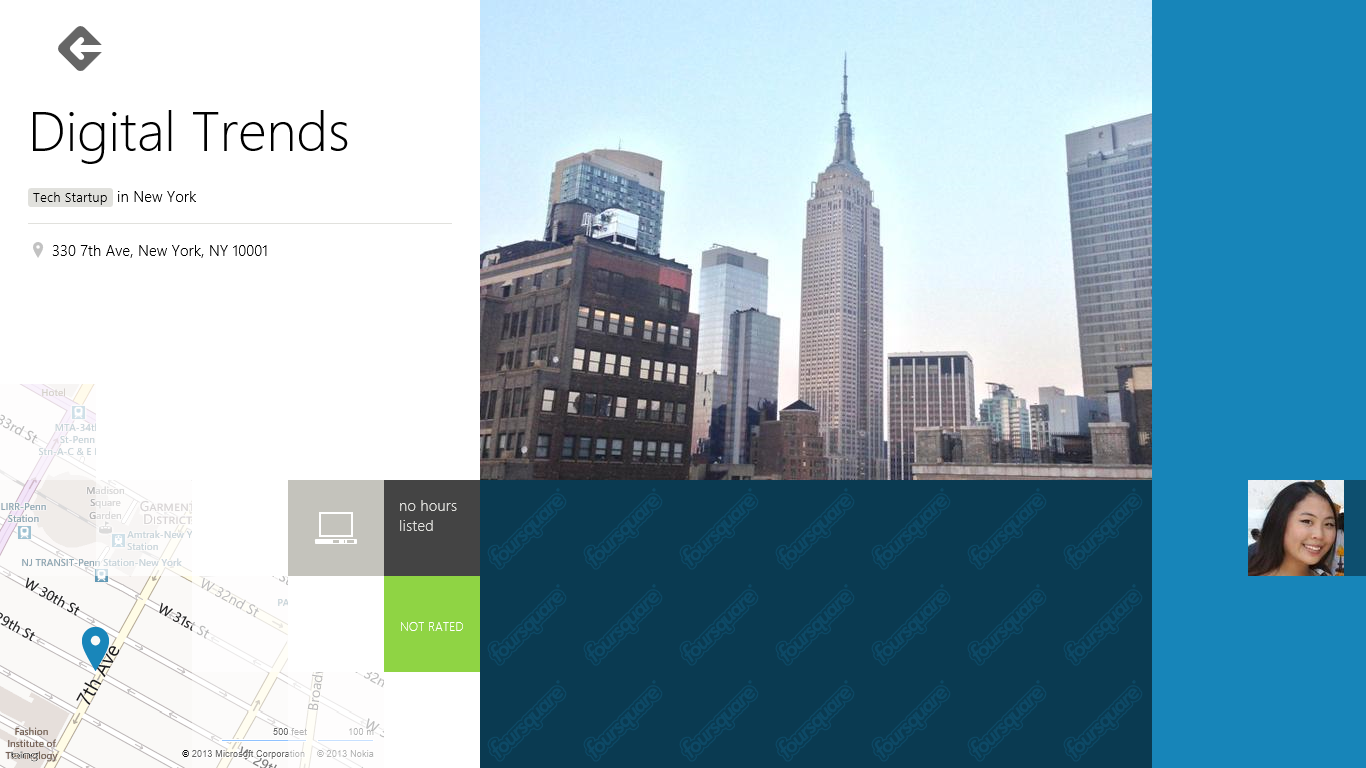
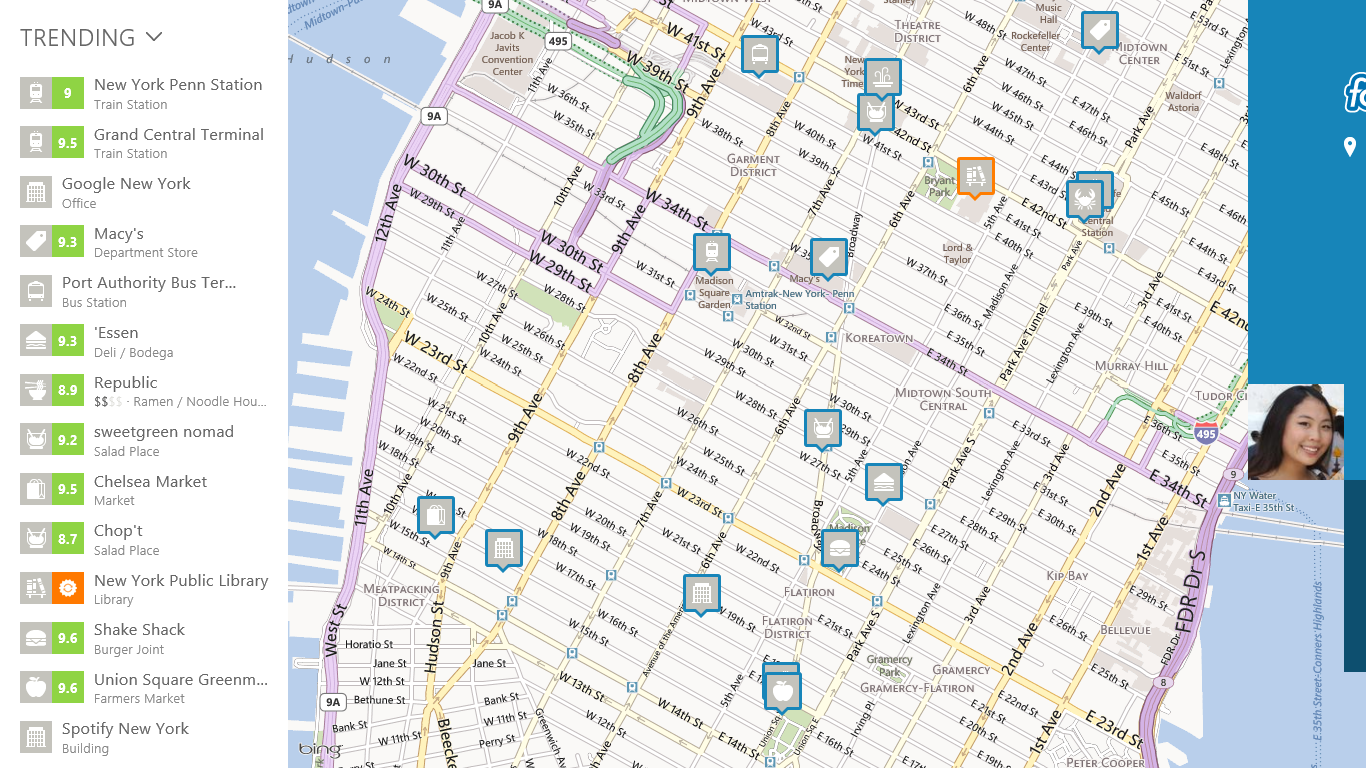
Why Foursquare decided that a desktop app was necessary for a mobile, location-based discovery app is beyond us. But from what we can tell, the app is geared toward users who can give two cents about their friend’s check-ins and more on what’s physically nearby. Upon signing in, large, square photos highlight the places you’ve been. A swipe to the left side of the screen maps your current location and local recommendations, while a right navigation shows what’s trending or just opened. Each business comes with a numerical rating and, if available, check-in specials to entice your curiosity. You can also click on your own profile to see recent check-in history, friend requests, and tips and photos you’ve posted.
What is notably missing (or at least made unimportant) in the Windows 8 app is the gamification of Foursquare. Some users love checking into random places just to win badges or claim mayorship. The Windows 8 Foursquare strays away from highlighting any of that, and instead focuses on the places you could go for the real world experience of them. It converts the concept of what seems theoretically cool and encourages you to make it reality.
You could swipe a drop-down menu to check in, like, dislike, or comment on various businesses straight from the desktop app as well, but assuming you’re not taking your laptop to each of these places, a phone will be much more discreet. Again, this version of the app does not focus on the checking-in aspect of Foursquare – just the curiosity.
 Is the Foursquare Windows 8 app necessary if you already use the mobile version? Technically no. It doesn’t offer more than what you’ve already got going on in your hands other than larger photos and a nicer-looking interface. But for those who are sick of looking to Yelp for local recommendations and photos, the Foursquare Windows 8 app is a good alternative for personal discovery. You don’t have to sort through essays of biased opinions and instead look at giant pictures and short tips to make your own decisions about a business.
The best part? You don’t even need a Foursquare account to search what’s nearby. Building this tool in for a Windows PC user makes Foursquare a friendlier option than asking Google or Bing for boring, unpersonalized results. The launch of this app is a big win for Microsoft, as similar UIs can be found nowhere else on Android or iOS. We could only wonder how long that’ll last before Foursquare decides to develop an equally pretty version for OS X.