
Apple’s Worldwide Developer Conference (WWDC) kicks off Monday, June 3 at 10 a.m. PT or 1 p.m. ET — and it’s safe to say that we’re excited to see what Apple has to offer.
We’ve already shared what we expect to see at the event, and while nothing is certain, it’s safe to assume we’ll be taking a look at the next generation of the iPhone’s software in iOS 13, improvements to MacOS, and even the possibility of a new Mac Pro desktop — a product line that hasn’t seen a refresh since 2013. We’ll be covering each and every twist and turn in our live blog, and you can follow us on Twitter (@DigitalTrends) as well as our mobile editor Julian Chokkattu (@JulianChokkattu), who will be on the ground.
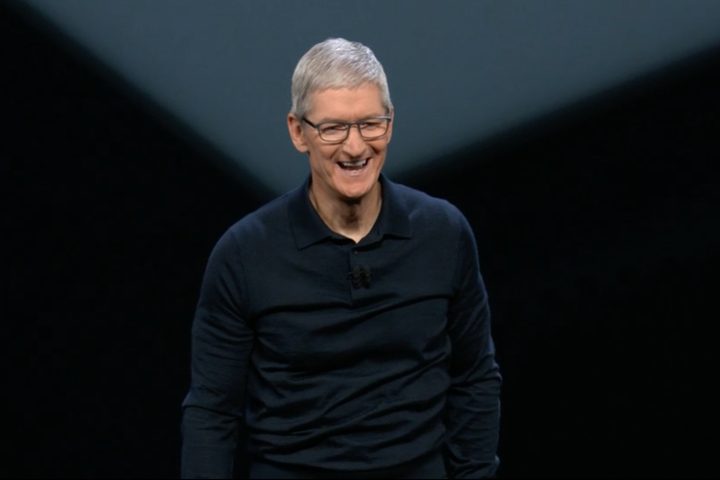
But you don’t just want to catch up on the action — you want to watch as the announcements unfold and enjoy Tim Cook’s velvety smooth voice in real time. Here’s how you can watch Apple WWDC 2019.
When is Apple WWDC?
But first thing’s first — when is WWDC? WWDC is being held in the McEnery Convention Center in San Jose, California from Monday, June 3 until Friday, June 7. That’s a full week of presentations, labs, and community breakfasts, and the schedule is jam packed.
One event is a must-watch though, and it’s the keynote presentation that kicks it all off. The WWDC Keynote is traditionally where all the major announcements are made, and if you can only watch one part of the conference, you should make it the keynote. It starts at 10 a.m. PT or 1 p.m. ET on June 3, and is timetabled to run for two hours.
How can I watch WWDC?
Watching on an iPhone, iPad, Mac, or Apple TV
Since it’s Apple’s event, it’s always going to be easier to watch WWDC from an Apple device. If you’re using an iPad or an iPhone with iOS 12 or later, you’ll be able to find the keynote livestream on Apple’s official WWDC app. You’ll also be able to find livestreams of other sessions on there, too, as well as the full schedule and news round-ups of the announcements.
Apple TV users will be able to use the Apple Events app to access the keynote livestream. You’ll need an Apple TV with tvOS 10.2 or later (usually the second generation and later), and the app will also give you access to previous Apple event livestreams.
If you’re watching from a Mac, you’ll need to head over to Apple’s livestream website on Safari. Like previous keynotes, we expect it will only be streamable via Safari on a Mac, so make sure your Safari browser is up to date before the event.
Watching on a Windows PC
You’ve still got options if you don’t own an eligible Apple-built device. Laptops and computers running Microsoft Edge on Windows 10 will be able to access the livestream from Apple’s events website.
Other platforms may be able to access the stream by using recent versions of Chrome or Firefox (MSE, H.264, and AAC required).
Watching on an Android device
Ooh, you rebel you.
It’s actually fairly easy to watch Apple’s events from an Android device. You just have to head over to its livestream website.