  1. Home
  2. Mobile
  3. Web
  4. Legacy Archives

Send friends digital postcards with Hipster iPhone app

Add as a preferred source on Google
Hipster-welcome-screen-2
Image used with permission by copyright holder

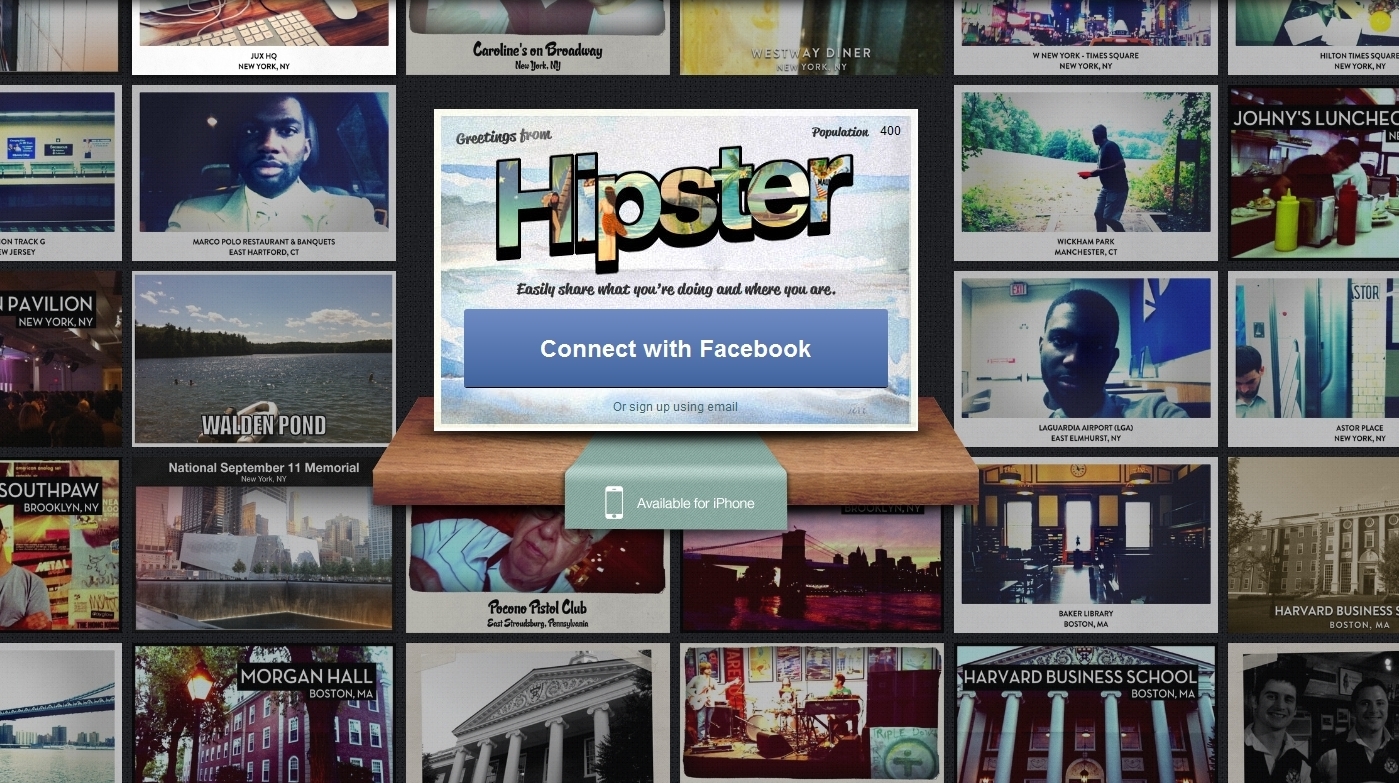
San Francisco start-up Hipster wants to give you a new way to share what you’re doing and who you’re with. They’ve done so with today’s launch of the Hipster.com website and Hipster iPhone app, which allows users to “send” digital “postcards” with a bit of cross-processed flair.

Hipster isn’t just an app or a website – the two work together to deliver a kind of social network that centers around photo and a location-sharing. If Instagram and Google Maps mated, they’d give birth to Hipster.

Recommended Videos

To start off, you can visit the website and log in by authorizing Hipster as a Facebook app, or through a standard email registration. Once you’ve done that, you are prompted to create a log in for the site (email and password).
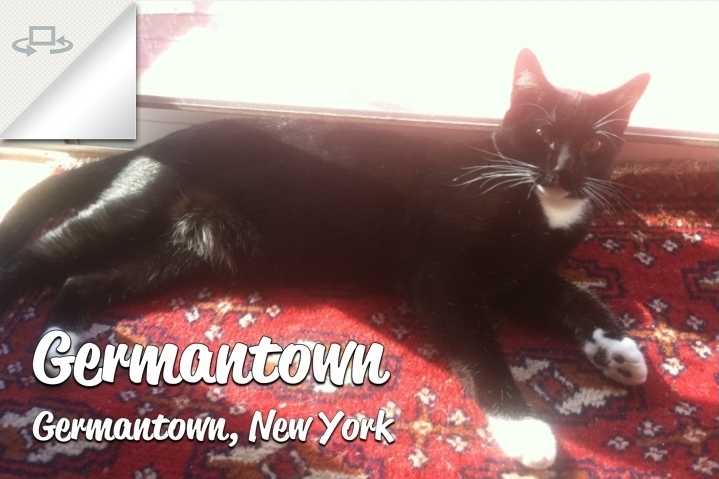
Image used with permission by copyright holder

Next, you have to download the free iPhone app, which is the heart and soul of Hipster. Through the app, users can create and post their Hipster postcards, which are nothing more than a photo (with a color-altering filter, of course) that automatically includes GPS location information. The location name is displayed on the photo, with a number of design options available. You can also add a short (140 character) message, as well as indicate “who you’re with,” all of which appears on the “back” of the postcard. Postcards can be automatically posted to Facebook and Twitter (once the apps are authorized). Users can also see postcards taken at nearby locations, as well as update profile information, settings and a few other options.
hipster-map
Image used with permission by copyright holder

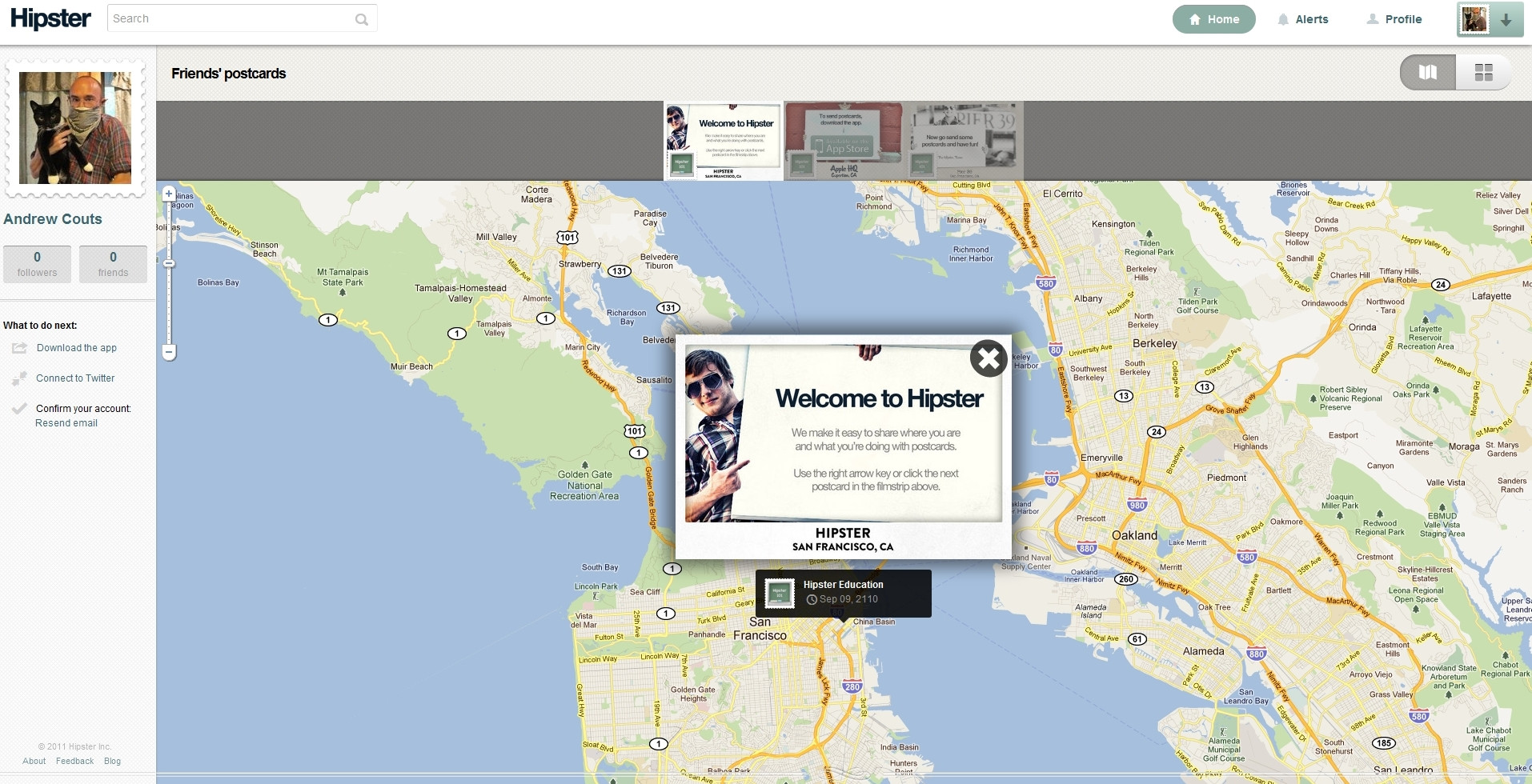
Once you’ve posted a postcard, it appears on your Hipster web profile, overlaid on top of a Google Maps map,which shows where the postcard was taken. You can also see postcards taken by your friends, or those you follow. It’s all pretty straight forward, with good design and a nifty functionality. Not groundbreaking or revolutionary, but we can see where they’re going with it. And hey, the name’s easy to remember. They’ve got that going for them.

We first learned about Hipster back in June when the company began recruiting engineers at the SXSW festival by offering them $10,000, and all the Hipster-y accessories they could think of, including a lifetime supply of PBR beer, a fixed-gear bicycle, Buddy Holly glasses, a mustache grooming kit, skinny jeans, old boots and a bowtie. That offer, we should point out, still stands.

Andrew Couts
Features Editor for Digital Trends, Andrew Couts covers a wide swath of consumer technology topics, with particular focus on…
Snapchat Planets Meaning: Order, Rankings, and How Friend Solar System Works
Snapchat Planets turns your best friends list into a solar system, and yes, your orbit says a lot
Snapchat Planets being shown on the Snapchat app on iPhone.

Snapchat+ includes several exclusive features, but few have generated as much curiosity as Snapchat Planets. Part of the app's Friend Solar System, it transforms your Best Friends list into a planetary ranking, assigning each of your top eight friends a planet based on how often you interact.

From Mercury, which represents your closest friend, to Neptune, which represents your eighth closest, the system offers a quick visual snapshot of your interactions. But what do the different planets actually mean, and how does Snapchat decide who gets which one?

Read more
How to use WhatsApp Web
We'll show you how to use WhatsApp on your desktop or laptop
WhatsApp Web

As one of the most popular messaging services, you’ve already heard of WhatsApp. From its humble beginnings in 2009—two years before Apple introduced iMessage—to its acquisition by Facebook (now Meta) in 2014, WhatsApp has become the dominant messaging platform around the globe.

In recent years, it's grown even more potent with new features like video messages, self-destructing voice messages, the ability to edit sent messages, and more. We even finally got an WhatsApp iPad app in May 2025.

Read more
What is WhatsApp? How to use the app, tips, tricks, and more
From setting it up to mastering hidden features, here is your complete guide to WhatsApp.
WhatsApp app store listing open on iPhone

There's no shortage of messaging apps out there. The past decade has given us more options than we know what to do with, largely because smartphones demanded something better than plain old SMS.

Both the App Store and the Play Store are packed with apps that promise to revolutionize the way we communicate. Most of them didn't make it. The truth is, a messaging app is only as good as the number of people using it, and most apps never cross that threshold.

Read more